A contractor sends the invoice, waits, follows up, and still has to keep the next job moving. That's why invoicing software in 2026 isn't just about template design or whether a PDF looks clean. Cost is subscription plus payment processing, and the payment piece can matter more than the plan itself on larger jobs.
Construction billing also lives in a slow-payment environment. In one academic sample of 30 projects, 46% of 355 periodic and final payments arrived after the due date, the average delay for late payments was 11.9 days, 77% of projects had at least one late payment, and the sample recorded 1,943 total days of delay (Aston University study). That is why contractor invoicing software has to support progress billing, clear due-date tracking, and fast collection workflows, not just invoice creation.
The pricing picture is uneven. A 2025 UK SME survey found 80% of VAT-registered businesses still used PDF or email invoices most often, and 89% most commonly received invoices in PDF or email form (UK government research). So the best invoicing software for contractors has to handle PDF delivery well, publish its payment terms plainly when it can, and stay usable for crews that are not working inside a fully structured e-invoicing system yet.
1. Jobber
Jobber fits contractors who want scheduling, quoting, invoicing, and payments in one field-service workflow. Its strongest value is that it keeps the estimate-to-job-to-invoice path tight, which matters when office time is thin and the crew needs to bill from the field. The product page at Jobber is the place to start for the platform's current positioning, and the published materials point to a contractor-friendly billing flow rather than a pure invoice tool.
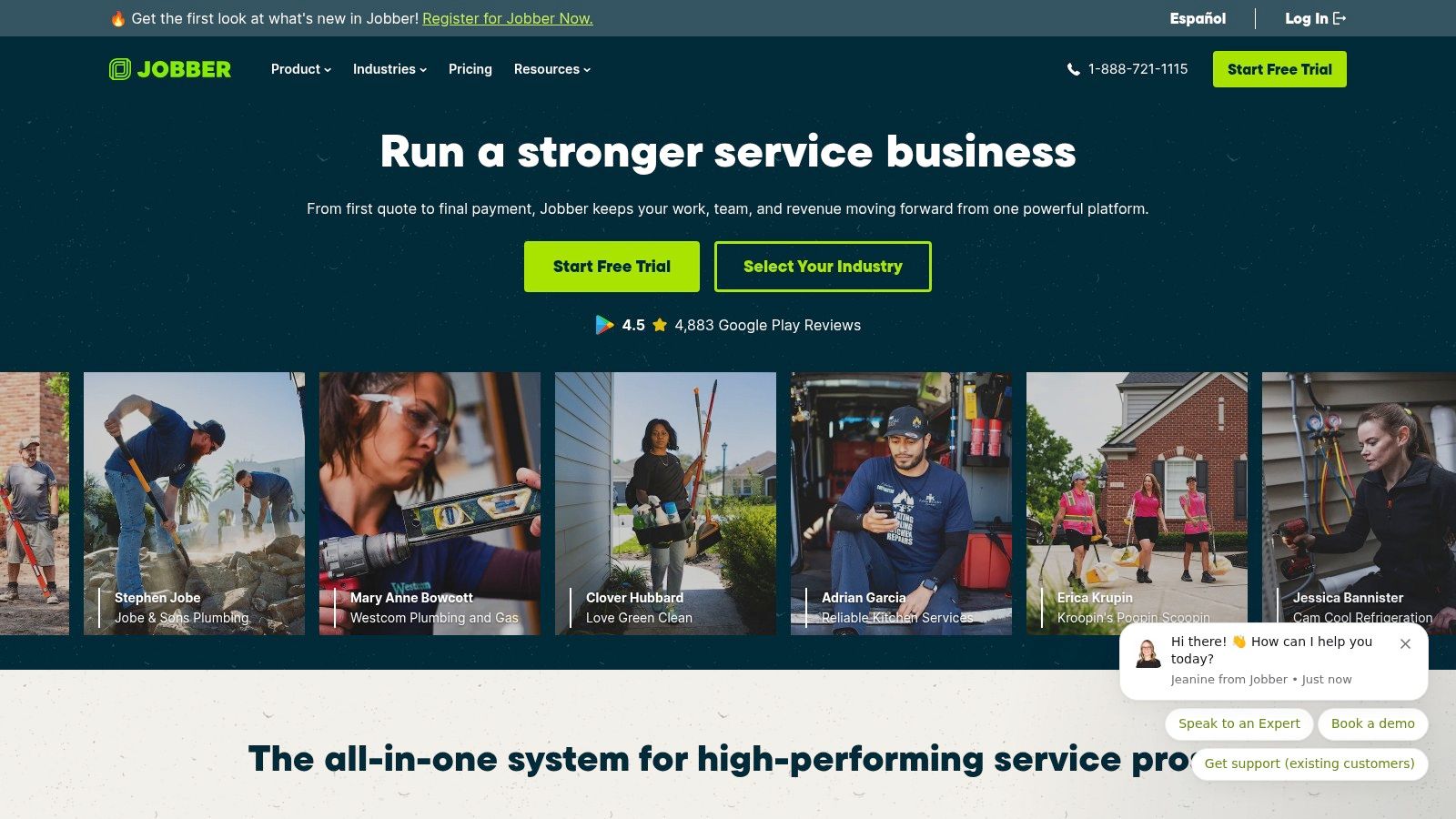
Published pricing and payment rates
Jobber's pricing page does not publish a card rate or ACH rate, so the invoice-processing cost is not published there. That absence is important, because it means a buyer can't do a clean total-cost comparison from the pricing page alone. For contractors sending larger invoices, that missing line item makes it harder to estimate the monthly cost of getting paid.
Practical rule: if a vendor publishes subscription pricing but not payment rates, the buyer should treat the processing cost as part of the unknowns until it's confirmed in writing.
Why it fits contractor billing
Jobber is a strong fit for owner-operators and small crews that need progress invoicing, automated invoice follow-ups, and online payments without stitching together separate tools. Its contractor use case is broader than billing alone, which helps when a job starts as an estimate, moves into scheduling, and ends with a final invoice. The payment options that matter most for contractors, cards, Tap to Pay, and ACH, are part of the billing story even when the published rate card is not.
A contractor comparing Jobber against a cheaper invoice-only app should ask a simple question, whether the added workflow is worth the platform overhead. For companies doing recurring maintenance, estimates, jobs, and collections in the same week, that answer is often yes. For a very small operation sending only a few invoices a month, the lack of published payment rates means there's more homework to do before signing.
What stands out
- Estimate-to-invoice flow: useful for jobs that start as quotes and end as completed work.
- Field payment options: helpful when crews collect payment on site.
- Payment transparency gap: the pricing page does not print the card or ACH rate, so total cost is harder to judge.
- Best fit: owner-operators and small crews that want scheduling and invoicing in the same system.
2. Housecall Pro
Housecall Pro is aimed at home service businesses that want invoices, dispatch, proposals, and payments in one place. That makes it a practical option for HVAC, plumbing, electrical, cleaning, and lawn care teams that bill through a service workflow instead of a standalone accounting process. The product site at Housecall Pro shows the broader platform focus, not just invoice creation.
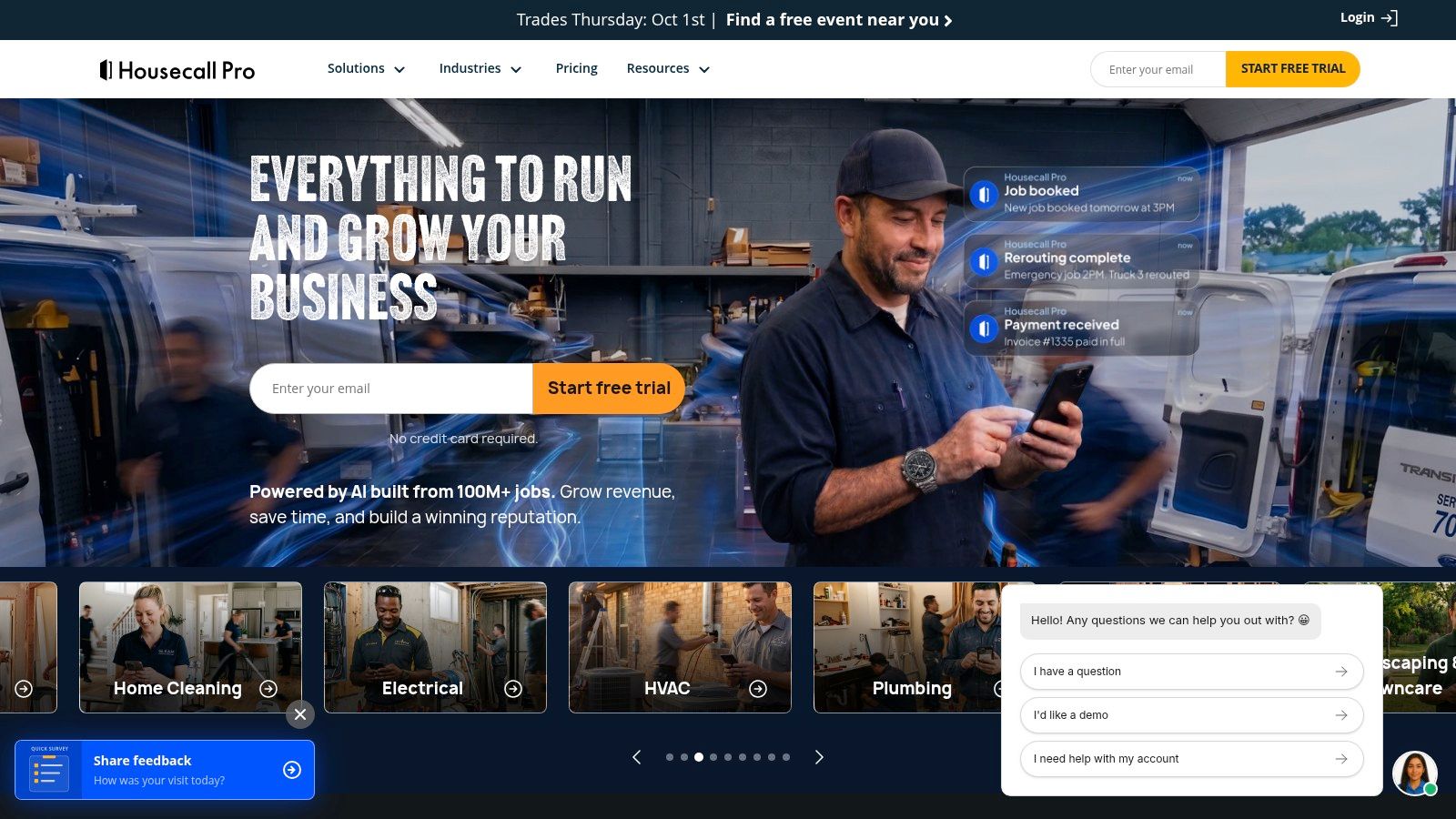
Published pricing and payment rates
Housecall Pro's pricing presentation is less transparent on a static page because pricing can vary by quiz or flow, and its pricing page does not publish a card or ACH rate. The company's FAQ states there are no long-term contracts, and the MAX plan includes a 14-day trial on the plan page where that trial is shown. Because the payment rate is not published on the pricing page, buyers have to confirm current processing terms directly before comparing it against another vendor's fixed published rate.
That matters because contractors often look only at the monthly fee and miss the processing line. With a tool like Housecall Pro, the platform may fit the workflow well, but the buyer still needs the payment sheet in hand to understand the true cost of a card-heavy business.
Why it fits contractor billing
Housecall Pro is a good match for teams that need more than invoicing. Its payment stack includes ACH, cards, wallets like PayPal and Venmo, Tap to Pay, consumer financing, and Klarna BNPL options. Those choices can help when customers want flexibility at the point of sale, especially on bigger service jobs or repair work.
The tradeoff is that some capabilities sit higher in the plan stack or behind add-ons. That means a contractor should look beyond the invoice page and decide whether the business really needs service plans, advanced communications, and financing inside the same system. For businesses that close jobs in the field and want multiple ways to collect, Housecall Pro is one of the stronger all-in-one options.
What stands out
- Wide payment mix: cards, ACH, wallets, financing, and BNPL.
- No long-term contracts: a useful sign for smaller contractors who want flexibility.
- Pricing opacity: the payment rate is not printed on the pricing page, so the total cost needs confirmation.
- Best fit: service businesses that want invoicing tied to dispatch, proposals, and customer communication.
3. ServiceM8
ServiceM8 is the leanest option in this group for solo operators and very small crews. It leans into job management, quoting, and invoicing without the heavier feel of a larger field-service suite. The site at ServiceM8 makes that positioning clear, especially for contractors who want to move fast without paying for enterprise-style complexity.
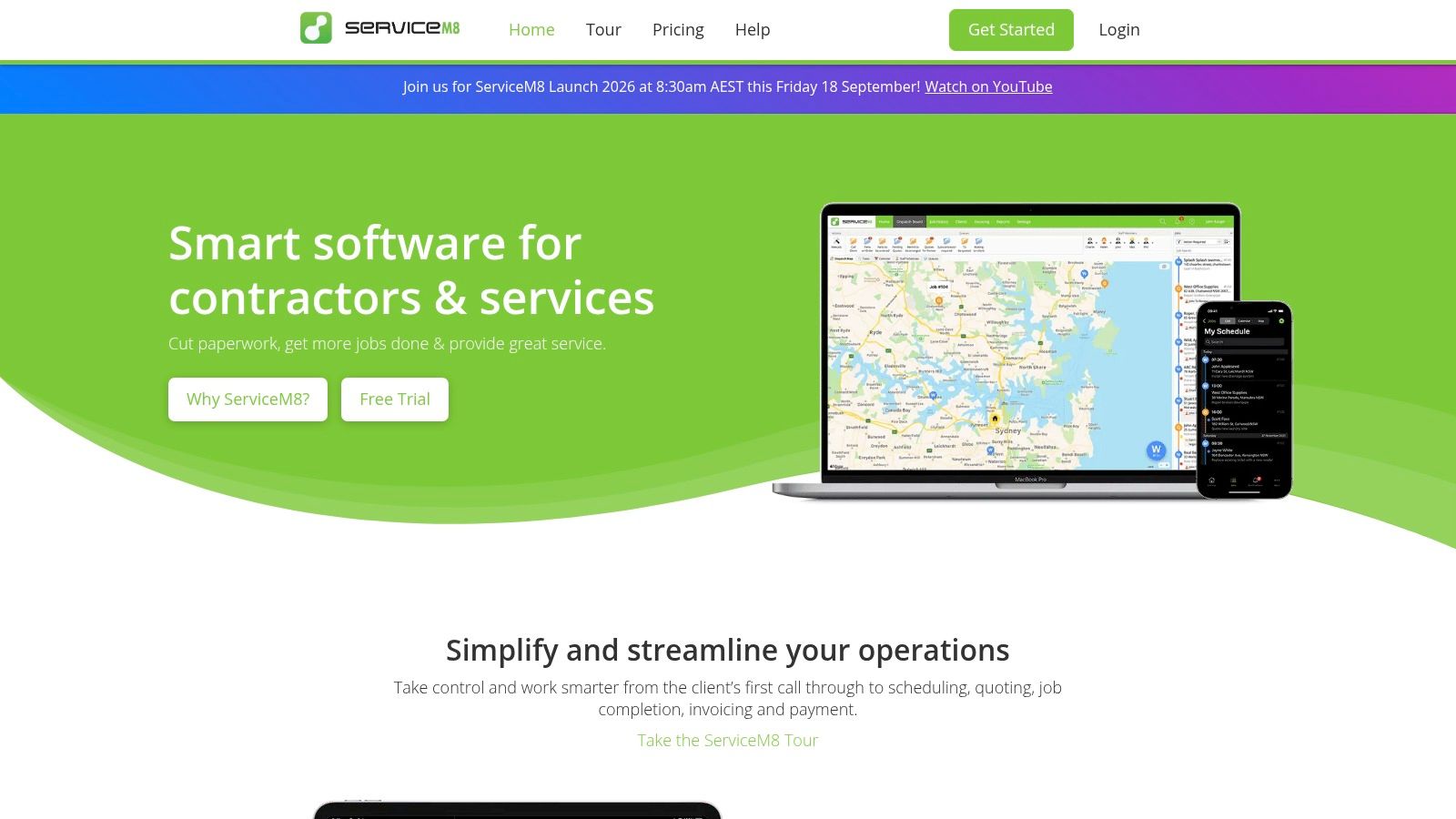
Published pricing and payment rates
ServiceM8 stands out because it has a free plan for solo users that allows 30 jobs per month, and paid plans support unlimited users. The company also offers a 14-day trial and says users can upgrade or downgrade anytime. For payment processing, the US rate details for ServiceM8 Pay are not prominently published, so the safer reading is simple, the pricing page does not clearly publish a contractor-facing payment rate.
That makes ServiceM8 useful for small teams that want to keep software overhead low while they build out their process. It also means a buyer should confirm payment fees in writing before deciding whether the low subscription cost stays low after invoices are paid online.
Why it fits contractor billing
ServiceM8 is built around the kind of work smaller trades do every day, quotes, jobs, invoices, and follow-up. Its iOS-first design is a real fit for owner-operators who live on the phone, and the Android Lite option keeps the door open for mixed-device crews. That is a meaningful point for home service businesses where the person who sends the invoice is often the same person who quoted the job.
ServiceM8 makes the most sense when the office team is tiny and the field team needs a simple path from job to invoice.
The platform also supports quotes and invoices on-site, deposits, partial or progress invoices, recurring jobs, and accounting integrations. The result is a straightforward bill-and-collect system for smaller contractors who do not need the deep admin structure of a larger FSM platform. The main caution is that payment pricing remains less visible than the subscription structure.
What stands out
- Free solo tier: good for small operators testing a formal billing system.
- Unlimited users on paid plans: helpful if a small crew grows.
- Mobile-first shape: especially useful for iPhone-based teams.
- Payment transparency gap: the US payment fee is not prominently published.
4. Markate
Markate is built for smaller home service businesses that want quoting, scheduling, invoicing, and payments in a single workflow. It is a practical name for solo operators and small crews that need a clean jump from estimate to paid invoice without enterprise overhead. The platform's pricing page at Markate is where its published plan structure lives.
Published pricing and payment rates
Markate publishes plan pricing and includes a free trial, which gives buyers at least one visible anchor for subscription cost. Its pricing page does not publish payment-processing rates, so the invoice economics stop at the plan level unless the contractor asks for the current fee sheet directly. For a business that sends a lot of paid invoices, that missing number is not a small detail.
The upside of published plan pricing is clarity on software cost. The downside is that the processing layer remains off-page, which means contractors still need to compare total cost rather than subscription alone. That is especially true for businesses that accept cards on larger invoices.
Why it fits contractor billing
Markate leans into the day-to-day office work that smaller service businesses need. Estimates, invoices, scheduling, dispatch, recurring jobs, service plans, customer communication, online payments, QuickBooks Online sync, and mobile invoicing all sit in the same system. That combination makes it useful for teams that want a practical billing tool rather than a finance-only app.
The strongest case for Markate is simplicity. A small lawn care, cleaning, pest control, or handyman business can use it without bringing in a large operations stack. The tradeoff is a thinner third-party training ecosystem than the biggest field-service vendors, which means a buyer may lean more on the vendor's own support and documentation.
What stands out
- Published plan pricing: useful for a quick subscription comparison.
- Free trial available: helpful for small businesses moving off spreadsheets.
- Payment rates not published: buyers need written confirmation.
- Best fit: smaller crews that want an all-in-one office system without heavy setup.
Practical rule: when a vendor prints the plan price but not the card or ACH rate, the buyer should treat the processing cost as the next thing to verify, not the last.
5. Square Invoices
Square is worth including because it is one of the few vendors in the contractor billing space that prints a very clear online ACH rate. The contractor-facing page at Square's contractor payments page gives a direct rate that is easy to compare against other providers.
Published pricing and payment rates
Square says its online ACH payment rate for invoices is 1% with a minimum fee of $1. That creates a clear cost floor for small invoices and a simple percentage-based alternative to card processing. For contractors who want published payment transparency more than a full field-service suite, that rate is a strong baseline to compare against.
The tradeoff is that Square is not trying to be a full contractor operations platform in the same way Jobber or Housecall Pro are. It is more useful as a billing-and-payments layer than as a deep scheduling and workflow system. That makes it best for contractors who already have a way to manage jobs and only need a cleaner way to invoice and collect.
Why it fits contractor billing
Square's appeal is easy to see for owner-operators and smaller crews. If the business needs a straightforward invoice, a published ACH rate, and less friction around online payments, Square gives a simple answer. It is especially useful when a contractor wants to know the payment cost before building a pricing model around it.
The ACH rate also matters because contractor invoices can get large. Even without comparing it to card rates, the published fee structure is easy to understand and easy to quote internally. That level of clarity is rare among field-service tools, and it helps smaller businesses plan margins better.
What stands out
- Published ACH rate: 1% with a $1 minimum.
- Clear invoice payment cost: easy to plan around.
- Less field-service depth: not a full scheduling and quoting suite.
- Best fit: contractors who want transparent payment pricing first.
6. Joist
Joist is a contractor payment app with clear published processing fees, which makes it useful for anyone focused on invoice economics first. Its contractor payment page at Joist is unusually direct, and that transparency is the reason it deserves attention here.
Published pricing and payment rates
Joist publishes cards at 3.49% + $0.49, Tap to Pay at 2.79% + $0.49, and ACH transfers at 1% capped at $15. Those published rates can materially change invoice economics, especially on larger invoices where the fee difference matters more than the monthly subscription. For contractors comparing cash flow tools, this is one of the cleanest fee disclosures in the space.
The payment structure also helps explain where Joist fits. It is not trying to be a broad field-service suite first. It is much closer to a quoting-and-invoicing tool with payment collection built in, and that focus can be a good thing for smaller contractors who do not want extra software layers.
Why it fits contractor billing
Joist is strongest when a business wants a fast path from estimate to invoice and cares about the payment fee attached to that workflow. The published Tap to Pay rate is useful for in-person collection, and the ACH cap gives larger invoices a predictable ceiling. That is the kind of detail a contractor can use in pricing and margin planning.
For larger invoices, the payment fee can matter more than the subscription line, especially when the vendor publishes both the percentage and the fixed amount.
Joist is a sensible option for smaller home service businesses that send estimates, convert them to invoices, and collect payment without a heavy operations stack. It will not replace a full FSM platform for every contractor, but it gives a clear view of transaction cost, and that is rare enough to be a real advantage.
What stands out
- Best published fee transparency among the options here.
- ACH cap helps large invoices: useful for contractors with bigger ticket jobs.
- Good fit for smaller crews: especially those that value simple billing.
- Less platform depth: more focused than a full suite.
7. QuickBooks Payments
QuickBooks Payments matters because many contractors already run their books in QuickBooks, so invoicing and payment processing end up tied to accounting. An independent contractor-payment guide at GuideFlow's contractor payment software overview cites the published rates that make the payment side easier to compare.
Published pricing and payment rates
The cited QuickBooks Payments pricing shows ACH bank payments at 1% per transaction, cards at 2.99%, in-person payments at 2.5%, and keyed-in cards at 3.5%. In that published set, ACH is the lowest standard rate. That gives QuickBooks a practical edge for contractors who send bank-payment-friendly invoices and want the payment flow to stay inside their accounting stack.
The obvious catch is that QuickBooks is not a field-service-first product. It is strongest when the business already values bookkeeping integration, tax workflow, and invoice tracking inside an accounting environment. For contractor teams that live in QuickBooks every day, that can be enough.
Why it fits contractor billing
QuickBooks works well for contractors who need invoices to feed directly into the books without extra reconciliation. It is especially relevant for office managers who care about payment status, bank deposits, and month-end clean-up. The payment rates also make it easier to see why ACH can be the right default on larger invoices.
The limitation is fit. A contractor wanting scheduling, routing, and job management will need more than QuickBooks alone. A contractor wanting billing plus accounting, though, can find a practical middle ground here, especially if the team does not want another system just for invoices.
What stands out
- ACH is the lowest published rate in that set: 1% per transaction.
- Good accounting fit: useful for businesses already centered on QuickBooks.
- Less field-service depth: not a scheduling-first platform.
- Best fit: contractors who want invoices tied tightly to bookkeeping.
8. ServiceTitan
ServiceTitan belongs in the conversation because larger home service companies often need more than invoicing, they need dispatch, CRM, sales, and payments tied together. The company site at ServiceTitan positions it as an enterprise-leaning field-service system rather than a lightweight billing app.
Published pricing and payment rates
ServiceTitan's pricing page does not publish a straightforward subscription figure, and the public-facing materials do not make the card or ACH rate easy to compare on a single pricing page. That means buyers have to treat it as a quote-based platform and ask for written payment terms during the sales process.
That makes ServiceTitan different from tools like Joist or Square, where the payment economics are visible immediately. It also means ServiceTitan is better suited to larger businesses that are already used to a more formal buying process.
Why it fits contractor billing
ServiceTitan is a fit for companies that have outgrown simple invoice tools and need a deeper operating system. Invoicing is part of a larger stack that includes scheduling, dispatch, and customer management. That broader scope can help when a business has many technicians, many jobs, and a more complex office workflow.
For a smaller contractor, though, the lack of public price transparency is a real issue. A business that only needs to send invoices and collect payment may find a lighter tool easier to evaluate. ServiceTitan makes the most sense when invoicing is only one part of a bigger field-service machine.
What stands out
- Enterprise-oriented fit: stronger for larger service businesses.
- No easy public price anchor: buyers need a quote.
- Broad workflow coverage: more than invoicing alone.
- Best fit: established contractors with a bigger operations team.
Top 4 Contractor Invoicing Tools Comparison
| Product | Implementation complexity | Resource requirements | Expected outcomes | Ideal use cases | Key advantages |
|---|---|---|---|---|---|
| Jobber | Low-moderate setup; intuitive estimate→job→invoice workflow | Small teams/owner-operators; internet, payment onboarding (Jobber Payments); QuickBooks/Xero sync | Faster invoicing and collections; support for progress/batch billing | Owner-operators and small crews needing unified scheduling, quoting and payments | Smooth quote→invoice flow; integrated payments; clear Tap to Pay rates |
| Housecall Pro | Moderate setup with tiered features and financing/payment options | Small-to-mid crews; configure multiple payment methods and optional higher-tier tools | Improved dispatch, faster collections via many payment options and BNPL | HVAC, plumbing, electrical, cleaning, lawn care firms needing flexible payments | Wide payment choices (ACH, wallets, BNPL); no long-term contracts; easy trial |
| ServiceM8 | Low setup, iOS-first experience; job-based plan limits | Solo users/small crews; best on iOS (Android Lite); free plan available (30 jobs/mo) | Affordable job management and on-site invoicing for small operators | Solo technicians and very small crews seeking lightweight FSM | True free plan for solos; low-cost tiers; unlimited users on paid plans |
| Markate | Low-moderate; straightforward estimate→invoice workflow with published plans | Solo/small crews; mobile app; payment setup; optional QuickBooks sync | Quick estimate-to-paid invoice path; streamlined small-business operations | Solo operators and small crews wanting simple, published pricing FSM | Published pricing and free trial; built for small teams; integrated payments |
Choosing well and what to confirm before you sign
The cleanest way to compare the best invoicing software for contractors is to separate the subscription from the payment fee. A vendor can look inexpensive on monthly pricing and still cost more on collection if the card or ACH rate is high. That is why the published payment-rate table is the most important check, especially on larger invoices where a percentage fee changes the economics fast.
The best fit also depends on how the business bills. Jobber and Housecall Pro make sense when invoicing sits inside scheduling, quoting, and field work. ServiceM8 and Markate suit smaller crews that want lighter systems. Square and Joist stand out when payment-rate transparency matters more than broad workflow depth. QuickBooks Payments is strongest when the office already runs on QuickBooks and wants invoicing tied closely to bookkeeping.
Before signing, a contractor should ask for a short written answer to each of these points, current card rate, current ACH rate, deposit flow, progress invoicing, contract term, import scope, and data export on exit. Those questions are simple, but they expose cost and limits quickly. They also help avoid a common problem in contractor billing, buying software that looks fine on the invoice screen but leaves the payment side unclear.
For contractors who want a practical starting point, the best next step is to open the vendor pricing pages, compare the published fee structure line by line, and ask sales to confirm anything that is not printed. If a platform does not publish a payment rate, that is not a small omission, it is part of the cost that still needs to be verified before a business signs.