Most advice about review software starts with dashboards, star ratings, and widget design. That misses the part that matters most in home services. The right review tool starts after the job, when the work is complete, the customer record is fresh, and the office needs a request to go out without chasing technicians for details.
That operating reality changes the shortlist. A generic review widget isn't enough for HVAC, plumbing, cleaning, landscaping, electrical, pest control, handyman, pool, painting, or pressure washing businesses. The software needs a clean job completion trigger, solid contact sync, a way to monitor incoming reviews, and enough connection to field service management or CRM records that the office isn't copying names and phone numbers by hand.
This is also where software fit gets more practical than feature lists suggest. Some businesses need simple SMS review requests and a clear monthly bill. Others need multi location reporting, technician level accountability, unified messaging, or a broader suite that combines reviews with chat, listings, and payments. Migration matters too. CSV import is the standard path for customer records, equipment lists, and price books, so any switch should include clear answers about what data can be brought over from the old system or from spreadsheets, as noted in field service software migration guidance.
Every pricing statement below is tied to each vendor's own pricing page and dated as read on September 20, 2026. Where a vendor publishes no figure, that's stated plainly instead of filling the gap with directory or roundup pricing.
1. NiceJob
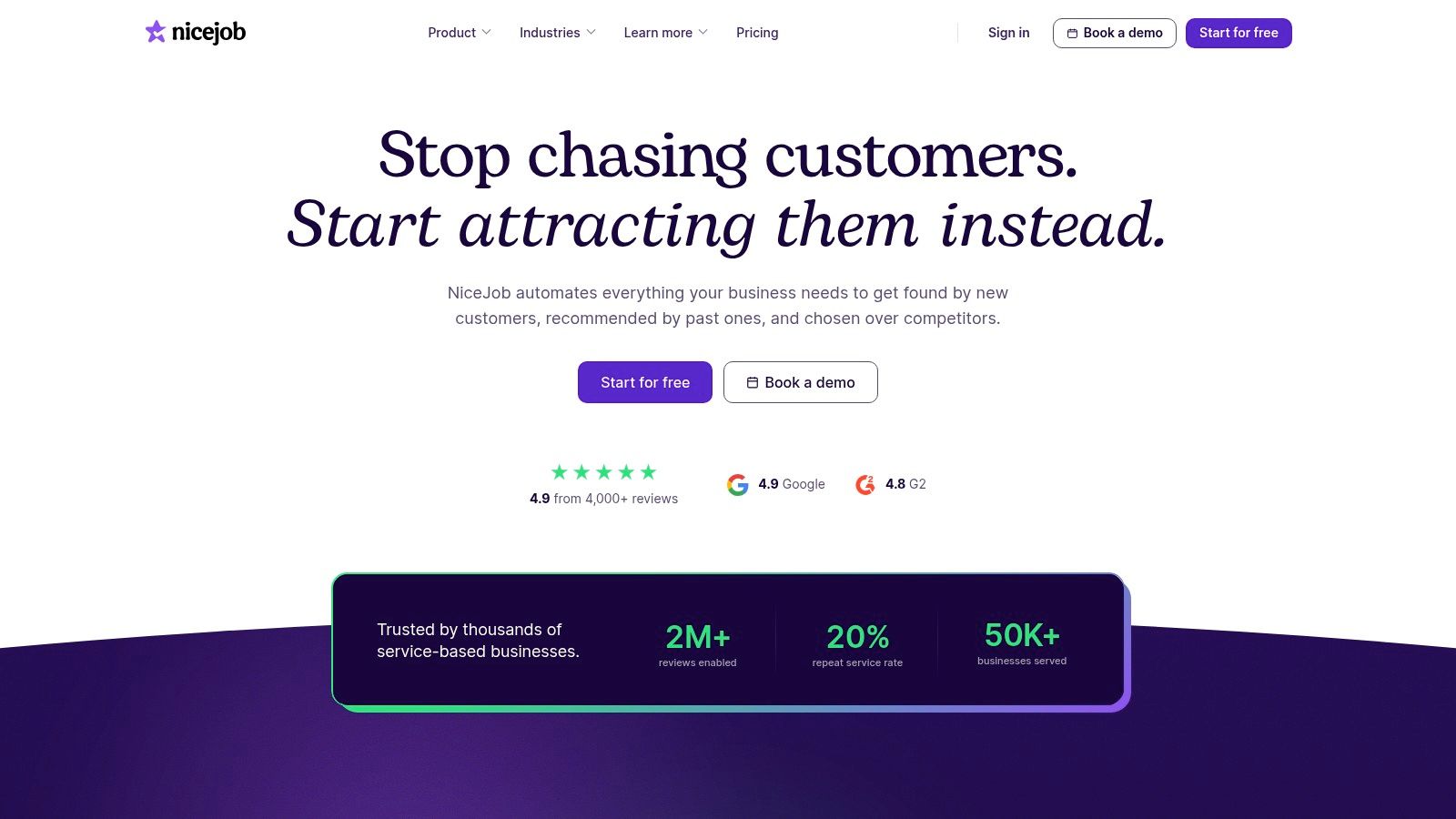
NiceJob is easier to assess than many reputation platforms because the product scope is narrow. That is a benefit for home service companies. A review tool tied to the moment a job closes can be more useful than a broader suite that adds messaging, listings, or payments the office may never adopt.
For owner-operators and small crews, the buying question is less about feature volume and more about workflow fit. Can the tool send a request as soon as the office marks the work complete? Can it pull the right customer record from the FSM or CRM without manual cleanup? Can the team see which jobs produced reviews and which technicians or job types do not? NiceJob appears strongest for the first part of that chain. Its value is clearest when the business already has scheduling, dispatch, and invoicing covered elsewhere.
On NiceJob pricing, read September 20, 2026, NiceJob publishes two figures: Grow at $75 a month and Convert at $125 a month. Published pricing does not settle the buying decision, but it does reduce one common risk. Small service businesses can estimate monthly software spend before sitting through a sales process, and that matters when the review tool is only one line item in a stack that already includes field service, payments, and phone.
Where NiceJob fits best
NiceJob fits shops that want a dedicated review request system rather than a broader customer communication platform. That usually points to businesses with a stable office stack, a simple post-job follow-up process, and one location or a small local footprint.
The trade-offs are practical:
- Clear fit for review generation: If the goal is to trigger SMS and email requests after completed work, a focused tool can be easier to implement than a bundled platform.
- Easier budget comparison: Public monthly pricing makes shortlist decisions faster, especially for smaller operators comparing several vendors at once.
- Less coverage outside reviews: Businesses that want one system for reviews, inboxes, listings, chat, and payments may find the product scope too narrow as they add staff or locations.
NiceJob also raises a few demo questions that matter more in home services than in general local marketing. Ask what counts as the job-completion trigger, which FSM or CRM systems pass that trigger cleanly, whether requests can be tied back to individual technicians or crews, and how duplicate or repeat customers are handled. If a vendor cannot answer those clearly, the cost shows up in office workarounds, not in the monthly plan price.
The fit judgment is straightforward. NiceJob looks strongest for smaller service businesses that want review automation with a published price and without buying a larger suite. It looks less compelling for teams that need deeper multi-location controls, broader communication features, or more explicit technician-level accountability.
2. Broadly
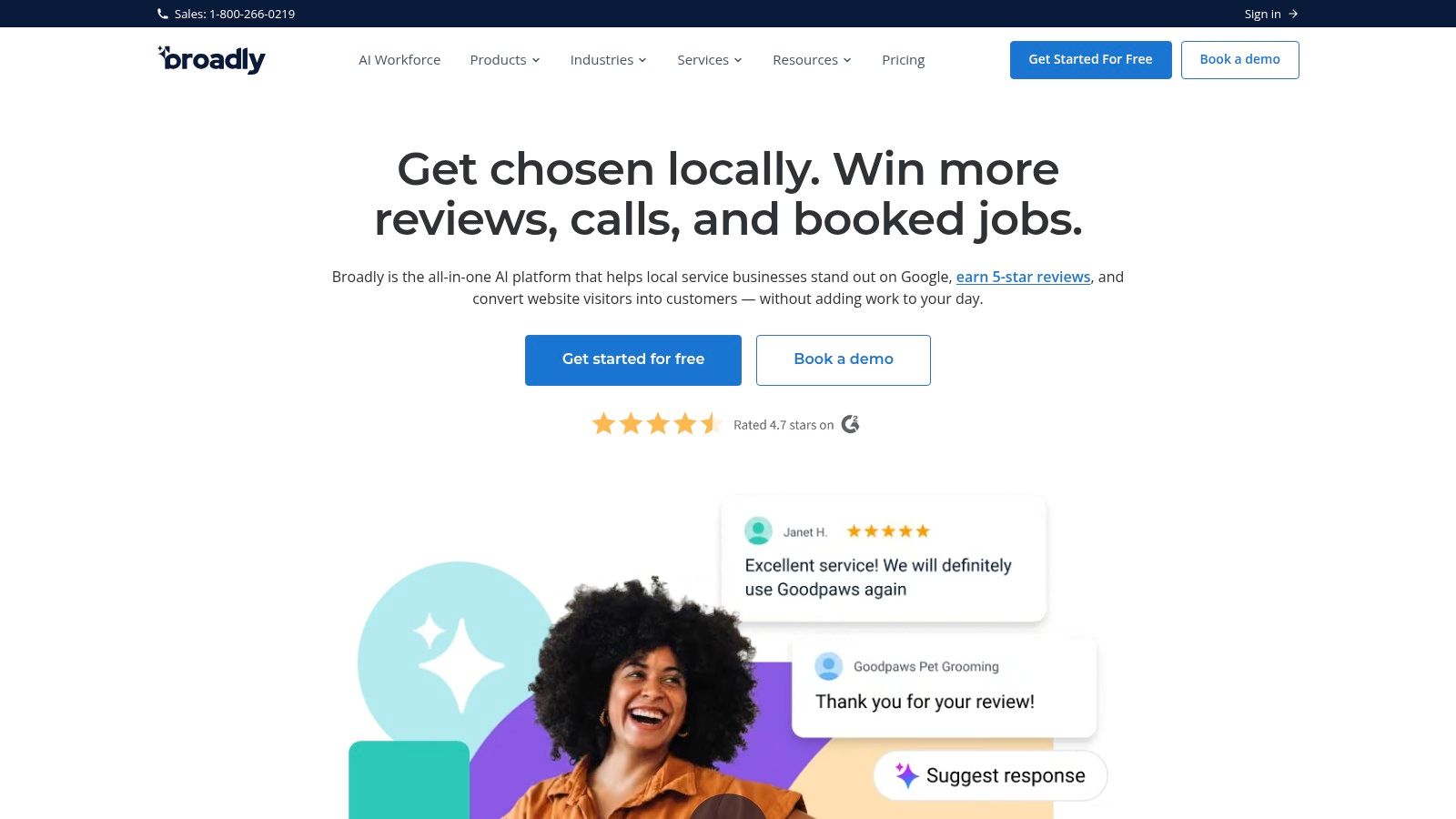
Broadly makes the shortlist for a different reason than a reviews-only tool. The buying case is operational consolidation. For a home service business, that matters if the office is already juggling customer texts, web chat, directory presence, and review follow-up across separate systems.
That sounds efficient on paper. The question is whether the bundle matches how the shop runs jobs.
A one-crew operator may only need a reliable review request after invoice close or marked completion. In that case, extra website or chat features can turn into unused spend. A growing company with a dispatcher, CSRs, and multiple techs may reach a different conclusion. Fewer vendors can mean fewer handoffs, fewer logins, and less friction for the office team, especially if Broadly can sit close to the CRM or FSM already running the schedule.
On Broadly pricing, read September 20, 2026, Broadly's pricing page publishes no figure. That increases buying risk for smaller operators because the monthly software cost is only part of the decision. The larger cost question is implementation. Ask whether review requests can be triggered automatically from completed jobs, what systems supply that trigger, and whether the request can be tied to the assigned technician, not just the business as a whole.
Those details matter more in home services than in general local marketing. If the trigger depends on office staff remembering one more step, response volume usually drops. If technician attribution is weak, owners lose a simple way to see which crews consistently produce happy customers and which ones create callbacks, complaints, or silent churn.
Broadly looks strongest in two situations:
- The company wants one vendor covering reviews plus customer communication tasks the office will actually use.
- The business is adding staff or locations and wants fewer disconnected tools to train, manage, and renew.
The main trade-off is migration risk. Once reviews, messaging, listings, and website functions sit inside one platform, changing vendors later can become slower and messier than replacing a narrow review tool. That does not make Broadly a poor choice. It means the demo should answer a harder set of questions: what data exports are available, how location management works as the company grows, which features are priced separately, and how much manual cleanup the office should expect if it leaves later.
Fit judgment: Broadly makes more sense as an office-systems decision than as a pure review play. For small crews that mainly need a clean post-job review ask, it may be more platform than necessary. For service businesses that want to reduce software sprawl and can verify the job-completion workflow in a demo, the broader package could be justified.
3. Podium
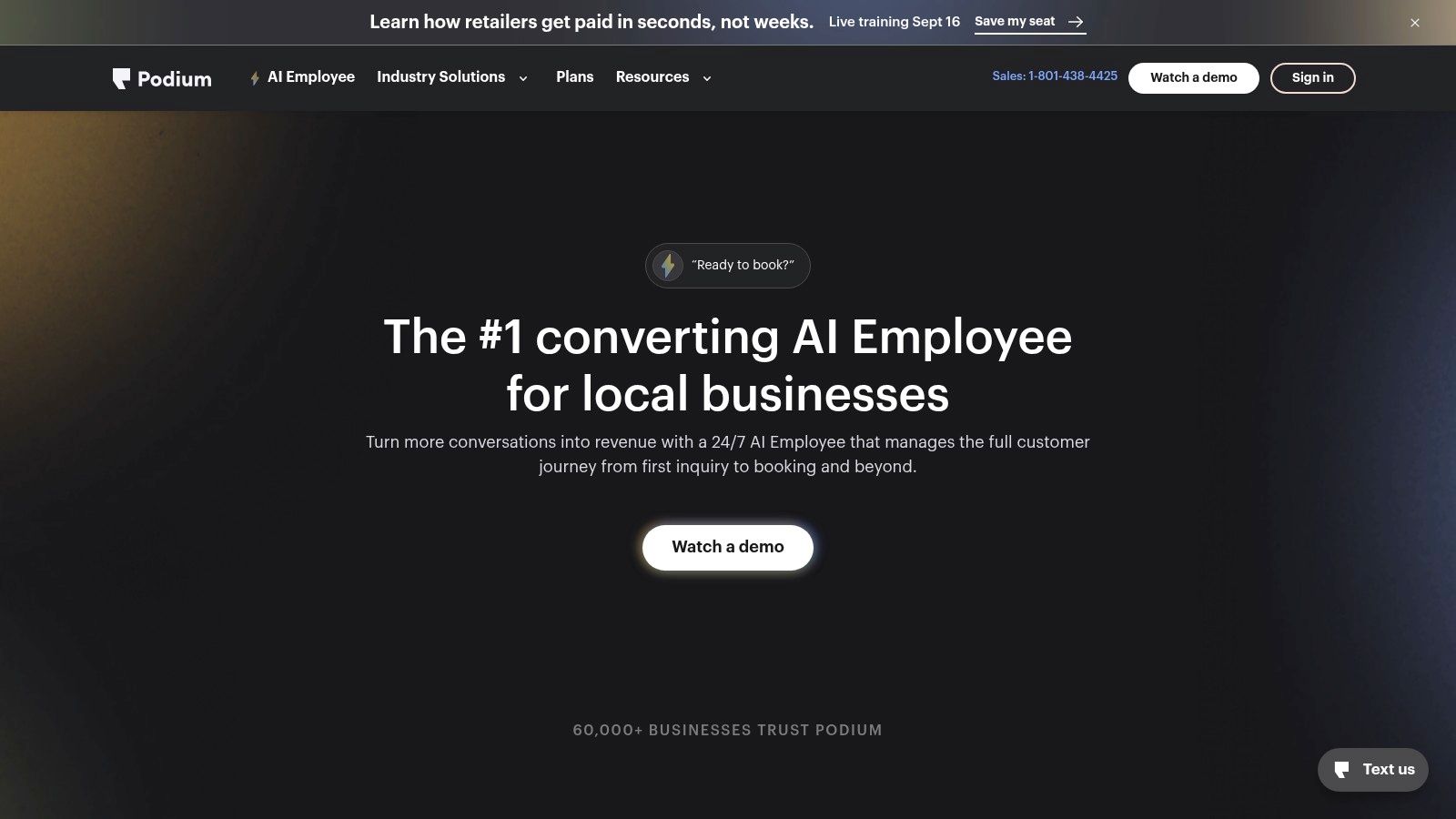
Podium makes the most sense if the review request is only one step inside a text-first customer workflow. That framing matters in home services, where the operational question is not whether a platform can send a review ask, but what triggers it after the job closes and who owns the follow-up if the customer replies.
For an owner-operator or a small office, that changes the evaluation. A review tool tied closely to messaging can reduce handoffs between dispatch, the office, and the field. It can also create a larger systems decision than the buyer expected, because once review requests, inbound texts, webchat, and follow-up live together, replacing the platform later gets harder.
On Podium pricing, read September 20, 2026, Podium's pricing page publishes no figure. For smaller crews, that is not a minor detail. Hidden packaging matters more when margins are tight and the software has the potential to spread from reviews into inbox management, payments, and other customer communication tasks.
A practical demo should stay close to field operations:
- What exactly can trigger the review request. Job completion in the FSM, invoice paid, technician marked complete, or a manual office action.
- Whether requests can be tied back to a technician, crew, or job type for accountability.
- Which CRM or FSM connections are native versus handled through workarounds or added setup.
- How the workflow changes if the company adds a second location or separate service lines.
- What data can be exported if the business later switches tools.
That last point deserves more attention than vendors usually give it. Podium can be a strong fit for companies that already treat texting as a primary service channel. If a plumbing, HVAC, or electrical shop mainly needs a reliable post-job review trigger and simple reporting, the broader product scope may add cost and setup work without improving review volume enough to justify it.
Fit judgment: Podium is easier to justify as a customer communication system with review generation included than as a narrow review buy. Small teams should verify the job-completion trigger, technician attribution, and total package cost before treating it as a review software decision alone.
4. Birdeye
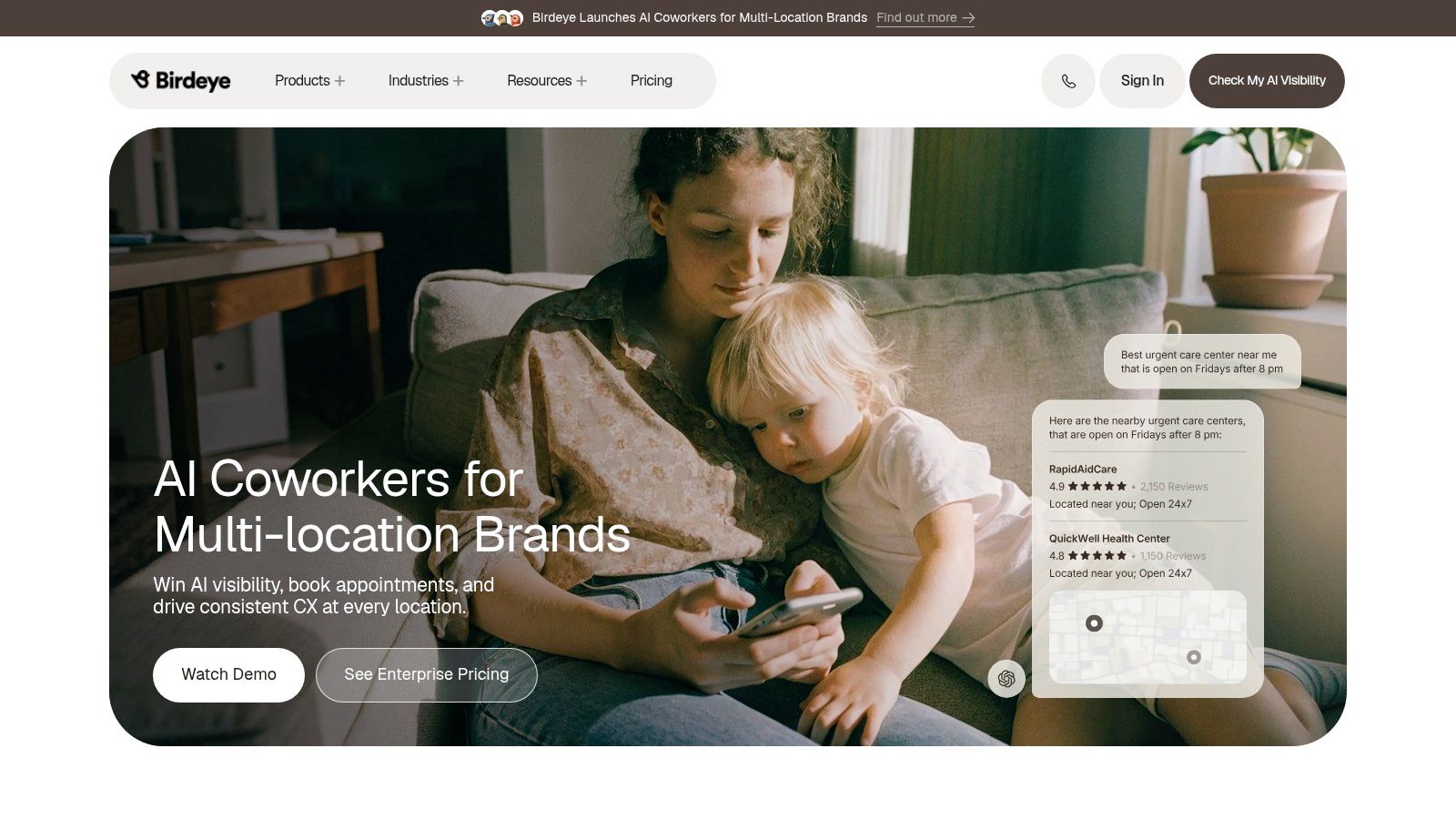
Birdeye starts to make more sense when review management stops being a single-office task and becomes a coordination problem.
A 3-location HVAC company is a useful example. One branch may send plenty of review requests but still lag in completed reviews because technicians are not closing jobs consistently in the field, while another branch may have lower volume but stronger follow-through from the office. In that setup, the value is not just sending more requests. It is seeing review volume and response workload by location, then routing follow-up to the branch manager or office staff who can fix the weak step.
That is the core fit judgment here. Birdeye suits home service companies that need oversight across branches, managers, or service lines more than it suits a single crew looking for the lightest possible post-job review workflow.
Published pricing is still a missing piece. On Birdeye pricing, read September 20, 2026, Birdeye's pricing page publishes no figure. For owner-operators, that raises a practical question early: is the business shopping for a review trigger tied to job completion, or for a broader reputation and customer communication layer that will require a sales-led quote?
The demo matters more than the homepage copy. A home service buyer should press on a few trade-specific points:
- Can a completed job in the FSM trigger the request automatically, or does the office need to push it manually?
- Can review activity be tied back to a technician, branch, or job type?
- Are CRM and FSM connections native, or will setup depend on custom workarounds?
- If the company adds a second or third location, what changes in reporting, permissions, and cost?
- What data can be exported later if the business switches platforms?
Those answers shape the cost. Software that looks organized at the manager level can still create extra office work if technician attribution is weak or if job-completion triggers depend on manual cleanup.
Birdeye is easier to justify for a growing plumbing, HVAC, or electrical company that needs location-level reporting and centralized response control. A one-office cleaning or lawn care business may decide that the added management layer creates more setup than value.
5. Grade.us
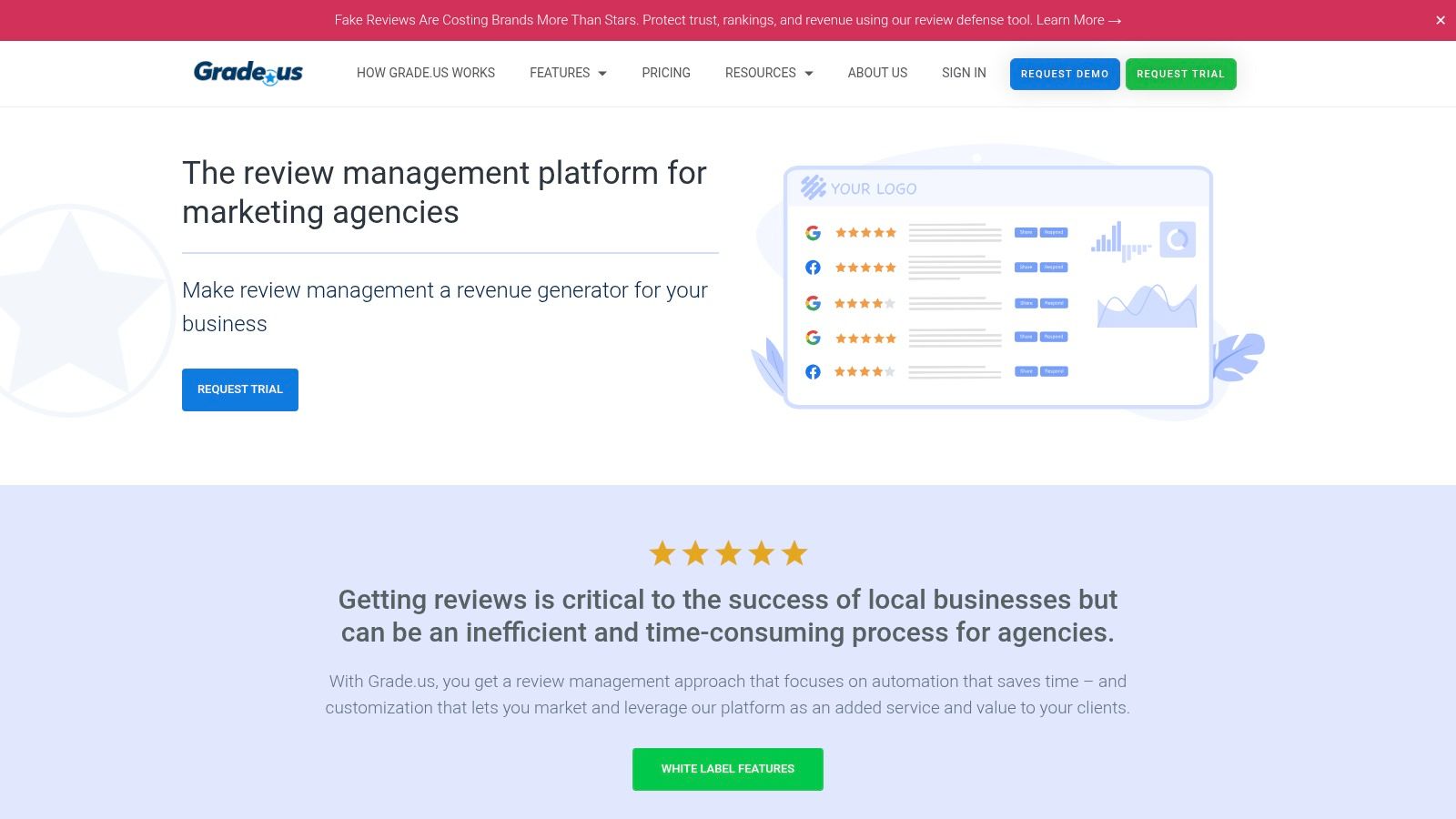
Grade.us is a case where strong review marketing features do not automatically translate into a better fit for home services. The key question is operational. Will the platform trigger review requests from a completed job, track accountability by technician or location, and stay manageable as a company adds service areas?
For some shops, the answer may still be yes. Grade.us is more marketing-centric than field-service-centric, which can suit an operator who wants control over review funnels, branded landing pages, and location-level reputation management. For a small crew that mainly wants a review ask to go out as soon as the invoice closes, that orientation can also create extra setup work.
Published pricing is one of its clearer advantages. On Grade.us pricing, read September 20, 2026, the page shows Solo starting at $110 per month, Professional at $180 per month, and Agency at $400 per month. Grade.us also sells add-ons, so a home service buyer should verify what is included for additional locations, users, reporting needs, and white-label requirements before treating the headline figure as the full operating cost.
The fit judgment is fairly narrow. Grade.us makes more sense if the business owner or marketing lead wants to shape the review journey across multiple locations and cares about presentation and campaign control. It makes less sense if the office needs native FSM or CRM connections, technician-level attribution, and a simple post-job trigger that dispatch can trust without manual follow-up.
A useful demo for a plumbing, HVAC, electrical, cleaning, or landscaping company should stay grounded in workflow questions:
- What starts the review request. Closed invoice, completed job, paid invoice, or a manual export?
- Can reporting separate results by technician, branch, or service line?
- How much work is required to connect the platform to the CRM or field service system the company already uses?
- What changes in price and admin overhead when the company adds another location?
- If the business migrates later, what review request history, contacts, and reporting can be exported?
Grade.us sits in the middle of the market. It gives buyers more pricing visibility than quote-only vendors and more campaign control than lightweight tools, but the trade-off is that home service businesses still need to confirm whether its workflow matches how jobs are closed in the field.
6. GatherUp
More review requests are not always better in home services. If the trigger fires the moment a job closes, a company can end up pushing an unhappy customer toward a public complaint before the office has a chance to fix the problem.
That is the main reason GatherUp stands out. It puts customer feedback and review generation in the same conversation, which is a better fit for shops that want a service-recovery step between job completion and a public ask. For an owner-operator, that can reduce avoidable damage from rushed automation. For a multi-tech company, it also creates a clearer line between technician performance issues and broader process problems.
The trade-off is complexity. A small crew that just wants a plain post-job text may see the feedback layer as extra setup, extra decisions, and another reporting view to manage.
Published pricing helps here. On GatherUp pricing, read September 20, 2026, GatherUp lists pricing publicly, which gives buyers a real starting point before the sales call. That does not settle total cost. A home service buyer still has to ask what changes with more locations, more users, added survey workflows, or deeper integration needs.
A useful GatherUp demo should stay close to field operations, not marketing language:
- What event sends the request: completed job, closed invoice, paid invoice, or a manual status change?
- Can the office hold back public review asks until an internal feedback score is submitted?
- Are results visible by technician, branch, or service category?
- Which FSM and CRM systems have working integrations, and which ones still require manual exports or middleware?
- If the company adds locations later, does admin work stay centralized or split by branch?
- If the company leaves, what contacts, message history, and reporting can be exported?
Fit depends on how the business handles accountability. GatherUp makes more sense when the company wants to screen for dissatisfaction, coach technicians, and build a repeatable review process across locations. It makes less sense when speed is the only goal and the office needs the lightest possible setup after each completed job.
7. Signpost
Review software often gets judged as if the only question is how many requests it can send. For home services, that misses the harder operating question. Does the review ask happen at the right moment in the job cycle, and does the office team control that moment without adding another manual step?
Signpost is more relevant in that context than as a pure review tool. Its appeal is the broader communications layer around the customer record, especially for shops that already treat missed-call follow-up, texting, and post-job messaging as one workflow rather than separate tasks. For an owner-operator or a small office, that can cut tool sprawl. It can also create a bigger implementation decision because reviews are tied to a larger system choice.
The main trade-off is scope.
A business that only wants a post-completion review text may find Signpost heavier than needed. A business that wants one vendor to handle review requests alongside customer communication may see the added scope as the point, assuming the workflow lines up with how jobs are closed.
On Signpost pricing, read September 20, 2026, Signpost's pricing page publishes no figure. That makes pricing diligence part of the buying process, not something a buyer can settle before the call. For multi-location operators, that matters twice. Hidden differences in user limits, message volume, branch setup, or add-on modules can change total cost more than the base package description suggests.
A strong demo should stay close to field execution:
- What system event triggers the review request: completed job, closed invoice, payment received, or a manual office action?
- Can requests be tied back to the assigned technician or CSR for accountability?
- Which FSM or CRM integrations are native, and which setups still depend on manual imports or middleware?
- If the company adds a second location, does reporting stay centralized while permissions stay local?
- If the business leaves later, what customer data, conversation history, and review reporting can be exported?
That last point is easy to underrate. The more reviews sit inside a broader communications system, the more migration risk rises. Signpost makes more sense for teams that want reviews to live inside a larger customer follow-up process. It makes less sense for buyers who want the lightest possible review product, fully published pricing, and minimal dependence on one vendor for adjacent workflows.
8. Nearby Now
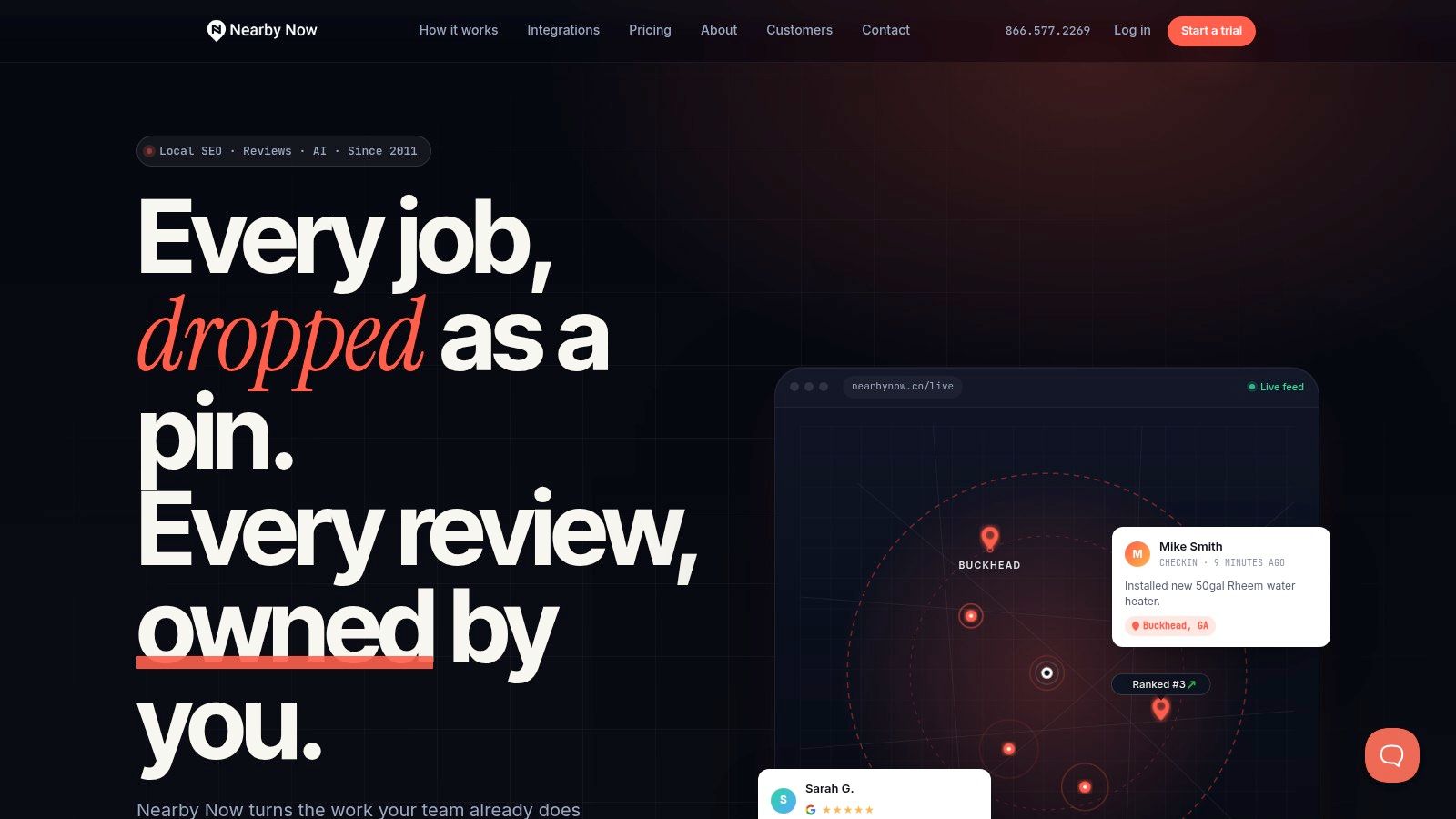
More features do not always make a review platform better for a home service company. Nearby Now makes a narrower bet. It ties review generation to technician check-ins and location-specific job content, which lines up with how many service-area businesses win local searches.
That operating model deserves a closer look than a standard review score comparison. If a company wants every completed job to produce two outputs, customer feedback and service-area proof, Nearby Now may fit better than a broader reputation suite. If the main need is centralized messaging, heavier CRM functions, or a larger multi-use communications stack, the fit is less obvious.
The trade-off starts at the workflow level. Nearby Now appears built around what happens in the field: a technician documents the visit, the business publishes localized signals, and a review ask can follow from that same activity. For an owner-operator or small crew, that can be attractive because one action supports marketing in two ways. It also creates a practical question for the demo: does the request fire from a real job-completion event, or only after a technician manually checks in and adds content? Those are not the same thing, and the difference affects consistency.
On Nearby Now pricing, read September 20, 2026, Nearby Now's pricing page publishes no figure. That increases diligence risk for growing teams. A single-location plumbing company may only need a simple answer on monthly cost. But a business adding territories or branches should press for detail on user limits, location structure, reporting by office, and any extra charges tied to content volume or onboarding.
Nearby Now makes the most sense under a specific set of conditions:
- The business wants review requests tied closely to technician activity in the field.
- Local market visibility by city or service area matters almost as much as review count.
- The team can support a workflow where technicians add job context consistently.
- The buyer accepts a more specialized tool and does not expect it to replace a broader communications system.
That specialization cuts both ways. It can reduce waste for trades that care about proving presence across many service areas. It can also raise migration questions, because field content, review prompts, and location reporting may become part of one operating process. Before signing, buyers should ask what technician-level data, review history, and location-based content can be exported if the company changes systems later.
9. pulseM
More review features do not always mean a better fit for a home service company. pulseM is a good example. Its value appears to depend less on sheer review volume and more on whether the business wants customer feedback tied back to the technician, the job record, and the follow-up process after service.
That matters in trades where the office closes the invoice, but the technician shapes the review outcome. A platform built around that chain of events can help a company spot which crews generate praise, which technicians need coaching, and whether requests are going out after completed work instead of sitting in a queue.
pulseM also raises a practical buying question. Can it trigger review requests from a true job-completion event inside the FSM or CRM, or does the workflow depend on staff action at the end of the call? For owner-operators and small teams, that difference affects consistency more than feature count. If the request only goes out when someone remembers to push it, adoption risk stays high.
On pulseM pricing, read September 20, 2026, pulseM's pricing page publishes no figure. That shifts more work to the buyer. Before signing, ask the vendor to document pricing by user, office, and location, along with any separate charges for onboarding, integrations, texting, or expanded reporting.
A useful pulseM demo should answer six things clearly:
- What exact event sends the review request: booked job, completed job, closed invoice, or manual prompt?
- Which FSMs and CRMs have native connections, and which rely on middleware or custom setup?
- Can managers report by technician, trade, branch, and service area?
- What customer and job fields sync into the platform, and how often?
- What historical review, customer, and technician-level data can be exported if the company switches later?
- How does pricing change as additional users or locations are added?
pulseM looks strongest for businesses that treat technician accountability as part of operations, not just marketing. For a single truck shop, that may be more process than needed. For a company adding crews or branches, the tighter link between field activity, customer follow-up, and review reporting could be worth the extra diligence upfront.
10. ReviewBuzz
More features do not always produce more reviews. In home services, the bigger constraint is often whether the company can connect the review ask to a completed job, a named technician, and a manager who will follow up when that process breaks. ReviewBuzz appears built around that operating reality more than around a broad reputation stack.
That focus makes it easier to place. ReviewBuzz looks less like a general local marketing platform and more like a review system for service businesses that want technician-level visibility and public recognition tied to customer feedback. For owner-operators, that may be more structure than necessary. For companies with multiple techs in the field, it can solve a real accountability problem.
Better fit for companies that manage reviews as an operations process
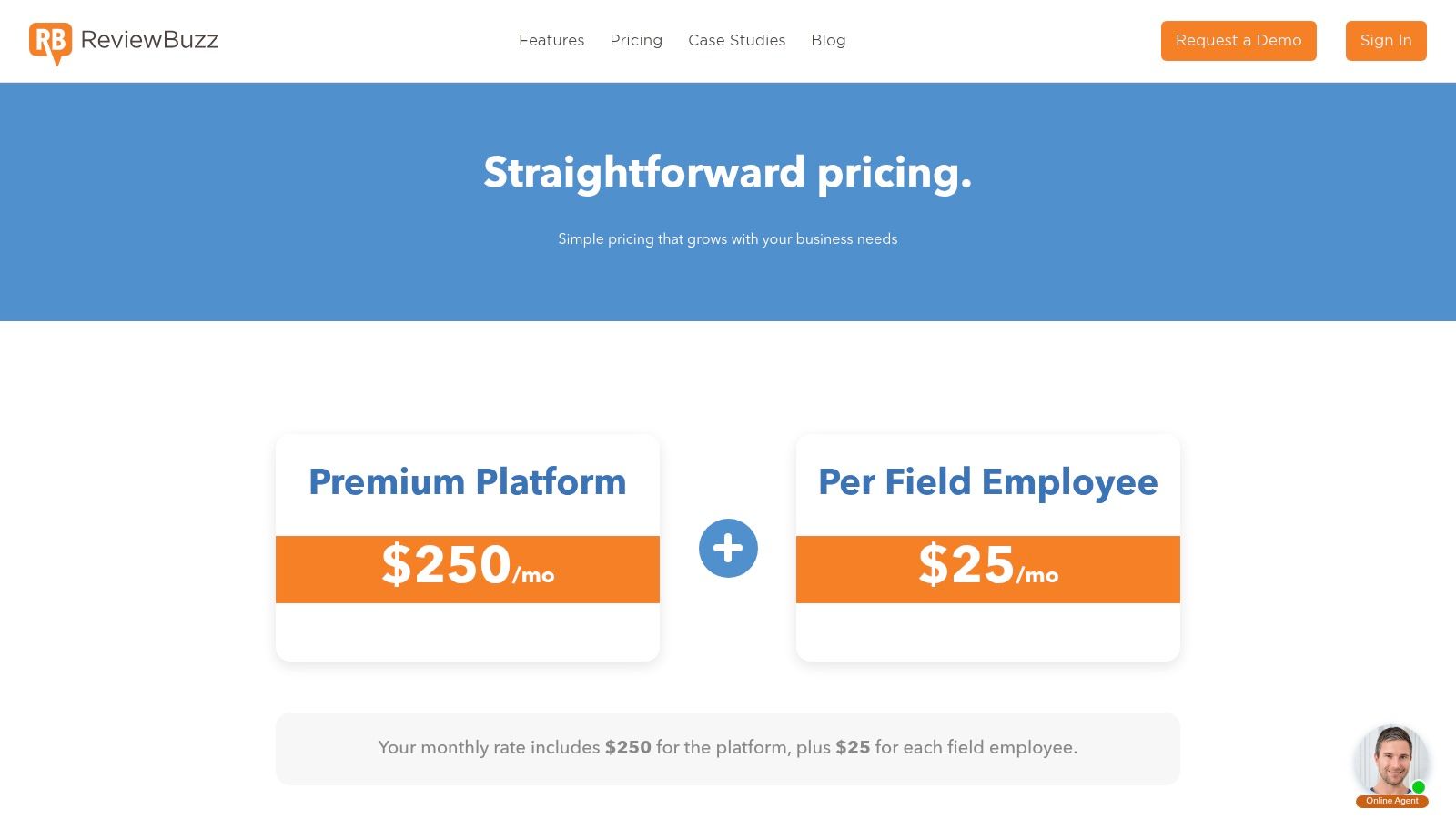
On ReviewBuzz pricing, read September 20, 2026, ReviewBuzz publishes pricing on its pricing page. Published pricing lowers one common buying risk. A shop can estimate cost before a demo and see how the model changes as employee count grows.
The trade-off is straightforward. Pricing that maps to employees can make sense when review generation is tied closely to technician performance, but the math may change as headcount expands across crews or locations. Buyers should also verify what is included beyond the base plan, especially onboarding, texting volume, integration setup, and any charges tied to additional offices or reporting needs.
Three questions matter more than feature breadth here:
- What triggers the request? Ask whether review requests send from a job completion event, invoice close, dispatcher action, or manual prompt.
- How is technician accountability reported? Confirm whether managers can track review activity by tech, team, or branch, not just at the company level.
- What happens during growth or migration? Ask what customer, review, and employee-level history can be exported if the business later changes platforms.
ReviewBuzz looks strongest for home service companies that want reviews tied to field performance, not treated as a side task for the office. That is a narrower use case than an all-purpose reputation platform. It is also a practical one for shops where technician behavior, branch consistency, and location growth affect review volume more than marketing features do.
Top 10 Review Platforms for Home Services
| Product | Core features | Best fit / Target | Pricing & contracts | Unique selling point | Trade-specific notes |
|---|---|---|---|---|---|
| NiceJob | Automated SMS/email review asks, review widgets, FSM/CRM integrations | 1 to 20 person shops; owner-operators | Published pricing; no long-term contracts | Purpose-built for trades; simple setup; high-conversion timing | Good website conversion tools; lighter multi-location analytics |
| Broadly | Automated review requests + AI replies, web chat, texting, listings sync | SMBs wanting a single-vendor engagement stack | Higher monthly; best value when multiple modules used | AI receptionist + bundled engagement tools (chat, listings, reviews) | Avoids stitching tools; strong phone/chat workflows |
| Podium | SMS/webchat, unified inbox, campaigns, payments, reviews | Firms prioritizing messaging and payments | Quote-based; often higher; annual commitments common | Best-in-class texting workflows and unified inbox automation | Excellent text-to-review flows; strong automations |
| Birdeye | Review generation (200+ sites), monitoring, reporting, mobile app | Multi-location brands needing analytics | Quote-based; enterprise pricing | Mature dashboards and multi-site reporting at scale | Scales well; can be overkill for very small teams |
| Grade.us | Review funnels, email/SMS campaigns, monitor/respond, white-label | Agencies, local SEO pros, and single shops needing predictability | Transparent per-location pricing | Strong white-label/reseller features and predictable costs | Marketer-oriented UI; add-ons can raise total cost |
| GatherUp | SMS/email review requests, NPS/feedback, AI replies, widgets | Single- and multi-location businesses seeking published rates | Published pricing with multi-location discounts | NPS and feedback tools to surface issues before reviews | Listings Hub and other add-ons may be extra |
| Signpost | Automated review asks, unified inbox, AI reply assist, virtual receptionist | Home-services teams focused on speed-to-lead and centralized comms | Pricing not publicly listed; demo required | Home‑services focus with centralized review + messaging workflow | Feature depth varies by package, demo recommended |
| Nearby Now | Geo-tagged tech check-ins, job photos, review requests, AI content | Route-based trades (HVAC, plumbing, electrical) seeking local SEO gains | Quote-based; pricing not public | Generates geo-tagged content from tech check-ins to boost Maps SEO | Narrower CRM/messaging breadth but strong local SEO impact |
| pulseM | Technician-context review asks, real-time feedback, FSM integrations | Home service providers focused on tech performance and accountability | Pricing not publicly published; demo/contact required | Technician-level visibility (intros, scorecards) to drive accountability | Trades-specific workflows and field apps; smaller ecosystem |
| ReviewBuzz | Unlimited review requests, leaderboards/gamification, AI replies, widgets | Trades that value technician recognition and simple per-employee pricing | Clear per-employee pricing (published) | Gamification and leaderboards to improve adoption | Per-employee costs can add up for larger crews; narrower marketing suite |
Choose the Shortlist That Fits the Crew
The best review software for a home service business usually isn't the one with the longest feature page. It's the one that matches how the company finishes jobs, contacts customers, and follows up from the office. The wrong tool creates one more dashboard. The right one turns completed work into fresh public proof with very little staff effort.
For a one person operation, the shortlist should stay tight. NiceJob is the cleanest fit when the business mainly wants automated review requests and published monthly pricing. GatherUp also makes sense if that solo operator wants a feedback layer before pushing customers to public sites. Podium, Birdeye, and similar broader platforms can still work, but they may be more system than a solo owner needs at the start.
For a small crew, the decision shifts. The office usually needs more than a simple send button. It needs review requests tied to finished jobs, better messaging control, and fewer dropped handoffs between technicians and admin staff. Broadly, Signpost, pulseM, and ReviewBuzz are stronger in that middle zone, depending on whether the business values a bundled communication stack, home service workflow alignment, or technician level accountability.
For a multi location business, central oversight starts to matter more than simplicity. Birdeye, GatherUp, and Grade.us are easier to defend when managers need rollup reporting, response workflows, and more structure across locations. Nearby Now can be a strong specialist option for route based trades that care about local visibility by service area, but it won't replace a broader communication stack by itself.
The pricing conversation shouldn't stop at the headline plan. Before signing, the buyer should confirm all of this in writing:
- Plan and billing terms: Monthly price, annual price if offered, and whether the quoted package requires annual commitment.
- User and location limits: Whether the plan includes one user, several users, one location, or added charges for each branch.
- Add ons: Messaging modules, listings sync, AI replies, website widgets, surveys, or managed response services.
- Setup charges: Onboarding fees, activation costs, and any paid migration help.
- Payment related costs: If the platform also sells payments, ask about transaction rates and platform surcharges. For example, Housecall Pro publishes review relevant business software pricing separately from payment costs, while independent pricing summaries report card processing at about 2.59% to 3.49% and ACH at 1% in several cases in Housecall Pro payments pricing summaries.
- Cancellation and data export: Whether data can be exported, how long it remains available, and what happens after cancellation. For example, FieldTempo states that it offers a free 7 day trial, flat monthly pricing with included seats, cancellation anytime, CSV client import in minutes, export anytime, and customer data availability for 30 days after cancellation.
Housecall Pro deserves a separate mention because many home service businesses already run their operations there and may prefer a built in review workflow over adding a dedicated point solution. On Housecall Pro pricing, read September 20, 2026, Housecall Pro's pricing page should be checked directly for the current plan figures and included review features before treating it as a review software replacement rather than an FSM with review capability.
The final demo should answer operational questions, not just marketing ones. Ask what event triggers the request after a job is completed. Ask which review destinations are supported. Ask how duplicate contacts are handled, what happens when messages fail, and whether requests can be paused for complaint cases. Ask what fields can be imported, whether CSV import covers only contacts or also job history, and who owns the review and customer data after cancellation. Ask how reporting works by technician, office user, and location. Ask whether staff can respond from one inbox or need to jump between sites.
Those answers matter more than glossy screenshots. In this category, the best fit is usually the product that respects the way the work gets finished.