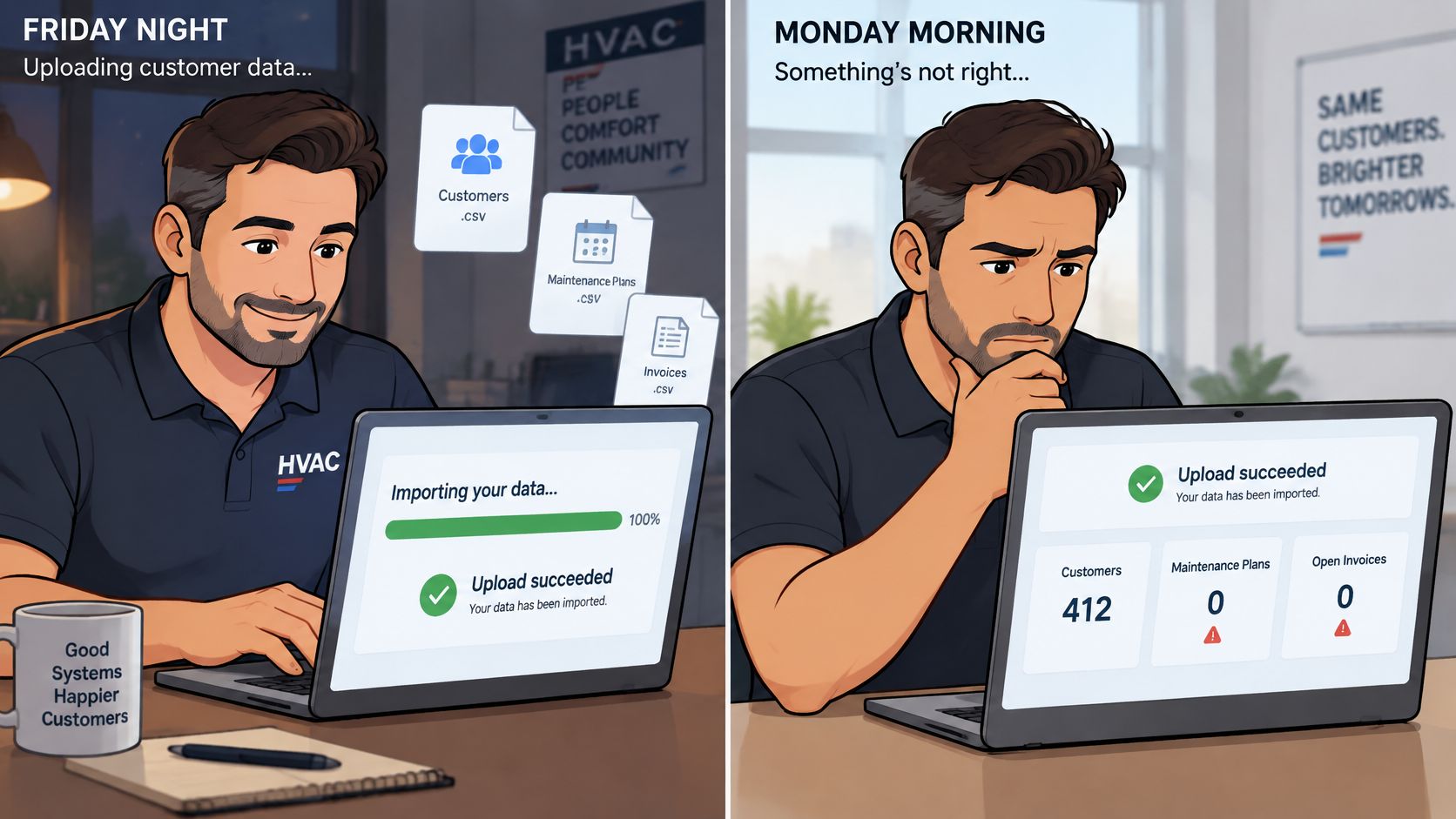
An HVAC owner imports the customer list on Friday night and gets a successful-upload message. On Monday, the dispatcher discovers that recurring maintenance plans are missing and unpaid invoices never came across. The names arrived, but the business can't schedule and bill from them.
Knowing how to do data migration means treating the move as a business-continuity project, not a file transfer. The finish line is a signed reconciliation sheet showing that customer relationships, scheduled work, and open balances survived the move.
The Data Migration Checklist at a Glance
A controlled migration gives each task a named owner, a concrete output, and a finish test. The office manager can prepare files, but the owner should approve exclusions and financial reconciliation.
Data migration phases, outputs and finish tests
| Phase | What You Produce | Who Usually Owns It | Done When |
|---|---|---|---|
| 1. Audit source data | Record counts, exception list, decisions on what to leave behind | Office manager | Exception list signed off by the owner |
| 2. Map fields | Source-to-target field map with transformation rules | Office manager with vendor support | Every source column has a target or an exclusion reason |
| 3. Build CSV templates | Import files that match vendor headers and formats | Office manager | Ten sample rows load without errors |
| 4. Test import | Trial-account load and reject log | Office manager | Reject log reviewed and every rejected row has a disposition |
| 5. Validate | Reconciliation sheet for counts, totals, and workflows | Owner | Agreed counts and balances match the source |
| 6. Cut over | Final delta export and load, freeze notice to staff | Owner and dispatch lead | New system runs one full day of scheduling and billing |
| 7. Roll back if needed | Preserved export and documented reset steps | Owner | Old system kept read-only for the agreed window |
| 8. Confirm vendor terms | Written answers on formats, attachments, exports, and deletion | Owner | Written answers received before signing |
The sample size and operating-day check are practical acceptance targets, not guarantees. Although vendor terms appear last as a final checklist gate, those answers belong before the contract is signed, not after the files are prepared.
Practical rule: A successful upload proves that the importer ran. It doesn't prove that dispatchers can find the right property or that invoices show the right balance.
Schedule pressure deserves attention. In 2025, only 6% of more than 300 IT executives surveyed by Caylent said their organizations completed their most challenging database migration on schedule, according to the published Caylent survey announcement. That enterprise finding isn't a forecast for a small contractor, but it supports leaving room for corrections rather than scheduling the switch immediately after an initial import.
Audit and Clean the Source Data First
Start with the files already on the office computer. A new system won't resolve duplicate households, missing property identifiers, or unclear invoice statuses without explicit cleanup decisions.
Build a Source Inventory
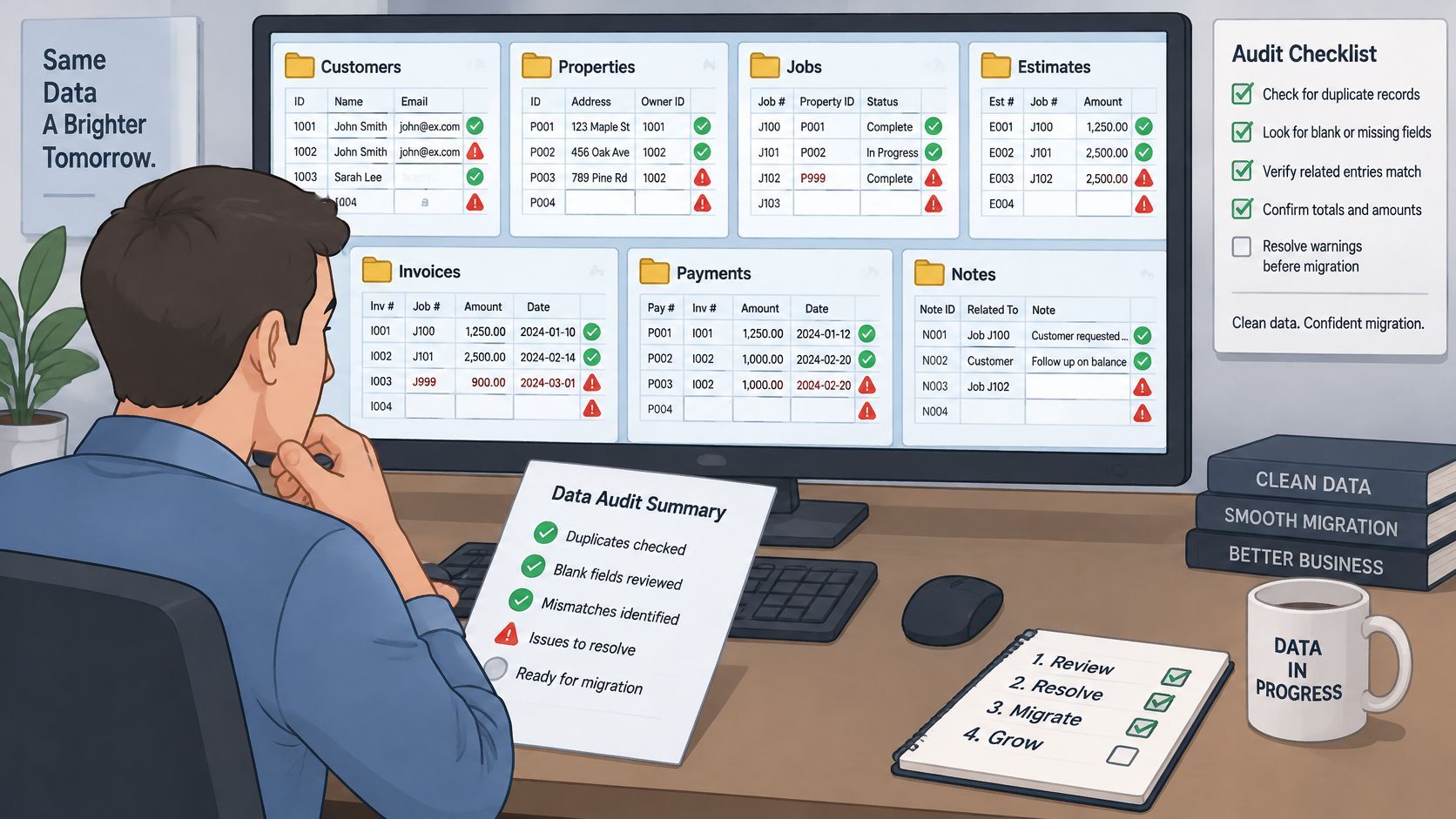
Export each record type separately. Save customers, properties, jobs, estimates, invoices, payments, and notes as CSV or Excel files where available. Inventory equipment records, service agreements, tax fields, and attachments too. Keep the original exports untouched so there's a dependable baseline.
Count records by type and status. Use Excel or Google Sheets pivot tables to separate active customers from inactive customers and unpaid invoices from paid invoices. A single customer count won't expose a missing group of maintenance customers.
Filter for incomplete or inconsistent values. Check blank phone numbers, missing email addresses, incomplete service addresses, and mixed date formats. Flag gaps rather than inventing values to satisfy required fields.
Investigate duplicate identities. Use
COUNTIF, normalized phone numbers, and service addresses to find candidates. Don't merge automatically because households can share contact details while maintaining separate billing accounts.
Resolve Exceptions Before Exporting Again
Flag financially or operationally sensitive records. Customers with several properties, deposits, credits, maintenance agreements, or disputed balances need manual review. Their relationships matter more than whether their names look correct.
Decide what stays behind. Exclude duplicate contacts and obsolete notes deliberately. Closed job history may remain in an accessible archive when it isn't needed in daily operations, provided applicable retention and warranty needs are met.
Get the exception list signed. Record each unresolved issue, proposed treatment, and approving owner. Save dated cleanup versions so staff can explain what changed and why.
Consider a hypothetical plumbing shop where “Patricia Williams” and “Pat Williams” share an address. One record holds the service history; the other holds an unpaid invoice. Deleting either as a duplicate could discard information the office still needs, so the cleanup must preserve both relationships under the chosen customer identity.
Zinstall's discussion of data profiling and migration validation supports inspecting source quality before mapping and preserving the original export alongside documented transformations. For a small office, spreadsheet filters and a clear exception log are a workable starting point.
Get Vendor Import Terms in Writing Before Signing
A promise to support imports isn't a commitment to transfer every operational record. A vendor might accept customer contacts while requiring a separate process for invoices, attachments, or recurring schedules. The contract needs to distinguish those tasks.
Webapp Solutions' guidance on leaving a software vendor recommends agreeing on export and deletion responsibilities, controlled change windows, new or changed records, and final reconciliation. Those responsibilities belong in writing while the owner still has a choice about signing.
Questions That Need Written Answers
Accepted files and objects. Which formats can the importer read, and which record types can it create? Request separate answers for customers, properties, equipment, jobs, estimates, invoices, and payments.
Historical detail. Will attachments, notes, audit history, and original identifiers transfer? Ask whether there are historical limits or fields that can only be archived.
Recurring work and money. How will recurring jobs, next-service dates, deposits, credits, and payment history be represented? Confirm that importing history won't trigger customer messages or payment actions.
Duplicate handling. Which identifiers determine whether a record is merged, updated, or created? Require an explanation of how multiple properties remain connected to the correct customer.
Rejected records. Who corrects failed rows, who pays for that work, and what delivery deadline applies? An import isn't finished while rejected invoices remain unexplained.
Future exports. What fields, files, and integration records can be retrieved on departure? Ask about export fees, delivery deadlines, and available formats.
Termination and deletion. Will remaining copies be returned or deleted, and how long do backups persist? Closing a live account doesn't necessarily remove every backup immediately.
Limit What Gets Uploaded
Before sending customer files, decide what the destination needs. Service records can contain payment references, gate codes, alarm details, and access instructions, not just names and addresses. Exclude stale sensitive notes and unused attachments unless there's a documented reason to retain them.
The European Data Protection Supervisor's AI risk-management guidance emphasizes data minimization and a valid basis for processing personal data. If an AI cleaning or mapping tool will receive customer records, ask about subcontractors, processing locations, access controls, and deletion of temporary copies.
A sales-call assurance isn't an acceptance term. The owner needs an email, order-form provision, or migration statement that specifies the work.
Send the migration checklist to the vendor and approve the agreement only when its answers match the planned field map. A vague answer is a reason to ask again, not permission to assume coverage.
Map Fields and Build CSV Templates
The vendor's import template controls the headers and accepted formats. Renaming an old export doesn't make its columns compatible with the destination.
Download the blank template and list its accepted fields. Then match every source column to a destination or record an exclusion reason. IBM's data-migration guidance supports source-and-target assessment, staged transfers, and testing rather than treating extraction and loading as the whole project.
Write the Transformation Rules
The following mappings are a starting pattern, not a universal specification. The phone and ZIP rules assume ordinary US records; international numbers, extended ZIP codes, business names, and complex personal names need exceptions rather than destructive conversion.
Typical source-to-target field mappings
| Source Column | Target Field | Transformation Rule |
|---|---|---|
| Customer Name | First Name, Last Name | Split on the first space; flag single-word names for review |
| Service Address | Street, City, State, ZIP | Split into separate columns; confirm the base ZIP has five digits |
| Mobile Phone | Phone | Keep 10 digits; remove dashes and extensions; log the extension in notes |
| Lowercase; flag any value without an at sign and a domain | ||
| Job Status | Job Status | Map Done and Complete to Completed; send unknown values to a review list |
| Invoice Balance | Balance Due | Numeric only, no currency symbols, two decimal places |
| Recurring Frequency | Schedule Interval | Accept only vendor-listed intervals, such as monthly, quarterly, or annual |
| Old Notes | Internal Notes | Example retention rule: import notes from the last two years only; store older notes as an attachment if permitted |
The notes cutoff is an example business decision, not a legal retention period. Warranty records, disputes, and required financial history may need different treatment.
Keep stable source identifiers alongside the mapping. Customer names aren't reliable keys for linking properties, jobs, and invoices. Ask the vendor which identifier connects each child record to its parent and which import order preserves those links.
Build a Small File Before the Full Export
Copy headers exactly, retain ZIP codes as text where necessary, and save in the vendor's required CSV encoding. Check quoted commas and line breaks in notes so they don't split records into extra columns or rows.
- Dates: Convert text dates to the required format, checking ambiguous month-and-day values manually.
- Money: Remove currency symbols only after confirming how credits, negative balances, and blank values should appear.
- Statuses: Translate old labels explicitly rather than accepting an importer's default.
- Names and addresses: Review automated splits before treating them as correct.
As a practical pilot, load ten sample rows, including a multi-property customer and a customer with a balance. Correct the mapping before generating the complete import files.
Test Imports and Reconciliation Checks
A rehearsal should reveal the problems that otherwise surface during a busy service week. Load the full test files into a sandbox or isolated trial account, with outbound reminders, live payments, and connected-system updates disabled or safely redirected.
Start with counts by record type, then compare financial control totals. Sakara Digital's migration-testing guidance recommends comparing source and destination record counts and checking totals or checksums across two or three numeric columns. Open balances, payments, and deposits are useful candidates, but matching totals alone don't prove individual records are right.
Use a Written Reconciliation Sheet
Segment customer counts by active and inactive status, jobs by status, and history by year and service location. Compare against the approved migration scope, accounting explicitly for authorized exclusions and merges.
Reconciliation checks before cutover
| Check | How to Compare | Pass Rule |
|---|---|---|
| Customer count | Export rows against destination records | Exact match to approved scope; every gap listed |
| Property count | Properties per customer in both systems | Exact match; multi-property customers checked by hand |
| Open jobs by status | Count per mapped status | Exact match per status |
| Invoice and payment totals | Sum of balances and payments | Exact match to the cent |
| Recurring plans | Active-plan counts and next service dates | Exact match, checked across one full billing cycle |
| Sample history | 20 random customers with jobs and notes | Every sampled record matches with no broken links |
| Workflow test | Schedule to invoice to payment on a test job | Each step completes; payment appears on the invoice |
| Reject log | Failed rows against quarantine file | Every rejection has a fix or documented exclusion |
For a practical manual acceptance sample, review 20 randomly selected customers plus every flagged high-value record, following the operational-validation approach described in Kagool's migration-challenges guide. Inspect their properties, balances, job dates, attachments, notes, and payment statuses. Check recurring schedules across a complete billing cycle, including the next due date, not merely the plan name.
Prove That Staff Can Complete the Work
Run a test job through scheduling, technician assignment, a safely redirected reminder, estimate creation, invoicing, and a simulated payment. Open its history from the customer and property screens. A job that exists but can't be found through normal office work hasn't passed.
Move rejected rows into a quarantine file containing the source identifier, error, proposed fix, and disposition. Don't drop them or keep retrying unchanged files.
Sign-off standard: No unexplained financial difference, no broken customer-to-property relationship, and no rejected row without an owner-approved outcome.
Run the complete rehearsal again after corrections. A second successful load demonstrates that the revised files and mapping work consistently, rather than relying on manual repairs made only inside the first test account.
Cut Over and Keep a Way Back
Choose a quiet operating period when dispatch and billing staff are available. A weekend isn't automatically safer if no one can resolve an import failure until Monday.
Run a Controlled Change Window
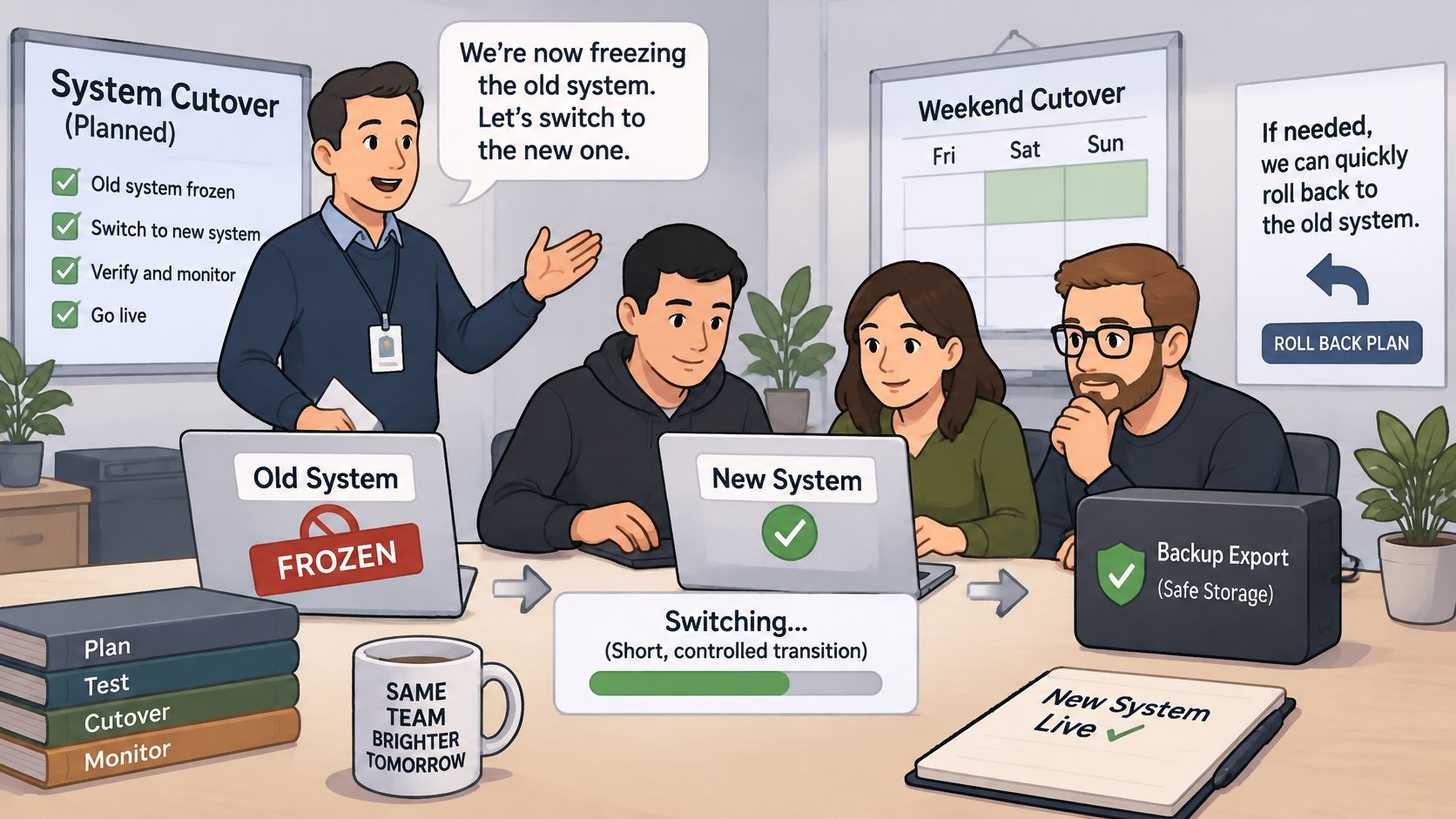
Announce the freeze. Tell staff when routine entry in the old system stops. Provide a temporary log for emergency jobs, payments, and cancellations that arrive during the window.
Export the final delta. Capture records created or changed since the production baseline load, including deletions and status changes. If the vendor can't apply incremental updates reliably, agree on a clean final reload instead.
Load and reconcile. Apply the delta to the prepared production account, not a test account containing simulated transactions. Recheck counts and financial totals before releasing staff access.
Switch operational activity. Move dispatch, invoicing, and customer messages to the new system together. Disable old automations so parallel access doesn't produce duplicate reminders or charges.
Retain controlled access. Keep the old system read-only for an agreed recovery window. Staff should know which system is authoritative and where historical lookups belong.
Preserve recovery materials. Store a dated final export, mapping files, reconciliation results, and written reset steps with restricted access.
Samuel Faj's software-switching guidance recommends confirming recovery and retention before deleting the old environment and checking external effects such as messages, payments, and connected-system updates.
Make Rollback an Authorized Decision
Name the owner, or a designated operations lead, as the person authorized to stop the switch. Set triggers beforehand, such as an unexplained open-balance mismatch, an omitted recurring visit, or an inability to issue correct invoices.
Read-only access preserves a reference, but it isn't a complete rollback procedure. The reset plan must explain how old-system write access will be restored and how jobs, invoices, and payments created after cutover will be replayed without duplication. Keep a transition transaction log until acceptance is complete.
Before committing to a migration date, the owner should assign the checklist owners, request written vendor answers, and schedule the first rehearsal. Approve the move only when the reconciliation sheet passes and the dispatcher and billing lead can complete their work from the new records.