A two-truck operator can stare at a $29 solo plan and a higher flat business price and still pick the wrong one. On some platforms that low number covers one login. On others a single monthly fee is meant to cover the office and the people in both trucks. The number on the pricing page and the charge on the card at month three often split once a second user, messaging, or an annual term shows up.
This list weighs the same things on every entry. It looks at what the vendor publishes for a crew of one to twenty, which trades that shape fits, and the contract sitting next to the price. That means trial length, minimum seats, billing period, cancellation, and what happens to customer and job records afterward. No product here was run on live jobs. The limits below come from each vendor's own pages, not from a directory or a roundup.
A solo pressure washer should start with ServiceM8, QuoteIQ, Yardbook, and Zoho FSM, where a free or one-person tier can carry a year of light volume. A six-person HVAC shop should skip those caps and read Jobber, Housecall Pro, Service Fusion, Workiz, and FieldEdge, then get a written monthly total for that crew before a demo becomes a shortlist.
1. Jobber
Jobber is built for owner-operators and small crews who want the job, the quote, the invoice, and the payment request in one place. Scheduling and assignment sit next to customer records and online booking, which is why it shows up for cleaning, plumbing, HVAC, and similar trades that outgrow a shared calendar.
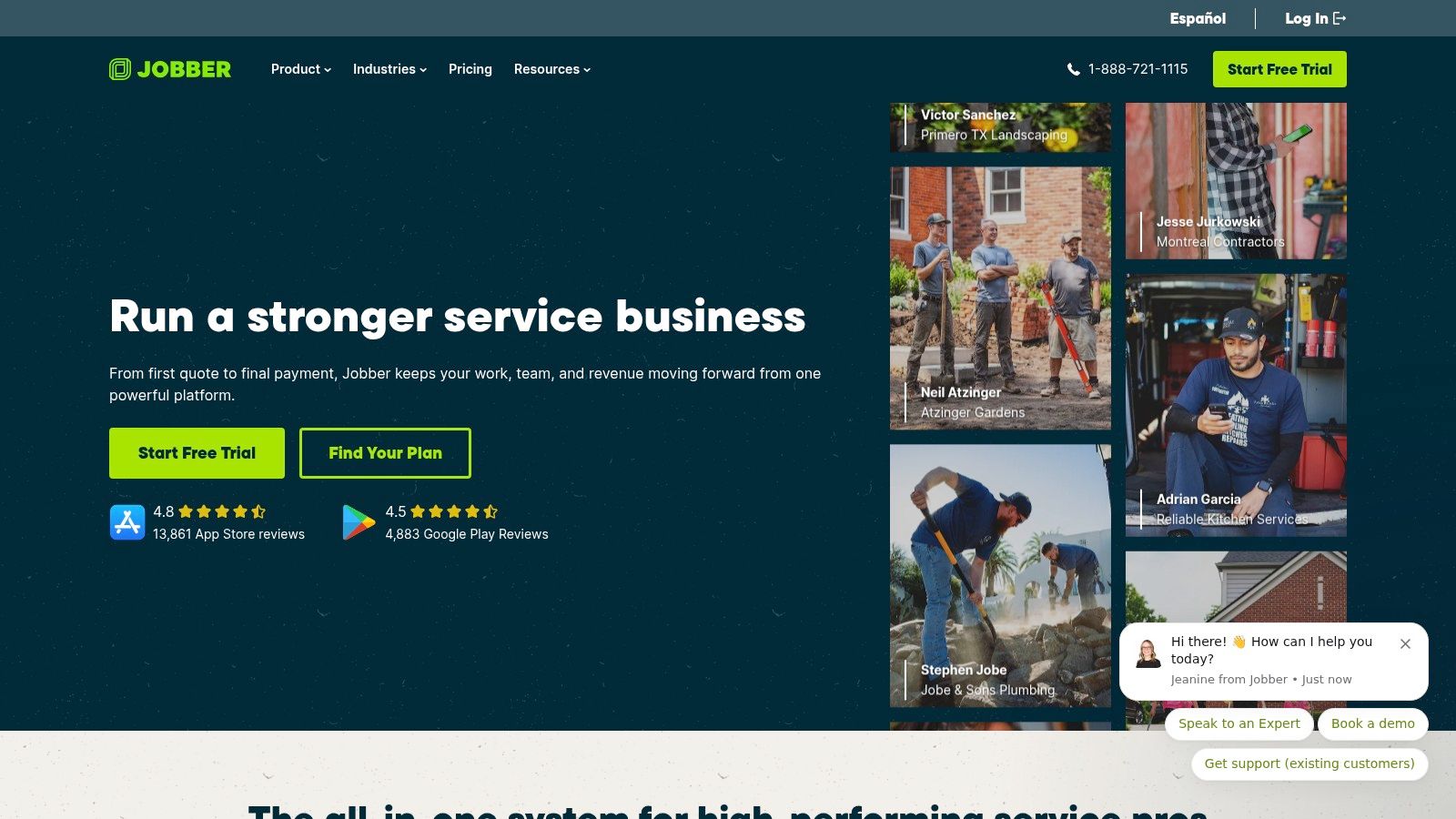
The useful contract fact is the trial, not a guessed crew price. Jobber offers a 14-day trial and does not require a credit card to start it. Plan options and billing commitments are published, and they change with team size. An entry bundle can look cheap for one person and then miss the crew once user limits, reminders, or reporting sit on a higher plan or an add-on.
What a one-to-twenty crew should confirm:
- Assignments and follow-up: Jobs can be scheduled and assigned, and eligible plans automate client reminders plus quote and invoice follow-ups.
- Money tools: Quotes, invoices, and payment requests live in the same product, with QuickBooks Online and other tools through the app marketplace.
- The shortfall: Advanced communication, automation, or reporting may require moving up. Price the plan for the people who need logins, not for the owner alone.
2. Housecall Pro
Housecall Pro fits home-service companies that mix repeat visits with one-off calls. Drag-and-drop dispatch, recurring jobs, appointment reminders, and "on my way" updates tie the schedule to what the customer sees. Online booking, quotes, a mobile app, invoicing, payments, and review tools sit in the same workflow. That mix suits HVAC, plumbing, cleaning, and similar crews more than a pure appointment link.
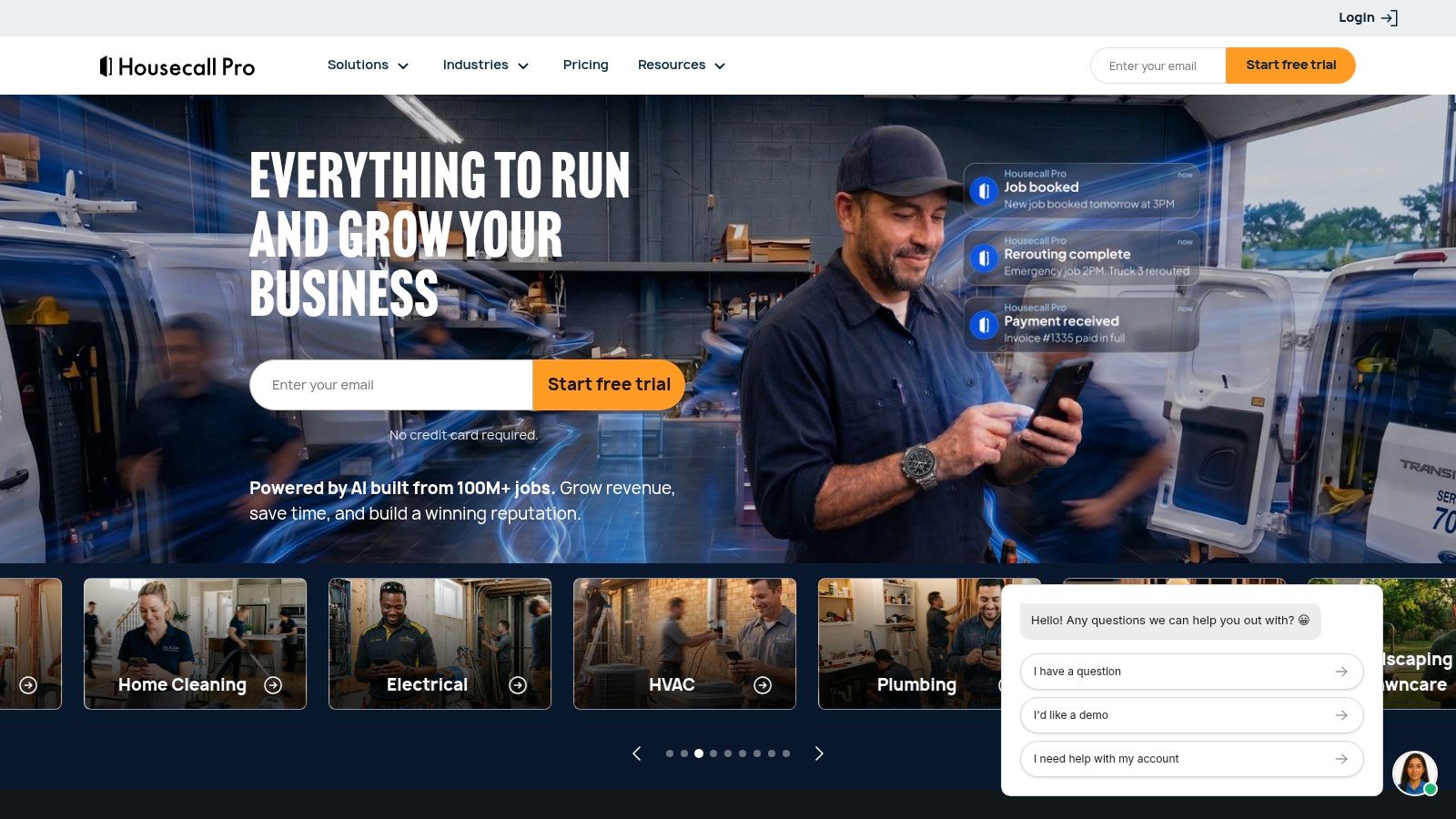
Housecall Pro offers a 14-day trial with no credit card required. Total cost still moves with the plan, the billing term, extra users, and add-ons. Service Plans, Pipeline, and the Sales Proposal Tool can cost extra depending on the plan, so a six-person shop should not treat the first published tier as the operating cost.
A flat-looking monthly price is only flat if every tech, every text, and every proposal tool is already inside it.
For a crew of one to twenty, ask for the monthly total at today's headcount and at the headcount a year out, in writing, before the card is entered.
3. ServiceM8
ServiceM8 prices paid plans as a flat monthly business fee with unlimited users, not a per-seat ladder. That is the comparison that matters for a crew of one to about twenty. Monthly job limits, not login counts, are what push an upgrade.
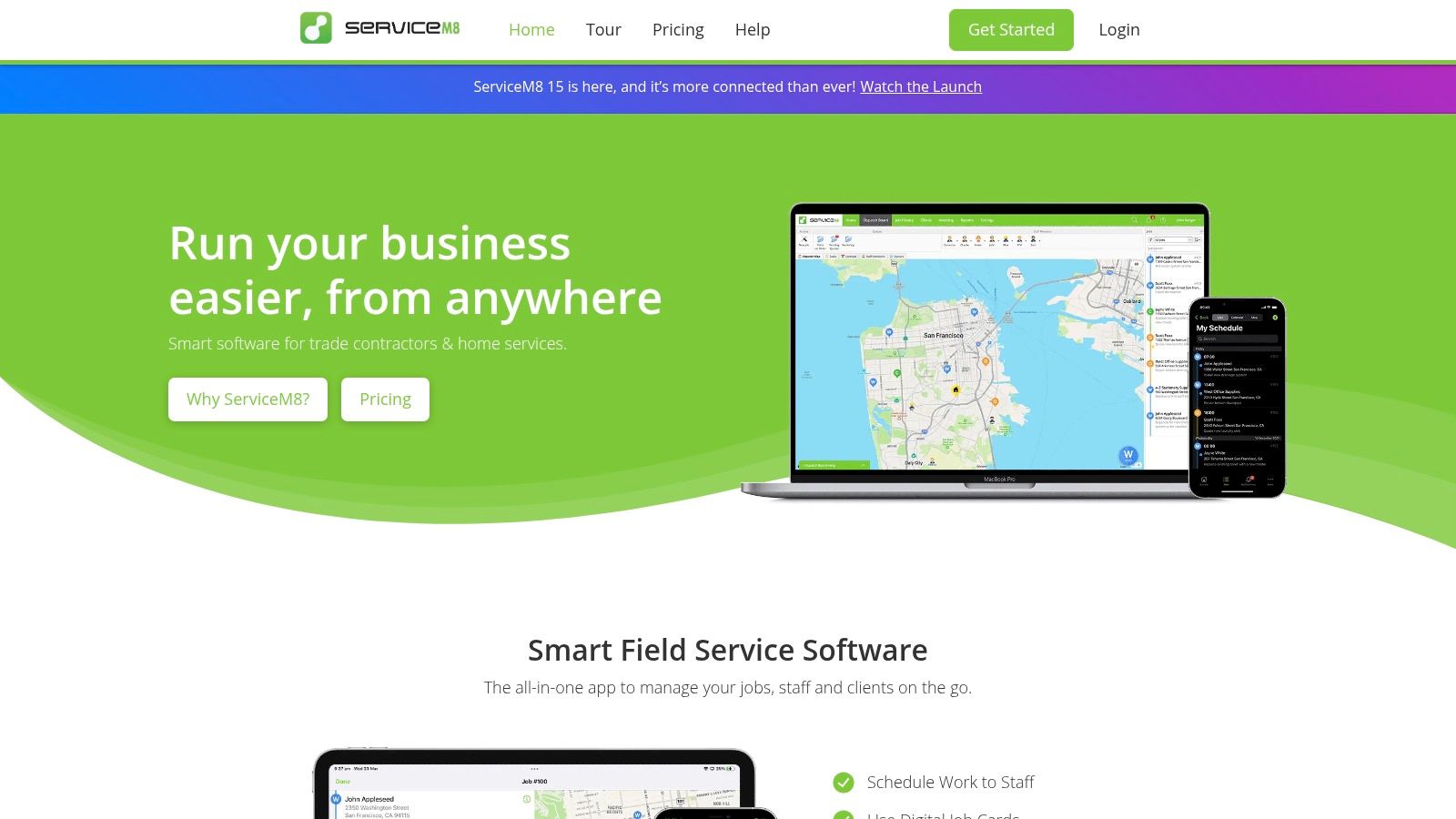
The free plan is narrow on purpose. ServiceM8 offers it for one user creating up to 30 jobs per month. Paid tiers publish prices and monthly job allowances. Extra jobs can incur a charge, and some tools, including forms and certificates, stay on qualifying plans. QuickBooks Online and Xero connections are part of the broader product, not a reason to ignore the job cap.
Staff get notified when a job changes. Recurring work, client history, quotes, and invoices sit on the job calendar, and the product can track staff locations and job progress. A solo handyman can live on the free cap for a while. A plumbing crew running well past 30 jobs a month will not. Mixed phones and tablets should be checked before rollout, because field workflows depend on the devices the crew already carries.
4. FieldPulse
FieldPulse is the awkward middle of this list. It can schedule jobs and subtasks, run team calendars, and set different access for managers and service agents. Estimates, invoices, and time tracking are in the base idea. Payments, fleet tracking, and Engage phone tools are optional, so a small trade shop can ask for a bundle instead of buying every module.
The main FieldPulse pricing page does not publish a simple public monthly figure. Pricing is customized and seat-based, which blocks a quick crew-to-crew comparison. A support pricing page describes a 14-day trial without a credit card. Anyone comparing that older support-page language with a new-account quote should get the relationship in writing. Seat minimums, contract length, onboarding, and add-ons belong in the same note.
Role limits help when the office should see margins and the tech should not. They do not replace a quoted total for the actual crew. Leave FieldPulse off a shortlist until that number is on paper.
5. QuoteIQ
QuoteIQ is easier to line up against a headcount because it publishes plan tiers and user limits. The entry plan is one user, so it matches a solo contractor and fails the moment a helper needs a login. Max is listed for up to 20 users, which is the top of the crew range this list uses.
QuoteIQ covers estimates, invoices, scheduled jobs, and customer records. Higher tiers add customer messaging automation, job costing, and QuickBooks connectivity. Route optimization, crew tools, inventory, pipelines, and advanced scheduling sit on Elite, not on the solo tier.
Where it runs short:
- Team growth: One extra user means a higher plan, not a small add-on on the entry price.
- Routing: Crew management and route tools are held for higher plans.
- Leaving later: Import and export for customers, jobs, and payments should be confirmed before anyone switches off spreadsheets.
A one-person painting or handyman business can start low. A ten-person exterior crew should price Elite or Max first, not discover the cap after the first hire.
6. Zoho FSM
Zoho FSM charges around appointment volume, not only around seats. That reads differently from Jobber-style user bundles and from ServiceM8's job caps. Unused monthly appointments do not roll over, so a slow winter does not bank visits for a busy spring.
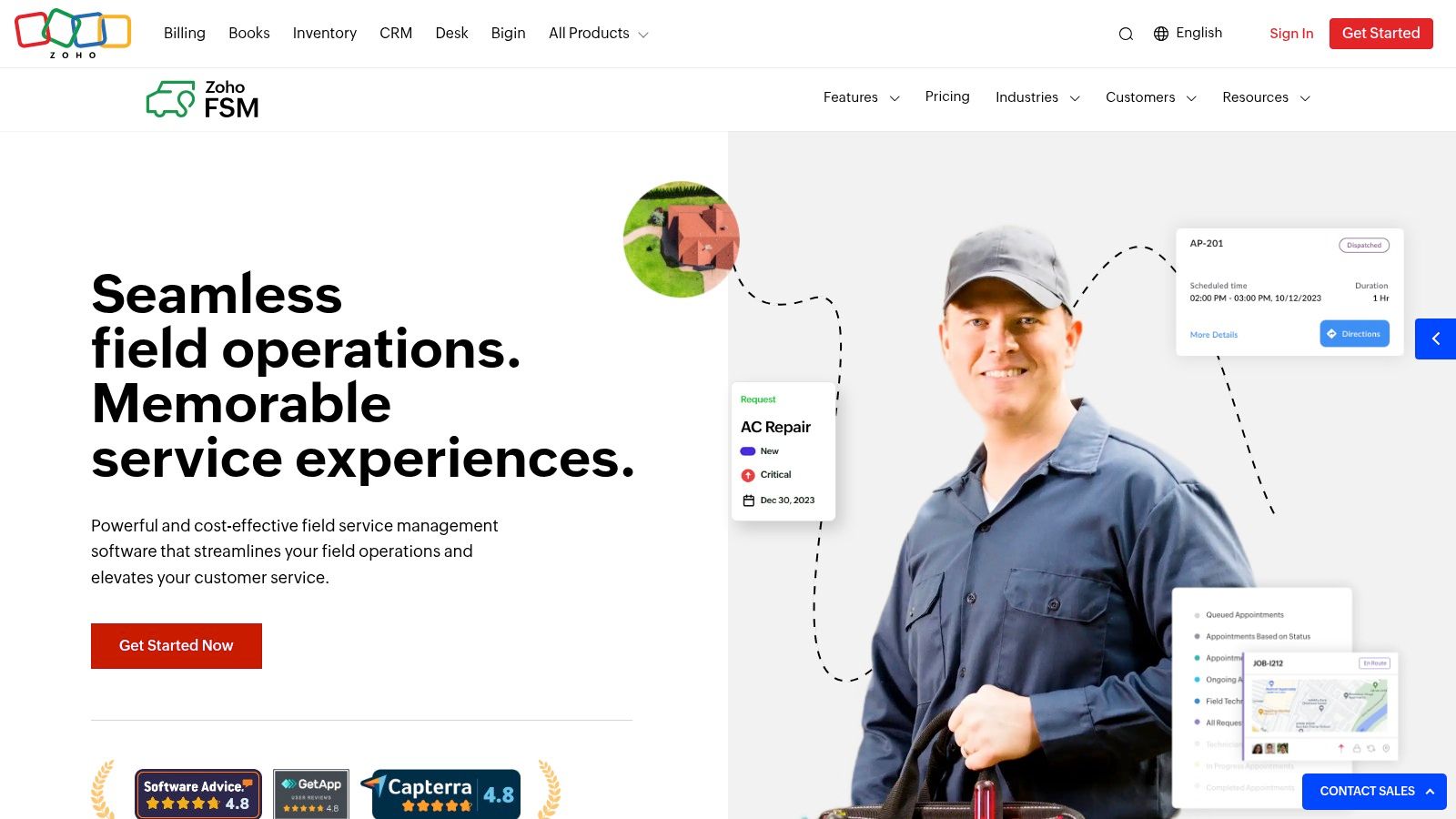
The free edition on Zoho FSM allows up to 30 appointments and 30 invoices per month, and the free plan supports up to 20 users. Paid plans raise user limits. There is a 15-day trial, and a business can stay on the free edition afterward. Dispatch, work orders, estimates, invoices, a mobile app, customer records, and standard reports are the core. Maps, location tracking, maintenance plans, and job costing land on higher editions, along with connections to Zoho CRM and Zoho Books.
It suits a shop already living in Zoho more than a crew that wants one standalone app. A twenty-person login count on the free edition is not the same as twenty people running a full dispatch day. Allowances and features change by edition and by how many appointments the month holds.
7. Yardbook
Yardbook is lawn and yard software, not a general trades platform. Scheduling and routing sit beside estimates, invoices, and customer records. Multi-step chemical programs match program-based lawn work. HVAC, plumbing, and electrical shops will notice the missing trade fit long before they notice a missing calendar.
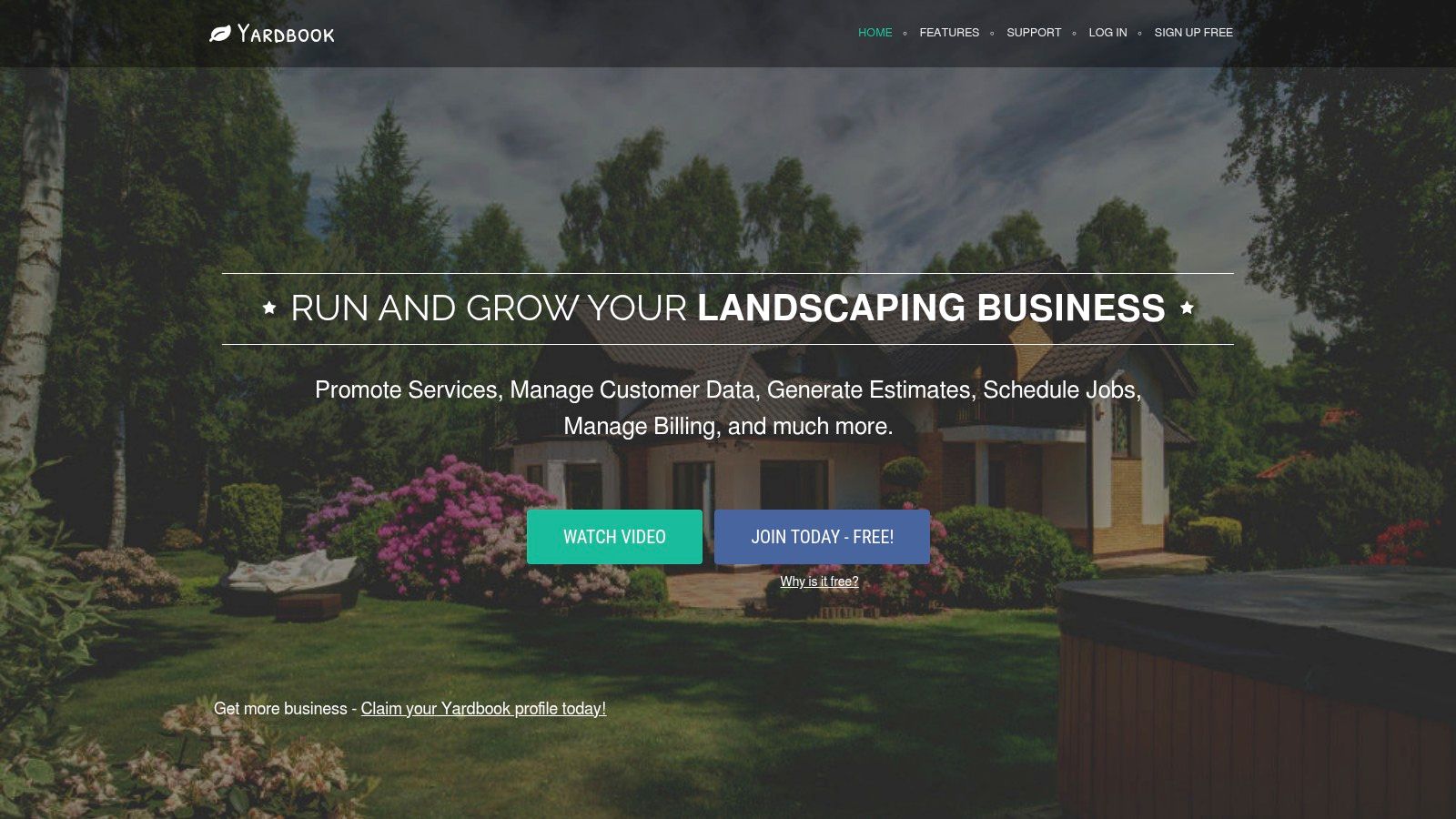
The Yardbook free plan includes core scheduling, routing, estimating, and invoicing. It also includes ads, and online payments carry a Yardbook processing fee. Paid tiers are published so a buyer can see what GPS tracking, automatic invoice reminders, and bulk messaging cost on the Business plan, and what QuickBooks sync plus a branded company portal cost on Enterprise.
Free routing is not free checkout. The processing fee and the ads belong in the first-year cost, not in a footnote after signup.
Check phone and tablet requirements before a crew of mowers is told to stop using texts. For a solo lawn operator, the free plan can hold the year. For a six-truck landscaping company, Business or Enterprise is the core product.
8. Service Fusion
Service Fusion aims at contractors, including HVAC, plumbing, and electrical, and it advertises flat monthly pricing with unlimited users. That is the point for a small company where the office and every tech need a login. Drag-and-drop scheduling, route planning with real-time adjustments, estimate-to-job flow, mobile access, customer notifications, invoicing, payments, service agreements, and GPS fleet tracking are the stated scope.
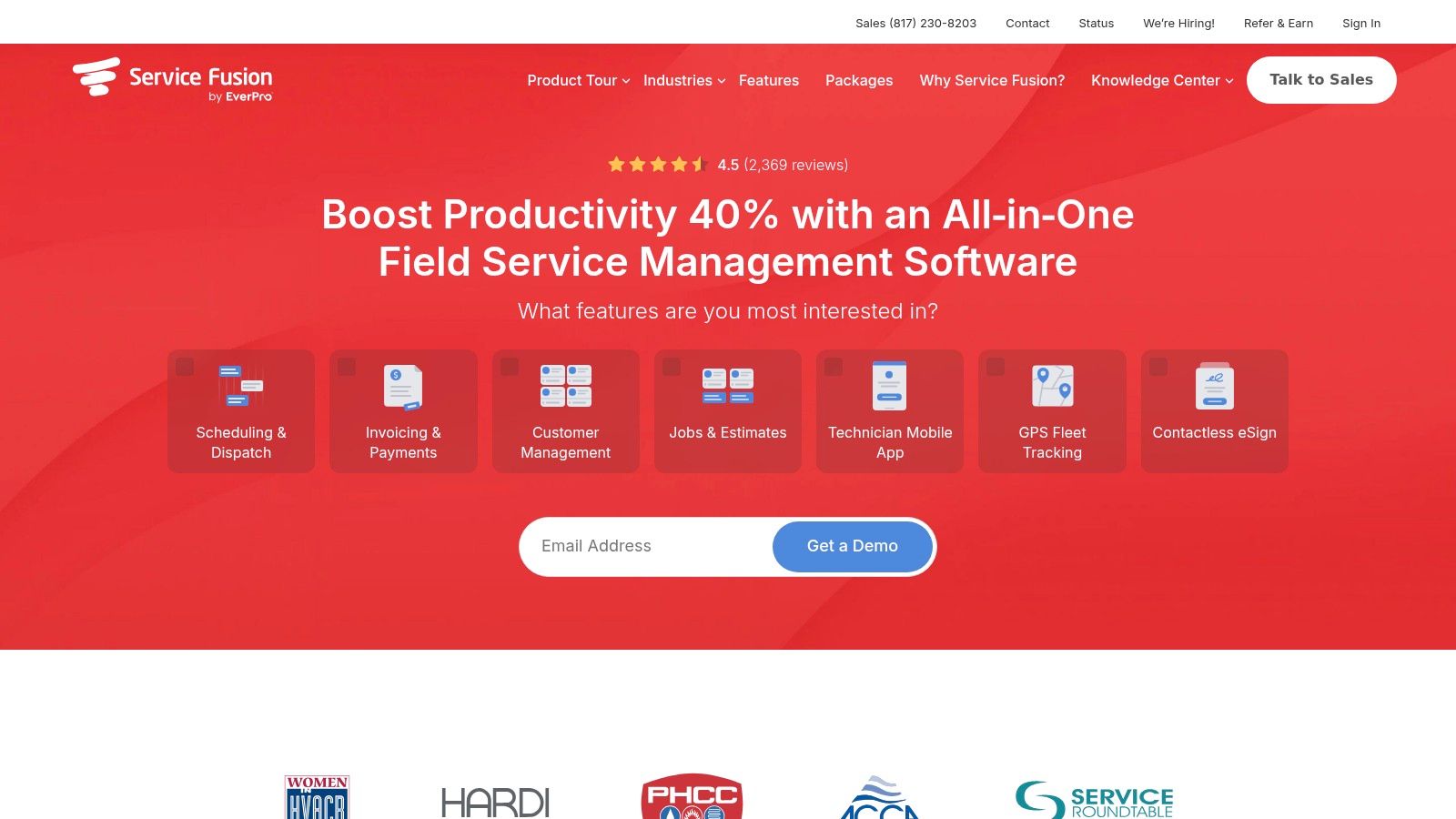
Service Fusion does not present a public plan-by-plan price table a buyer can total alone. Its published starting price sits above basic solo tools, so a one-person pressure washer is usually paying for software built for a wider crew. Included routing, fleet, and payment pieces should be confirmed inside the quote, not assumed from the feature list.
Unlimited users only help if the quoted monthly fee, the term, and the export rules are acceptable for that headcount. Get the quote for the crew that exists now. A demo that never states the number is not a shortlist item.
9. Workiz
Workiz pairs a drag-and-drop calendar and dispatch updates with calls, leads, and customer history. That is the fit when rescheduling and the phone are the day, not a side task. Customizable reminders, estimates, invoices, online payments, and recurring jobs are in the product. Service plans, proposals, inventory, checklists, and heavier automation sit on higher plans. A mobile app covers the field.
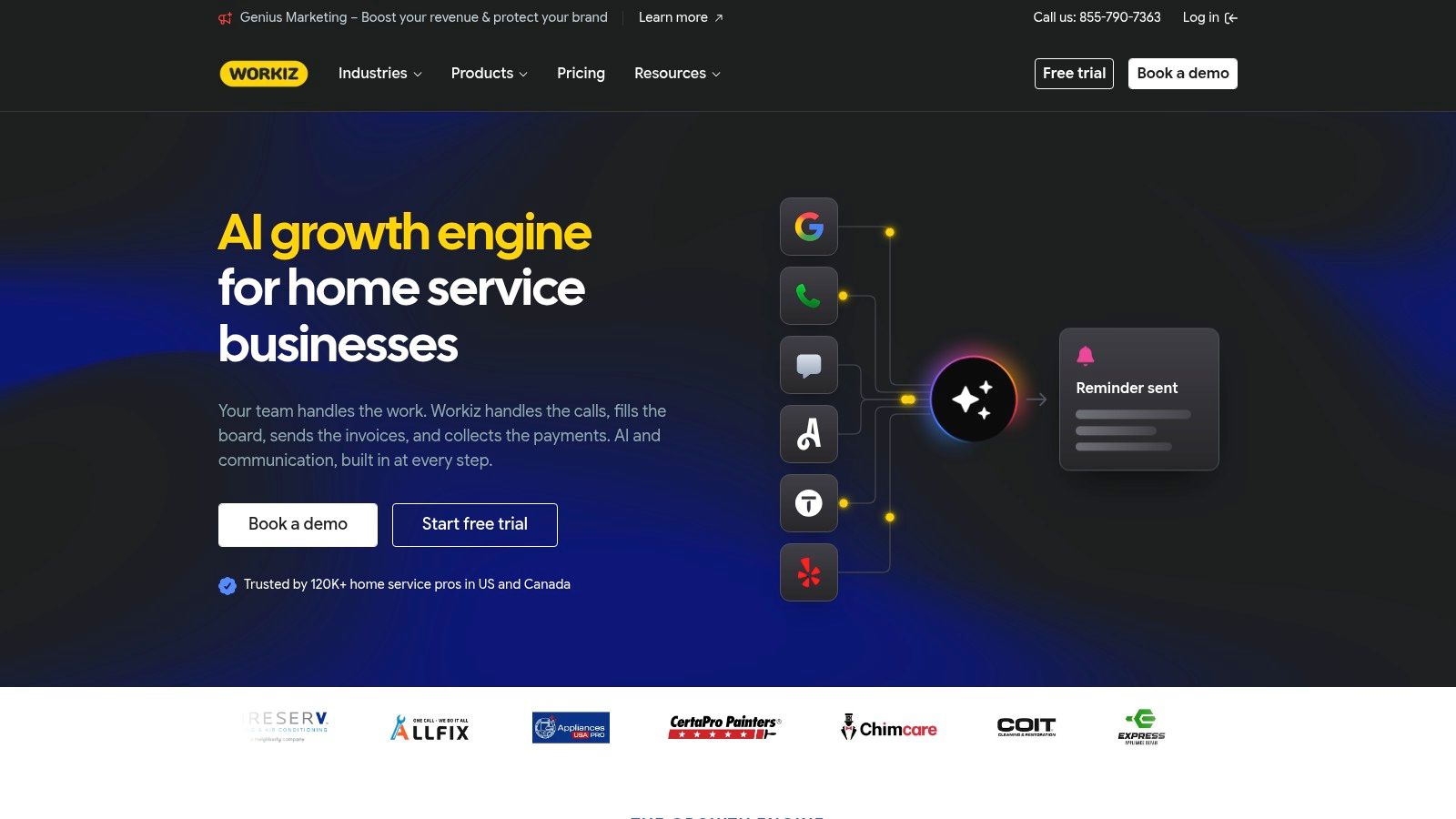
The Workiz pricing page sends buyers to a quote, so there is no public monthly figure to set beside a flat-fee rival. Genius Phone, Genius Answering, and Genius Marketing are sold separately. Annual plans are billed at purchase, which means the term and the cancellation rules matter as much as the feature grid.
A crew of one to twenty should ask for one monthly total that already includes the phone tools they will turn on. Comparing the base quote to Jobber or Housecall Pro without those add-ons understates the card charge.
10. FieldEdge
FieldEdge is trade software for HVAC, plumbing, and electrical companies, including shops running multiple trucks. Booking, scheduling, dispatch, and technician time tracking sit with a pricebook and flat-rate pricing, customer history, quotes, invoices, and service agreements. QuickBooks Online and QuickBooks Desktop are both in the integration set. Higher tiers add advanced dispatching, multi-option quotes, and more saved reports. Paid plans include onboarding and training.
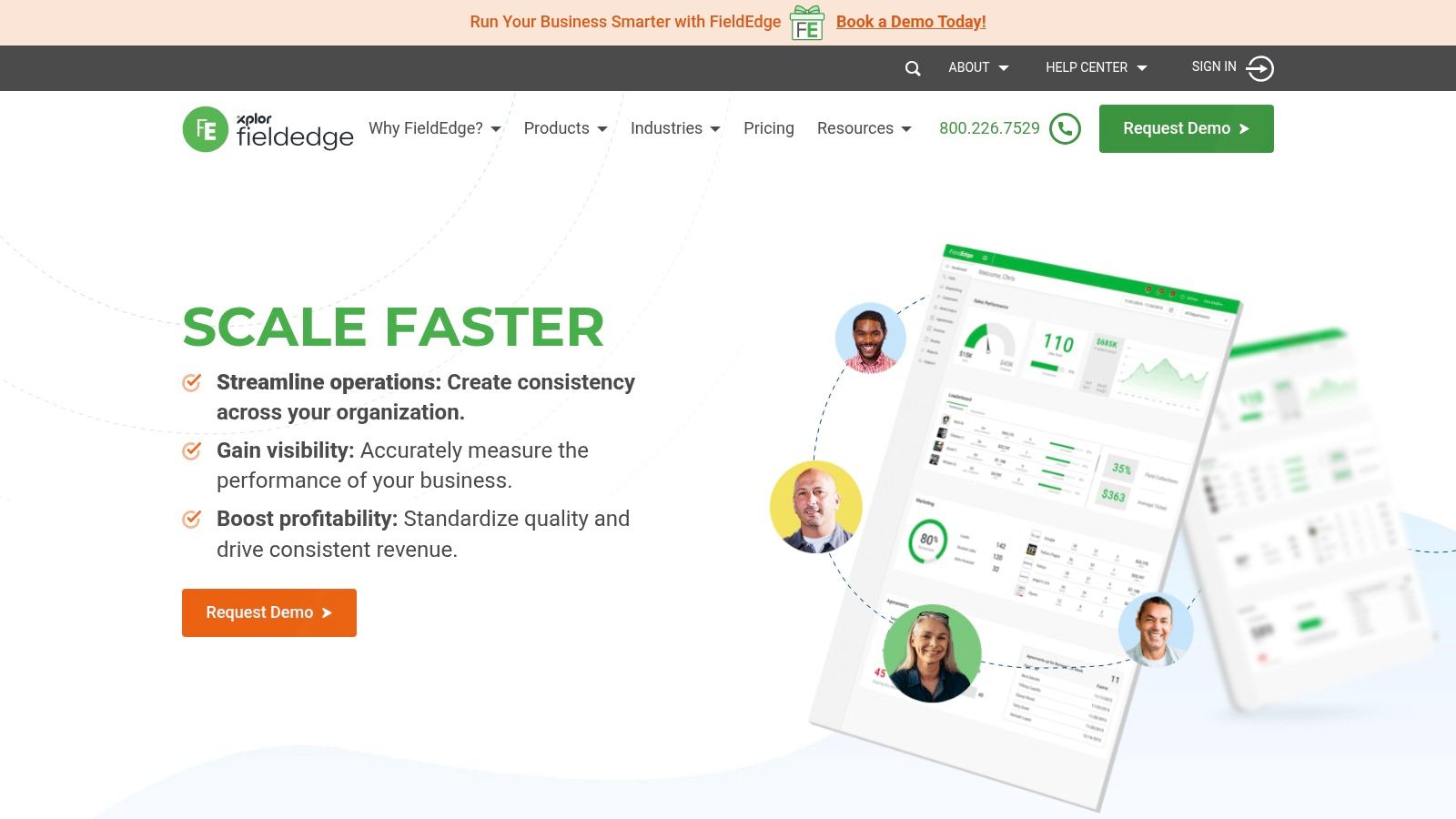
FieldEdge does not publish a public subscription price and does not offer a free trial. Buyers are expected to use a demo and an onboarding process. Mobile app licenses are limited by plan, so extra techs can add license cost that a headline "per company" conversation hides.
For a solo operator, that is a heavy door. For a multi-truck mechanical or electrical crew, the trade pricebook can justify the quote if the written total names every mobile license. Do not shortlist it on a demo alone.
Published price, user limits and trade fit at a glance
The published monthly figure only makes sense alongside its plan limits and billing terms. The table compares each product's published entry point and user or job limits where the section provides them. For products without public pricing, it identifies the quote-based model rather than implying a price.
| Product | Published Entry Price | User or Job Limit | Free Trial | Best Fit |
|---|---|---|---|---|
| Jobber | Pricing depends on plan and team size | Limits depend on plan | 14 days; no credit card required | Owner-operators and small crews managing the full customer-to-payment workflow |
| Housecall Pro | Pricing depends on plan, billing term, and add-ons | Additional users may affect pricing | 14 days; no credit card required | Home-service businesses managing recurring jobs and one-off calls |
| ServiceM8 | Free plan available; paid plans have flat monthly pricing | Free plan: 1 user and 30 jobs/month; paid plans: unlimited users | Free plan available | Small trade businesses wanting flat-rate pricing and job-volume limits |
| FieldPulse | Custom quote; seat-based pricing | Seat limits and costs are quote-based | 14 days; no credit card required | Small trade businesses needing role-specific access and tailored options |
| QuoteIQ | Published plan tiers; entry price not provided here | Entry plan: 1 user; Max plan: up to 20 users | Not provided here | Contractors comparing published tiers and user limits |
| Zoho FSM | Free edition available | Free edition: up to 20 users, 30 appointments and 30 invoices/month | 15 days; free edition available afterward | Businesses using Zoho products or needing appointment-volume pricing |
| Yardbook | Free plan available | Free core tools; no user or job cap stated here | Free plan available | Lawn-care and landscaping businesses |
| Service Fusion | Published starting price; amount not provided here | Unlimited users | Not provided here | Contractors needing broad operations tools and multiple user logins |
| Workiz | Quote-based pricing | User limits are not stated here | Not provided here | Service businesses where calls, leads, and dispatch are central |
| FieldEdge | Quote-based pricing | Mobile app licenses are limited by plan | No free trial; demos available | HVAC, plumbing, and electrical contractors, including multi-truck businesses |
How to Choose Without Overbuying
There isn't one winner on this list. The cheap plan and the capable plan are often different products, and a crew of one does not need the same contract as a crew of twelve.
Write the crew size today and the crew size twelve months out. Then write the two or three jobs the software must do for the trade. A lawn company may need recurring routes and multi-step chemical programs. A cleaning or pressure-washing outfit may need deposits and a simple recurring schedule. An HVAC or plumbing shop may need on-site quote approval and service agreements. If the plan can't do those jobs at the future headcount, the rest of the feature grid doesn't matter.
Open the vendor's own pricing page on the day of buying and match the figure to the plan name. If the page has no figure, as with quote-led products such as FieldPulse, Workiz, and FieldEdge, the product stays off the shortlist until a written monthly total arrives for a stated crew size. Service Fusion belongs in that same bucket until the quote names what routing, fleet, and payments include.
Before any card is entered, ask for these items in writing:
- Seats and licenses: Minimum seats, and any add-on for extra mobile licenses.
- Trial and billing: What happens when a 14-day or 15-day trial ends, whether the term is month to month or annual, and whether the year is billed up front.
- Leaving: Cancellation rules and how customer, job, and payment data export.
- The crew total: One monthly number for the people who will log in, including messaging or phone add-ons.
A free or single-user tier can carry a solo operator for a year. Moving up later is normal. ServiceM8's 30-job free plan, Zoho FSM's 30-appointment free edition, Yardbook's free core tools, and QuoteIQ's one-user entry are starting points, not finish lines. A quote-based product should be priced for the actual crew before it is shortlisted, not after a demo has already used an afternoon.
Pick the two plans that match the crew size on paper, open each vendor pricing page the same day, and ask both companies for the monthly total, the term, and the export rules before anyone enters a card.