A lawn care owner may be deciding between two very different paths: a free tool that keeps recurring jobs organized, or a paid platform designed to coordinate an expanding crew. The cheaper choice can look obvious until technicians need mobile access, customers ask for online updates, and the office starts copying information between scheduling, invoicing, and messaging tools.
The central question in Jobber vs Yardbook isn't merely whether a business should pay for software. It's whether the business needs a basic lawn care tracker or a broader office-to-field workflow. Yardbook keeps the entry cost low and emphasizes unlimited users on its published free, Business, and Enterprise plans. Jobber charges according to plan and user count, but it offers deeper scheduling, communication, and team controls.
| Decision area | Jobber | Yardbook |
|---|---|---|
| Product direction | Broad field service platform | Lawn care and landscaping focused web application |
| User model | Seat-based pricing | Unlimited users on published free, Business, and Enterprise tiers |
| Entry position | Paid plans, with a free trial | Free tier available |
| Scheduling | Advanced dispatch and workflow automation | Basic route planning and recurring scheduling |
| Customer communication | Broader client communication, online booking, and customer portal features | More limited customer-facing functionality |
| Best fit | Growing crews and businesses needing office-to-field coordination | Solo operators and simple recurring maintenance businesses |
Platform Origins and Core Strategies
A solo lawn care operator with a small list of recurring customers may only need customer records, recurring schedules, estimates, and invoices. In that setting, Yardbook's low-cost structure has a clear appeal. The owner can keep multiple users in the account without the same per-seat pressure that applies to Jobber.
The decision changes when the business adds technicians, handles more varied appointments, or expects customers to manage parts of the relationship themselves. Jobber was founded in 2011 in Edmonton, Alberta, and has raised over $100 million in funding, according to company background published by Field Service Software. Its target segment is businesses with 1 to 20 technicians, which helps explain why its product strategy extends beyond lawn care into broader field service operations.
Yardbook was founded in 2014 in San Mateo, California, making it the younger product by roughly three years, as described in the same Jobber company comparison. Its later entry and tighter focus fit the needs of small landscaping and lawn care companies that want a web-based system without adopting a wider field service platform.
Two different operating assumptions
Yardbook's model assumes that a business gets value from a low-cost system covering the basics. That can work well for recurring mowing, maintenance visits, straightforward estimates, and simple billing. The software's appeal is strongest when the owner remains close to every job and the workflow doesn't require many handoffs.
Jobber assumes that the business will need more coordination as it grows. Its broader platform position includes scheduling, invoicing, payments, messaging, mobile access, and team notifications. Those functions matter when an office employee schedules jobs, a crew member completes the work, and a customer needs an update without the owner acting as the messenger.
Practical rule: A free account is only cheaper if it doesn't force the business to recreate missing functions in separate tools.
That distinction matters for trades outside lawn care. A pressure washing or cleaning company may use Yardbook for basic job tracking, but HVAC, plumbing, electrical, and handyman businesses often need more than recurring route management. The broader the service mix, the more important it becomes to compare the complete customer and technician workflow rather than the monthly subscription alone.
Published Pricing and User Limits
The price comparison looks favorable to Yardbook at first. Its published structure emphasizes unlimited users on the free, Business, and Enterprise tiers. Jobber uses a seat-based model, so the bill changes as the business adds technicians. The difference is less important for a solo operator than for a company planning to add field staff.
Jobber's official pricing page, read October 5, 2026, publishes pricing by plan, user count, and monthly or annual billing. The verified entry range is around $29 to $39 per month, depending on the plan and billing presentation. Yardbook's published plan structure includes $0, $34.99, and $49.99 monthly tiers, with unlimited users, as summarized in the vendor comparison coverage.
| Feature | Jobber | Yardbook |
|---|---|---|
| Pricing model | Seat-based | Unlimited users on published free, Business, and Enterprise tiers |
| Entry position | Around $29 to $39 per month | $0 free tier |
| Published paid tiers | Varies by plan and user count | Business and Enterprise tiers |
| User cost as crew grows | Rises with team size | Doesn't rise by user seat under the published unlimited-user structure |
| Trial | 14-day trial with full Grow plan access | No equivalent trial term is established in the verified vendor data |
| Credit card for trial | Not required | Not established in the verified vendor data |
The cost curve matters more than the first invoice
A solo operator comparing an entry Jobber plan with Yardbook's free tier is comparing a paid workflow against a free one. A growing crew is comparing two different cost curves. Jobber's cost rises with additional users, while Yardbook's published unlimited-user structure avoids a direct per-technician increase.
That doesn't make Yardbook automatically less expensive overall. Missing customer communication or mobile functions can create manual work, duplicate data entry, and more office follow-up. Those costs don't appear on the subscription invoice, but they still consume owner and administrator time.
Jobber's official trial terms state that the trial lasts 14 days, includes full access to the Grow plan, and doesn't require a credit card. That gives a lawn care owner a defined way to examine the paid workflow before committing. A trial should be judged against real operating tasks, such as moving a recurring job, notifying a customer, closing a work order, and collecting payment.
Yardbook makes more financial sense when the business has simple recurring work and several users need access without a rising seat bill. Jobber makes more sense when the extra subscription cost replaces manual coordination that would otherwise expand with the crew.
Scheduling, Routing, and Automation Depth
Scheduling is where the difference between the two products becomes operational rather than financial. A lawn care business with stable recurring routes may only need recurring scheduling and basic route planning. A business with weather changes, varied appointment types, multiple crews, and frequent customer communication needs more control.
Neutral comparison coverage describes Jobber as the stronger option for dispatch and automation. Its documented capabilities include drag-and-drop scheduling, route optimization, GPS tracking, automated reminders, and two-way messaging on higher tiers, according to the Jobber and Yardbook scheduling comparison. Yardbook is described as covering basic route planning and recurring scheduling, with fewer workflow controls.
Basic routing versus active dispatch
Basic route planning can be enough when the owner already knows the order of stops and the work rarely changes. Recurring mowing routes often fit that pattern. The owner assigns the same customers to the same day, and technicians follow a familiar sequence.
The weakness appears when the schedule is disrupted. A rain delay, a skipped visit, a new customer, or a technician absence can require manual changes across the day. Advanced dispatch tools reduce the number of separate decisions the office has to make, especially when a business coordinates several technicians.
Jobber's drag-and-drop scheduling supports a more active dispatch model. The office can adjust assignments visually, while GPS and team notifications provide a closer connection between office planning and field execution. The value isn't limited to route distance. It also comes from reducing the chance that a technician receives outdated instructions.
Automation changes the office workload
Automated reminders and two-way messaging can handle routine customer contact before the office has to make a phone call. That matters for appointment confirmations, schedule changes, and updates connected to recurring work. Yardbook's basic scheduling approach can remain suitable for an owner who personally handles those conversations, but it has less room for a growing administrative workflow.
A lawn care company should ask whether the schedule is a static list or a daily operating board. If it is a static list, Yardbook may cover the essential task at a lower cost. If it is a constantly changing dispatch operation, Jobber's deeper controls are more likely to justify the subscription.
Mobile Workflow and Customer Communication
The hidden cost in a low-cost tool often appears after the schedule is created. Technicians need current job details, and customers need a simple way to receive information, approve work, book service, or check status. If those functions aren't available in the main workflow, the owner or office manager becomes the connection between every party.
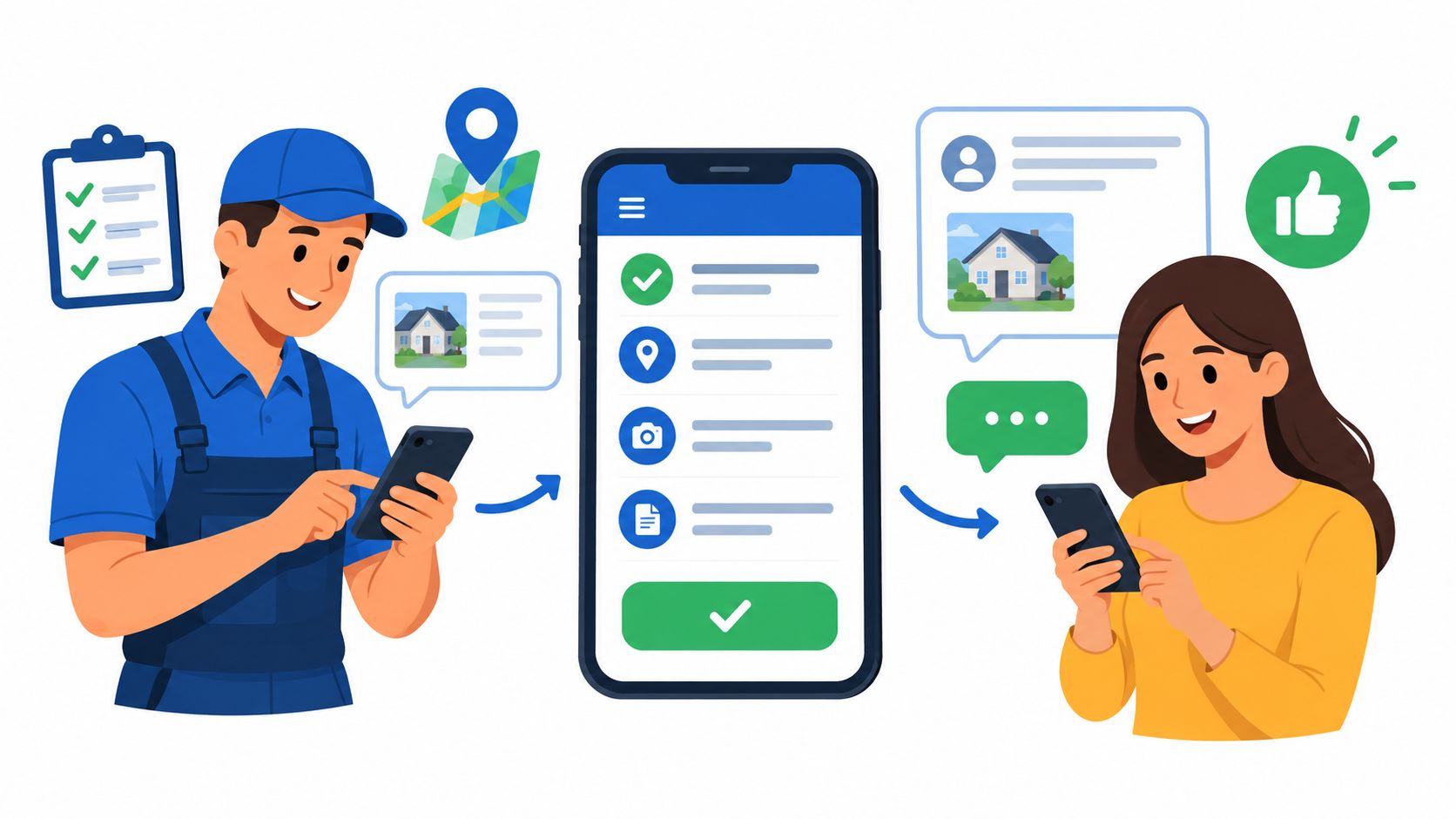
Recent comparison coverage describes Yardbook as lacking a self-serve customer portal, online booking, customer communications, and an iOS version of its mobile app, while positioning Jobber as the more polished platform for scheduling, invoicing, payments, team notifications, GPS tracking, and broader client communication. Those differences are summarized in Jobber's landscaping scheduling guidance.
The cost of missing self-service
A customer portal changes who handles routine questions. Without one, a customer may call the owner to ask whether a visit was completed, request an invoice, or check an appointment detail. With a portal, the customer can access at least some of that information without another office interaction.
Online booking creates a similar distinction. A lawn care company that accepts straightforward residential appointments may benefit from allowing customers to request service without a phone call. A company that sells only recurring contracts may care less about online booking and more about recurring billing and route communication.
The same principle applies to mobile access. If the field team can't access the right job information from its phones, the office may send texts, print lists, or relay changes verbally. Each extra handoff creates a chance for an address, gate instruction, service note, or customer request to be missed.
The cheapest subscription can become an expensive operating choice when the owner has to supply every missing communication function manually.
Jobber's broader mobile and client workflow is more relevant to businesses outside pure mowing. A cleaning company may need appointment reminders, a pressure washing operator may need customer approvals, and an HVAC or plumbing business may need stronger coordination between office staff and technicians. Yardbook's value is clearer when the work stays close to its lawn care focus and the owner can tolerate more direct administration.
Payment Processing and Contract Terms
Payment collection affects the cost of field service software because it determines how easily a completed job becomes cash. Jobber's payment terms are documented by the vendor. The Jobber payments FAQ says Jobber Payments has no setup fees or monthly charges, with standard transaction fees applying when customers pay.
The same FAQ says Jobber supports credit card and ACH bank payments online. Customers can pay from a quote, invoice, or the client hub. That gives the business several collection points without requiring the office to send a separate payment request after every visit.
Cancellation is part of the price
Jobber's cancellation terms vary by billing arrangement. Its terms of service state that cancellation before the first invoice is processed ends access without charging the card. Monthly plans end at the close of the current billing cycle, while annual subscriptions billed monthly continue through the 12-month term even if the subscriber cancels early.
Yardbook's terms of service state that subscribers can cancel online at any time through the Account Billing page using the change or cancel membership option. That is a self-serve cancellation process rather than one that requires a support ticket or phone call.
| Contract question | Jobber | Yardbook |
|---|---|---|
| Payment setup fee | No setup fee or monthly Jobber Payments charge | Not established in the verified vendor data |
| Online payment methods | Credit card and ACH | Online payments are part of the product comparison, but specific terms aren't established here |
| Cancellation path | Account cancellation under vendor terms | Self-serve Account Billing cancellation |
| Annual commitment risk | Annual subscriptions billed monthly continue through the 12-month term | No equivalent commitment detail is established in the verified vendor data |
The practical difference is clear. Jobber offers a documented payment workflow but requires close attention to the selected billing term. Yardbook offers a simpler cancellation mechanism in its terms, but the available evidence doesn't establish the same payment pricing and contract detail.
Ideal Business Profiles and Use Cases
Yardbook is the stronger fit for a solo lawn care operator whose work centers on recurring maintenance, basic schedules, estimates, and invoices. The unlimited-user structure also helps when a small business needs to give several people access without paying a separate seat charge for each person.
That fit weakens when the business depends on customer self-service or active crew coordination. Businesses that need online booking, appointment reminders, GPS tracking, two-way messaging, or a customer portal should treat those as operating requirements, not optional extras.
Yardbook fits when
- Recurring work stays simple: Weekly or periodic lawn maintenance follows a predictable pattern.
- The owner remains involved: Customers and technicians can contact the owner directly when the schedule changes.
- Budget control comes first: The business wants a free entry point and unlimited users under the published structure.
- The service mix is narrow: Lawn care and landscaping remain the main work rather than one division among several trades.
Jobber fits when
- The crew is expanding: Seat-based pricing is acceptable in exchange for stronger team coordination.
- Dispatch changes often: The office needs visual scheduling, route tools, GPS, and notifications.
- Customers expect self-service: Online booking, payments, reminders, and a client hub matter to the buying experience.
- The business crosses trades: HVAC, plumbing, electrical, cleaning, pressure washing, and handyman work require broader field service workflows.
Before selecting either product, a business should ask whether the owner is paying for software or paying for time. Yardbook may be cheaper on the invoice, but Jobber may reduce more administrative handling. The right answer depends on whether the business has a simple recurring route or a growing office-to-field operation.
Demo Questions and Final Evaluation
A vendor demonstration should use real operating situations rather than a feature tour. The owner or office manager should ask both vendors to show how the system handles the next weather delay, new customer, missed visit, payment request, and technician change.
Questions to ask before signing
- Can existing customer, property, recurring-service, and invoice records be imported? The vendor should identify which fields transfer and which require manual entry.
- What can technicians do from a phone? The answer should distinguish scheduling access, job notes, photos, customer communication, payment collection, and offline behavior.
- Which customer-facing functions are included in the selected plan? Online booking, reminders, portals, and messaging should be confirmed at the plan level.
- How does the system handle a weather reschedule? A demonstration should show whether the office can move affected jobs and notify customers without separate manual messages.
- What happens after cancellation? The business should request written details about billing-cycle access, annual commitments, and data availability.
Advantages and limitations
| Platform | Main advantages | Main limitations |
|---|---|---|
| Jobber | Deeper dispatch, route execution, automation, payments, mobile workflow, and customer communication | Seat-based pricing rises with team size, and annual monthly billing carries a 12-month commitment |
| Yardbook | Free entry point, unlimited users on published tiers, and a focused fit for basic lawn care operations | Less advanced automation, weaker customer self-service, and more limited mobile and communication coverage |
Jobber is the better operational choice for a growing lawn care company that needs the office and field team to work from one system. Yardbook is the better financial choice for a solo or small maintenance business that can operate without advanced customer and crew workflows.
The deciding test is practical. A business should put its actual recurring customers, route changes, payment process, and technician communication into the evaluation. If Yardbook covers those tasks without outside workarounds, its free structure is hard to ignore. If missing mobile or portal features create daily office work, Jobber's paid model may cost less than the apparent savings.
Lawn care owners should write down their current technician count, recurring service pattern, customer communication needs, and cancellation requirements before choosing. Then they should use Jobber's 14-day trial to test a real scheduling and payment workflow, while reviewing Yardbook's free and paid account structure against the same tasks. The right purchase is the platform that keeps routes, customers, technicians, and payments connected without making the owner repair the workflow by hand.