The cheaper headline plan in Kickserv vs Jobber isn't always the cheaper plan for a crew. One vendor bundles logins, the other prices by plan and team size band, so a solo owner and a five-person shop shouldn't reach the same answer from the same monthly figures.
Why Cost Per Seat Changes the Kickserv vs Jobber Answer
Headline monthly prices mislead because the two products package users in different ways. Kickserv sells tiers with a set number of included users. Jobber sells named plans tied to user counts and billing terms, so the cost of the second, fifth, or fifteenth login does not follow the same pattern.
That difference changes the useful question. "Which starting plan costs less" favors whichever vendor prints the smaller entry number. "What does each login cost at this crew size" measures what a business buys: access for the owner, dispatchers, office staff, and technicians who need to see or update work.
Read the price as a seat price
The comparison that follows uses published vendor pricing, then divides each plan figure by the number of logins a business uses. It also compares published feature scope and the contract, migration, and payment items that can move the final bill.
Three limits matter:
- No hands on score: Fit is judged from published pricing and feature material, not from use.
- No forecast: Current published figures aren't a promise about renewal pricing.
- No universal winner: Crew size, billing term, and accounting needs can reverse the result.
Practical rule: Count every person who needs a login before comparing monthly prices, including part time office help.
A business with one login shouldn't value unused bundled seats the same way as a business that fills them. A growing crew also shouldn't ignore the next tier boundary. Cost per seat makes both points visible, and it exposes the exact size at which the cheaper vendor changes.
Kickserv's Published Pricing and User Bands
Kickserv's pricing structure is built around included users rather than a single starting login. Kickserv's pricing page, read on September 6, 2026, lists $60 per month for 5 users, $119 per month for 10 users, and $199 per month for 20 users, with a 30-day trial.
Dividing those figures by the included seats shows how the bundle works. The entry tier equals $12 per included user at full use, based on the figures on Kickserv's pricing page cited above, while the higher tiers spread the monthly cost across more included logins. A business using only one or two of the first five seats doesn't get that full value, because the unused seats are still part of the plan price.
What the entry tier includes
The published comparison material identifies QuickBooks Online integration with the entry structure, which matters for a small shop that already runs its books there. The entry figure is listed at $60 per month with five included users and QuickBooks Online integration on Jobber's Kickserv comparison page. Buyers should still confirm on Kickserv's own proposal whether that integration is included at the tier they select, because plan packaging can change.
The structural effect is simple. Adding a second dispatcher or another technician costs nothing at the margin while the business stays inside its included user band. Costs jump when the team crosses into the next band, even if it needs only one more login at first.
What still needs a written figure
Several items shouldn't be assumed from the tier price:
- Payment processing: Request the card rate, any platform fee, and any condition tied to online payment volume.
- Billing term: Confirm whether an annual option changes the monthly figure.
- Overage access: Ask what happens when the business needs one login above its band.
- Tier differences: Confirm which features change between the five user, ten user, and twenty user tiers, rather than assuming only the seat count changes.
Kickserv's later ownership also sits behind the present product. A major milestone came in August 2023, when EverCommerce acquired Kickserv for a reported $15 million, according to Kickserv's company history. That history doesn't set the current price, but it's relevant context for buyers asking about long term product direction.
Jobber's Published Pricing and Team Size Bands
Jobber publishes three named plans and separates monthly billing from annual billing. Jobber's pricing page, read on September 6, 2026, lists Core at $49 monthly or $29 billed annually for one user, Connect at $139 monthly or $99 billed annually for two to 15 users, and Grow at $199 monthly or $149 billed annually for larger teams, with card processing at 2.9% plus $0.30 per transaction and a 1% instant payout surcharge.
That page structure doesn't give buyers a single per seat list price that can be placed directly beside a bundled seat. The relevant unit is the plan, its team size band, and the billing commitment attached to the figure. A buyer comparing monthly Jobber pricing with annual Jobber pricing is also comparing different contract commitments, not just two prices for the same term.
Billing term changes the comparison
Core is the clearest example. The published figure drops from $49 monthly to $29 when billed annually for one user, according to Jobber's pricing page as read on September 6, 2026. The lower figure is real, but it requires the annual billing choice. The same caution applies to Connect and Grow: the attractive figure and the flexible figure are not interchangeable.
Jobber's scale is also documented separately from price. In February 2023, TechCrunch reported 200,000 service professionals and approximately $13 billion billed and collected through the platform during the preceding year, as summarized on Jobber's media page. Scale may reassure a buyer about company presence, but it doesn't answer what five logins cost.
Payment charges sit outside the plan figure
Subscription price is only one part of the monthly total:
- Card processing: The published rate is 2.9% plus $0.30 per transaction on Jobber's pricing page as read on September 6, 2026.
- Instant payouts: The published surcharge is 1% in the same pricing information.
- Fee handling: Buyers should ask whether processing or convenience charges can be passed to customers automatically.
- Seat growth: Buyers should request the cost of moving beyond the selected band in writing.
The buyer's task is to price Jobber at the actual team size and billing term the business will accept. Using the annual Core figure for a multi person Connect purchase produces a false comparison.
The Per-Seat Math at Three Crew Sizes
The math below uses the published figures already cited and divides each monthly plan price by the number of logins used. It uses Jobber's annually billed figures so the comparison is consistent. Buyers who won't commit annually should rerun the same division with Jobber's monthly figures before deciding.
| Team Size | Kickserv Plan / Per-Seat | Jobber Plan / Per-Seat | Cheaper Per Seat |
|---|---|---|---|
| 1 login | $60 plan, $60.00 per used login | Core at $29 billed annually, $29.00 per login | Jobber |
| 5 logins | $60 plan, $12.00 per login | Connect at $99 billed annually, $19.80 per login | Kickserv |
| 15 logins | $199 plan for 20 users, $13.27 per used login | Connect at $99 billed annually, $6.60 per login | Jobber |
One login
A solo operator pays for five included Kickserv seats while using one. Jobber Core is materially cheaper at that size because the plan is built for one user at $29 billed annually, according to Jobber's pricing page as read on September 6, 2026. The unused Kickserv seats may help later, but they don't reduce the current cost per used login.
Five logins
Five logins flip the result. Kickserv's entry tier becomes $12 per login when all five included seats are used, based on the $60 per month for 5 users figure on Kickserv's pricing page as read on September 6, 2026. A dispatcher, owner, and three technicians therefore produce a different answer from the solo case, even though neither vendor has changed its headline price.
Fifteen logins
At fifteen logins, the buyer needs to confirm exactly how Jobber's Connect band is charged for the full team before treating the division as final. Kickserv requires the twenty user band at that size, based on $199 per month for 20 users on Kickserv's pricing page as read on September 6, 2026.
The cheapest plan per seat isn't always the cheapest monthly total, and the cheapest monthly total isn't proof of the best value per login.
Payment volume can narrow or widen the subscription gap. A business that uses instant payouts often, or processes a large share of revenue by card, should model those charges beside the seat math. A business paid mainly by check or bank transfer should give the subscription division more weight.
Feature Scope Side by Side Without the Marketing
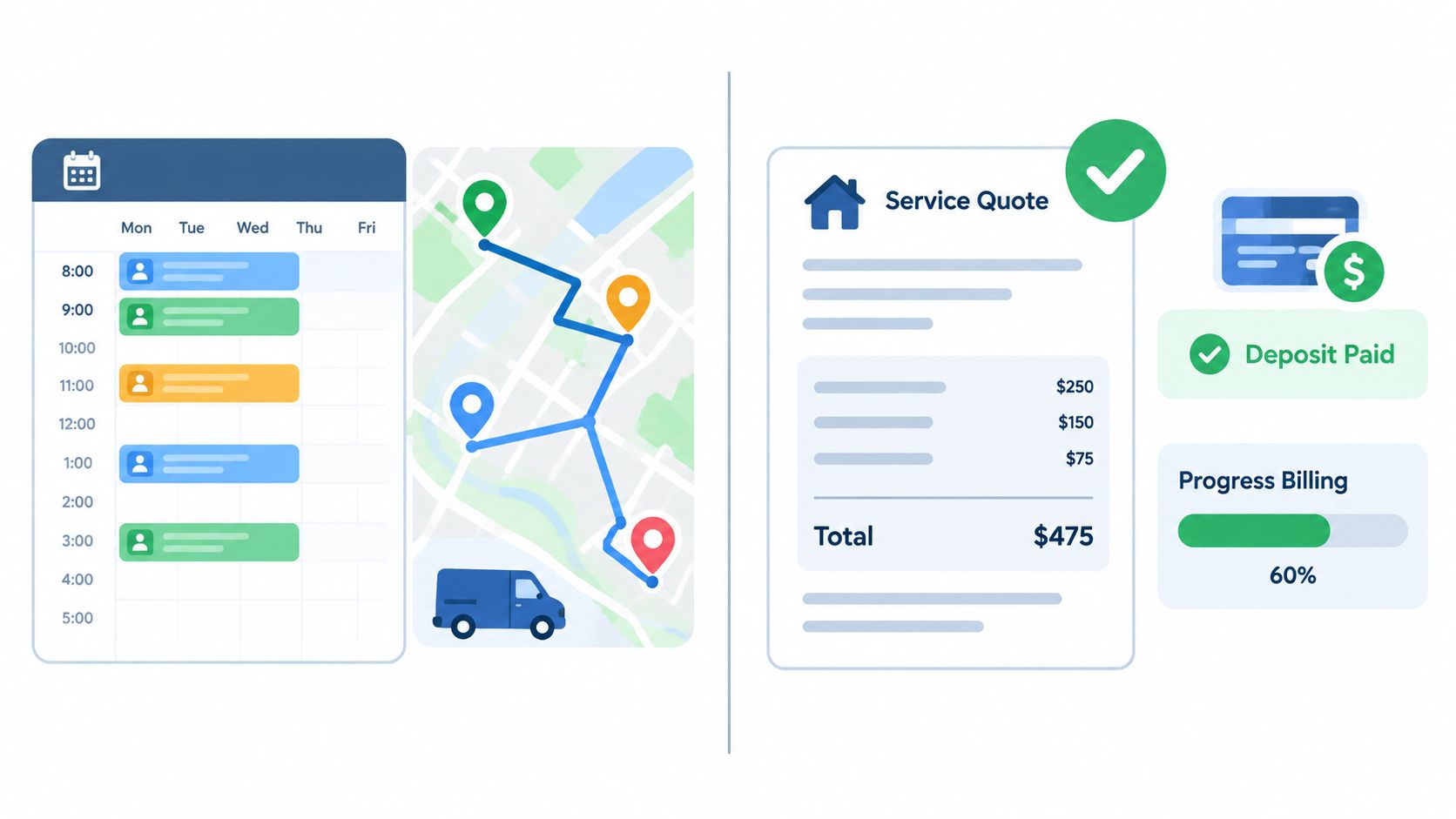
Price per seat answers what access costs. It says nothing about how much office work each login removes. Scheduling, dispatch, quoting, deposits, recurring work, customer records, messaging, and reporting decide whether staff keep a parallel spreadsheet open beside the software they already pay for.
Independent measurement favors Jobber on breadth. Jobber fully supports 62.3% of evaluated requirements versus 54.7% for Kickserv, according to SelectHub's Jobber and Kickserv feature comparison. The percentages come from a third party requirements assessment, so they describe coverage width. A trade with unusual workflows can still find its own gap on either side.
Where the published scope differs
The same SelectHub comparison cited above describes Jobber as particularly strong in automated quote to invoice workflows, GPS dispatch, and reporting. It describes Kickserv as supporting auto assignment using competency, distance, and service rating, plus electronic signature capture and integrations including QuickBooks, Xero, and Customer Lobby.
Read together, those strengths weight different parts of the job. Jobber's coverage concentrates on moving an accepted quote through scheduling, invoicing, payment, and messaging in one flow. Kickserv's coverage concentrates on assigning the right technician and capturing signed approval at the job. A business sending many estimates each week gets more from the first pattern. A smaller team billing signed work orders against QuickBooks may never touch the second half of Jobber's scope.
The 7.6 percentage point gap is worth real money only where it deletes paid admin hours. A crew that found the cheaper per-seat figure in the division above keeps that advantage only if the missing coverage was never generating office work in the first place.
Terms that need a plain definition
Buyers should not accept feature labels without asking what happens in the workflow:
- Route optimization: Does the system optimize multiple stops, or does it place jobs on a map for manual sequencing.
- Recurring work: Does each visit preserve property level service history, notes, and pricing.
- Quote handoff: Do acceptance, deposits, progress billing, and signatures move into invoicing without retyping.
- Reporting: Can the owner separate revenue, unpaid invoices, and completed work by crew, service, and date.
Two written answers settle most of the scope question before a demo does: which features sit inside the quoted tier, and which require a higher band or a paid add on.
Contract Terms, Migration, and Data Ownership
A pricing page rarely settles the full cost of ownership. Contract length, cancellation, data export, onboarding, and import scope decide whether a business can leave cleanly or must rebuild its records by hand.
Kickserv publishes a 30-day trial with its pricing tiers, according to Kickserv's pricing page as read on September 6, 2026. Jobber publishes different monthly and annually billed figures, including Core at $49 monthly or $29 billed annually, according to Jobber's pricing page as read on September 6, 2026. Those facts establish trial and billing choices, not the full cancellation or export terms.
Questions that belong in the contract file
- Price change terms: Can the subscription price change during the term, and how much notice is required.
- Cancellation: Does access end immediately or at the end of the paid period.
- Data export: Which customer, property, invoice, payment, and job history fields can be exported, and in what format.
- Post cancellation access: How long can records be retrieved after the account closes.
- Payment obligations: Are processing disputes, refunds, or unpaid invoices handled after cancellation.
Migration deserves the same precision. A vendor saying it can "import customers" may mean names and phone numbers only. The buyer should ask whether the import includes property addresses, recurring schedules, open jobs, historical invoices, balances, attachments, and accounting mappings.
Office staff should also confirm who cleans the data, who checks duplicate customers, and whether setup help is included or charged. A spreadsheet import can look simple until service history, recurring plans, and chart of accounts categories are added.
Written record test: If migration scope isn't listed field by field, the buyer doesn't yet know what migration includes.
The safest sequence is to settle export rights before import begins. A business that knows how its records can leave is in a stronger position than one that asks after cancellation.
Which Product Fits Which Crew and Trade
The better fit in Kickserv vs Jobber depends first on login count, then on workflow depth and accounting priority. Trade matters because recurring routes, emergency calls, signed approvals, and repeat property visits place different demands on the system.
Solo operators
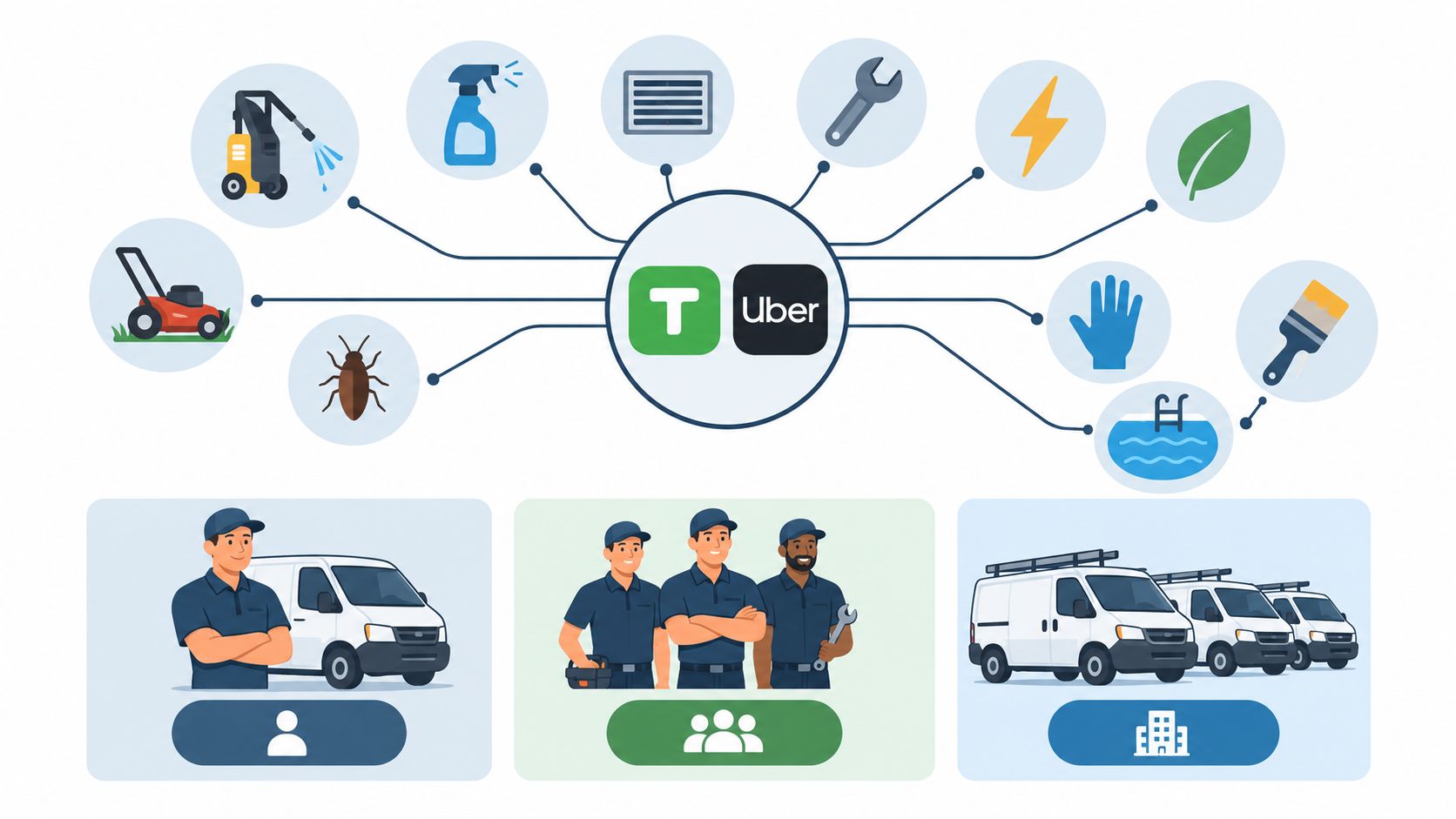
A one person pressure washing, handyman, pool, electrical, or plumbing business gets limited immediate value from bundled unused seats. Jobber's one user Core structure fits that buying pattern on published seat math, provided the owner accepts the billing term attached to the figure used. Kickserv becomes more reasonable when a spouse, dispatcher, or first technician will need access soon.
Two to five person crews
Crews in cleaning, lawn care, landscaping, pest control, painting, HVAC, plumbing, and electrical work often need shared schedules before they need advanced reporting. At five used logins, Kickserv's included seats produce the stronger per seat result. Jobber may still fit better where quote follow up, customer messaging, GPS dispatch, and broader reporting remove enough office work to justify the higher seat cost.
Eight to fifteen person crews
At this size, neither headline figure is enough. The buyer must model the exact band, the next likely hire, and the cost of crossing a tier boundary. Recurring service businesses should weight property history and schedule handling heavily. Project oriented crews should weight deposits, progress billing, approvals, and invoice handoff.
Accounting centered shops should test the QuickBooks connection with real customer, tax, and payment examples. Growth centered shops should test whether reporting and workflow breadth will still fit after another crew is added. The trade off is not brand quality. It's bundled seat economics against broader published workflow scope.
Demo Questions and the Written-Proposal Checklist
Both demos should use the same business scenario. The buyer should ask each vendor to model one recurring route, one emergency job, one office user, and the actual number of technician logins. Different demo examples produce numbers that cannot be compared.
Demo script
- State the login count: Name the owner, office, dispatcher, and field roles that need access.
- Quote the exact term: Show monthly and annually billed totals separately.
- Price seat growth: State the cost when one more login is added.
- Price payments: Show card processing, instant payout charges, refunds, and customer fee handling.
- Walk the handoff: Move a quote through approval, scheduling, completion, invoice, and payment.
- Show recurring history: Open a property record and display prior visits and notes.
- Export sample data: Produce the export format the business would receive after cancellation.
Written proposal checklist
The proposal should list plan name, included users, billing period, renewal terms, add ons, processing charges, migration scope, setup charges, and data export terms. It should also state which features shown in the demo are included at the quoted tier.
The separating question is simple: "What is the total monthly bill at this exact login count and payment mix, in writing, with a date."
A vendor that cannot answer that question has given marketing pricing, not a usable quote. The buyer should keep both dated proposals, rerun the per seat division, and choose the product whose total still makes sense after the next hire.
Count the logins used by the owner, office, and every technician, then request dated written proposals from Kickserv and Jobber for that exact crew size, with billing term, seat growth, payment charges, migration scope, and export terms itemized before signing.