A pressure washing company wants a deposit collected before the job goes on the calendar. A bathroom remodeler bills at demo, rough plumbing, tile, and final walkthrough. An HVAC tech has to show parts and labor on separate lines before leaving the driveway. A generic blank page handles none of those jobs well, because each trade needs a different mix of labor lines, material lines, deposit credits, and payment terms.
A usable free invoice template for contractors shows the contractor and customer, the service address, a unique invoice number, the issue date and due date, and the work completed. It also separates tax, prior payments, and the remaining balance, so the customer can match the invoice to the estimate or the signed approval.
That detail matters because payment often lands weeks after the work is done, a pattern reflected in the construction invoicing statistics gathered by Billed.
The ten options below differ by format and by billing job. Some produce a clean PDF from an online form. Others give an Excel file with formulas, a Word file for simple jobs, or a layout built for progress billing. Each entry includes payment-term wording a contractor can copy onto the invoice, and it notes where a downloaded file stops and billing software starts.
1. Jobber Contractor Invoice Generator
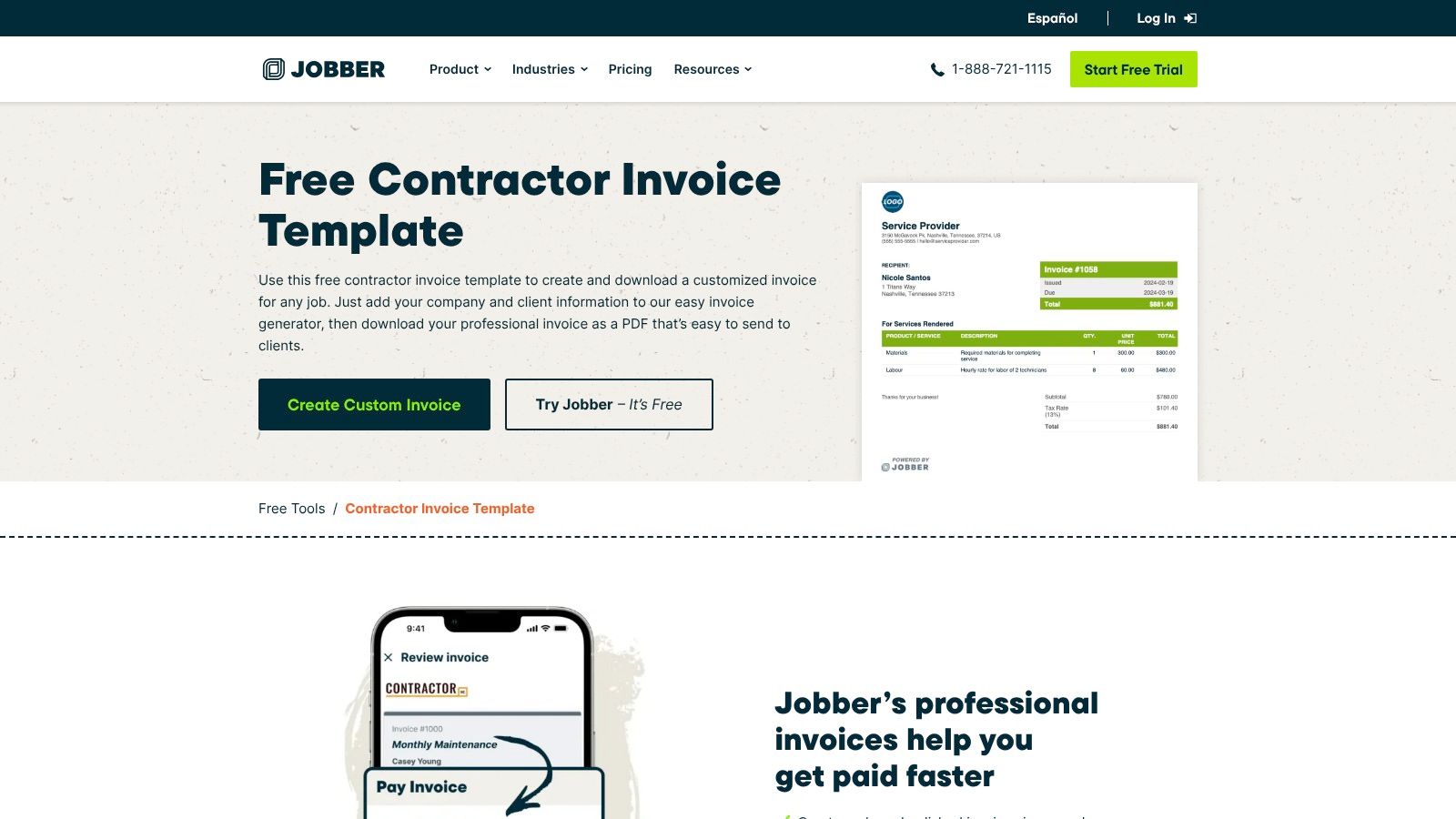
Jobber's contractor invoice generator fits home service work such as HVAC repairs, plumbing calls, electrical service, painting, and lawn care visits. The online form takes contractor and customer details, a job description, and line items, then produces a printable PDF. A blank version can also be kept for reuse.
The form covers the fields a small crew needs on a service ticket. It allows labor, materials, quantities, discounts, taxes, and fees on separate lines. Invoice numbers, issue dates, due dates, and payment terms sit on the finished document rather than in a separate email.
That makes it practical for a flat-rate job that is finished in one visit. The PDF can be emailed, printed, or saved with photos and the signed approval in the job folder.
Where It Stops
The generator isn't a billing ledger. It doesn't maintain open balances, send reminder sequences, or reconcile a deposit across several invoices. The PDF also isn't the easiest format when totals change often and the office wants formulas to recalculate each edit. For repeat staged work, a spreadsheet or a billing system gives better control than a one-off PDF.
2. Wave Contractor Invoice Templates
Format choice is the main reason to look at Wave. Wave's contractor invoice templates cover home improvement, flooring, electrical work, and refrigeration, with related layouts for construction, handyman, subcontractor, and contract work. The downloads suit offices that don't all use the same software.
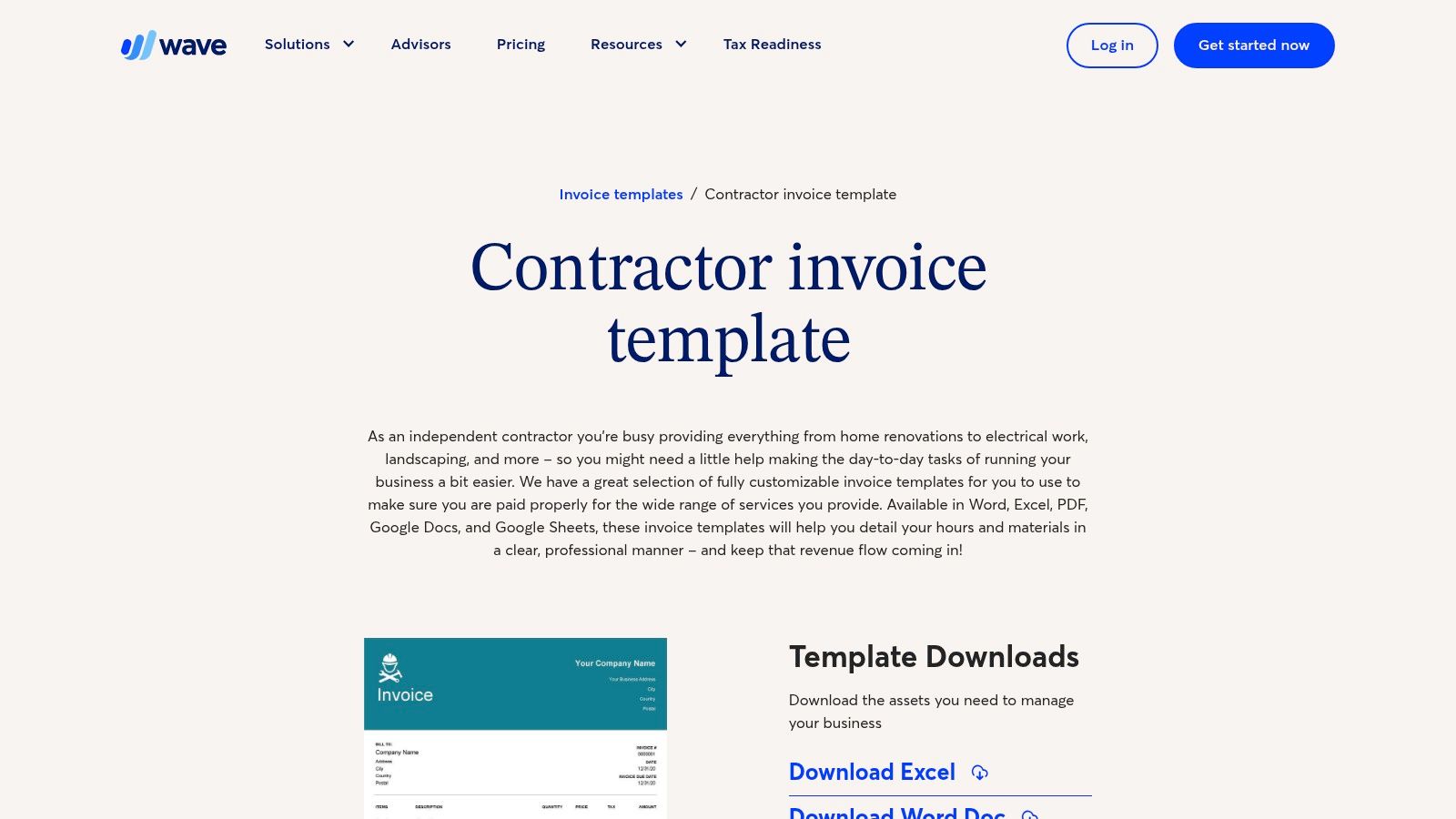
- Word and Google Docs: Useful for a short handyman job with a fixed scope and few line items.
- Excel and Google Sheets: Better for hours, materials, and tax lines that need recalculation.
- PDF: Best for sending a finished copy that keeps its layout on the customer's phone.
A downloaded file can be saved as a master for repeat customers, then copied for each visit. That works for recurring cleaning, lawn care, or pest control only if the office adds fields for the property address, service date, and visit history. A property manager may pay the bill, but the work history belongs to the property.
The limit is payment tracking. A Wave template file doesn't show which invoices are open, which deposits were applied, or which customer promised payment on Friday. The office still needs a separate receivables list with invoice numbers and due dates.
3. QuickBooks Contractor Invoice Template
QuickBooks' contractor invoice template page gives Excel, Word, and PDF templates plus an online generator. Its guidance is geared toward breaking a job into labor, materials, and project phases. That suits a repair that turns into staged work or a small renovation billed in parts.
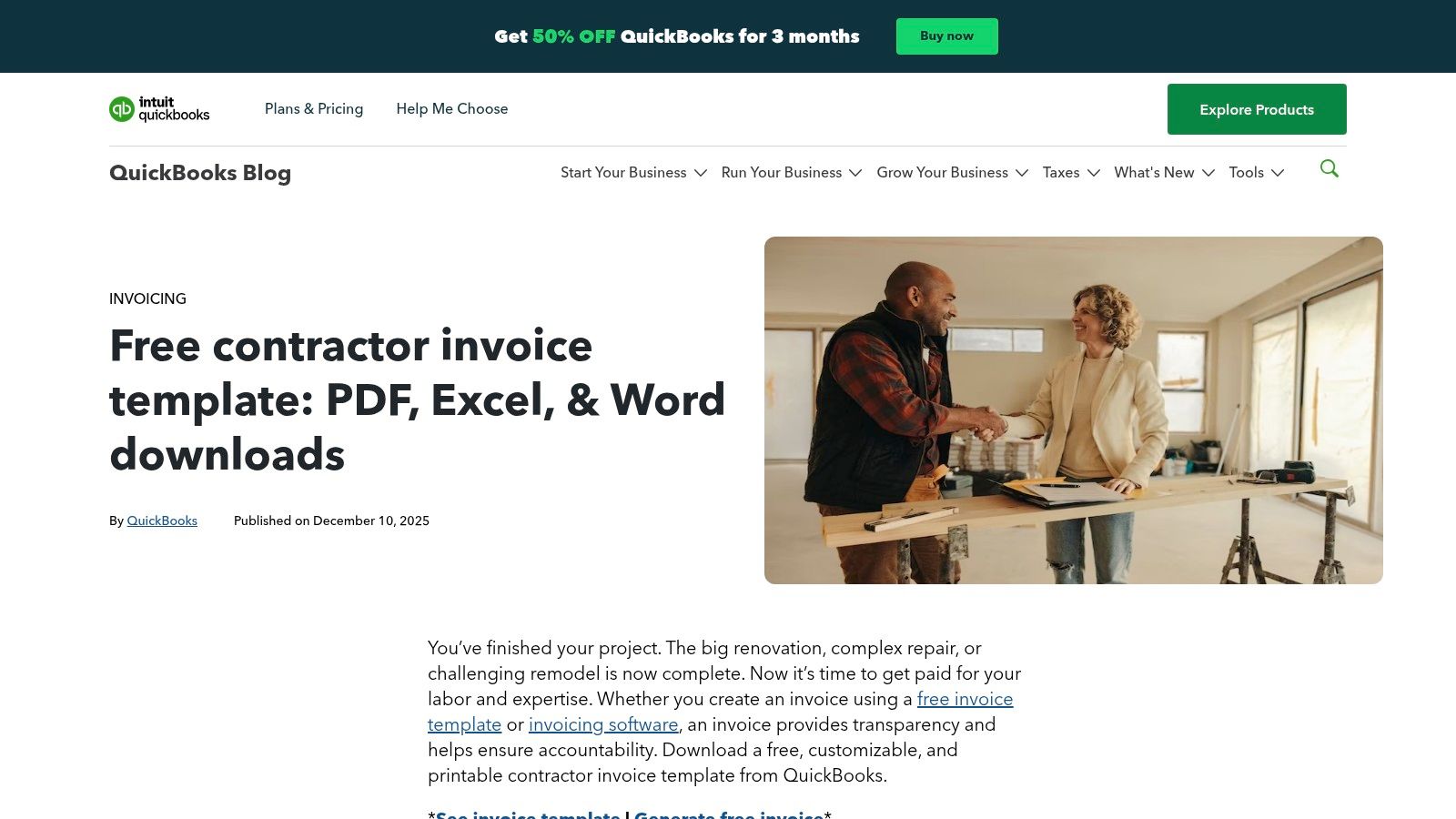
For a bathroom remodel, the invoice should not show one lump sum. Demolition, rough-in, tile, fixtures, and finish work belong in separate sections that match the signed estimate. QuickBooks' milestone approach supports that structure, and the customer can see which phase is being billed now.
Office rule: The invoice wording should match the estimate wording line for line. Extra work belongs under a change order heading with its approval reference, not buried in the original scope.
Manual entry remains the tradeoff. Deposits, change orders, retainage, and local tax treatment may need added rows before the template fits a specific job. Payment status also has to be tracked outside the downloaded file unless the business uses accounting software for the ledger. The template is a document, not a record of what's still owed.
4. Smartsheet Contractor Trade and Progress Billing Templates
Smartsheet casts a wider net than the other options. Smartsheet's free invoice template collection includes independent contractor layouts, construction billing, progress payment formats, and trade versions for HVAC, plumbing, and landscaping. Some spreadsheet versions calculate line totals, tax, and the amount due.
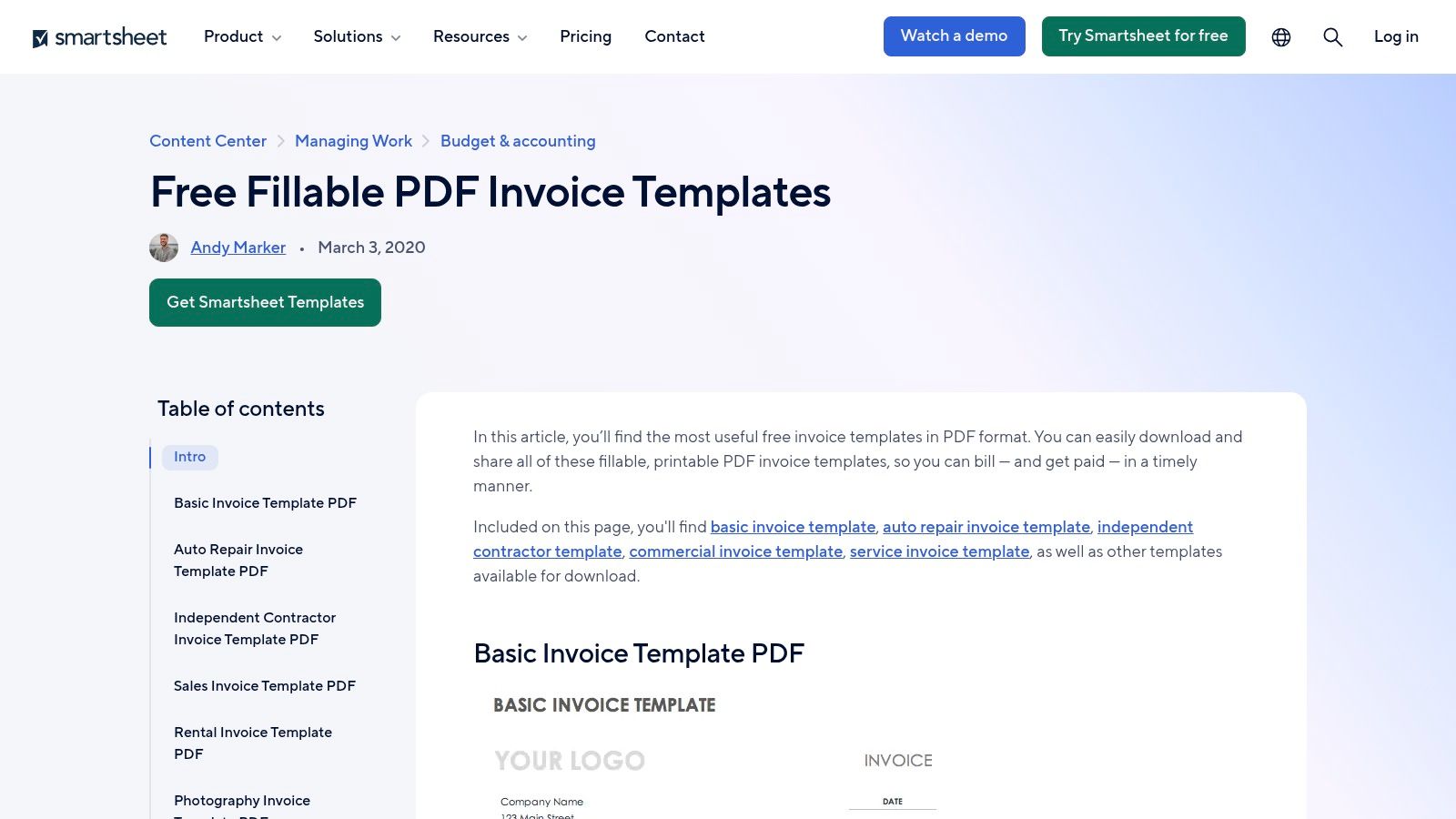
The independent contractor layouts handle work descriptions, dates, hours, and rates for time and materials billing. The construction and progress options work better for staged projects, where the invoice must show work completed this period, prior billings, and the balance left on the contract. That structure matters on a landscaping installation or remodel that runs over several weeks.
Choosing One File
The broad selection creates its own problem. An office can spend time comparing layouts that differ only in column order. The practical move is to pick one file per billing type, lock the company block and terms into it, and stop downloading alternatives.
Smartsheet templates don't send reminders or keep a live list of open balances. Progress billing also needs supporting records, including the contract, the draw schedule, and signed change orders, saved with each invoice.
5. Zoho Invoice Contractor Invoice Template
Deposits are where many free templates fall short, and Zoho addresses that directly. Zoho's contractor invoice template includes a field for advances collected and the remaining payment due. The template can be downloaded as a spreadsheet or PDF, and it calculates totals, taxes, and discounts.
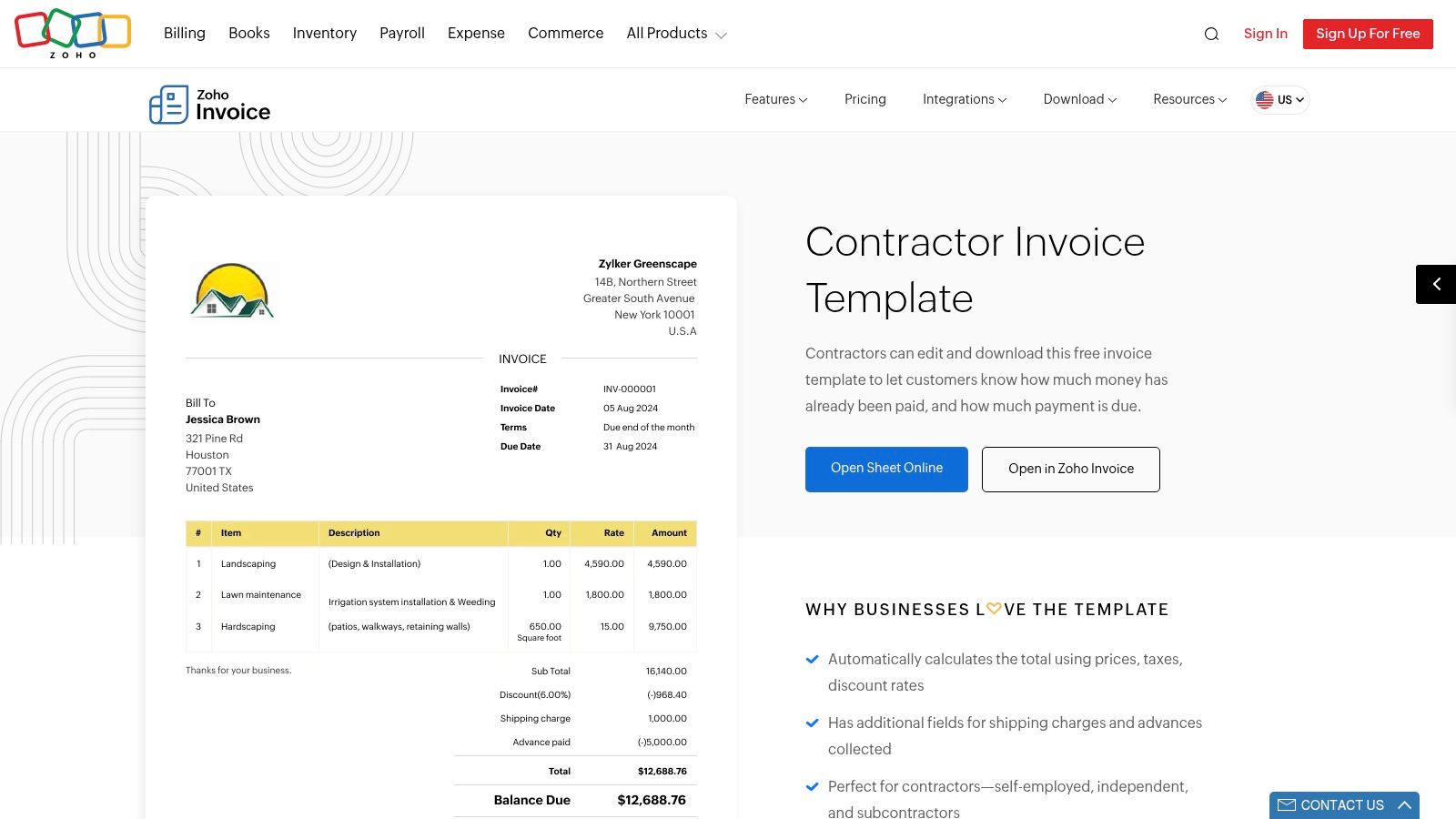
For a pressure washing job that requires a deposit to hold a date, the advance line shows the customer exactly what was paid and what is left. The same field works for an HVAC replacement where a deposit covers equipment before installation day. Showing the credit on the invoice prevents the common dispute where a customer thinks the full contract amount is being charged twice.
Automatic calculations reduce arithmetic errors, which is useful when discounts and tax are both present. The office may still need to add a job site address, equipment details, technician name, or service visit fields. Zoho also offers an account-based invoicing product for ongoing work, so the path from a downloaded file to saved customer records exists inside the same vendor.
6. Microsoft Excel Free Invoice Templates
An office already running on Excel doesn't need a new tool for basic billing. Microsoft's Excel invoice templates include editable service invoices with formulas that can be adapted for contractor labor and materials. Finished invoices can be exported as PDFs for the customer.
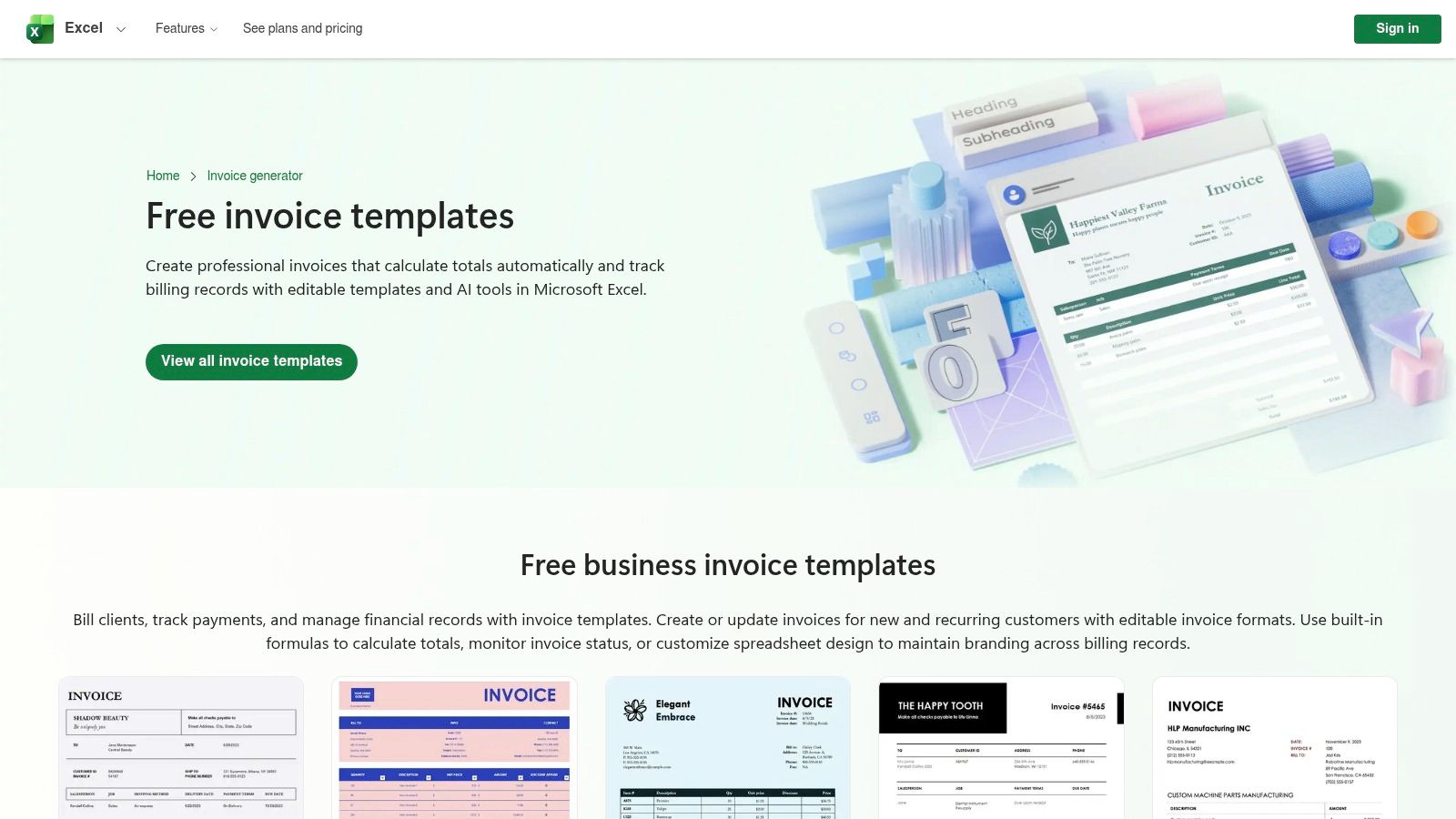
Rows can be added for parts, labor hours, trip charges, permits, and approved extra work. A master workbook can carry a consistent numbering sequence and a separate tab listing open invoices by customer and due date. That supports basic recordkeeping if the file is maintained and backed up. The IRS states that a business may use a recordkeeping system that clearly shows income and expenses, and it lists invoices among supporting documents in its IRS guidance on what records to keep.
The templates aren't built for a specific trade. Tax formulas, deposit credits, and retainage rows should be checked before the file is trusted, because a copied formula can point at the wrong cell. Excel also doesn't send reminders, record partial payments on its own, or show live payment status.
7. Canva Contractor Invoice Designs
Canva is the design-first option. Canva's contractor invoice gallery offers layouts that can be customized online with logos, colors, fonts, and signature images, then exported as PDFs. It suits a painter, cleaner, or handyman business that wants the invoice to match its truck, website, and estimate documents.
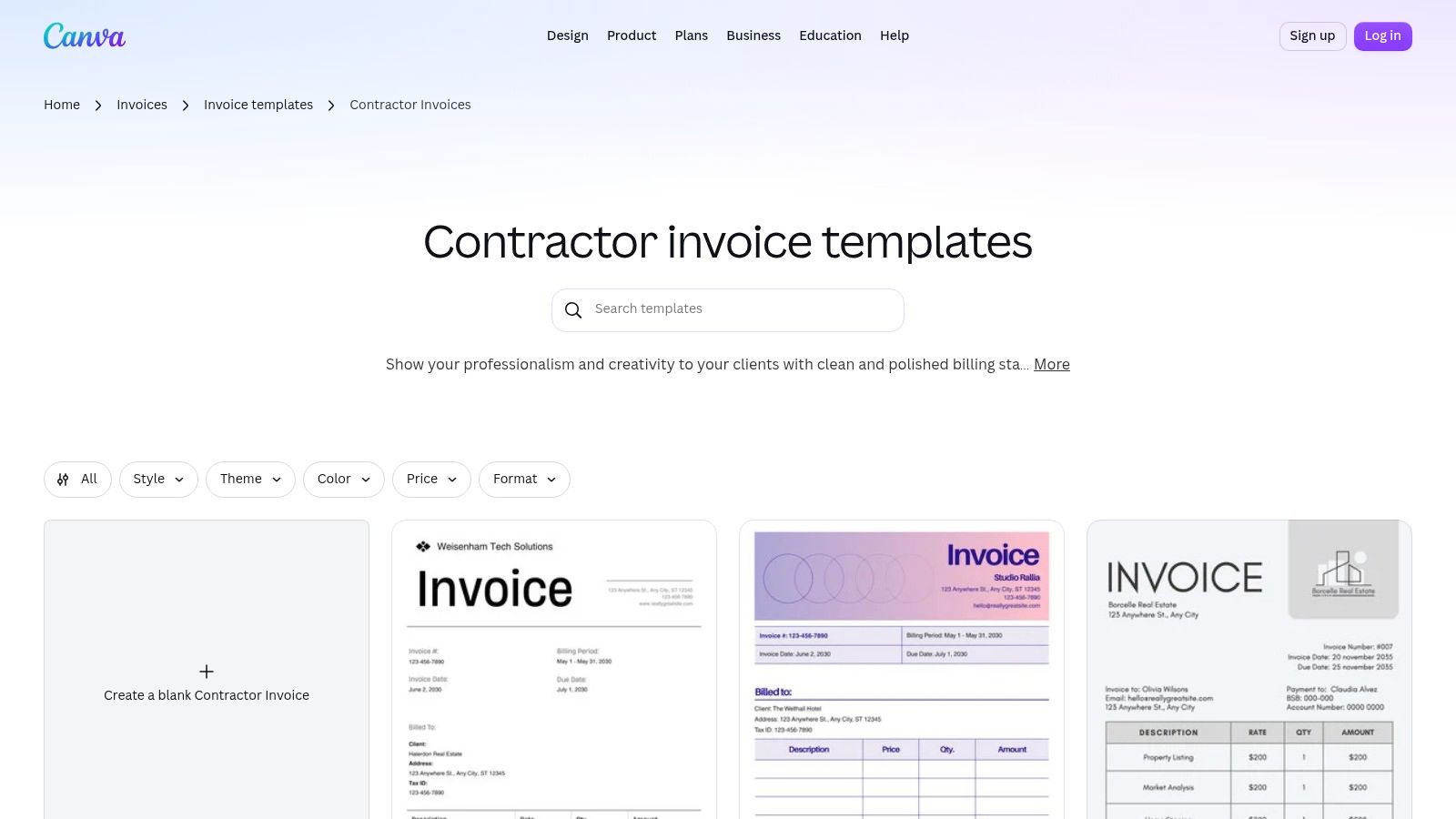
Online editing can be easier than fighting a Word table when the goal is a clean, branded page. A saved design also keeps the company block, payment instructions, and terms in the same place on every invoice. Consistency helps customers find the balance due and due date quickly.
Design Versus Billing Control
A polished layout doesn't calculate like a spreadsheet. Totals, tax, and deposit credits may need manual entry and a second check. Some designs or assets may be premium, so the office should confirm cost before building a master template around a paid element.
Canva doesn't provide a billing ledger, payment tracking, or a record of deposits applied across jobs. For a business sending a handful of fixed price invoices, that may be acceptable. For staged or recurring billing, the design tool should be paired with a separate receivables record.
8. Adobe Express Contractor Invoice Templates
Adobe Express contractor invoice templates work in a similar design-led way, with editable layouts, colors, and billing details in an online editor. The gallery can be filtered for free templates, and Adobe states free options are available without a credit card. The gallery also includes premium options, so the filter matters.
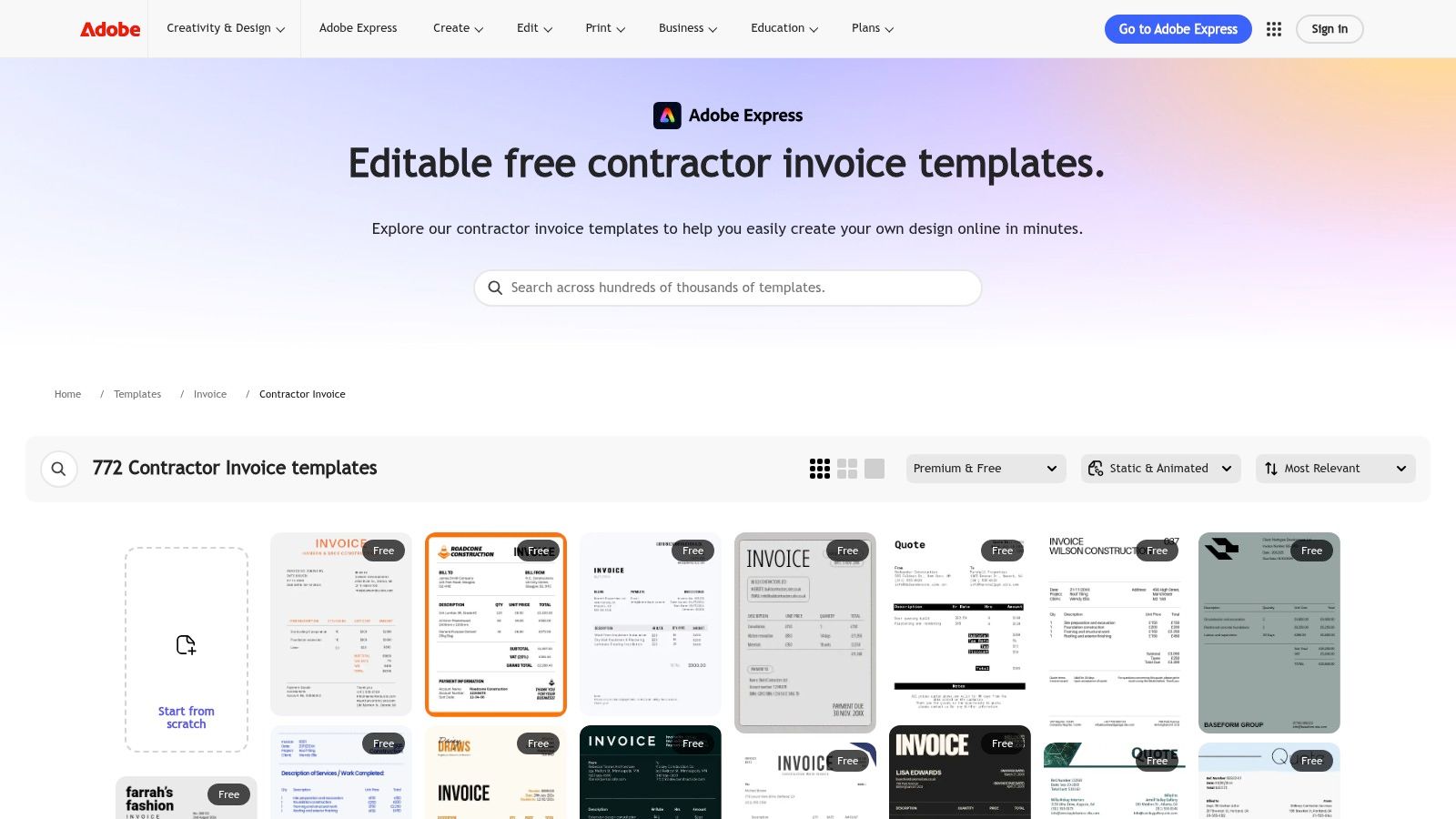
Comparing layouts side by side helps an office pick a format with enough line item space before committing. A one-page design with cramped rows fails on an HVAC repair that lists a motor, capacitor, refrigerant, and labor separately. A layout with clear columns for description, quantity, rate, and amount is the practical requirement, whatever the colors look like.
A branded invoice doesn't get paid faster if the due date, payment method, and balance due are hard to find. Put those three items where a customer scanning on a phone sees them first.
Adobe Express is less suited to formula-heavy billing, progress payments, or retainage tracking. Export options and asset availability should be checked for the selected design before it's adopted as the standard file.
9. DocuSign Contractor Invoice Template
DocuSign's contractor invoice template is built around document workflow rather than design or spreadsheets. It carries fields for hours, unit rates, materials, totals, and payment due dates, and it supports hourly, milestone, and fixed price billing, which covers most residential trade work.
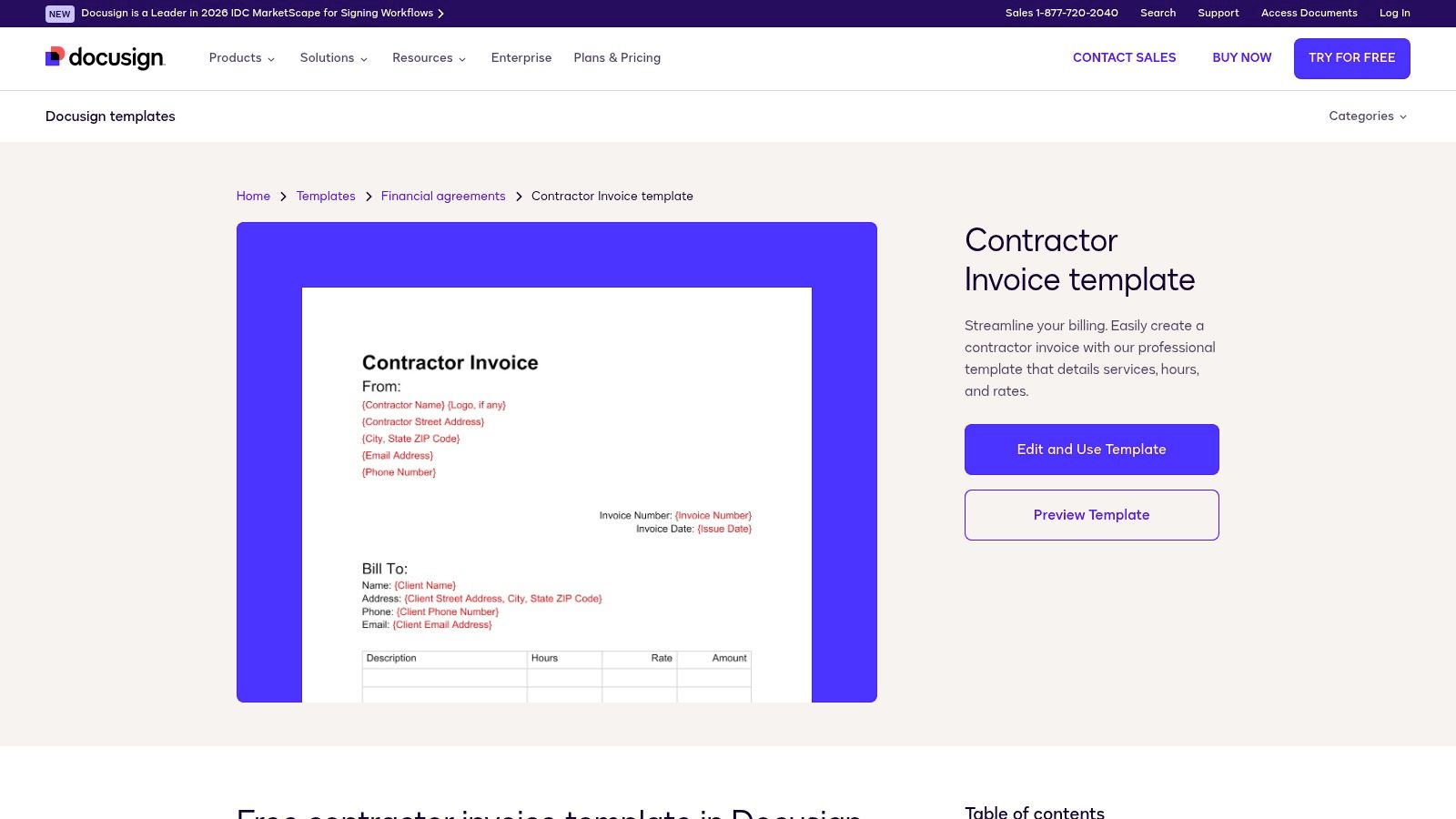
A time and materials job shows why those fields matter. A plumbing invoice that lists hours, the rate, parts used, and the date of each visit answers a dispute months later from the document alone. Any invoice should carry the contractor's identity, an invoice number and date, a description of the work, the amounts owed, and the payment terms. A template missing one of those leaves the office filling gaps by hand.
The template can be edited online and sent for signature, with completed documents downloaded or printed from the account. Sending requires a DocuSign account, and the eSignature service is a subscription product. The template suits a business already paying for signing, or one checking the current trial terms before it commits.
That cost decides the fit. A remodeler collecting signed change orders through DocuSign gets an invoice inside the same approval chain. A solo tradesperson billing a one-off drain cleaning pays for a signing workflow a simple PDF covers, and no signed file tracks whether the customer paid.
10. InvoiceQuick Contractor Invoice Templates
InvoiceQuick's contractor invoice templates are free to download, and the online generator works without a sign-in. PDF and Excel versions are available now. The layouts cover job details that a basic service invoice skips: permits, milestones, allowances, and change order lines.
- Milestone billing: Suits a bathroom remodel or landscaping project paid in stages against completed work.
- Change order lines: Keep approved extra work separate from the original contract amount.
- Permits and allowances: Give pass-through costs their own lines instead of hiding them in labor.
Google Docs, Google Sheets, and Word versions are listed as coming soon, so an office that standardizes on Word should check the page again before promising that format. The free generator suits an occasional invoice. The downloadable files allow editing offline.
Lien wording needs care. Lien rights and notice rules vary by state and job type, and template language isn't legal advice. A contract, signed change orders, and local rules control that question. Downloaded files also stop at the document itself. They won't flag a deposit still owed or an overdue balance, which is where billing software takes over.
Free contractor invoice templates by format, deposit field, milestone billing and best fit
| Item | Formats offered | Deposit or advance field | Milestone or progress billing | Best fit |
|---|---|---|---|---|
| Jobber: Contractor Invoice Generator | Online generator, PDF, blank template | No specific advance field noted | No specific milestone billing noted | Contractors and home-service businesses creating client-ready PDFs |
| Wave: Contractor Invoice Templates | Word, Excel, PDF, Google Docs, Google Sheets | May need a custom deposit field | No specific milestone billing noted | Contractors wanting reusable templates in flexible formats |
| QuickBooks: Contractor Invoice Template | Excel, Word, PDF, online generator | May need customization for deposits | Includes guidance for project phases and milestones | Contractors billing by labor, materials, or project stages |
| Smartsheet: Contractor, Trade, and Progress-Billing Templates | Spreadsheet and PDF templates | No specific advance field noted | Progress-payment examples available | Trade and construction projects with staged billing |
| Zoho Invoice: Contractor Invoice Template | Spreadsheet, PDF, online invoicing | Includes advances collected and remaining due | No specific milestone billing noted | Contractors who take deposits and want calculated totals |
| Microsoft Excel: Free Invoice Templates | Excel, PDF export | No specific advance field noted; formulas may need review | No specific milestone billing noted | Excel users who want reusable, adaptable invoices |
| Canva: Contractor Invoice Designs | Online editor, PDF | No specific advance field noted | No specific milestone billing noted | Contractors prioritizing branded, polished invoices |
| Adobe Express: Contractor Invoice Templates | Online editor; export options vary by template | No specific advance field noted | Not suited to progress-payment tracking | Contractors creating branded invoices from design templates |
| DocuSign: Contractor Invoice Template | Online editing, downloadable or printable document | No specific advance field noted | Supports milestone billing | Contractors who bill by time, fixed price, or milestones and use DocuSign |
| InvoiceQuick: Contractor Invoice Templates | PDF, Excel, Word, online generator | No specific advance field noted | Supports milestones and progress-style billing | Contractors handling project details, change orders, and staged billing |
Match the Template to How Your Business Gets Paid
The right file depends on the billing job it documents. A flat-rate service call needs a clean PDF with the service date, work completed, parts, tax, and terms on one page. A deposit on a pressure washing job needs a visible advance collected line and a balance due that subtracts it. A bathroom remodel billed in stages needs milestone rows showing the contract total, prior payments, work completed this period, retainage where it applies, and the amount still owed. An HVAC repair needs parts and labor separated so the customer can see what the component cost versus the time it took to install it.
Recurring work needs a different discipline. Lawn care, cleaning, pest control, and pool accounts need the property address and service dates on every invoice, even when a property manager pays. Without property-level detail, a year of invoices can't answer a simple question about when a site was last serviced. Time-and-materials work needs hours, rates, and material detail, with timesheets or receipts saved alongside the invoice when the customer has a right to review costs.
Payment terms belong on the template in plain words. Useful wording includes payment due on receipt, payment due within seven days of the invoice date, or a stated deposit required before work starts with the balance due on completion. Every invoice should state the purchase, the due date, and the payment terms, especially when the customer pays on credit. Late-fee language should match the signed contract and local law. Terms printed on an invoice only after the work is done carry less weight than terms the customer accepted before the job started.
Tax presentation needs a local check. Washington's Department of Revenue states that construction billing invoices must separately state sales tax, including on progress billings, in its Washington Department of Revenue construction billing guidance. A contractor outside Washington should not assume the same layout satisfies local rules. The template should at minimum separate taxable and non-taxable charges and show the tax amount as its own line.
Payment instructions deserve the same care as the total. State the accepted methods, where a check is mailed, and a notice that changed bank details must be verified by phone using a known number. That warning does real work: the Association for Financial Professionals runs an annual payments fraud survey covering the schemes businesses report, summarized in the 2025 AFP payments fraud survey highlights. A unique invoice number on every bill also makes a duplicate or altered invoice easier to spot.
Electronic billing is the next step when volume grows. Digital invoicing shortened payment cycles by an average of 1.4 days in a study covering the U.S. economy reported in 2025, according to Digital Commerce 360 reporting on e-invoicing adoption. A downloaded file stops being enough when the office can't see open balances at a glance, when reminders depend on memory, or when deposits get tracked in text messages. At that point the business needs a system that stores customers, properties, invoices, and payment status in one record.
Pick the template that fits the job billed most often. Write the terms and deposit rules into the master file today. Keep a separate list of every open invoice with its number, due date, and promised payment date. Send the invoice the day the work is completed, confirm the customer received it, and review open balances every week.