A solo plumber finishes one job, checks a voicemail while driving to the next, and then discovers that the afternoon customer never received the estimate. The calendar has a handwritten change, the invoice is still in a spreadsheet, and a payment reminder depends on remembering it later. Nothing is wrong with the work. The office process is what's costing the business time.
That's the question behind software for a one-person service business. A solo operator doesn't need every dispatch feature built for a large crew. The right system should protect the schedule, speed up quotes and invoices, keep customer history in reach, and make payment easier without creating a new administrative burden.
This guide applies to pressure washing, cleaning, HVAC, plumbing, landscaping, lawn care, pest control, electrical, handyman, pool, painting, and similar home services. It focuses on the point where spreadsheets stop being cheap and start becoming expensive, then compares billing models and suitable platforms so an owner can decide whether a lightweight setup or a full field service system makes financial sense.
Introduction Why Solo Operators Outgrow Spreadsheets
A spreadsheet is useful when the business has a small customer list and a predictable schedule. It becomes fragile when the owner is quoting from the road, rescheduling by text, collecting deposits, and trying to remember which property had the recurring issue last season.
The failure usually isn't dramatic. A quote gets buried in email. A recurring lawn visit disappears after a weather change. A customer calls while the owner is on a ladder, and the note stays in a phone app instead of the customer record. At the end of the week, the owner spends unpaid time reconstructing what happened.
Practical rule: If the owner has to remember where a customer detail lives, the business is ready for a better system.
The buyer pool is smaller than the typical field service sales pitch suggests. Capterra says 94% of the field-service users it spoke with in the last year came from companies with 1 to 50 employees, while G2 says 53% of reviewers are small businesses. Those figures are cited in G2's field service software overview, but the common advice still often assumes multiple technicians, dispatchers, and office staff.
A one-person operator needs a different buying question. The issue isn't whether a platform has the longest feature list. It's whether the software saves enough time, prevents enough missed work, and brings in payments quickly enough to justify its recurring cost.
The best choice may be a lightweight combination of a calendar, business phone, invoicing tool, and payment processor. It may also be a dedicated field service platform if recurring jobs, property history, estimates, and customer messages have become too difficult to manage separately.
By the end, a solo owner should be able to identify the essential workflow, calculate the monthly cost, verify contract terms, and narrow the shortlist by trade rather than buying a team system designed for a business that doesn't exist yet.
What Software for a One Person Business Actually Does
Think of solo field service software as a single workbench. The calendar is on one side, customer records are on another, and estimates, invoices, messages, and payment status stay connected instead of living in separate drawers.
The system should answer basic questions quickly:
- Which job is next?
- What did the customer approve?
- What work was completed at the property?
- Has the invoice been sent?
- Has the customer paid?
- What should happen next?
That connection matters more than a large dashboard. A customer record with the address, job notes, previous estimates, invoices, photos, and messages gives the owner context before arriving at the property. A scheduling change can then update the workday without forcing the owner to edit several unrelated files.

The core workflow
A practical solo workflow starts when a customer calls or submits a request. The owner creates the customer and property record, schedules the visit, prepares an estimate, and sends it for approval. Once the job is complete, the owner converts the approved work into an invoice, requests payment, and leaves a record for the next visit.
That sequence removes repeated data entry. It also gives the owner one place to check open estimates, unpaid invoices, upcoming appointments, and follow-up tasks.
Customer messaging is equally important. Automated appointment reminders reduce the need to send individual texts, while saved message templates help the owner answer common questions without writing the same explanation repeatedly. The software doesn't replace personal service. It keeps routine communication from competing with billable work.
What it isn't
A solo system isn't automatically an enterprise dispatch center. Multi-crew routing, technician utilization dashboards, internal chat, and complex territory management may be useful later, but they can become wasted overhead for a business of one.
The right platform should make one person faster, not make that person operate like a dispatcher, service manager, and payroll administrator. A system that requires extensive setup before the owner can send a quote is solving the wrong problem.
Before software, the day is split between a calendar, phone history, estimate documents, invoice files, payment pages, and memory. After software, the owner should be able to open a customer record, see the full job history, complete the next task, and move on.
Must Have Features and What You Can Skip as a Solo Operator
The essential feature set is narrower than most field service comparison pages suggest. A solo owner needs control over the customer journey, not a command center for technicians who aren't there.
Protect the workday first
Scheduling is the foundation. The system should show appointments clearly, prevent obvious conflicts, support rescheduling, and make it easy to add travel or preparation time. Online booking can help businesses with repeatable services, while request forms are often better for plumbing, HVAC, electrical, and handyman work that needs qualification before a time is promised.
Estimates and invoices should use the same customer and job information. The owner shouldn't retype the address, scope, and price after the customer approves the quote. On-site approval is especially useful for service calls where the work changes after inspection.
Payment collection belongs in the same workflow. Card payments, bank payments, deposits, and payment status should be easy to understand. Payment processing still adds a transaction cost, so the owner should compare the processor's terms with the software subscription rather than treating payment collection as free. Recent solo-focused coverage identifies payment processing of roughly 2.9% to 3.3% per transaction, alongside low-cost and free entry options, in its review of software for one-person service businesses.
Keep property history useful
A customer record should hold more than a name and phone number. Property-level history helps a cleaner remember special instructions, lets a lawn-care operator see recurring service details, and gives an HVAC or plumbing owner access to previous equipment or repair notes.
Automated reminders are another practical requirement. They can cover appointment confirmations, estimate follow-ups, overdue invoices, and recurring service notices. The owner still decides what to send and when, but the software handles the repeatable timing.
Basic reporting is enough for most early solo businesses. Useful reports include open estimates, unpaid invoices, completed jobs, recurring revenue, and service categories. A large analytics suite isn't necessary if the owner can't explain what action each report should produce.
Features that can wait
A solo owner can usually skip or postpone:
- Multi-technician dispatch: Valuable when several people need assignments, but unnecessary when every job belongs to the owner.
- Advanced route optimization: Helpful for dense recurring routes, but excessive for irregular work with a small daily schedule.
- Crew chat: Internal messaging has little value without a crew.
- Complex permissions: Basic access controls are enough until an office employee or subcontractor needs limited access.
- Large inventory systems: Important for parts-heavy operations, but not a first purchase for every cleaning, painting, or pressure-washing business.
A lawn-care or cleaning business may prioritize recurring plans and route visibility. An HVAC or plumbing business may care more about quote approval, deposits, job notes, and payment collection. The feature filter should follow the work pattern, not the vendor's sales presentation.
Real Costs for One Person Service Businesses and How Billing Models Change the Total
The monthly subscription is only the starting point. A solo owner should calculate the license, extra users, payment fees, add-ons, messaging charges, setup costs, and any commitment required to keep the account active.
Published SMB field-service summaries place average entry-level pricing at about $35 per user per month, mid-tier pricing at about $56, and high-end pricing at about $80, as described in Capterra's small-business field service software summary. Those figures are market averages, not quotes for a particular vendor, but they show why the billing structure matters.
With per-user software, moving from one seat to two can nearly double the recurring license base in low-tier pricing structures. That increase arrives before payment fees or add-ons, even if the second user is only an occasional helper.
Flat-rate pricing behaves differently. A solo owner pays the same base subscription whether the account has one user or additional users, subject to the vendor's terms. That can be attractive for seasonal help, subcontractors, or a business planning to add an office assistant.
| Billing Model | How It Charges a Solo Operator | Watch For |
|---|---|---|
| Per-user | The subscription rises with each licensed user. | Minimum seats, separate mobile-user fees, annual commitments, and charges for occasional helpers. |
| Flat-rate | One recurring subscription covers the account under the vendor's user rules. | Job, document, customer, messaging, or automation caps. |
| Free capped plan | No software subscription while usage stays within the free allowance. | Limits on documents, jobs, storage, support, payments, or data access. |
| Modular stack | The owner combines separate calendar, CRM, invoice, and payment tools. | Duplicate records, separate logins, integration limits, and payment fees across tools. |
Calculate the slow season, not just the busy month
A seasonal operator shouldn't compare software only against the busiest period. The better question is whether the system remains affordable when job volume drops.
A flat-rate plan may cost more than a free or modular setup during a quiet month, but it may also avoid per-user increases as the business adds help. A capped plan may work well at launch, then become expensive when document or customer limits force an upgrade. A per-user platform may suit an owner who stays alone and wants a narrow feature set, but punish a business that adds even one regular helper.
Payment fees deserve their own line in the calculation. A cheaper subscription doesn't automatically produce a lower total if the software's payment terms are less favorable for the business's transaction mix.
The practical break-even test is simple: estimate the monthly hours spent on scheduling, quote follow-up, invoice preparation, payment chasing, and searching for job history. Then compare the subscription and likely transaction costs with the value of that time. If the owner can't identify a clear administrative problem the software will solve, the business isn't ready for a large FSM suite.
Moving Off Spreadsheets and What to Confirm Before You Sign
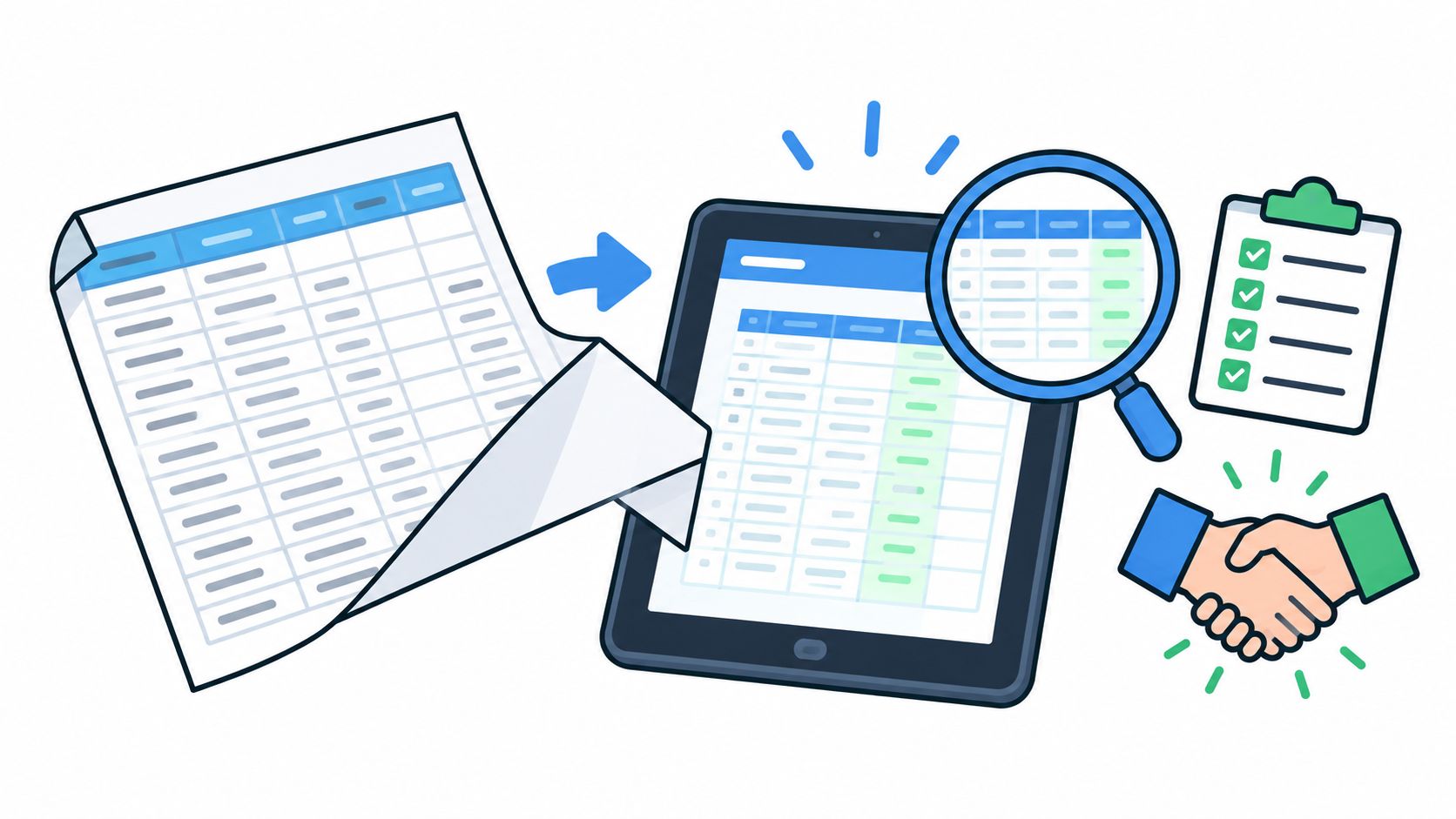
Migration fails when the owner treats it as a file upload instead of a process change. A spreadsheet may contain customer names, addresses, phone numbers, and balances, but it rarely contains clean job history, communication records, attachments, or reliable service categories.
Start by cleaning the existing file. Remove duplicate customers, standardize addresses, separate first and last names if needed, and decide which old records are worth carrying forward. Ask the vendor whether the import includes customers, properties, contacts, open invoices, estimates, notes, attachments, and recurring appointments. Get the answer in writing.
Contract questions that matter
Marketing pages often explain the workflow but not the exit conditions. Before paying, the owner should confirm:
- Trial terms: How long is the trial, what happens at expiration, and does the account convert automatically?
- Billing terms: Is billing monthly or annual, and are discounts tied to a commitment?
- Seat rules: Is one user enough, and are occasional employees or subcontractors charged separately?
- Export scope: Can the owner export customers, properties, invoices, estimates, notes, photos, and payment records?
- Deletion timing: When does the vendor delete account data after cancellation?
- Support coverage: Which support channels are included, and are response expectations written down?
One published terms page describes a 15-day trial, email reminders at 7 days, 3 days, and 1 day before expiration, automatic termination unless a paid subscription is purchased, and 30-day data retention after trial expiration before possible permanent deletion. The terms appear on Atlas CMMS's service terms page, and they illustrate why trial and retention language belongs in the buying checklist.
Another terms page says a canceled account enters read-only mode for 45 days, allowing data export before permanent deletion, as stated in Shyam Software's terms. Those are vendor-specific examples, not universal rules.
Run the old and new systems together
A short parallel period is safer than an abrupt switch. Enter new appointments in both systems, send a real estimate, issue an invoice, collect a payment, and verify that the customer receives every message.
The final test should use an actual job from the business. If the owner can't complete the full sequence without a spreadsheet, separate payment page, or manual workaround, the platform hasn't earned the switch.
Shortlist of Suitable Platforms for a Business of One With Caveats
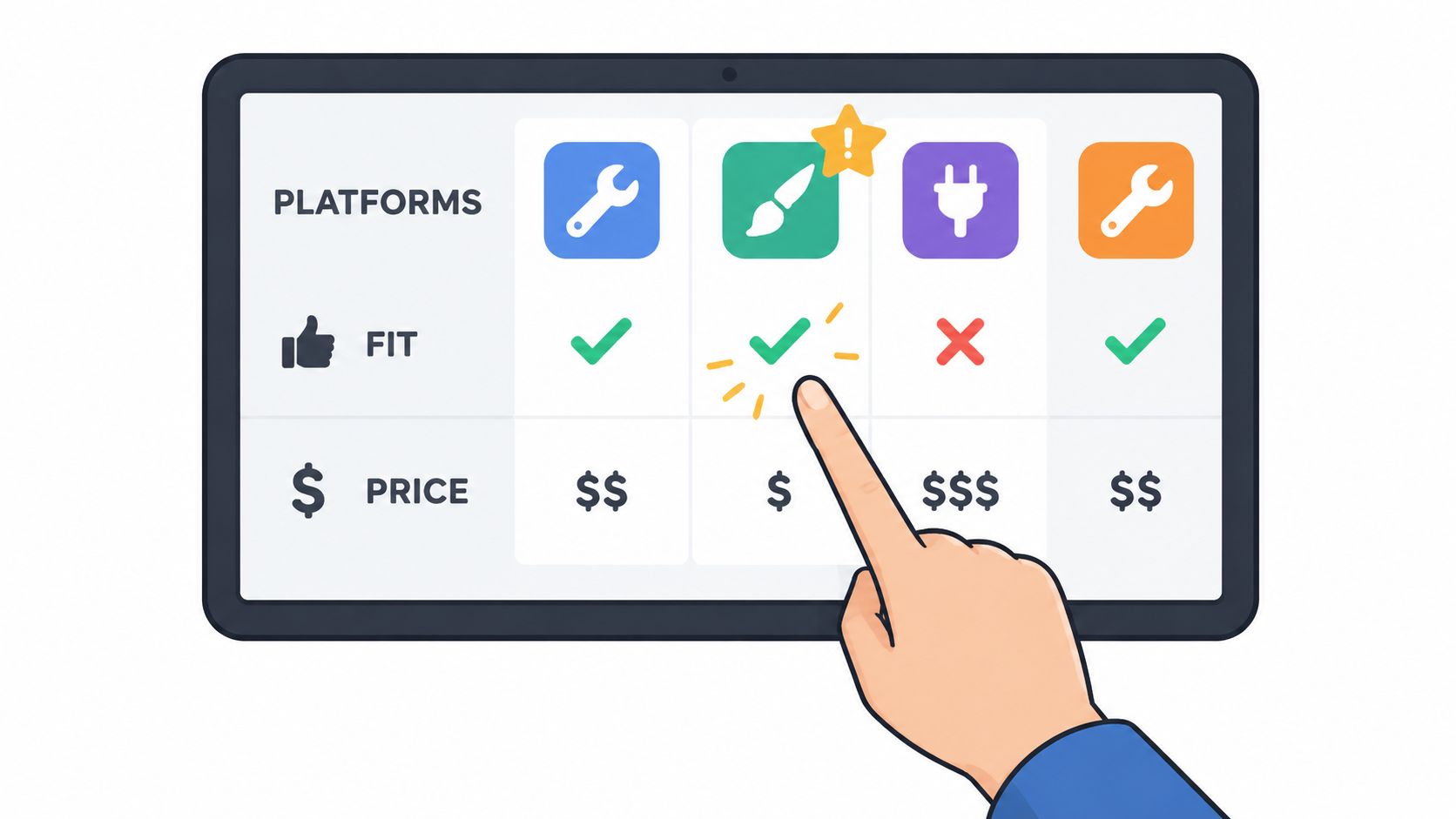
A short list is more useful than a catalog. ServiceM8, Jobber, and GorillaDesk all belong in the conversation, but they fit different operating patterns. Published vendor facts and pricing should be checked directly because plans change.
ServiceM8
ServiceM8 is a strong candidate for a solo operator who wants scheduling, customer records, job documentation, quotes, invoices, and payment tasks in one field-service workflow. It can suit cleaning, electrical, plumbing, HVAC, handyman, and other appointment-based trades, but the owner should confirm whether the plan's limits match the expected job and document volume.
A pricing guide identifies a free capped plan and paid pricing from $0 to $349 per month, with unlimited users on every paid plan, illustrating a flat-rate model rather than a standard per-user structure. That information appears in Field Pricing's ServiceM8 pricing guide, not on ServiceM8's own pricing page. The vendor's own ServiceM8 pricing page should be read for current plan names and figures before purchase. On September 22, 2026, the vendor pricing page publishes no figure that can be cited here.
The flat-rate mechanic may be attractive when a solo business expects seasonal help. A capped free plan may also delay the need for a paid system, provided the limits don't interfere with daily work.
Jobber
Jobber is suited to owner-operators who want a recognizable home-service workflow for requests, scheduling, quotes, invoices, client communication, and payments. It can make sense for lawn care, cleaning, pressure washing, landscaping, handyman work, and recurring residential service.
On September 22, 2026, Jobber's pricing page publishes no figure that can be cited here. The owner should confirm the current plan name, monthly price, included users, client limits, payment terms, and any feature differences between monthly and annual billing directly on that page.
Jobber may be more platform than a very small operator needs if the business only requires a calendar and simple invoices. It becomes easier to justify when the owner is losing time to quote follow-up, customer messaging, recurring scheduling, and unpaid invoices.
GorillaDesk
GorillaDesk is a natural fit for pest control and other recurring route-based services. Its suitability depends on how much the operator needs recurring scheduling, route organization, customer history, invoicing, and payment handling compared with a simpler appointment tool.
On September 22, 2026, GorillaDesk's pricing page publishes no figure that can be cited here. The owner should verify the current plan name, monthly price, user rules, route features, included customer volume, and payment charges before signing.
GorillaDesk is less compelling for a one-off painting or handyman business that rarely repeats the same route. For recurring pest, lawn, or cleaning work, its trade fit may matter more than choosing the lowest headline subscription.
Choosing Your Setup and Verifying It in a Demo
The decision comes down to the work the owner repeats every week. A lightweight stack is sensible when the business has irregular jobs, few customers, simple invoicing, and little need for property history. Dedicated field service software earns its cost when recurring visits, quote follow-up, customer reminders, job documentation, and payment collection are taking meaningful time.
A demo should answer operational questions, not just display attractive screens.
- Run one real job: Create a customer, schedule the visit, send an estimate, approve it, invoice it, and record payment.
- Test recurring work: Build the actual lawn, cleaning, pest, or maintenance schedule and inspect how changes are handled.
- Check the property record: Confirm that notes, photos, documents, previous jobs, and invoices are easy to find.
- Verify the bill: Ask for the exact plan name, monthly price, seat rules, payment fees, add-ons, and commitment terms in writing.
- Test the exit: Confirm the export format, read-only period, retention period, and deletion process.
- Measure the payoff: Track whether the system reduces quote delays, unpaid invoices, scheduling errors, and time spent searching for records.
The owner shouldn't upgrade because a competitor has more features. The upgrade should happen when the current setup creates a measurable administrative problem that the next platform directly solves.
For most businesses of one, the safest starting point is the smallest system that connects scheduling, customer history, estimates, invoices, reminders, and payments. Begin with a real workflow, verify every commercial term on the vendor's pricing and terms pages, and keep the first month focused on faster administration and faster collection rather than unused features.
Choose one real customer workflow today, run it through ServiceM8, Jobber, or GorillaDesk during a vendor trial or demo, and request written answers on price, user limits, payment fees, import coverage, cancellation, and data export before entering billing details.