Most free field service software isn't fake. It's just small. The cap usually shows up fast: one user, a job limit, a crew limit, or a payments condition that turns "free" into "free if the business sells the way the vendor wants."
That matters because many owner-operators don't need a full platform on day one. They need scheduling, estimates, invoices, and customer records without taking on a monthly bill too early. The problem is that many "free" options cover only part of that stack, so the office still ends up using spreadsheets for billing, job history, or follow-up.
This list sticks to the two versions of free field service software that matter. Free forever plans, and freemium products with a real no-cost tier that stays usable after signup. Every price note below comes from the vendor's own pricing page or plan page, with the date it was read in the sentence.
Two names deserve early mention because they come up constantly in this market. Jobber is a strong paid option, but it isn't free. ServiceM8 does offer a real free tier, but that tier has a clear ceiling.
The goal here is simple. Show what each free tier gives, where it stops, and who should skip it.
1. Yardbook
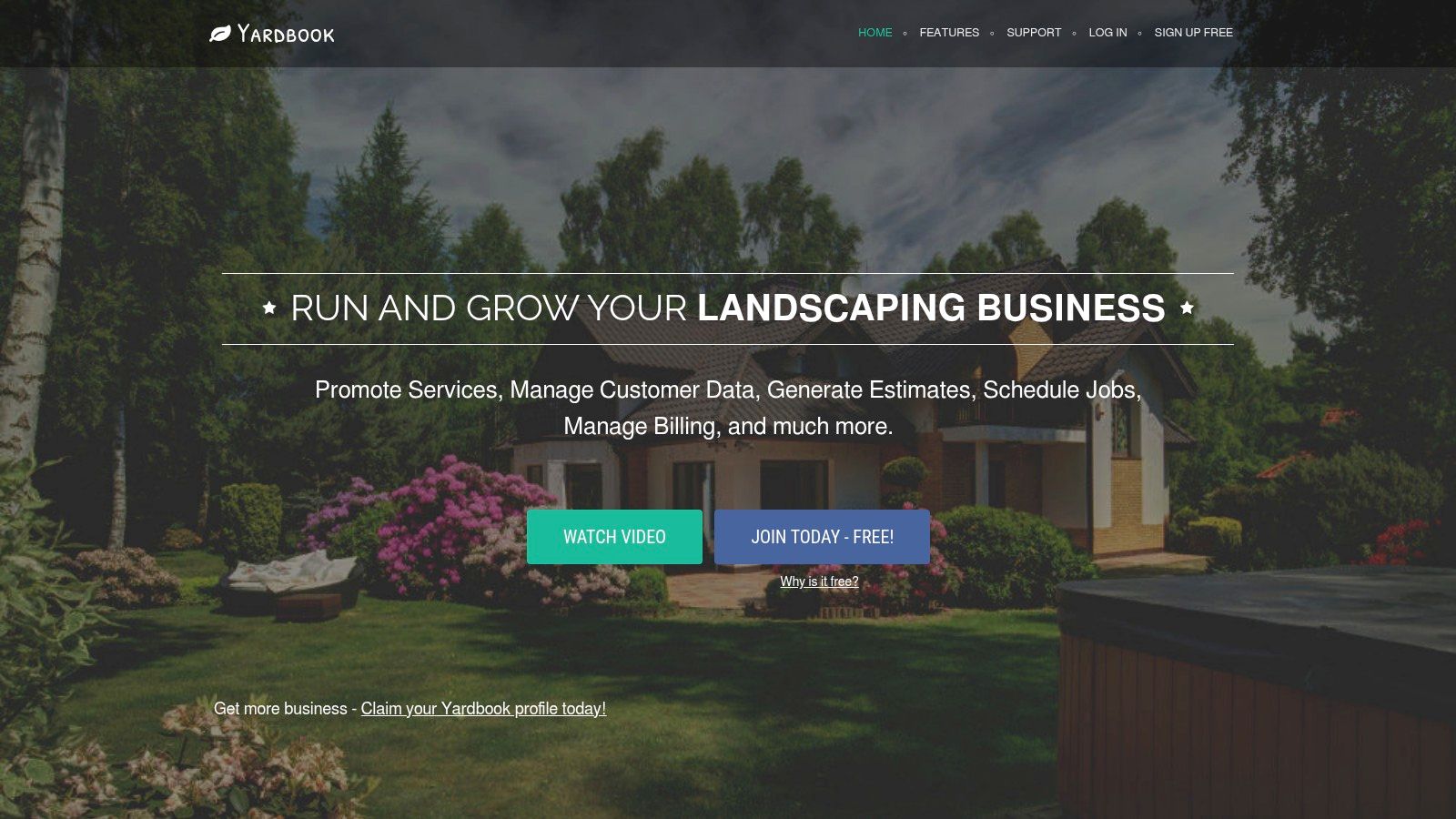
Yardbook is one of the few free options here that can run an actual lawn route business, not just a handful of test jobs. If you mow, treat lawns, or handle recurring property work, this free tier is strong enough to cover scheduling, estimates, invoicing, customer records, and route-based admin in one system.
The ceiling matters more than the feature list. Yardbook's pricing and plan pages showed a free plan when reviewed on September 21, 2026, but the question is not whether it is free. The question is how long a lawn business can stay on it before missing automation, integrations, or office controls that larger teams usually want.
Where the free tier holds up
Yardbook works best for owner-operators and small crews serving the same properties on repeat visits. That is the core use case, and it shows.
You get the parts that matter early: customer and property records, recurring service scheduling, estimates, invoices, payments, and route support. That makes Yardbook more practical than free tools that stop at basic job booking and leave billing somewhere else.
The tradeoff is clear. Yardbook is built for lawn care and landscaping first. A plumber, HVAC company, or repair tech with equipment histories, diagnostic workflows, or complex dispatch rules will hit the product's limits faster, even if the price stays at zero.
- Best fit: Lawn care and landscaping companies with repeat stops and address-based service history.
- Free-tier strength: It covers both field scheduling and back-office billing well enough to run day-to-day work.
- Free-tier ceiling: The limit is not basic job volume. It is the missing higher-end admin layer, especially advanced automation and broader integrations.
Yardbook is a good free plan for recurring property service. It is a weak free plan for technical service businesses that need heavier work order logic.
That distinction should decide the signup. If your business sells mowing rounds, seasonal cleanups, fertilization, or maintenance routes, Yardbook gives you more room before the free tier feels cramped. If your jobs depend on diagnostic steps, parts workflows, or technician-heavy dispatch, skip it and start with a platform built for those jobs.
2. LawnPro
LawnPro only makes sense if you run a lawn or landscaping business and accept the limits of an add-on model before you sign up. That is the decision point here. The free entry gets you into a lawn-specific system, but the ceiling is defined less by job volume and more by which office tools stay outside the base setup.
Read it as a modular buy path, not a broad free field service plan. The core pitch is straightforward: estimates, invoicing, deposits, pricing tools, and client-facing features for lawn work. Route functions and accounting connections are treated as extra pieces, not standard table stakes. I checked the vendor pricing page in September 2026, and that is the part to pay attention to before you migrate customer data.
That structure will suit a small mowing or landscaping operator who wants to start light and add functions one at a time. It will frustrate an owner who expects the free tier to cover dispatch, routing, office coordination, and bookkeeping in one shot.
A better way to judge LawnPro is to ask what the free plan does not fully include on day one. The cap is practical, not theoretical. Once your office needs route optimization, tighter accounting workflows, or more complete admin support, the free version stops being enough and the add-ons start stacking up.
- Best fit: Lawn care and landscaping companies with repeat property visits and seasonal price changes.
- What the free setup does well: Handles quoting, invoicing, deposits, and lawn-specific pricing logic better than generic free schedulers.
- Where the ceiling shows up: Paid extras for functions many growing operators will want in the office.
LawnPro is a fair free starting point for lawn businesses. It is a poor choice for general field service companies. If you mow, fertilize, or maintain routes, it is worth a look. If you dispatch techs for repairs, diagnostics, or parts-heavy jobs, skip it.
3. ServiceM8
If you want a free plan that feels like actual field service software instead of a teaser, ServiceM8 makes the shortlist fast. It gives a solo operator real job workflow, not just a calendar and an invoice screen.
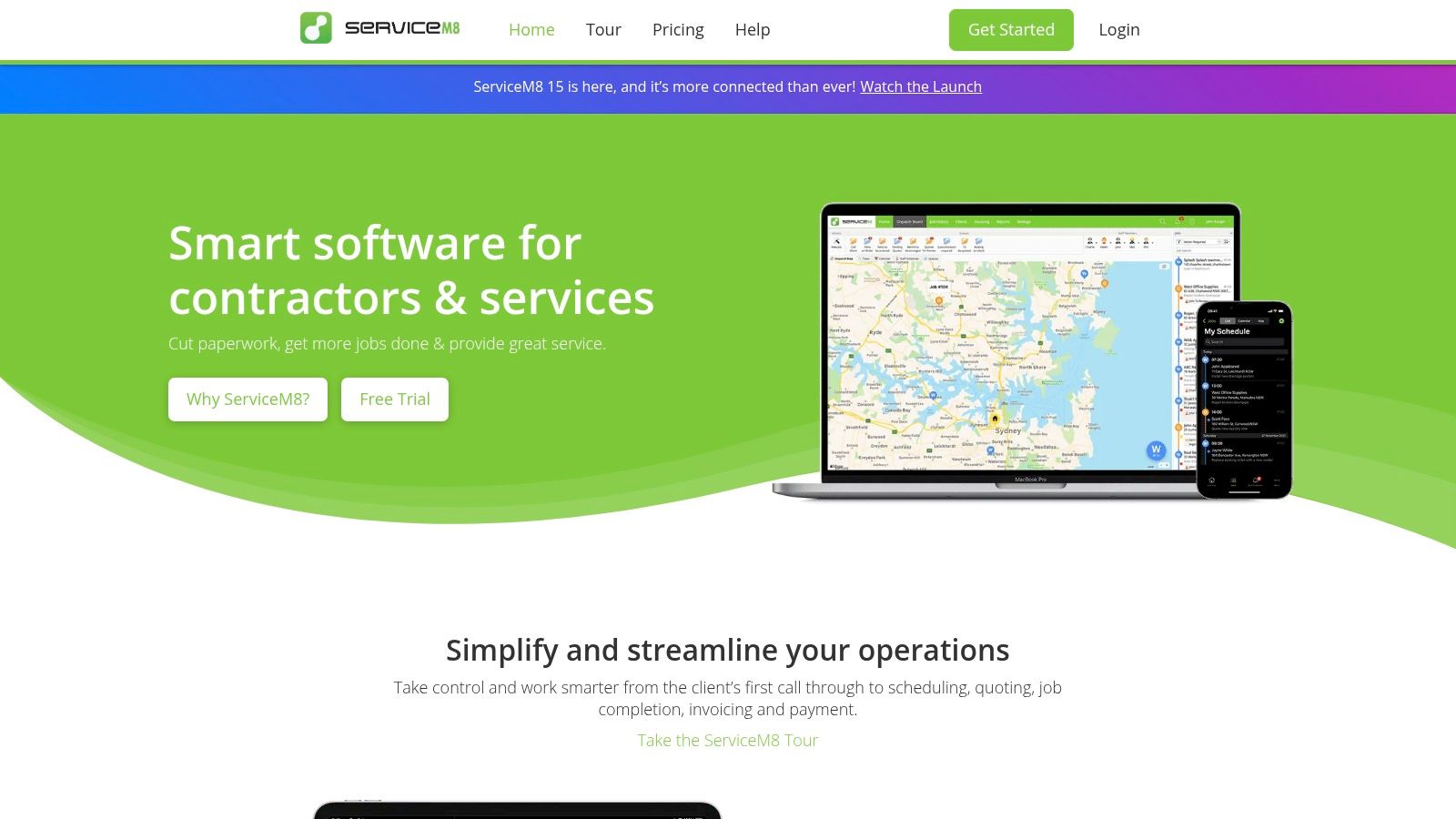
Read the ceiling before you sign up. On ServiceM8's pricing page, checked in September 2026, the free tier is limited to one user and 30 jobs per month. That is the whole decision.
Where the cap hits
Thirty jobs per month is generous for a solo operator doing larger tickets, inspections, or follow-up work with decent margins. It is a poor fit for a volume business. If you run many small service calls, recurring cleans, or fast-turn maintenance visits, you can hit the limit early and be forced into a paid plan sooner than expected.
The free tier still covers the core workflow owners usually care about first: quoting, scheduling, job management, invoicing, and payment collection. That is why ServiceM8 deserves a place on this list. The catch is simple. It solves workflow depth better than it solves growth.
A second filter matters here: device choice. ServiceM8 is strongest in Apple-based operations. An owner-operator using iPhone and iPad can get a lot from the free tier. A mixed-device crew should check compatibility and rollout friction before importing customers and rebuilding dispatch around it.
- Best fit: One-person trade businesses using Apple devices.
- Free-tier ceiling: One user, 30 jobs per month, based on the pricing page checked in September 2026.
- Why owners try it: The free plan includes real FSM functions, not a stripped-down lead form.
- Why owners leave it: Growth means paying, especially once job volume rises or another user needs access.
My recommendation is straightforward. Choose ServiceM8 if you want a serious free starting point for a solo shop and you already know your monthly job count stays under the cap. Skip it if your business wins on volume or you need more than one person in the system right away.
4. ServiceFolder
ServiceFolder only makes sense if you want a free plan that still looks like real field service software. The ceiling is the whole story here. Its Silver Edition is limited to one user, so the trial value is clear but the growth limit is immediate.
ServiceFolder covers the parts many owner-operators need to test before committing: jobs, scheduling, customer records, invoicing, contracts, and equipment tracking. That matters more than a generic “free plan” label. If you run HVAC, plumbing, appliance repair, lawn service, or another service business with assets and repeat work, the added structure is useful from day one.
The price page on ServiceFolder showed the free Silver Edition for one user when checked on September 21, 2026. That is the cap to focus on first. If a second tech, dispatcher, or office admin needs access, the free tier is over.
A smarter way to evaluate ServiceFolder is to ask one question: do you need service history and equipment records now, or do you just need a calendar and invoices? If you need the first set, ServiceFolder has more shape than lightweight crew apps. If you only need basic scheduling, this will feel heavier than necessary.
Here is the tradeoff in plain English:
- Best fit: Solo operators in trades that need work orders, service records, contracts, or equipment tracking.
- Free-tier ceiling: One user, based on the pricing page checked September 21, 2026.
- Why owners sign up: The free plan reaches beyond simple booking and billing.
- Why owners outgrow it: Team access is the wall, and you should expect to verify which advanced features stay in the free edition before you import your customer list.
My recommendation: put ServiceFolder on your shortlist if you are a one-person service business and want a broader FSM setup before paying. Skip it if you already know two or more people need to work in the system. The free tier is a solo test bed, not a free team plan.
5. Connecteam
Connecteam makes sense only if your free-software goal is crew control, not full field service management. Use it for scheduling, clock-ins, forms, and team chat. Do not pick it expecting estimates, dispatch boards, customer history, or invoicing to appear later.
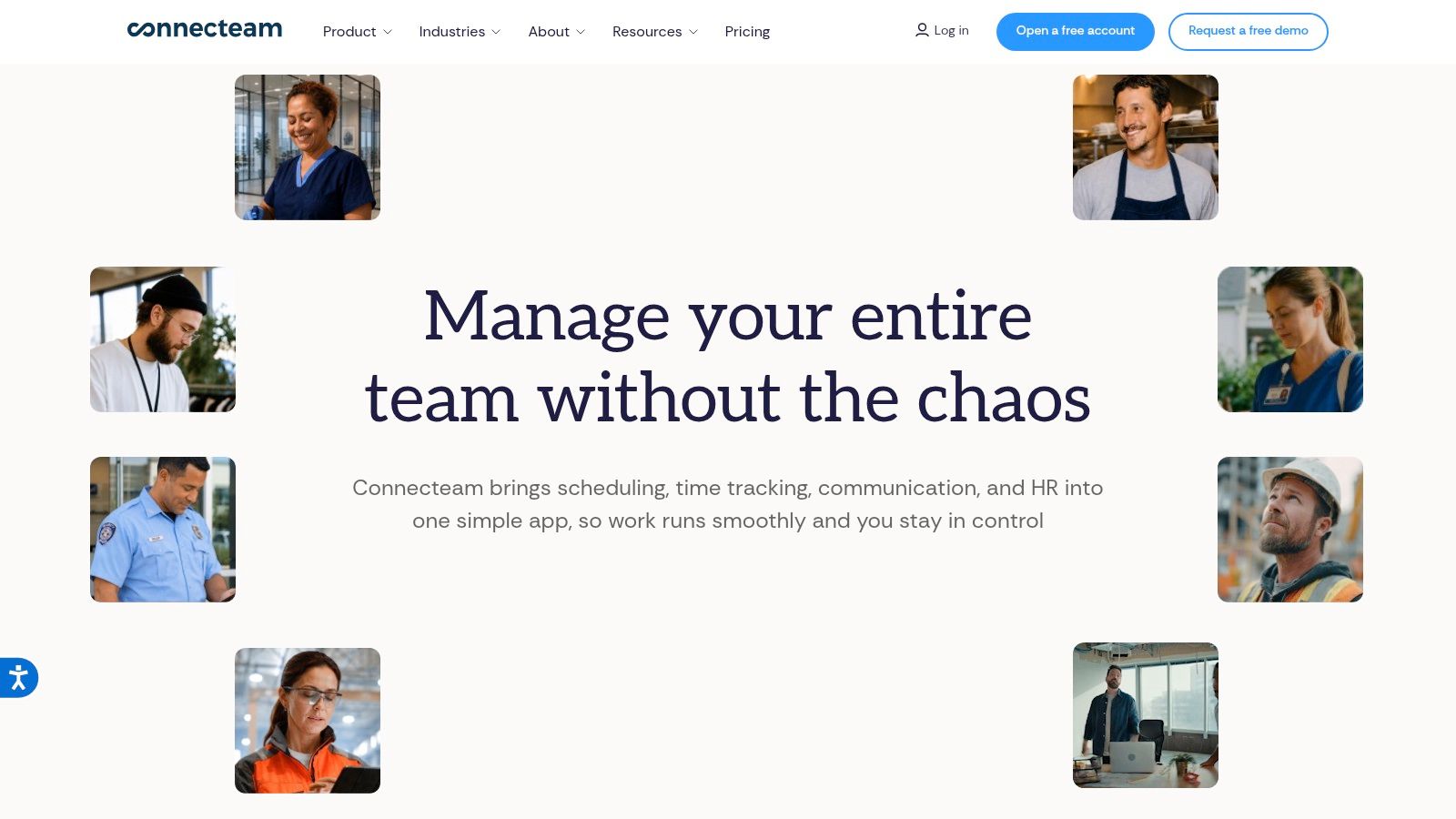
The pricing page at Connecteam pricing showed a free Small Business Plan for up to 10 users when checked on September 21, 2026. That is the reason it stands out here. Many free tools stop at one user. Connecteam gives a small crew room to operate before you hit the wall.
Here is the practical question to ask before you sign up: are you replacing text messages, paper timesheets, and missed checklists, or are you trying to run the whole service business in one system?
If the problem is field coordination, Connecteam is a good free option. A cleaning company, pool route, landscaping crew, or mobile team that already handles quotes and invoices in QuickBooks or another app can get real value from it. Schedules, time tracking, checklists, and internal communication are the point.
If the problem is office workflow, pass. You will still need another system for estimates, work orders, customer records, and billing, which means the free tier solves only part of the job.
My take: Connecteam is one of the better free team-ops plans in this list because the 10-user cap is real breathing room. It is also easy to choose for the wrong reason. Sign up only if you want workforce management first and can live with a separate quoting and invoicing stack.
6. Contractor+
Stop looking at the word "free" and start with the cap. Contractor+ earns a spot on this list because the free plan does not disappear after the intro trial, but the ceiling is low enough that busy operators will hit it fast.
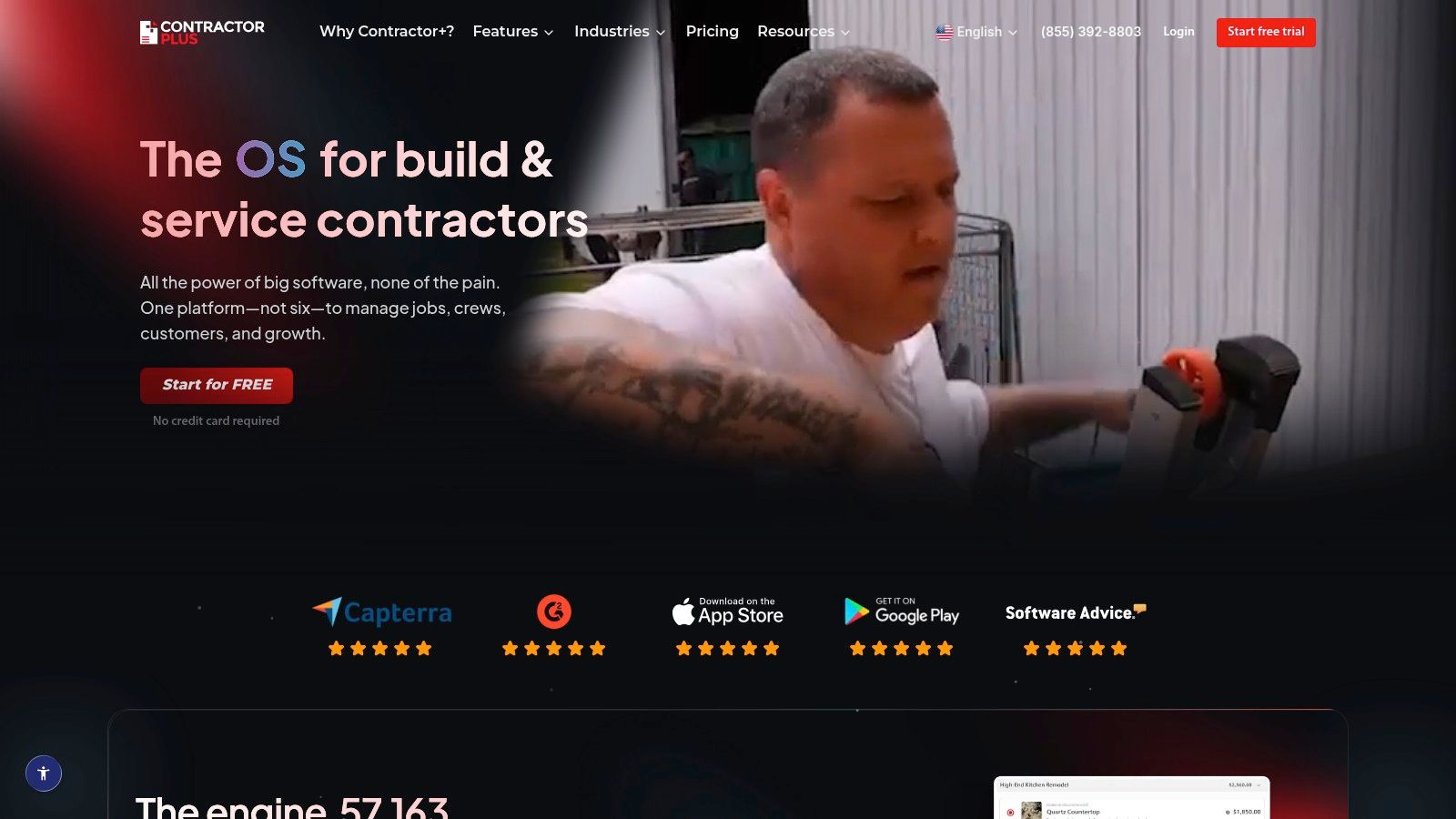
On Contractor+ pricing, the Freedom plan was listed as free after a 14-day Pro trial when checked on September 21, 2026. The trade-off is simple: monthly limits on estimates and invoices. That is the ceiling that matters. If your crew sends paperwork every day, the free tier is a short runway, not a long-term operating plan.
Contractor+ makes the most sense for owner-operators who sell and bill in low volume but still want a polished front end. A handyman, solo remodeler, or small trade shop can send quotes, collect signatures, invoice customers, and keep jobs organized without stitching together separate apps.
The limit shows up in admin flow, not field coordination. You are choosing this for documents first.
My read: use Contractor+ if your question is, "How far can I get before I pay?" The answer is: far enough for light monthly volume, not far enough for a shop with a steady stream of estimates and invoices.
7. Kickserv
Kickserv is only "free" if you are willing to make payments part of the deal. That is the first thing to understand, because this is not a simple forever-free signup like some owners expect.
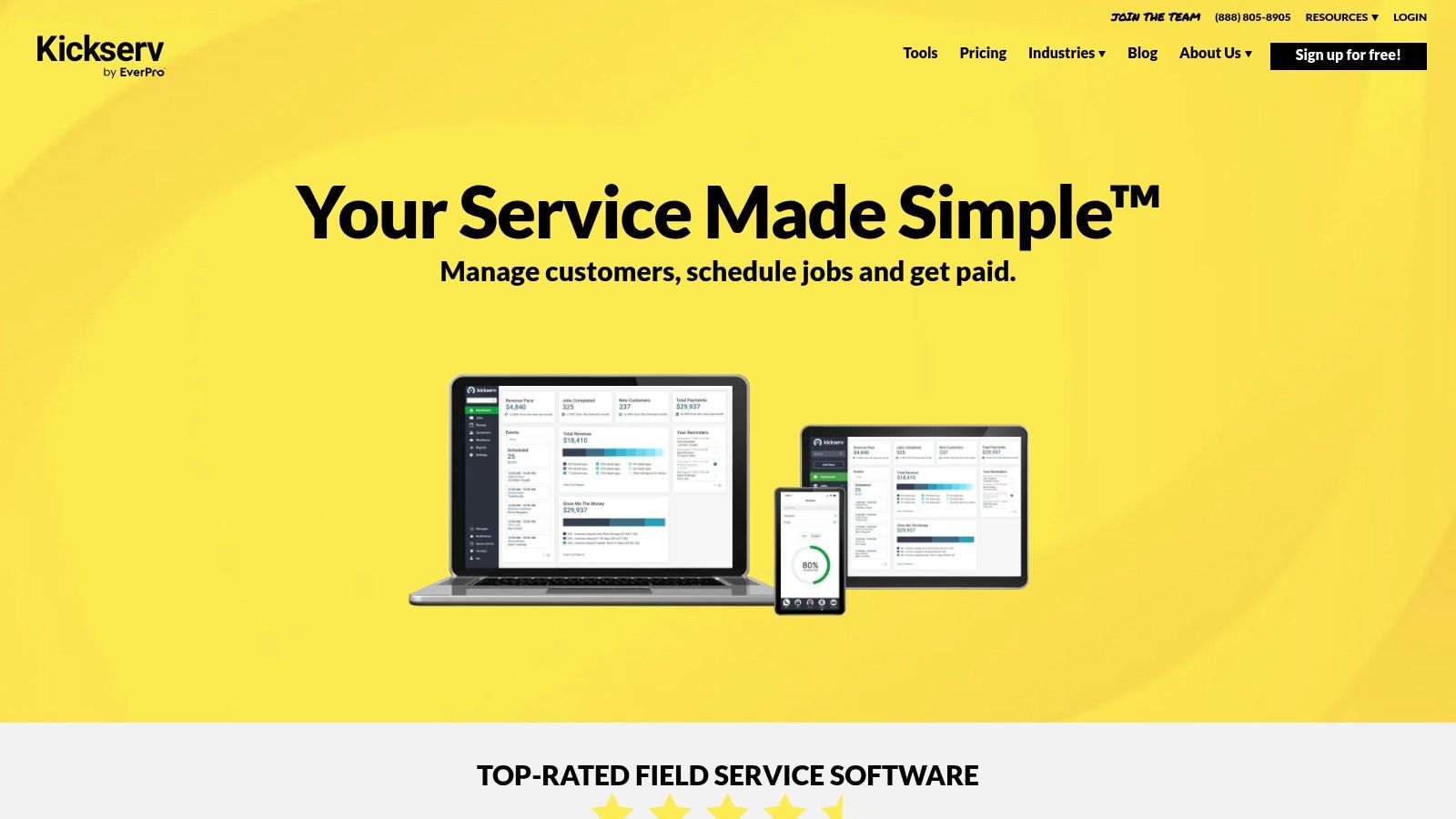
On Kickserv pricing, the no-subscription path was presented through its payments program when checked on September 21, 2026. So the ceiling is not just jobs, users, or features. The ceiling is your willingness to run enough payment volume through Kickserv's setup, and to accept the processing terms that come with it.
That makes Kickserv a pricing-model decision first and a software decision second.
If you already collect card and ACH payments inside your field service workflow, Kickserv can make sense. You get established tools for scheduling, estimates, invoices, job tracking, and customer communication. If you prefer to keep payments separate or shop aggressively for processing rates, the "free" angle loses value fast.
My recommendation: treat Kickserv like a conditional waiver, not a free plan. Read the payment requirements before you invest time importing customers, building forms, and training staff. If the payment math works for your business, fine. If it does not, this is paid software wearing a free label.
8. ToolBerry
ToolBerry earns a spot on this list for one reason: offline use is the product, not a side feature.
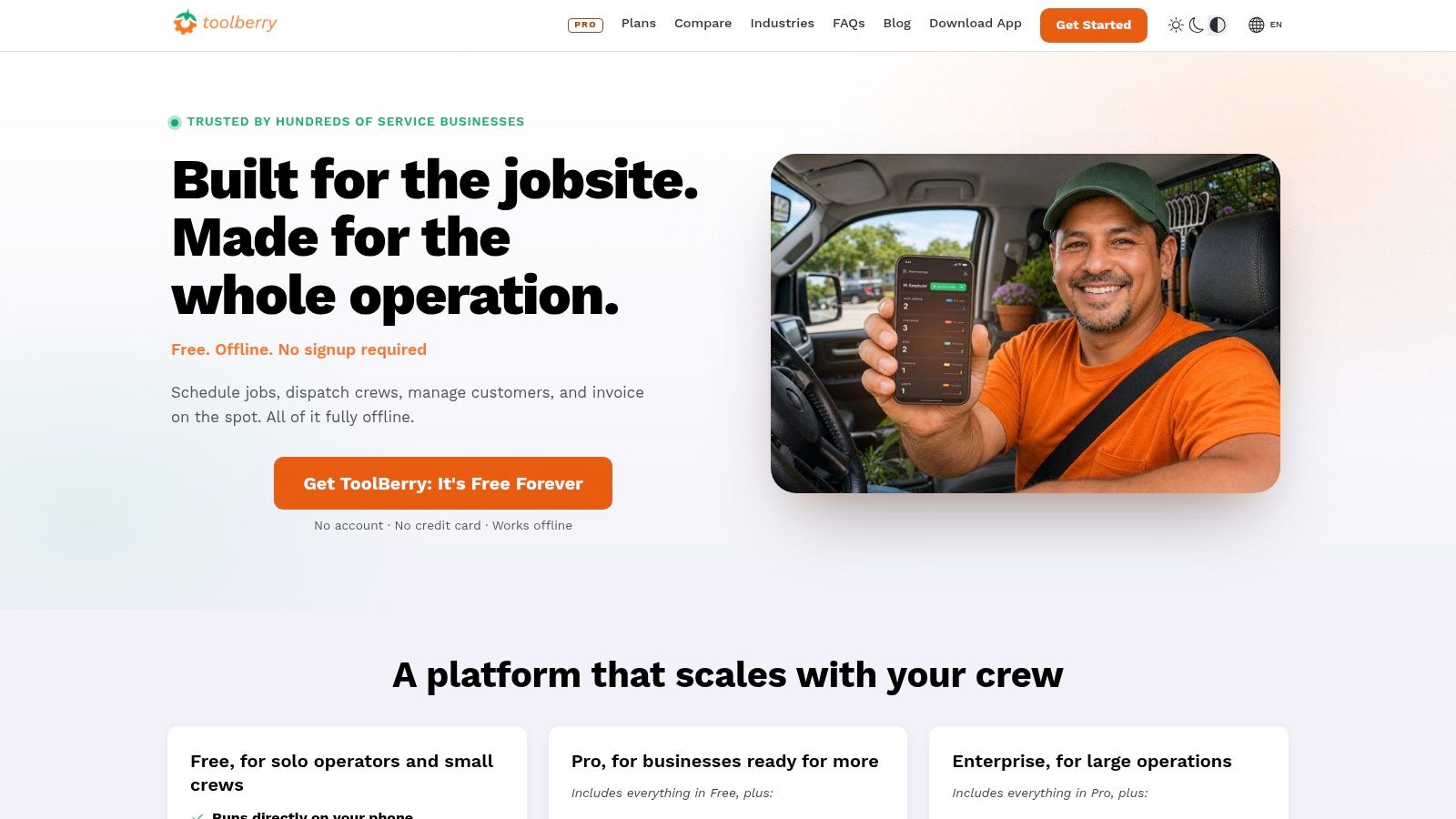
If your techs work in rural areas, basements, plant rooms, new builds, or anywhere cell service drops, that matters more than a flashy integration catalog. An app that cannot reliably open job details in the field wastes time and creates billing mistakes. ToolBerry is built around keeping work orders, customer records, quotes, invoices, and schedules usable without a live connection, then syncing later.
That is the appeal. It is also the limit.
ToolBerry makes sense for operators who need field reliability first and can live with a smaller ecosystem and lighter reporting. If your business depends on advanced dashboards, broad third-party connections, or a long list of admin features, check the ceiling carefully before you commit. The free-tier question matters here more than the marketing angle. Read the pricing page on ToolBerry before signup and confirm the actual caps, because that is what decides whether this stays useful after the first stretch of jobs.
My take: shortlist ToolBerry if signal problems are a weekly issue. Skip it if your team works in well-connected areas and you care more about back-office depth than offline performance.
9. Taskrol
Taskrol only makes sense if you repair appliances. If that is your trade, the narrow focus is the whole selling point.
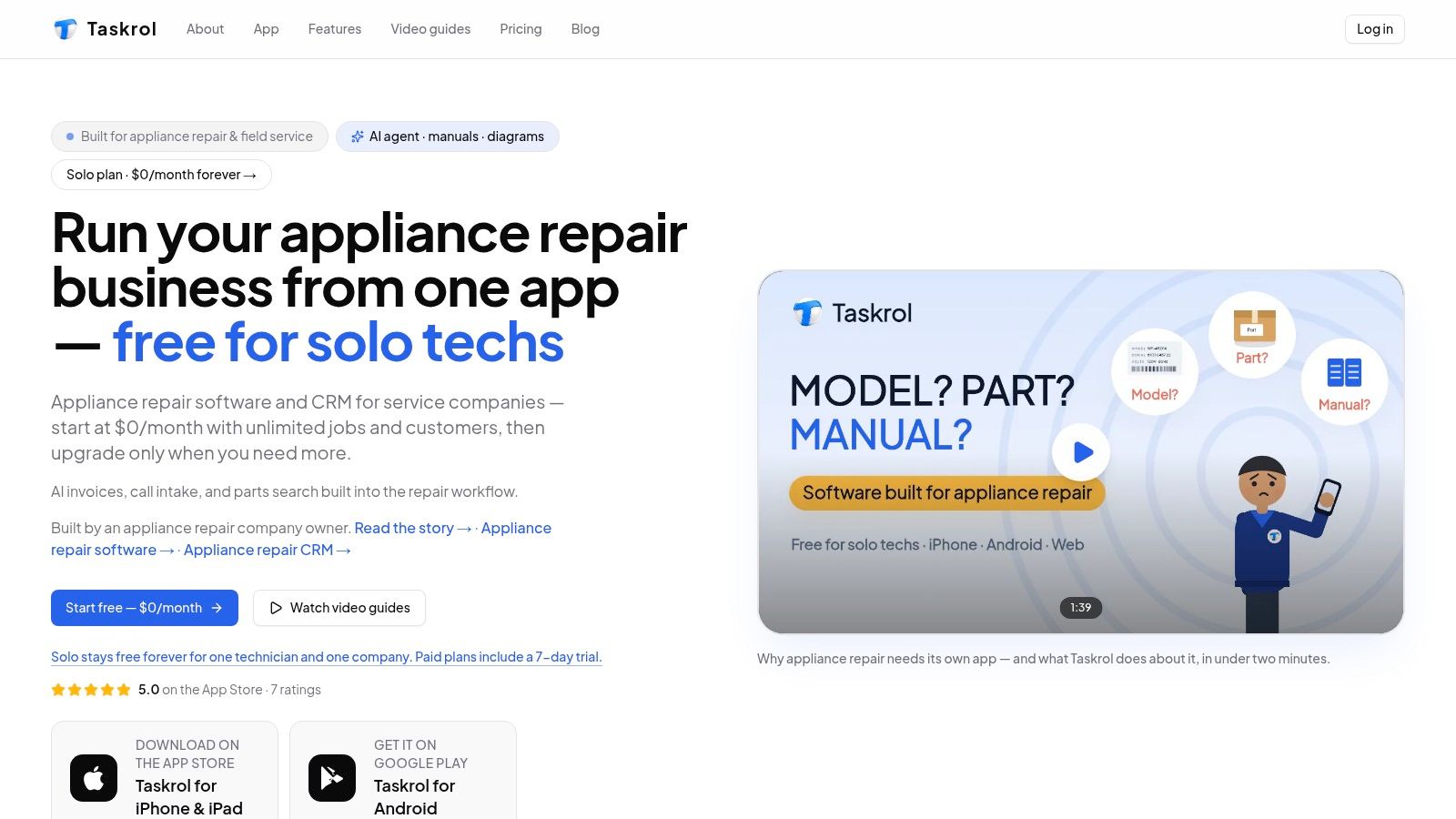
Here is the ceiling first. Taskrol lists a Solo plan at $0 forever on Taskrol pricing, read September 21, 2026. That tells you where to start your evaluation. Confirm the user limit, job volume cap, and any limits on invoicing, payments, or customer records before you build your workflow around it, because those caps decide whether "free" lasts a month or a year.
What makes Taskrol different is the workflow fit. Parts diagrams and service manual links inside the app are useful for appliance repair shops and owner-operators who need model-specific information during a call. That is practical value, not generic FSM fluff.
Use it if your day is warranty calls, diagnostics, parts lookup, and repeat appliance brands.
Skip it if you run plumbing, HVAC, electrical, cleaning, or a mixed home service operation. The same specialization that helps an appliance tech will box in a broader business fast.
My take: Taskrol is a real contender for a solo appliance repair tech, but a bad default for everyone else. Free software only helps if the free tier fits your trade and the caps do not force an early upgrade.
10. Odoo Community with OCA Field Service modules
Odoo Community is the only option on this list where the free tier ceiling is not mainly about jobs or seats. It is about how much setup pain you can absorb before the software starts costing you time, hosting, and technical labor.
Start with the pricing reality. Odoo promotes its Community edition as open source, and its Odoo Community information explains that the free route is the self-managed Community version, not the paid Enterprise field service app. I read that page September 21, 2026. On the field service side, the missing piece comes from the OCA field service repository, also checked September 21, 2026.
That distinction matters. You are not signing up for a polished forever-free FSM plan with a clean vendor support promise. You are assembling your own stack from Community apps and community-built modules, then taking responsibility for hosting, updates, conflicts, and module compatibility.
Here is the practical ceiling before you commit:
You can avoid per-user license fees on the Community side. You do not get a simple cap like "10 jobs per month" or "1 free user." Instead, the limit shows up when you need features that require extra configuration, when a module update breaks something, or when nobody on your team wants to own the system.
For the right shop, that trade is fine.
A technical operator can build service orders, scheduling, CRM, inventory, quotes, invoices, projects, and timesheets into one system and skip recurring seat charges. A typical owner-operator who wants to dispatch this week will hate it. The free version saves cash only if your business can absorb implementation work without stalling operations.
My recommendation is simple. Use Odoo Community with OCA modules if you already have technical help, unusual workflow requirements, or a real reason to avoid per-user pricing. Skip it if you want quick setup, predictable support, or a clear free-tier ceiling published on a pricing page. This is free software in the literal sense. It is not the low-effort choice.
Top 10 Free Field Service Software Comparison
| Solution | Key features | Target users | Pricing / value proposition | Standout (unique selling point) | Main limitations |
|---|---|---|---|---|---|
| Yardbook | Property CRM, estimates/invoices/payments, scheduling + route optimization, mobile time tracking | Lawn care & landscaping solo operators & small crews (recurring routes) | Freemium, truly free core plan usable long-term; paid tiers for advanced features | Property-level pricing and routing optimized for recurring route work; easy lawn-specific setup | Advanced automations/integrations on paid tiers; may not scale beyond lawn/landscape |
| LawnPro | Estimates/invoices/deposits, price matrix, client portal & routing (add-ons), QBO sync (add-on) | New lawn businesses and solos wanting incremental upgrades | Free base + low-cost a la carte add-ons (~$9 to $10/mo) | Lawn-specific price matrix and low-cost modular upgrades | Essentials (routing, QBO, advanced time tracking) often require paid add-ons |
| ServiceM8 | Quotes/jobs/scheduling, invoicing, payments, mobile-first forms, job-credit model | Solo technicians (iOS/mac-first) and very small setups | Free ongoing single-user plan with job-credit limits; pay-per-job scaling | Strong mobile UX and field workflows; predictable solo scaling via credits | iOS/mac-first limits mixed-device teams; credit limits on free plan |
| ServiceFolder | Jobs, estimates/invoices, contracts, equipment tracking, scheduling, QBO/Stripe | Trades evaluating workflows (HVAC, plumbing, appliance, lawn, cleaning) | Free Silver Edition for 1 user to trial; paid plans to scale | Trade-specific templates and equipment/inventory support | Free-plan messaging varies by page; marketing-heavy docs, confirm limits |
| Connecteam | Employee scheduling, time tracking, geolocation/geofencing, forms/checklists, team chat | Teams prioritizing workforce ops (scheduling/time/comms) up to ~10 users | Free Small Business plan up to 10 users; paid tiers for larger teams | Generous 10-user free tier; replaces multiple point tools for ops | Not a full FSM, lacks flat-rate pricebooks, proposals and deep FSM features |
| Contractor+ | Estimates/invoices with e-sign, payments (ACH/card), job calendar, mobile apps | Solo contractors and very small teams | Free "Freedom" tier remains after 14-day Pro trial; free tier has monthly caps | Free-forever tier with clear upgrade path and public docs | Monthly document/invoice caps on free plan; Pro required for heavier usage |
| Kickserv | Job management, CRM, estimates/invoices, integrated payments, mobile apps | SMBs that process many cards and want to offset subscription costs | Paid plans, but subscription can be waived if you meet Kickserv payment processing thresholds | Path to zero subscription via processing thresholds (Kickback) | Free status tied to using Kickserv payments and meeting minimums; some reporting gated |
| ToolBerry | Work orders, scheduling, quotes/invoices, customer records, offline-first sync, multilingual | Rural routes or low-connectivity areas; solo operators/small crews | Free starter plan; per-company Pro tier (no per-user upsell) | True offline-first operation with sync when online | Newer platform; integrations and reporting still maturing; smaller KB/community |
| Taskrol | Jobs, estimates/invoices, customer & asset history, parts lookup with diagrams/manual links | Appliance repair solo technicians | Free forever Solo plan; team/advanced features require paid tiers | Integrated parts diagrams and service manual links in workflow | Narrow trade focus; limited usefulness outside appliance repair |
| Odoo Community + OCA FSM | Service orders, scheduling timeline, CRM, quotes/invoices, inventory, highly extensible modules | Teams with technical resources or willing to hire implementers | Open-source Community (no per-user license); hosting/implementation costs apply | No per-user licensing; highly extensible via OCA modules and community apps | Significant setup/maintenance and hosting burden; Enterprise FSM features are paid |
When a free tier stops making sense
A free tier stops making sense when the business starts building workarounds around it. That's the line. Not the marketing label, not the signup page, and not the feeling that saving the monthly fee means the business is being careful.
The first thing to compare is simple. Job count, user count, and the missing office modules. If a free plan caps monthly jobs, a business should pull the last two or three months of completed work and compare actual volume to the cap. If the free plan allows one user, a business with an owner, dispatcher, and tech already knows the answer. If the plan handles schedules but not estimates, invoices, or customer history, the software isn't replacing admin. It's just moving part of it.
Staying on the same vendor usually makes sense when the free plan already fits the workflow and the upgrade mainly removes limits. ServiceM8 is a good example of that logic for a solo trade business that likes the product and outgrows the monthly job cap. Contractor+ can work the same way when the business likes the estimate and invoice flow but hits document limits. Switching makes more sense when the free tier exposed a deeper mismatch, such as using Connecteam for scheduling but still needing a real service-office system, or trying to make a lawn-first product fit HVAC dispatch.
Before any customer list, pricebook, or property history gets imported, owners should get a few points confirmed in writing. What exactly imports. What doesn't. Whether recurring jobs come across cleanly. Whether estimate templates, line items, and attachments move over. Whether data can be exported later if the business leaves. Some vendors publish useful clues on this point. Field Tempo says it offers CSV client import, full export anytime, and that customer data remains available for 30 days after cancellation. A U.K. procurement listing for SAP Field Service Management also states that customer business data can be returned in an agreed format at contract end if requested, and that CSV export and import are supported for several master data objects.
One other reality check helps here. A lot of well-known field service platforms aren't playing in the free-plan market at all. Microsoft Dynamics 365 Field Service pricing publishes a Field Service price of $105.00 per user per month when paid yearly. That isn't aimed at the owner-operator shopping for free field service software. It's aimed at a very different buyer.
The short upgrade checklist is blunt:
- User count broke the plan: The office added a dispatcher, admin, or second tech and the free cap no longer fits.
- Job volume broke the plan: Monthly work now exceeds the free allowance, or credits run out too early.
- Payments terms drive the software decision: A platform is only free if the business processes payments its way.
- Core FSM pieces are missing: The team still needs another app or a spreadsheet for estimates, invoices, customer history, or work orders.
- Needed integrations hit the wall: Accounting sync, routing, or other connected tools sit outside the free tier.
Free field service software is useful when it buys time, cuts early admin, and proves what the business needs. It's a bad idea when the owner starts doing double entry to avoid a subscription. At that point, the cheap option is the one that removes the extra work.