The owner has estimates to send, a technician waiting for an address, and an unpaid invoice that should've gone out yesterday. Meanwhile, Housecall Pro, Jobber, and ServiceTitan each promise a better way to run the office. The difficult part isn't finding software with enough features. It's buying enough structure without buying an administrative job.
Housecall Pro vs Jobber vs ServiceTitan is primarily a business-stage decision. Jobber is the sensible starting shortlist for an owner-led company seeking more organized workflows. Housecall Pro belongs beside it for small home-service teams. ServiceTitan deserves consideration when dispatch, reporting, and management controls have become separate operating responsibilities, not just because the owner expects to grow.
Three Platforms, Three Stages of Business Growth
Consider an owner comparing software after a day of fieldwork. A polished reporting dashboard looks impressive, but the immediate problem is simpler: approved estimates aren't becoming scheduled jobs, and completed jobs aren't becoming invoices.
A regional contractor faces a different problem. Dispatchers, technicians, sales staff, and managers need consistent information and different permissions. The owner doesn't just need a clearer calendar. Management needs a reliable way to supervise the operation.
Those businesses shouldn't buy on the same basis. The following tiers describe operating needs, not a mandatory ladder from one vendor to another.
| Business stage | Main operating problem | Recommended shortlist | Reason to reject a heavier system |
|---|---|---|---|
| Owner-led operation | Keeping customer requests, appointments, and billing organized | Jobber and Housecall Pro | Nobody has time to administer complicated workflows |
| Growing, coordinated company | Managing crews, repeat work, office handoffs, and exceptions | Jobber and Housecall Pro, evaluated against actual workflows | Extra configuration may exceed the value of added controls |
| Process-intensive contractor | Coordinating departments, management reporting, and financial oversight | ServiceTitan | Management depth only matters when someone uses it |
Growth doesn't mean automatic promotion
Jobber and Housecall Pro overlap substantially in the small-business segment. ServiceTitan is more closely associated with complex operations needing deeper controls. An industry analysis of the platforms' development and business scale describes their different trajectories, but company size and investor backing aren't reasons for a contractor to buy.
The useful distinction is who owns the work after implementation. An owner-led business needs employees to follow straightforward routines without constant supervision. A process-intensive business may need designated people to maintain reporting, permissions, pricing rules, and departmental workflows.
Buying rule: Software should support responsibilities the company already assigns, not responsibilities a salesperson assumes someone will eventually take on.
The wrong tier creates different problems
Buying too much software can leave a small company paying for controls nobody maintains. Buying too little can leave office staff reconstructing operational information in spreadsheets.
Neither problem is solved by choosing the most recognizable brand. The better decision starts with the company's current bottleneck and the person responsible for fixing it.
For most small home-service businesses, that means comparing Jobber and Housecall Pro before considering ServiceTitan. Enterprise-oriented depth should answer a demonstrated operational need.
What Each Tier Actually Looks Like in Practice
Crew size matters, but process maturity matters more. A route-based cleaning company with repeat appointments can need different coordination from a similarly sized HVAC company handling diagnostic visits, replacements, and maintenance work.
The distinction is easiest to see in the owner's working day. Does the owner still assign every job? Can office staff resolve a schedule change without calling the owner? Does a manager regularly review performance and act on it?
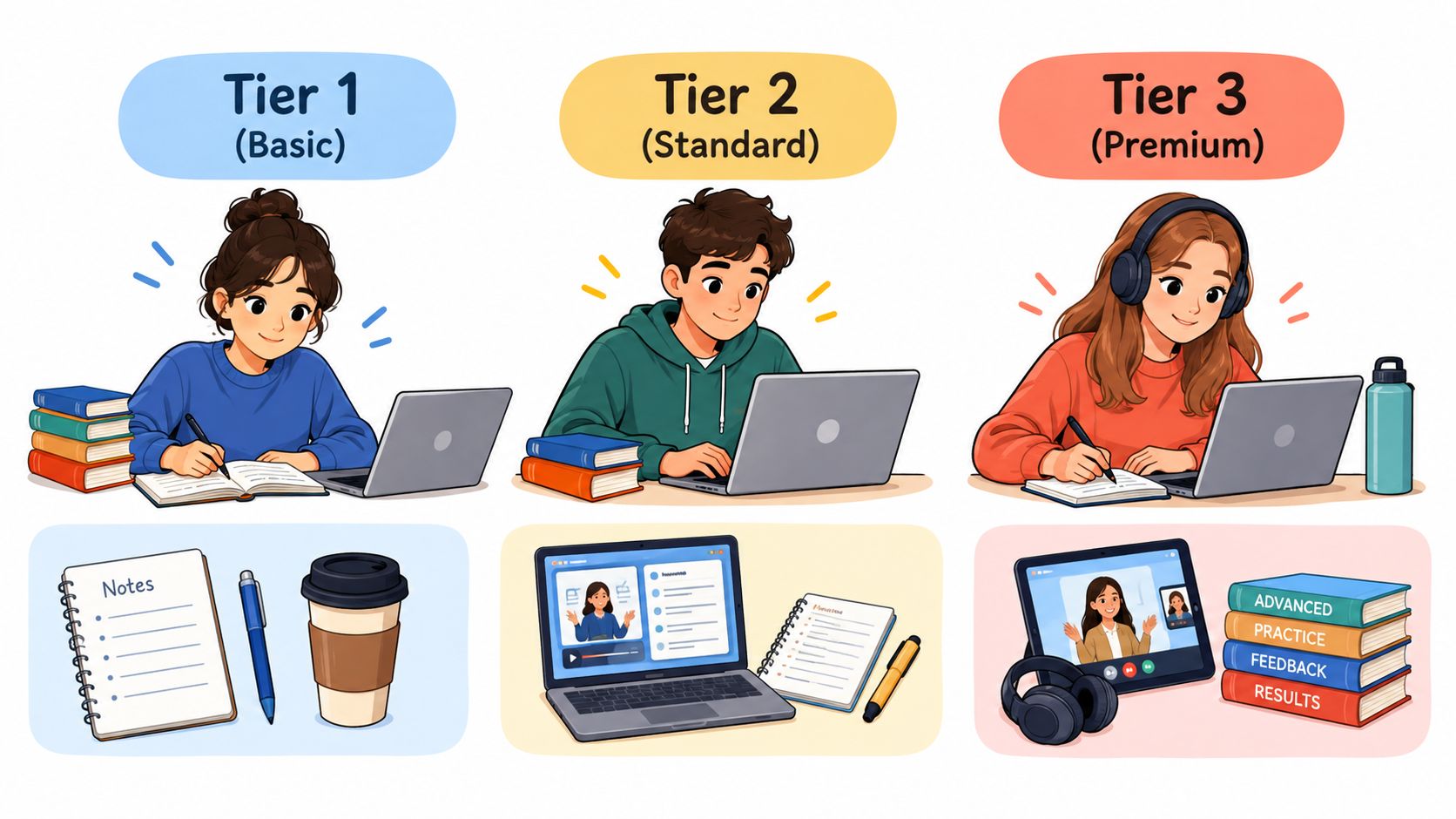
Owner-led work versus coordinated work
At the owner-led stage, the office process is still mostly in someone's head. Customer requests arrive by phone or text, estimates require personal follow-up, and the owner knows which employee should handle each job.
Jobber and Housecall Pro are the appropriate starting candidates. The buying objective should be a dependable routine that an employee can follow, rather than a management dashboard the owner won't have time to interpret.
At the coordinated-growth stage, employees need to make decisions without routing everything through the owner. Recurring appointments, crew availability, customer changes, and unfinished work need clear ownership.
Useful self-checks include:
- Work mix: Recurring lawn care, cleaning, pool service, and pest control require close attention to schedule changes and repeat billing.
- Job variation: Plumbing, electrical, handyman, and HVAC work may require different information for diagnosis, approval, materials, and follow-up.
- Office responsibility: A named employee should own scheduling exceptions and billing corrections.
- Owner dependence: Routine work shouldn't stop whenever the owner is on a job.
When departmental control becomes necessary
The process-intensive stage begins when the company manages distinct functions rather than a shared to-do list. Dispatch, customer service, sales, field supervision, and financial review have their own responsibilities.
That's the stage at which ServiceTitan becomes a serious candidate. The reason isn't truck count alone. It's the need to coordinate people whose decisions affect other departments.
A growing pressure-washing business doesn't need enterprise software because it adds another crew. Conversely, an established HVAC contractor shouldn't dismiss a more involved system if managers need consistent controls across service and installation work.
The practical threshold is organizational, not cosmetic: employees need defined responsibilities before software can help management enforce them.
Published Pricing and What a Real Twelve-Month Cost Looks Like
A current subscription figure shouldn't be treated as verified without a current vendor pricing page. No dated vendor-page verification is available for the figures discussed in public comparisons, so neither a current price nor a claim that a vendor currently publishes no figure can responsibly be stated here.
That also means no invented access dates, borrowed directory prices, or annual totals built from potentially outdated subscriptions. The purchasing decision still needs a specific written price schedule before approval.
Published Subscription Tiers and User Limits
| Vendor | Entry Plan | Mid Tier | Top Published Tier | User or Tech Limit |
|---|---|---|---|---|
| Housecall Pro | Current vendor-published tier and price not verified | Current vendor-published tier and price not verified | Current vendor-published tier and price not verified | Confirm included users and additional-user charges |
| Jobber | Current vendor-published tier and price not verified | Current vendor-published tier and price not verified | Current vendor-published tier and price not verified | Confirm office users, field users, and plan thresholds |
| ServiceTitan | Current vendor-published tier and price not verified | Current vendor-published tier and price not verified | Current vendor-published tier and price not verified | Confirm technician-based charges and contractual minimums |
A missing verified figure isn't permission to substitute an estimate. It's a reason to delay the financial comparison until each vendor provides a complete configuration.
Calculate the cost of the actual configuration
The useful annual calculation is:
Subscription charges + required add-ons + implementation and migration + payment charges + integration costs + internal administration.
Each component needs a named assumption. Subscription costs should reflect actual office and field access, not just the owner's account. Payment expenses should reflect the business's expected card and bank-payment mix, rather than an advertised starting rate.
An owner should also distinguish cash expense from staff time. An onboarding invoice is visible. Time spent cleaning customer records, rebuilding templates, and correcting accounting entries is easier to miss.
A cheaper subscription isn't cheaper if office staff must rebuild the same information elsewhere.
The comparison should use the same operating scenario for every vendor: the same employees, required workflows, payment activity, accounting connection, and recurring work. Otherwise, the owner may compare a stripped-down configuration against a complete one.
A written proposal should also show what happens when the company adds staff. If the next hire triggers another subscription tier or a minimum commitment, that change belongs in the decision before signing.
The right price is the price of the configuration the business will run. An entry-plan headline is only useful when that entry plan covers the required work.
Feature Scope by Trade and Workflow Depth
Feature availability isn't the same as workflow completion. A scheduling checkbox doesn't establish how a platform handles a technician calling out, a customer changing an appointment, or an unfinished job that needs another visit.
The most useful comparison follows a real customer request through the business. Each vendor should demonstrate the same scenario, including the awkward parts. A clean sales demonstration with no exceptions proves very little about office workload.
Match the demonstration to the trade
| Trade or work pattern | Workflow that deserves close inspection |
|---|---|
| Cleaning, lawn care, pool service, and pest control | Recurring visits, skipped appointments, route changes, and billing exceptions |
| Pressure washing and painting | Property notes, scope changes, deposits, and staged completion |
| HVAC, plumbing, and electrical | Diagnostic information, approval changes, equipment or property history, and return visits |
| Landscaping and handyman work | Mixed job lengths, crew assignments, materials, and partial completion |
These are demo requirements, not claims that every platform includes every capability. The vendor should identify the exact subscription and any additional product needed for each step.
A useful demonstration starts with an incoming request, moves through estimate approval and scheduling, then introduces a change. The employee should reassign the visit, record field notes, complete the work, issue the invoice, and reconcile payment.
Administrative friction deserves its own comparison
Published G2 comparative review data gives Jobber higher scores than ServiceTitan for usability, 9.0 versus 8.4, setup, 8.9 versus 6.8, administration, 9.1 versus 8.0, and support, 9.1 versus 7.8.
Those are review scores, not measured administrative hours. They support scrutinizing setup and administration, but they don't establish how much time a particular business will save.
The same discipline applies to integrations:
- Native workflow: The vendor should demonstrate completion within the purchased product.
- Paid extension: The proposal should name the additional module and its charge.
- External connection: The vendor should show what information moves and who fixes failures.
- Manual handoff: The office should account for copying, checking, and reconciling information.
A QuickBooks or Zapier logo isn't enough. The useful question is whether a changed customer record, corrected invoice, or refunded payment reaches the other system correctly.
AI deserves the same treatment. Estimate drafting or technician-note assistance is valuable only if employees can review the output, correct it, and finish the job without creating another queue of office work.
Migration, Import, and What Happens to Your Data
Migration belongs in the agreement, not in a verbal promise. A vendor can support importing customer names without preserving the information employees use to serve those customers.
A published migration and software-buying guide recommends exporting customers, job history, recurring jobs, the price book, and open invoices before cancellation. It also advises negotiating ServiceTitan's export terms in writing. That's a sound starting point for all candidates, not a reason to assume their export capabilities are identical.
Define the import deliverable
The migration schedule should identify both the record type and the information inside it. “Customer data” is too broad when the business needs property-specific instructions, historical balances, or attachments.
The written checklist should cover:
- Customer records: Names, contact details, billing contacts, custom fields, notes, and communication preferences.
- Properties and locations: Service addresses, access instructions, location relationships, and relevant site information.
- Historical work: Completed jobs, dates, technician notes, photos, documents, and links between records.
- Future work: Recurring schedules, unfinished jobs, outstanding estimates, and planned appointments.
- Financial information: Open invoices, deposits, credits, payment records, and opening balances.
- Price-book information: Services, descriptions, categories, rates, and any required accounting mappings.
The vendor should mark each category as included, excluded, or requiring additional work. Nobody should assume which fields commonly fail to transfer without examining the actual import specification.
Validate relationships, not just record counts
A file containing every customer name can still produce an unusable migration. Employees need the right job attached to the right property, the right invoice attached to the right customer, and the correct balance available for collection.
Contract safeguard: Import acceptance should depend on usable operational records, not merely successful file upload.
Before cancellation, the business should review representative migrated records against the old system. That review should include recurring work, customers with multiple properties, unpaid invoices, and jobs with attachments.
The agreement should name who maps fields, who corrects errors, and who approves the result. It should also establish how employees will access older information that won't be imported.
Finally, the exit arrangement needs its own deliverable. Export format, attachments, record relationships, access deadlines, and any extraction charges should be settled before the business depends on the platform.
Add-Ons, Hidden Costs, and What to Get in Writing
Software sprawl is a management expense even when every subscription looks affordable. A company can replace its scheduling spreadsheet and still maintain separate tools for accounting, marketing, reviews, payroll, and reporting.
The problem isn't automatically the number of tools. It's the number of handoffs employees must supervise. A dependable specialist connection can be preferable to a broad platform that still requires manual correction.
Compare ownership of the handoff
| Cost category | What the proposal should identify | Operational risk to check |
|---|---|---|
| User access | Included roles, additional access, and minimum commitments | Staff sharing accounts or lacking needed access |
| Route and scheduling tools | Included capabilities versus separately purchased options | Dispatchers building routes outside the system |
| Accounting connection | Required subscription, connector, and support responsibility | Duplicate entries and unreconciled payments |
| Marketing and messaging | Included usage, optional products, and usage charges | Paying for overlapping tools |
| Payment processing | Card, bank-payment, refund, and dispute terms | Comparing subscriptions while ignoring collection expense |
| Onboarding | Configuration, training, migration, and correction scope | Office staff finishing an incomplete setup |
These categories are purchasing questions, not assertions that every vendor charges separately for them. Each vendor should answer against the proposed configuration.
For Housecall Pro and Jobber, the important question is whether the selected subscription covers the company's complete routine. For ServiceTitan, the buyer should also establish who will own configuration and ongoing administration.
Written terms should beat verbal reassurance
A salesperson's assurance that something is included should become a named item in the order form or attached scope. If the capability matters to the decision, it matters enough to document.
The agreement should settle:
- Commercial changes: Renewal terms, billing frequency, additional-user charges, and the effect of reducing staff.
- Operational scope: Included features, required add-ons, integration ownership, and support boundaries.
- Implementation responsibility: Training, configuration, acceptance, and post-launch correction.
- Cancellation and records: Notice requirements, remaining commitments, export access, and archived information.
The owner should also identify which existing subscriptions can be canceled. An overlapping marketing or review product isn't a saving until the replacement handles the required work and the old agreement can end.
The cheaper, narrower platform can be the better purchase. A small operator shouldn't accept enterprise complexity in exchange for a negotiated discount on capabilities nobody will maintain.
Which Tier Matches Your Business and What to Do Next
Jobber is the strongest default starting point for an owner-led business seeking more structure without moving into departmental administration. Housecall Pro should remain on the same shortlist, particularly when the priority is organizing everyday home-service work rather than building a management reporting operation.
ServiceTitan belongs on the shortlist when the business has dedicated operational responsibilities and a clear need for deeper control. It shouldn't be an aspirational purchase.
The practical vendor picker
- Owner-operator replacing scattered records: Start with Jobber and Housecall Pro. Favor the configuration that handles the complete customer-to-payment routine with the least office intervention.
- Growing company with crews and recurring work: Compare both against schedule exceptions, repeat billing, accounting corrections, and employee responsibilities. Don't assume growth alone requires switching categories.
- Contractor with departments and active management controls: Evaluate ServiceTitan against specific dispatch, reporting, and financial requirements. Assign an internal implementation owner before committing.
Trade remains important. A pressure-washing contractor may prioritize scope approval and deposits; an HVAC company may need more detailed equipment and service-history handling. Neither should accept a generic demonstration as proof of trade fit.
Know when to walk away
A platform is too small when employees must reconstruct essential operating information outside it. It's too large when the company can't name who will maintain its configuration or act on its reports.
The decision should turn on a demonstrated workflow, an acceptable written commercial offer, and a defined migration deliverable. A discount doesn't repair a mismatch.
The owner or office manager should choose a current-stage shortlist, prepare a representative customer job with a scheduling change and billing exception, and require each vendor to demonstrate it from request through reconciliation. Before signing, the business should obtain the exact subscription configuration, complete annual cost, migration scope, and exit terms in writing. Buy for the operation that exists, with room for realistic growth, not for the company shown in the sales presentation.