Jobber is the clearer cost fit for a solo operator and route-heavy crew, while Housecall Pro becomes more compelling when payment capture, reviews, and marketing matter more than native routing. The largest pricing gap appears above one user, and Jobber includes route optimization on paid plans while Housecall Pro ties route mapping to a paid vehicle GPS or dashcam add-on.
That makes the Jobber vs Housecall Pro decision less about the cheapest advertised tier and more about the operating model. A lawn-care company with dense daily stops may pay for fewer routing extras with Jobber. A residential HVAC or plumbing shop focused on same-day collection and automated follow-up may accept Housecall Pro's higher operating cost for those workflows.
| Decision area | Jobber | Housecall Pro |
|---|---|---|
| Native routing | Route optimization included on paid plans | Route mapping tied to a paid vehicle GPS or dashcam add-on |
| Main operational strength | Quoting, scheduling, and client coordination | Payment capture, marketing automation, and review requests |
| Published entry pricing | The live pricing page should be checked for the selected plan and billing mode | Basic starts at $59 monthly when billed annually for one user |
| Team pricing pressure | Team plans and added users change the total quickly | Essentials and MAX include defined seat limits, with extra-user charges affecting larger teams |
| Payment costs | Payment terms should be confirmed for the selected account | Card processing starts at 2.59%, and bank payments carry a 1% fee |
| Strongest trade fit | Lawn care, landscaping, pest control, cleaning, and pressure washing | High-volume residential service businesses that prioritize cash collection and follow-up |
Jobber vs Housecall Pro Pricing and Routing Basics
The better comparison is the all-in monthly cost at your actual crew size, not the lowest advertised tier. Both platforms cover scheduling, dispatch, invoicing, and customer management. The gap appears when technicians, office staff, routing tools, payment processing, and contract terms enter the account.
Jobber includes native route optimization on paid plans, which matters for lawn care, landscaping, pest control, cleaning, and pressure washing businesses with dense daily schedules. Jobber's comparison page describes its route optimization feature. The routing cost is therefore part of the subscription rather than an automatic add-on.
Housecall Pro handles routing differently. Its route mapping is associated with a paid vehicle GPS or dashcam add-on, according to the company's comparison materials. Housecall Pro's comparison page explains its positioning against Jobber. The practical difference is a cost gap that grows with the number of vehicles, not just the number of software users.
For a three-technician lawn crew, calculate Jobber's selected paid plan plus zero separate routing charge, then compare it with Housecall Pro's selected tier plus the GPS or dashcam cost for the vehicles in use. The exact total depends on the current plan and add-on configuration, so a headline starting price cannot answer the question. A route-dense crew may find Jobber's higher subscription easier to justify, while a company with few daily stops may not value the routing difference.
Contract terms also affect the actual monthly cost. Jobber offers monthly billing with a one-year commitment, annual prepaid billing, and a standard monthly option. Under the committed monthly arrangement, access and billing continue until the term ends. Annual prepaid access lasts through the annual term, and the upfront payment is not refundable, according to Jobber's published billing terms.
Housecall Pro's tier structure may be simpler to compare initially, but user limits, payment processing, and routing-related add-ons change the final bill. Model the account using the actual crew, vehicle count, payment volume, and contract preference before choosing a plan.
Market Context and Vendor Scale
Jobber and Housecall Pro sit in the same practical category. They aren't enterprise dispatch suites aimed at national fleets, and they aren't simple invoicing tools. Both target residential contractors that need one operating system for customer records, appointments, field work, billing, and communication.
A published comparison reports roughly 250,000 Jobber users and roughly 30,000 Housecall Pro contractor customers, while placing both vendors among businesses earning $200,000 to $2 million annually. The comparison of Jobber and Housecall Pro provides those scale and audience figures. Those figures shouldn't be treated as a quality score, but they do offer useful context. Jobber's larger reported user base suggests wider adoption across small service businesses, while Housecall Pro's customer count shows meaningful reach despite a later start.

Similar buyers, different product emphasis
Jobber was founded in 2011, while Housecall Pro was founded in 2013, according to the same published comparison. That two-year difference doesn't decide a purchase, but it helps explain why the platforms can feel like mature alternatives rather than unrelated tools.
The buyer overlap is substantial. A one-person plumbing business, a small electrical company, a residential cleaning service, and a growing landscaping crew may all need the same basic chain: capture a lead, send a quote, schedule the work, dispatch the technician, collect payment, and keep the customer informed.
The emphasis changes after that shared foundation. Jobber is more compelling when the operating challenge is organizing work and moving cleanly from quote to job to invoice. Housecall Pro is more compelling when the customer-facing side, payment speed, reviews, and marketing follow-up carry more weight.
Why scale matters to a buyer
A larger installed base can indicate broader ecosystem depth and more time spent refining common small-business workflows. A smaller installed base doesn't make a platform unsuitable, especially when its strengths match a particular operating model.
The useful conclusion is narrower: both products are credible candidates for residential operators, but neither should be selected from brand familiarity alone. A contractor should match the platform's strongest workflow to the business's main bottleneck. Route density points toward Jobber. Payment automation and customer reactivation point toward Housecall Pro.
Pricing Tiers, Per-User Fees, and Payment Costs
The subscription price is only the first line of the comparison. The monthly cost changes with crew size, billing commitment, payment volume, and whether routing is included natively or requires an add-on. A solo operator may compare one seat against one seat, while an office and field crew must price access for every person who needs the platform.
Jobber lists three billing arrangements: monthly billing with a one-year commitment, annual prepaid billing, and a standard monthly option. Under the 12-month commitment, cancellation does not stop the remaining monthly charges. Annual prepaid service continues through the paid period, but the payment is not refundable. Jobber's official pricing terms explain these billing mechanics.
Housecall Pro publishes the following figures on its pricing page, read September 6, 2026:
| Plan | Annual Monthly Price | Monthly Monthly Price | Seat Limit |
|---|---|---|---|
| Basic | $59 per month | $79 per month | One user |
| Essentials | $149 per month | $189 per month | Up to five users |
| MAX | $299 per month | $329 per month | Up to eight users |
The seat limits change the comparison. Basic fits one user, Essentials supports up to five, and MAX supports up to eight. A business near a limit should price the next tier before treating the entry plan as a realistic option. Shared logins may reduce the subscription bill, but they can weaken dispatch visibility and user accountability.
Payment processing belongs in the calculation
Housecall Pro states that card processing starts at 2.59% and bank payments carry a 1% fee. It also states that there is no platform surcharge fee and that businesses can pass card-processing fees to customers. Housecall Pro's pricing page publishes its card, bank-payment, and surcharge terms.
For example, a four-user team fits within Housecall Pro Essentials at $149 per month on annual billing. If it processes $15,000 in card payments, the 2.59% fee adds about $388, producing an effective monthly cost of roughly $537 before other charges. The same subscription can look very different for a business that collects mainly by bank payment or passes eligible card fees to customers.
Three cost scenarios
A solo operator should price one seat, the chosen billing term, and any routing requirement. Jobber's native route optimization may reduce the need for a separate routing tool when daily work includes multiple stops. Housecall Pro's lower Basic subscription does not automatically make it cheaper if the operator needs a higher tier for payment or workflow requirements.
For a two-to-five-person crew, model owners, office staff, dispatchers, and technicians as separate users. Four users on annual Essentials billing cost $149 monthly before payment fees. Comparing that total with Jobber requires the actual Jobber plan, commitment term, routing setup, and payment volume rather than a headline starting price.
For a team approaching eight or more technicians, Housecall Pro MAX supports up to eight users, so extra-user charges need direct confirmation. Jobber's team pricing should be checked against everyone requiring access. The crossover depends on seats, contract terms, routing tools, and the proportion of invoices paid by card.
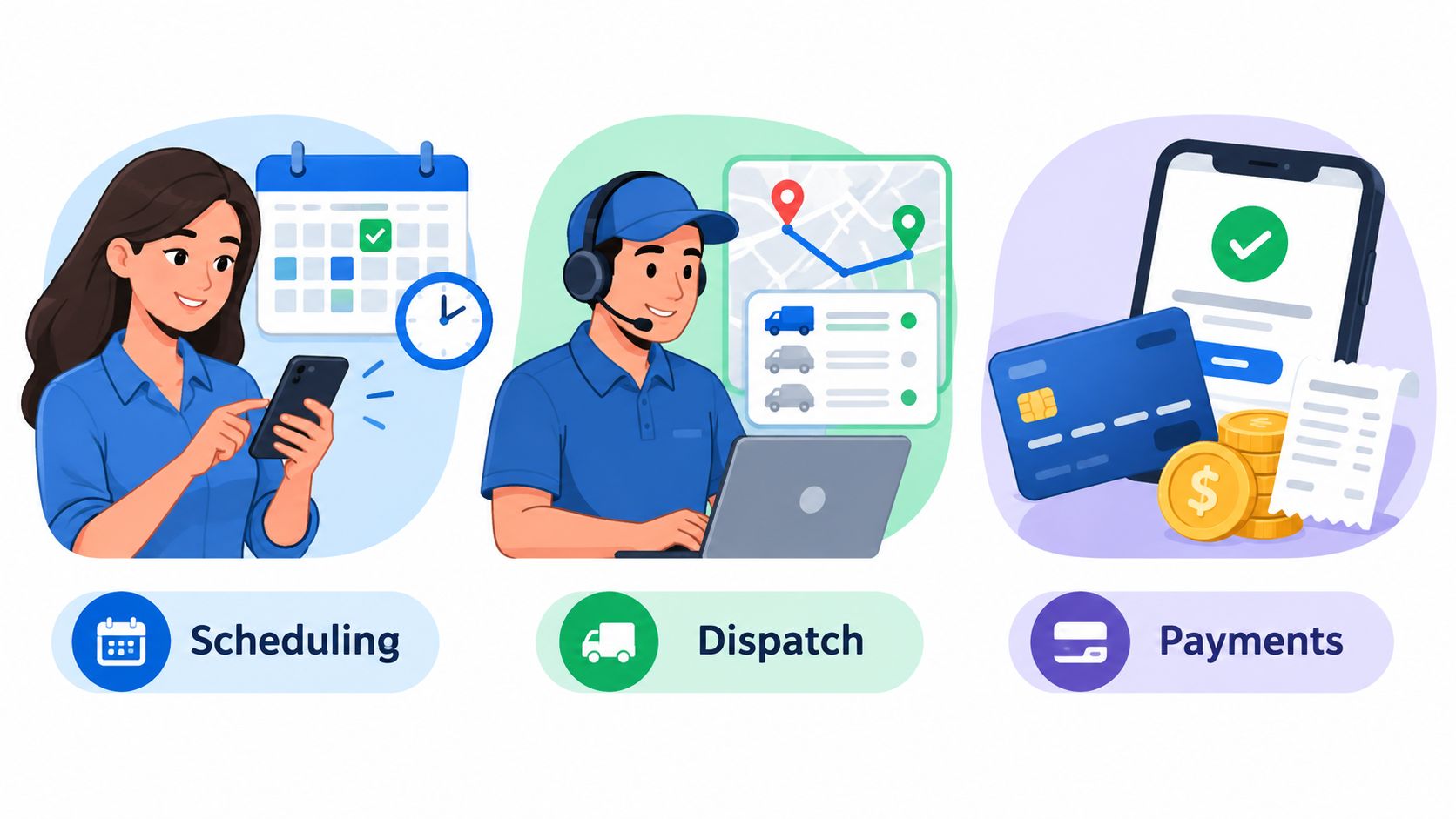
Core Features for Scheduling, Dispatch, and Payments
A field-service platform proves its value through repeated daily actions. The practical test is the route from customer request to approved work, dispatch, service completion, invoice, and payment.
The products differ most in where they reduce manual work. Jobber connects estimates, scheduling, client records, and route planning. That sequence suits a contractor that sends frequent quotes and needs an approved estimate to become scheduled work without re-entering the job details. Native route optimization also matters when one dispatcher must arrange several stops across a service area.
Housecall Pro puts more emphasis on collection and customer follow-up after the job is won. Its workflow includes same-day payments through Instapay, automated review requests, and marketing automation. Those functions can matter more than route planning for a residential company that measures performance by payment speed and repeat bookings.
Routing and dispatch
For lawn care, landscaping, pest control, and cleaning, the route directly affects daily capacity. A dispatcher may need to group recurring customers, revise the sequence after cancellations, and give each technician a workable schedule. Jobber's native routing can avoid making a separate vehicle or routing product part of the base workflow.
Housecall Pro may still fit teams that mainly need location visibility and customer communication. The buyer should confirm whether the required routing capability is native or depends on a paid add-on. That recurring add-on belongs in the all-in monthly comparison, alongside subscription and payment costs.
Use a real operating day to test the difference: 18 lawn stops, 2 reschedules, and 3 quote approvals. Track the clicks from approved quote to dispatched job to paid invoice in each product. Record every duplicate entry, manual handoff, and add-on required.
Quotes, invoices, and client coordination
Jobber is a stronger candidate for quote-heavy work. Plumbing, electrical, handyman, painting, and small HVAC companies may need a clear progression from estimate to approval, scheduled service, and invoice. The relevant question is whether information carries between those steps or staff must recreate it.
Housecall Pro becomes more attractive when fast collection and post-service follow-up drive the workflow. Payment automation, review requests, and marketing tools support businesses that depend on repeat residential customers, though the value depends on actual payment volume and the selected plan.
The operational split is simple: Jobber concentrates more workflow value before and during service, while Housecall Pro places more weight on payment and customer reactivation afterward.
Both platforms support recurring work and invoicing, so trade-specific testing matters. A cleaning company should model recurring visits and reminders. An HVAC company should test estimates, deposits, payment capture, and follow-up. A landscaping business should examine route sequencing and recurring service records. Feature names alone will not show where office staff still re-enter information.
Best Fit by Trade and Crew Size
The better platform changes with the trade's main source of friction. A route-dense service company and a high-ticket residential installer may both need scheduling and payments, but they won't value the same gap.
Lawn care, landscaping, pest control, cleaning, and pressure washing are natural Jobber candidates when daily work involves many stops. Native route optimization can matter more than marketing automation when drive time and stop order shape the day's capacity. These businesses should confirm that the paid Jobber plan selected includes the routing capability they need.
Plumbing, electrical, handyman, and painting businesses often lean toward Jobber when estimates and client approvals sit at the center of the sales process. A business that wins work through detailed quotes may get more practical value from a clean quote-to-job-to-invoice path than from a larger set of post-job marketing tools.
HVAC and other higher-ticket residential services may favor Housecall Pro when faster payment capture, financing-related workflows, customer follow-up, and review requests are central. Housecall Pro's payment automation is a stronger match for a company that wants to collect promptly after the technician finishes and keep the customer engaged for future work.
Crew size changes the answer
An owner-operator should focus on one-user pricing, cancellation terms, processing fees, and whether routing requires an add-on. The cheapest workable setup is often more important than a broad feature catalog.
A two-to-five-person company should count every person who needs access. That may include the owner, office coordinator, dispatcher, and technicians. Housecall Pro Essentials publishes a limit of up to five users, but the business still needs to compare that seat structure with Jobber's selected team plan and billing mode.
A team moving toward ten technicians needs a formal quote from both vendors. Public plan tables may stop short of the exact crew size, and extra-user charges can change the economics quickly. At that point, the buyer should include routing, payment processing, office seats, technician seats, and any vehicle-related add-on in one monthly model.
The practical recommendation is conditional rather than universal. Choose Jobber for route-heavy operations and quote-led sales. Choose Housecall Pro when payment speed, reviews, and marketing automation justify the subscription and add-on costs. Consider ServiceM8, GorillaDesk, Thryv, Workiz, Contractor Foreman, or ServiceTitan when a trade-specific workflow, broader CRM, project controls, or larger fleet operation matters more than this pair's core strengths.
Implementation, Migration, and Demo Questions
A software decision can fail before the first job if migration details remain vague. Customer records, service addresses, contact details, open balances, recurring appointments, estimates, equipment notes, and payment history may require different import methods.
Ask each vendor for a written import scope. Confirm accepted formats, supported record types, and the cleanup required before launch. Duplicate customers, inconsistent addresses, outdated service plans, incomplete invoice statuses, and attachments often need manual review. Request a sample export of invoices and job history in CSV or PDF before signing.
Confirm the contract before signing
Jobber's monthly billing with a one-year commitment differs from standard monthly billing. Annual prepaid access continues through the paid term, while the upfront payment is not refundable. Jobber's official pricing page sets out those commitment and cancellation rules.
Housecall Pro's public pricing page lists a Basic trial option and plan pricing, but the account team should confirm the exact trial conditions for the selected tier. Ask what happens to customer data, invoices, attachments, and exports after cancellation. Record those answers in the agreement or sales record rather than relying on a verbal promise.
Questions worth asking in a live demo
- Seat calculation: Which users count as paid seats, including office staff, dispatchers, owners, and technicians?
- Routing requirement: Is route optimization included in the selected Jobber plan? What Housecall Pro vehicle GPS or dashcam add-on supports the required workflow?
- Payment rates: What processing rate applies, and do conditions beyond the published starting rates affect the account?
- Billing commitment: What happens to access and charges after cancellation under each billing mode?
- Data export: Can the business export customers, jobs, invoices, attachments, notes, and payment records in usable formats?
- Recurring work: How are service agreements, skipped visits, reschedules, and failed payments handled?
- Multi-stage jobs: Can the platform support deposits, progress billing, return visits, and separate invoices without duplicate entry?
- Support access: Which support channels come with the selected tier, and how are active field-service issues handled?
Before signing: Run one real customer journey from lead to quote, schedule, dispatch, completion, invoice, payment, review request, and export. Gaps usually appear between features, not inside the feature list.
A short demo is useful, but a real data sample provides a stronger test. Bring a recurring customer, a multi-visit job, a route-heavy day, and a payment scenario that reflects actual work. If either platform needs an add-on or manual workaround, include that cost and labor in the monthly model.
Build written scenarios for the current crew and expected crew size. Ask both vendors to price the exact seats, billing term, routing setup, payment fees, and export terms. Choose Jobber when native routing and quote-led operations matter most. Choose Housecall Pro when same-day payment and automated follow-up justify its higher all-in cost. Confirm every assumption in writing before approval.