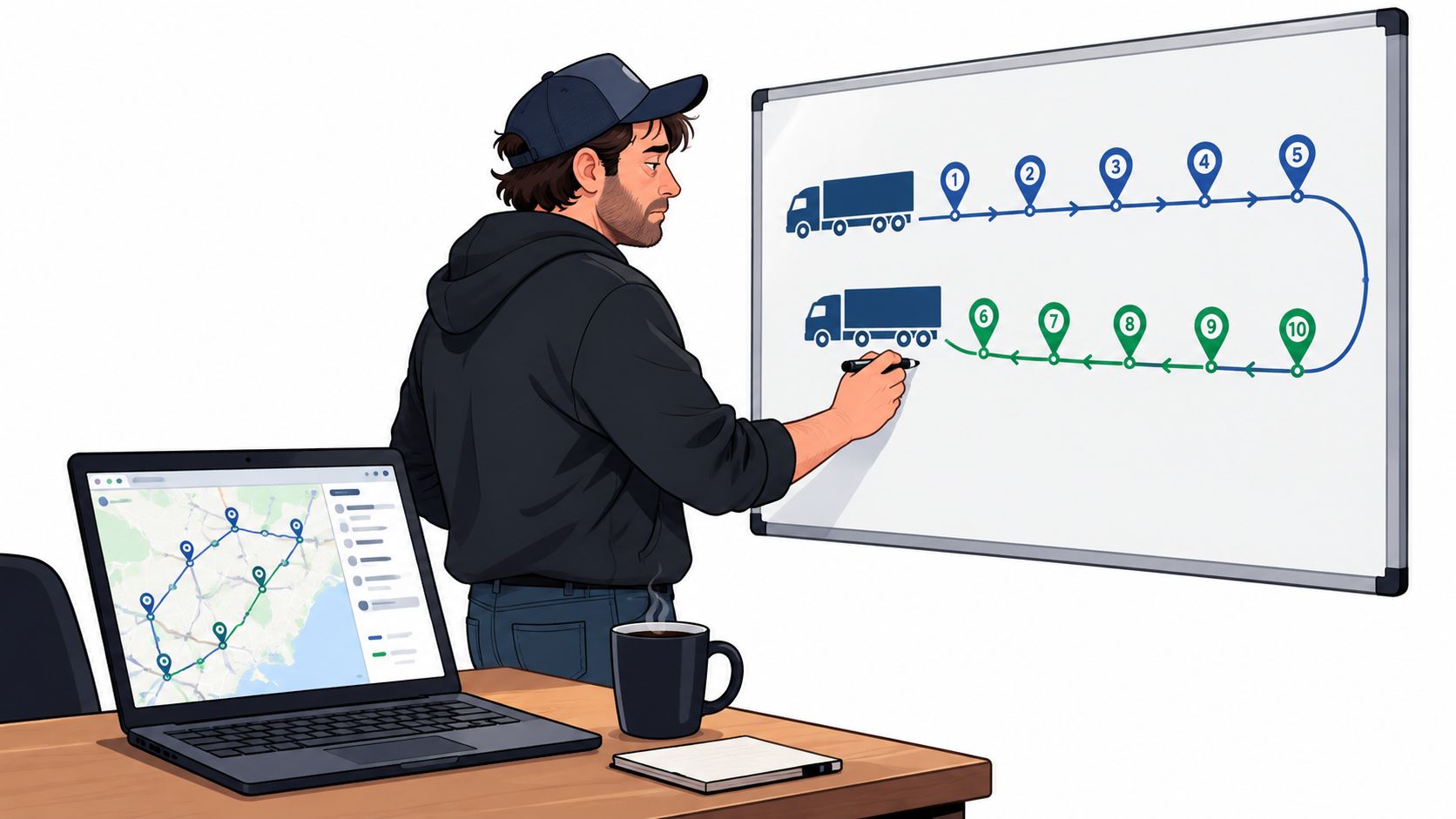
The night before a route starts, the same scene plays out in a thousand small offices. A whiteboard sits next to a coffee ring, ten stops are written in a rough line, and the owner is trying to keep two trucks from circling the same neighborhood twice. That's where route optimization software for service business stops being a nice-to-have and starts acting like a dispatcher's second brain.
For a two- or three-truck operation, the point isn't fancy math. It's getting the day out of the owner's head and into a system that can sort stops, rebalance crews, and recover when a 11 a.m. job falls apart.
What Route Optimization Does for Two or Three Trucks
A small fleet does not need software that pretends to run the business on its own. It needs a tool that clears the dispatcher's desk before the day starts, then keeps cleaning up while the day keeps changing. For two or three trucks, route optimization does three jobs well. It orders stops to cut windshield time, balances crews so one truck is not done at 2 p.m. while the other is still stuck in traffic, and rebuilds the schedule when a customer cancels or a job runs long.
What that looks like on a normal day
A lawn care owner with two trucks can waste half an hour moving jobs by hand and still get the drive order wrong. Routing software turns that into a sequence problem instead of a memory test. The question is simpler. How many hours are getting burned every week on route building, callback shuffling, and overtime cleanup?
Practical rule: if the software saves miles but not dispatcher time, it is the wrong tool for a tiny fleet.
The better buy for this size is rarely the most automated one. A good system still lets a human override a bad suggestion, because the dispatcher knows the customer who always wants an early arrival, the tech who hates a certain site, and the stop that never takes as long as it says on paper. For a small service crew, route optimization is a helper, not an autonomous planner.
Why Lawn Care Days and HVAC Days Break the Same Software
The routing engine sees two very different jobs even when both use trucks, technicians, and customer addresses. A lawn care day is mostly about short stops packed close together, which rewards tight clustering and efficient stop order. An HVAC day is the opposite, fewer stops, longer visits, and much more pressure on appointment windows and slack between calls.
Two days, two different problems
| Dimension | Lawn Care Day | HVAC / Plumbing Day |
|---|---|---|
| Stop pattern | Many short visits | Fewer long visits |
| Main goal | Tight clustering | Protect arrival windows |
| Routing stress | Reordering lots of small stops | Preserving time windows and buffers |
| Best fit | Dense-stop sequencing | Schedule-aware dispatch |
| Biggest risk | Wasted drive time between nearby jobs | One late call breaking the rest of the day |
A lawn crew with thirty quick stops needs a system that can keep the route compact and keep the trucks from crossing each other all morning. The engine gets rewarded for grouping nearby properties and keeping the day dense. An HVAC or plumbing day needs a different kind of intelligence, because one diagnostic call can swallow the buffer for the next two jobs.
That's why a demo that only shows one kind of route can mislead the buyer. A pretty map with clustered pins doesn't prove much if the vendor can't preserve a two-hour arrival window or place a skilled tech into the right slot after a callback lands. The buyer should test the software with real stop data, not a polished example route.
Plain truth: a vendor that handles lawn care well can still fall apart on plumbing, and the reverse is just as common.
The Four Feature Families That Matter for Small Crews
Small crews do not need a long feature checklist. They need the few things that stop the day from slipping. For a two- or three-truck shop, the feature families rank in a different order than vendors usually sell them.
What matters most
- Exception handling comes first. A cancellation, a reschedule, or a late start is where the hours leak out.
- Time-window handling comes next. If the route can't protect arrival promises, the schedule will get noisy fast.
- Technician constraints matter right after that. Skills, parts, truck capacity, and customer preferences are what keep a route realistic.
- Mapping and traffic data still matter, but they matter less than the ability to react when the day changes.
That order flips depending on the trade. A lawn care crew feels the damage most when a cancellation creates a hole in a dense route, because the whole afternoon can turn into dead miles. An HVAC owner feels the pain when a job needs a certain skill set or part and the route engine puts the wrong person in the wrong slot.
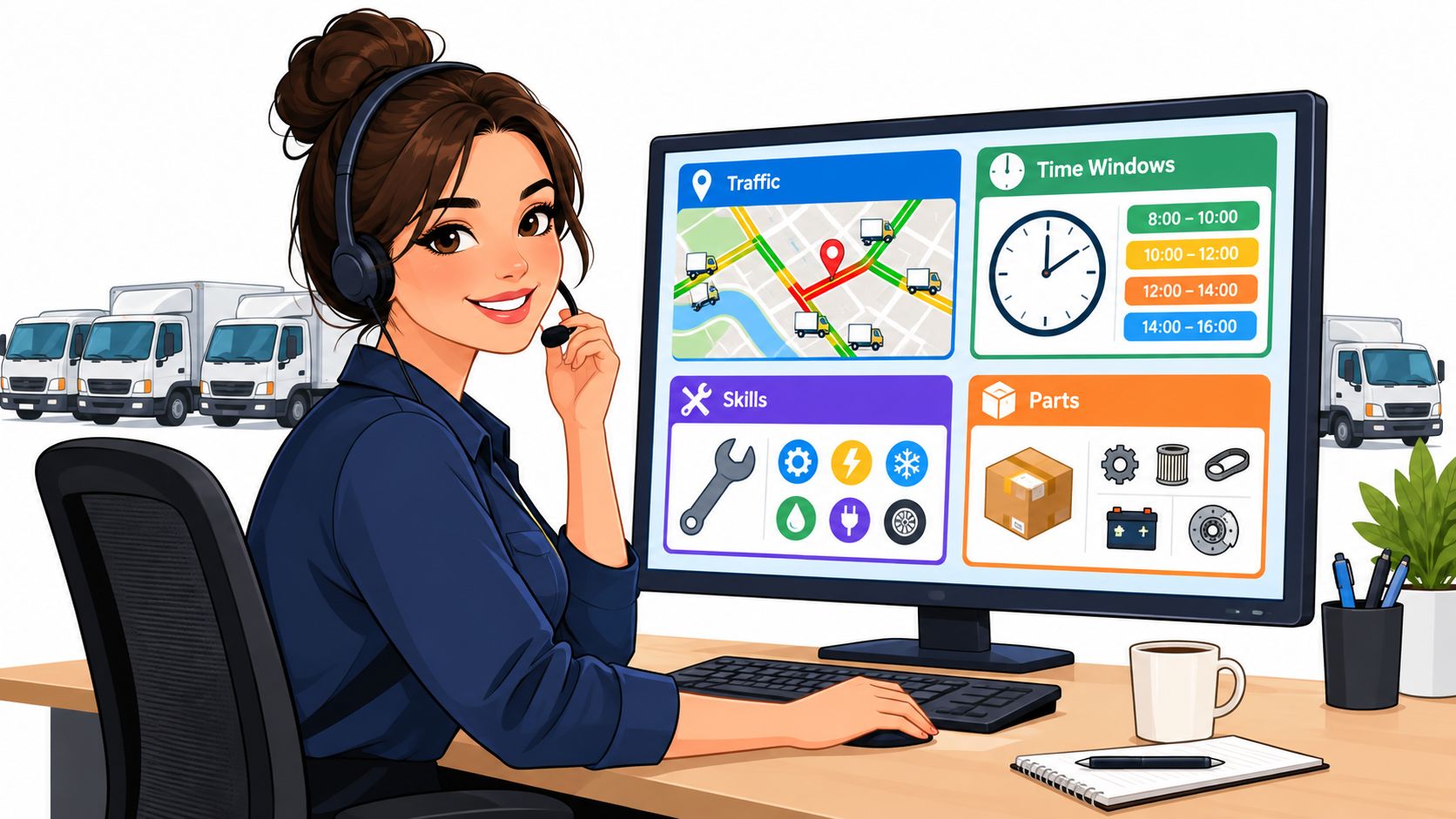
The best way to think about this is simple. If a feature doesn't help rebuild the day, protect the appointment, or keep the right tech on the right job, it's probably decoration. For a small crew, decoration is expensive.
Jobber, Housecall Pro, and GorillaDesk at a Glance
A two-truck shop does not buy these platforms for the same reason. Jobber gives a broad field-service system that works well for general home-service work. Housecall Pro puts more weight on dispatch and office workflow for trades like HVAC and plumbing. GorillaDesk fits recurring route work, especially pest control and lawn care, better than long-window trade jobs.
Routing and pricing snapshot
| Platform | Routing Depth | Trade Fit | Published Pricing | Key Limitation for Small Fleets |
|---|---|---|---|---|
| Jobber | Strong when the owner needs scheduling plus route building, not pure route engineering | Broad generalist for home service | Check Jobber's pricing page directly for current figures. Plan details should be confirmed there, since pricing changes | Can be more software than a tiny crew needs if the main pain is dense-stop routing |
| Housecall Pro | Strong on dispatch and field-service workflow, with routing tied to the job board | Trades-leaning for HVAC, plumbing, and similar work | Check Housecall Pro's pricing page directly for current figures. Plan details should be confirmed there, since pricing changes | Good office stack, but the buyer still has to confirm how far routing goes on the plan being sold |
| GorillaDesk | Better suited to recurring, route-heavy work like pest control and lawn care | Pest and lawn focus | Check GorillaDesk's pricing page directly for current figures. Plan details should be confirmed there, since pricing changes | Fits route density well, but less natural for long-window trade work |
The trade fit matters more than the logo. A lawn care company that works the same neighborhoods every week cares about recurring route order and fast reshuffling when a stop falls out. An HVAC shop cares more about dispatch precision, skill matching, and protecting appointment windows than about shaving a few turns off the map.
JobsiteStack's field service software coverage can help compare office workflow around these tools. It is useful when the buyer needs context across scheduling, dispatch, and records, not when route density is the only problem.
Where Routing Sits Inside Your FSM Stack
Routing does not live alone. It sits between scheduling, dispatch, the mobile app, and the records that tell the next day what went wrong today. If those pieces are disconnected, the software may draw a route on screen but still leave the office doing manual cleanup.
The chain that has to work
Scheduling enters the job first. The address has to be clean, the appointment window has to be real, and the job needs the right skill tag. Dispatch then assigns the work to a technician or crew, and the routing layer sequences those assignments across the trucks.
After that comes the field side. GPS and arrival data feed back into the plan, and the mobile app needs to refresh fast enough to handle a mid-day change without a phone call chain.
Candid advice: the address book is part of routing. If the addresses are messy, the route engine is getting bad inputs and the plan will wobble.
Small crews usually miss the same things. They forget to clean customer addresses before import, they let skill codes drift away from the actual job requirements, or they buy a mobile app that does not update routes when an emergency stop drops in. The result is predictable. The office still spends the afternoon retyping what the software should have handled.
The best routing stack is the one that connects the calendar to the truck without forcing the dispatcher to babysit every handoff. When that chain works, the owner gets fewer calls, fewer surprise gaps, and a better shot at a clean day on the road.
The Hidden Costs and Migration Traps to Plan For
The price tag on the sales page is only the start. The hidden cost is usually not some dramatic enterprise fee, it's the pile of little things that show up after the team starts using the system for real. Extra users, map data, text messages, and cleanup work can matter more than the base subscription.
Where the money and time go
- Extra seats add up fast: once the second dispatcher or technician needs access, the plan can shift in ways the first quote didn't show.
- Map and address cleanup takes time: imported data rarely arrives ready to route without fixes.
- Messaging costs can creep in: customer updates are useful, but the communication layer often becomes part of the bill.
- Parallel running hurts for a while: old schedules and new schedules often overlap for a week or two while crews learn the new flow.
Migration brings its own mess. Customer history has to move cleanly, recurring service schedules have to be rebuilt without doubling a route, and old warranty notes or service quirks can vanish if the import is sloppy. A lawn care shop feels that pain when repeating neighborhoods don't line up in the new system. An HVAC shop feels it when a warranty callback loses the note that explains why the job still matters.
The deeper mistake is thinking routing software is mainly about AI. For a small crew, win is faster rescheduling and cleaner exception handling. If a system can't move a job quickly when the day breaks, the routing math is irrelevant.
Questions That Belong in Every Software Demo
A sales demo should not be a product tour. It should be a test. The buyer has about twenty minutes to find out whether the software can handle a real sheet of work, a surprise cancellation, and the second technician the office forgot to mention.
A short script that gets answers
- Real routes first: ask the rep to optimize yesterday's 12-stop schedule, not a fake sample.
- Mid-day changes second: ask what happens when a tech rejects a stop or a customer moves the window.
- Skill matching next: ask how the system keeps the wrong tech from landing on the wrong job.
- Offline behavior too: ask what the mobile app shows when data drops.
- Price changes last: ask what happens when another technician is added, then get the answer in writing.
The written follow-up matters more than the call. A short email after the demo should ask for the exact answer on route changes, add-on users, and any fee tied to rerouting a stop mid-day. That note turns a smooth pitch into something the owner can compare later.
Ask for the answer in writing the same day. Verbal promises get softer after the contract shows up.
Two questions usually get dodged. One is the change-order fee when the routing engine swaps a stop after the route is already published. The other is the price difference between bundled dispatch and a standalone routing add-on.
Matching the Tool to the Trade You Run
The whiteboard scene at the start is where the decision really lives. A lawn care or pest control owner looking at a day full of short stops needs a dense-stop solver, a route board that can keep multiple crews moving, and a pricing model that makes sense when visits are frequent and fast. A plumbing or HVAC owner looking at fewer, longer appointments needs time-window discipline, skill matching, and enough flexibility to survive callbacks without wrecking the rest of the day.
The wrong fit costs time in different ways
A lawn care crew that buys an HVAC-shaped tool ends up paying for features it barely touches, then still has to manually manage route density. An HVAC owner who buys a lawn-care board ends up doing too much work by hand when a diagnostic call changes the afternoon. Both mistakes look cheap on the sales page and expensive on the calendar.
The decision rule is straightforward. Count the normal stops per day, estimate the average visit length, and watch how often the schedule breaks mid-route. If the business runs many short visits and the route changes constantly, the buyer should favor dense-stop routing and fast rerouting. If the business runs fewer long visits and lives or dies by appointment windows, the buyer should favor skill-aware dispatch and time-window control.
Choose the tool that matches the shape of the day, not the shape of the demo. That's the difference between software that clears the whiteboard and software that just gives the owner a nicer board to rewrite by hand.
If the next step is choosing between Jobber, Housecall Pro, and GorillaDesk, start with the business's own route pattern, not the vendor logo. Pull yesterday's schedule, count the stops, and ask for a demo using that data. The right tool will make the day easier to rebuild when it breaks, and that's the test worth paying for.