The van is ready, the phone is ringing, and the first jobs are booked through texts and a notebook. Then a customer asks for a revised quote. The owner finds the original amount in a message, the appointment in a spreadsheet, and the invoice in another app.
That's the point where software becomes useful. It's also the point where a new business can buy too much, too early. A starting a service business software checklist should begin with the work that needs doing, not the longest feature list.
The first ninety days should follow a simple sequence: use existing free tools while defining the workflow, evaluate free tiers or trials where available, and add paid seats only after real jobs move through the system correctly. Before entering a card, the owner should have written answers about billing, cancellation, payment fees, and data export.
- At launch: Keep customer names, property addresses, job status, and balances consistent.
- During evaluation: Follow a job from inquiry through payment, including a cancellation or refund.
- Before committing: Confirm that records can leave the platform in a usable format.
1. ServiceM8
ServiceM8 belongs on the shortlist when the job record needs to become the center of the business. ServiceM8 presents scheduling, quoting, invoicing, mobile field work, and payment collection as parts of its field-service platform. That scope makes it relevant to plumbing, electrical, HVAC, and cleaning businesses replacing scattered office tools.
The useful comparison isn't just ServiceM8 versus a spreadsheet. It's whether a technician can open the assigned job, find access instructions, record completed work, and produce the correct invoice without calling the owner. A solo operator should prove that sequence before paying for capacity intended for a larger crew.
Start With the Phone Already in the Van
The evaluation should happen on the actual devices the business expects to use. The owner should check device compatibility, field-user access, notification behavior, and which actions require an internet connection before importing customer records.
- Job continuity: Create a quote, approve it, schedule the work, and invoice it without retyping the customer's details.
- Field evidence: Attach job photos and notes, then confirm where the office finds them.
- Cost boundaries: Obtain written confirmation of applicable plan limits, add-ons, payment charges, and renewal terms.
- Exit check: Request a sample export containing customer details, job history, invoices, and attachments.
Practical rule: A mobile app isn't enough. The technician must be able to finish the business's actual job paperwork on the device carried into the field.
ServiceM8 is a sensible candidate when keeping field activity attached to a job matters most. It's less compelling if the owner still needs separate tools to complete essential steps.
2. Jobber
A cleaning customer approves an estimate, asks to change the appointment, and later needs a receipt. Jobber is worth evaluating when those customer-facing handoffs create the most administrative work. Jobber describes a platform covering quotes, scheduling, invoicing, a client hub, online payments, and reporting.
Its appeal for a small crew is the connection between office work and customer communication. The trade-off is that a broad platform only earns its subscription when the business uses those connections. An owner who only needs an appointment calendar shouldn't pay for an elaborate workflow just because hiring is planned.
Prove the Customer Journey Before Adding Seats
During a trial, the owner should send a representative estimate to a controlled customer account. The recipient should approve it, receive scheduling information, view the invoice, and complete the payment process without office coaching.
The office should then change the appointment and revise the scope. That exposes whether updates remain clear or create conflicting messages.
- Crew access: Identify exactly who needs a login and which permissions each role requires.
- Recurring work: Check what happens when a scheduled cleaning or lawn visit is skipped rather than completed.
- Accounting handoff: Confirm how payments, refunds, taxes, and customer changes reach the accounting system.
- Contract check: Obtain the applicable user allowance, add-on charges, billing commitment, and cancellation procedure in writing.
Jobber is a useful candidate for owners who want quotes, customer communication, and billing connected. Pest-control or lawn-care operators should separately verify application records rather than assume general job notes satisfy trade requirements.
3. GorillaDesk
Recurring work changes the buying decision. A lawn-care or pest-control business needs more than an open slot on a calendar. The office must preserve visit instructions, property history, billing arrangements, and the next service date when weather or customer availability changes.
GorillaDesk offers scheduling, invoicing, client records, payment tracking, and customer communication tools for service businesses. It belongs on the shortlist when the owner's main problem is keeping repeat work organized rather than managing a large dispatch department.
The evaluation should use a recurring customer with an awkward exception. Move a visit, change the assigned worker, leave a balance unpaid, and check whether the next appointment still makes sense.
Check Property Records, Not Just Customer Names
A customer may own several properties with different access instructions and treatment histories. The owner should establish whether the software keeps those details separate and whether exports preserve the relationship between the customer, property, and completed job.
For covered restricted-use pesticide applications by certified private applicators, the USDA's pesticide recordkeeping guidance requires records to be retained for two years and recorded within 14 days. Commercial applicators must check the rules applicable to their work rather than treat that federal guidance as a universal standard.
- Application fields: Verify product name, EPA registration number, quantity, location, treated area, and applicator details where applicable.
- Route changes: Reassign work without losing notes or customer promises.
- Migration check: Export a completed service record before importing the full customer list.
GorillaDesk deserves consideration for recurring-service operations. The deciding issue is whether its records match the trade's actual paperwork.
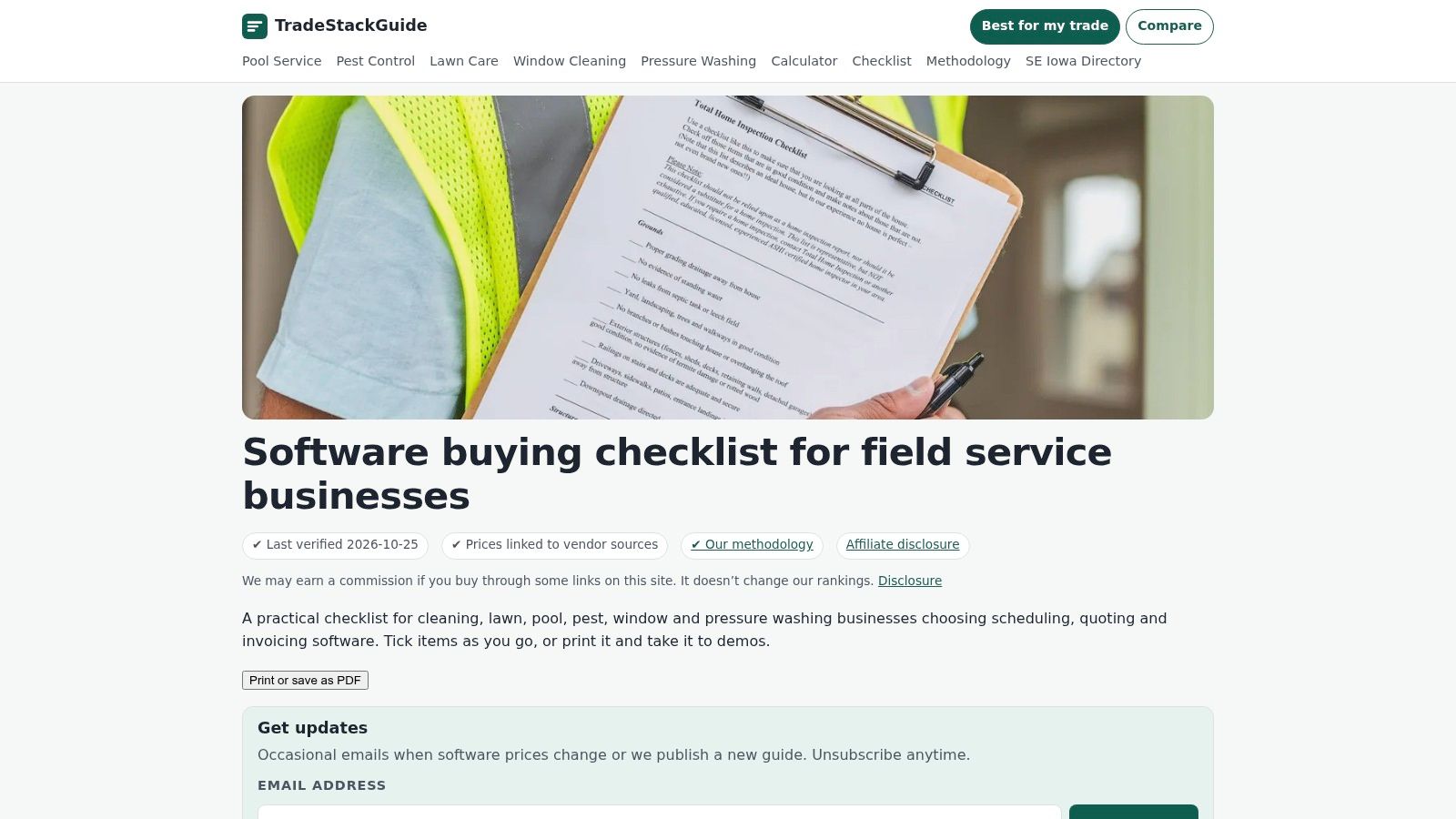
4. TradeStackGuide Software Buying Checklist for Field Service Businesses
A buying worksheet serves a different purpose from scheduling software. It helps the owner ask consistent questions before committing to a platform. It doesn't replace the operating system, and it can't verify a sales claim.
The TradeStackGuide software buying checklist focuses on practical evaluation topics for recurring and exterior-service businesses, including recurring jobs, routes, quote approval, weak-signal mobile use, job costing, accounting connections, chemical logs, and photos. That makes it relevant to cleaning, lawn care, pool service, pest control, window cleaning, and pressure washing.
Its strongest use is beside a vendor demonstration. Instead of accepting a statement that recurring jobs are supported, the owner can ask the representative to skip a visit, change its price, and show what happens to the next invoice.
Turn Every Checkmark Into Evidence
A completed worksheet should contain answers, not just ticks. Useful entries include the applicable subscription tier, a screenshot of the finished workflow, the support response, and the document containing the contractual promise.
- Workflow evidence: Record whether the task was demonstrated or merely described.
- Cost evidence: Separate subscription charges from additional users, messaging, card processing, ACH, and optional services.
- Trade evidence: Request an example record that matches the business's required fields.
- Exit evidence: Save a sample export and establish whether attachments require separate retrieval.
A checklist is useful only when an unanswered question stays visibly unanswered.
The worksheet's recurring-service emphasis is a strength for exterior trades. HVAC, plumbing, and electrical owners should add their own checks for equipment history, diagnostic notes, deposits, and changes to the original scope.
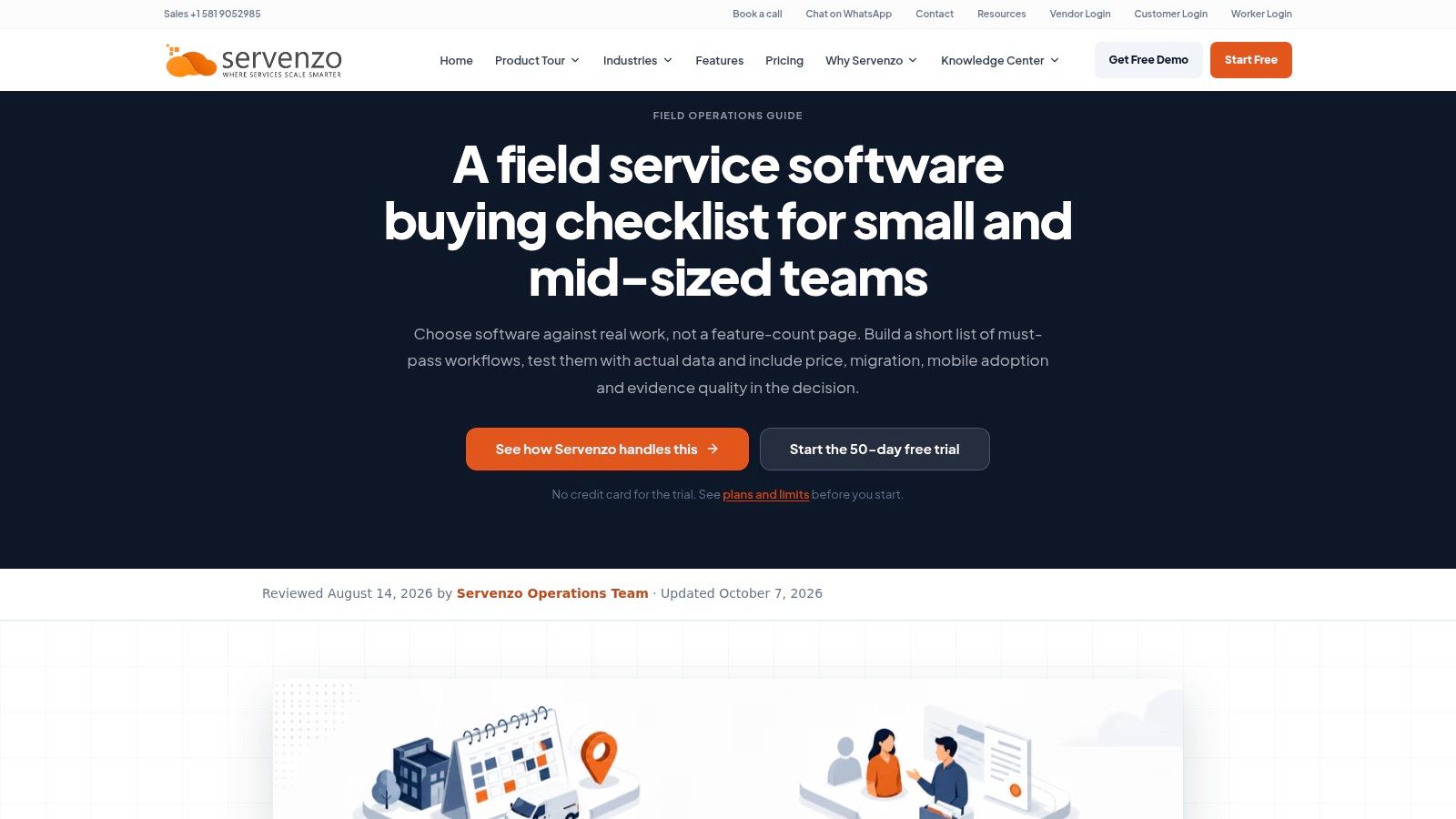
5. Servenzo Field Service Software Buying Checklist for Small and Mid-Sized Teams
Migration is where a promising demonstration can turn into extra office work. Names may import cleanly while property relationships, open balances, photos, and recurring appointments remain behind. A new owner should resolve that before treating the old spreadsheet as obsolete.
The Servenzo field-service software buying checklist addresses representative jobs, difficult exceptions, mobile behavior, permissions, export, total operating cost, and a reversible migration. Because Servenzo sells software, its guide is provider-authored buying advice rather than an independent comparison.
The material suits an owner preparing a structured pilot or an office manager responsible for moving existing records. Some supplier and subcontractor questions may be unnecessary for a solo residential-service business.
Keep the Migration Reversible
The owner should prepare representative records before starting an evaluation. These should include a customer with several properties, an unpaid invoice, a recurring appointment, a photo attachment, and a corrected contact detail.
After import, the office should reconcile those records against the originals. A matching customer count isn't sufficient if balances or histories are wrong.
- Import responsibility: Establish who cleans the file, maps fields, resolves errors, and approves the result.
- Exception handling: Test a failed payment, duplicate customer, canceled job, and partial refund.
- Administrative effort: Identify who maintains templates, integrations, permissions, and recurring rules.
- Rollback plan: Keep original files and agree on how new activity will be preserved if the pilot ends.
The strongest lesson is restraint. A solo operator doesn't need to configure every possible workflow before opening the calendar. The owner needs the essential workflow to function and a reliable way back if it doesn't.
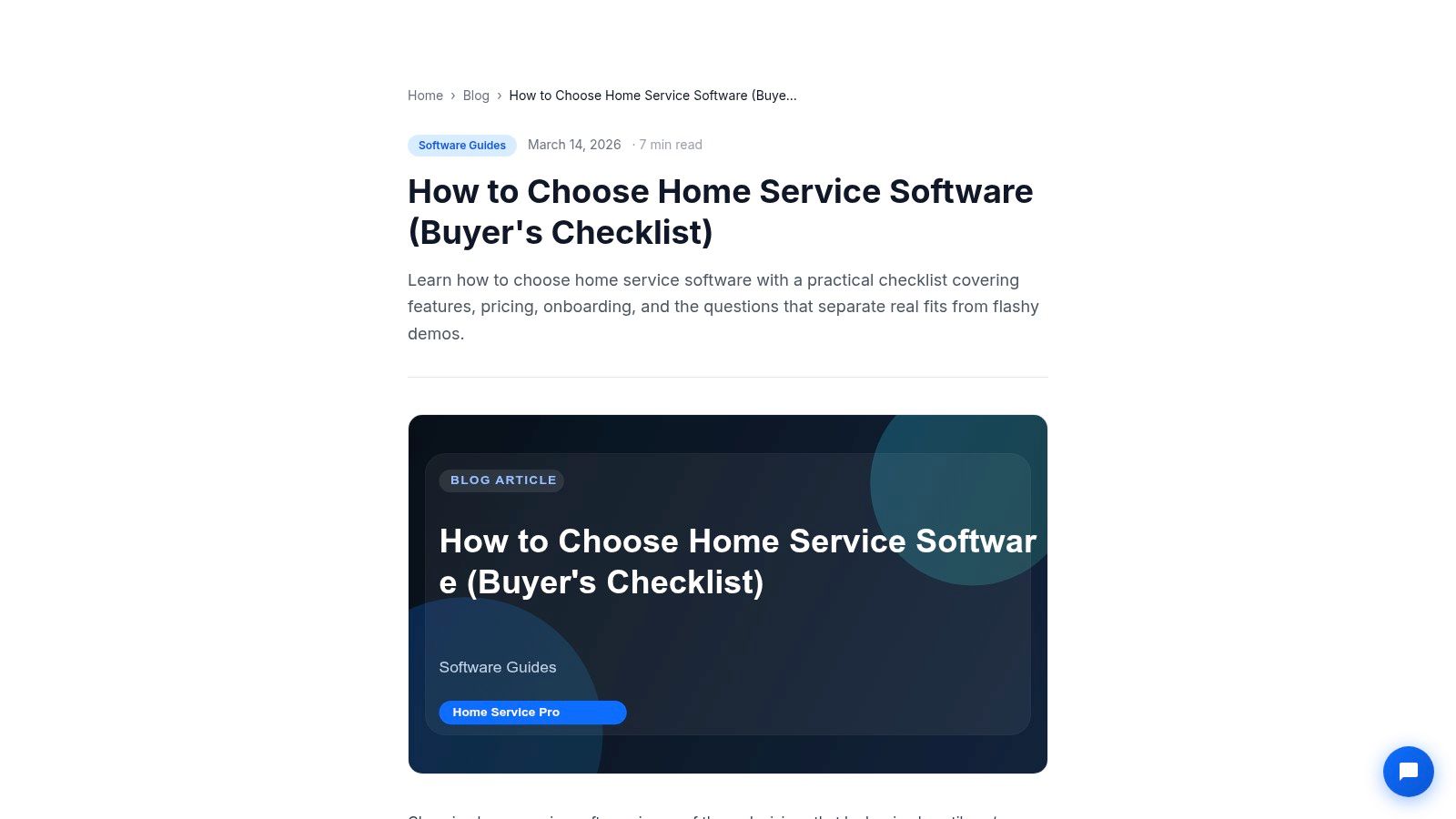
6. Home Service Pro How to Choose Home Service Software
Late invoices and missed appointment changes are better starting points than a feature catalog. The owner should name the operating problem before evaluating the software. Otherwise, an attractive dashboard can distract from work that still requires phone calls and duplicate entry.
The Home Service Pro software selection guide discusses scheduling, dispatch, estimates, payments, customer records, reporting, mobile work, migration, support, and cancellation. Its practical value lies in demo questions that connect office tasks with technician tasks.
The publisher sells home-service software, so the guide shouldn't be treated as an independent vendor comparison. It also doesn't replace a complete cost proposal for the crew that will use the account.
Include the Person Who Finishes the Job
An office manager may like the calendar while a technician struggles to find access notes. Both roles should complete their own tasks during evaluation, using ordinary phones and realistic job information.
The technician should open an assignment, record work, attach evidence, and report a change in scope. The office should then verify the invoice and customer message.
Before buying: The owner should know what happens when the technician loses signal, the dispatcher is absent, or the customer disputes the work.
- Offline behavior: Distinguish information available without service from changes that only save after reconnection.
- Support coverage: Match support availability to the business's working hours.
- Account control: Test removing a worker's access without deleting completed job history.
- Cancellation: Identify the notice procedure, final billing treatment, and export deadline.
This guide is most useful when the owner can describe a specific operational failure and require the vendor to demonstrate its resolution.
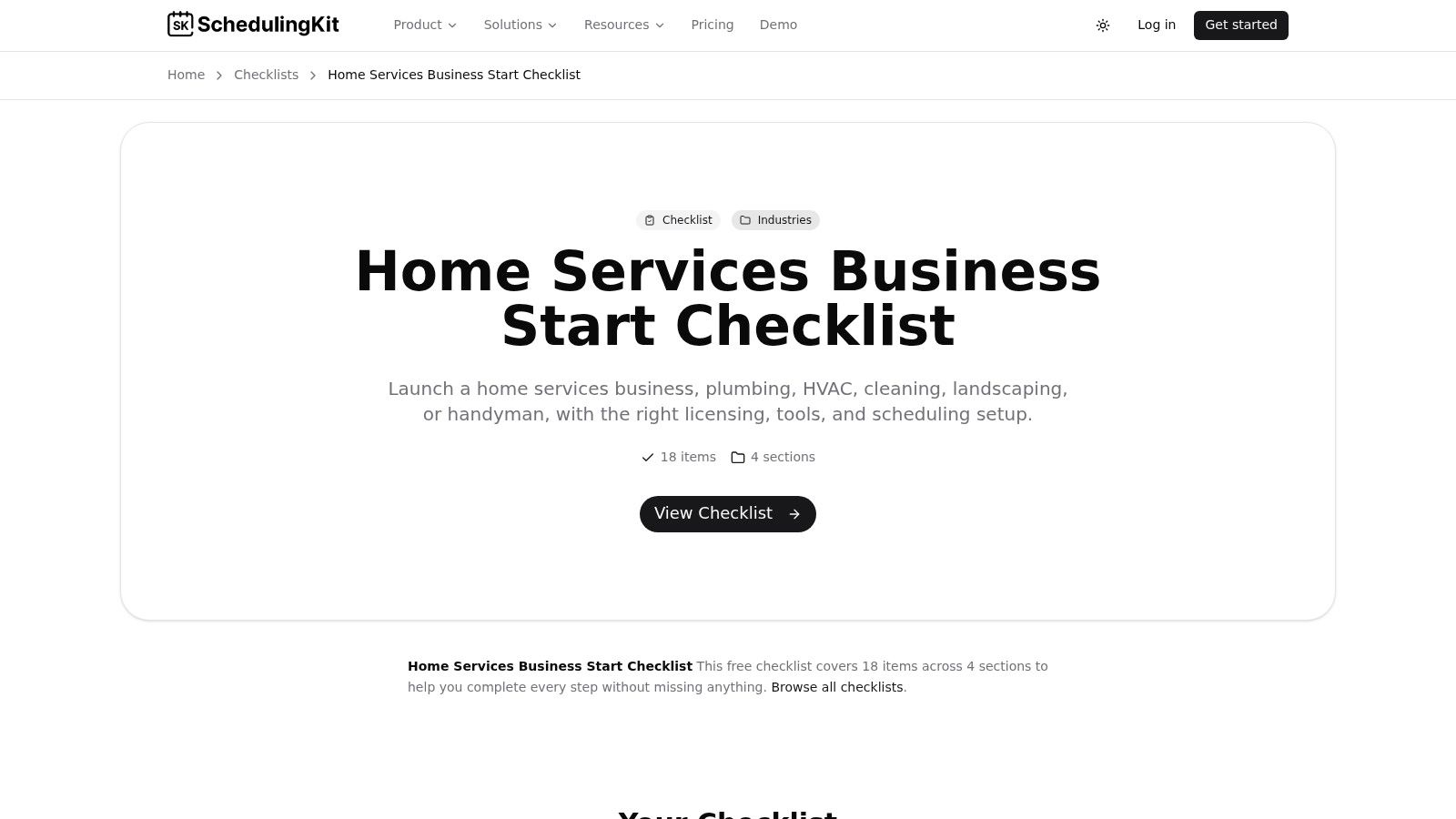
7. SchedulingKit Home Services Business Start Checklist
Before a business needs advanced dispatch, it needs workable appointment lengths, travel allowances, customer details, and a way to collect payment. SchedulingKit is a starting worksheet for that broader launch work, not a substitute for evaluating field-service software.
The SchedulingKit home-services business start checklist covers business setup, operations, scheduling, client management, and marketing. Its software-related prompts include dispatch or job-management selection, travel buffers, reminders, invoicing, and payment collection.
That broad scope is useful when an owner is still organizing licensing, insurance, tools, and customer acquisition alongside software. It's less useful once the decision depends on detailed migration terms, processing charges, or property-level records.
Establish the Schedule Before Automating It
An owner should first define how appointments work. A pressure-washing estimate may need different booking rules from a recurring cleaning visit or an urgent plumbing call.
Travel time should be visible rather than absorbed into an unrealistic calendar. Customer messages should also distinguish an arrival window from a promised exact arrival time.
- Booking rules: Separate estimates, service visits, and callbacks.
- Customer details: Capture the service address, billing contact, access instructions, and preferred communication method.
- Payment sequence: Decide when a deposit, completion invoice, or recurring charge applies.
- Manual fallback: Keep enough accessible information to contact customers if the scheduling system becomes unavailable.
The owner can complete this planning before purchasing a platform. That makes later trials more useful because the business already has rules to test.
SchedulingKit's launch checklist won't answer every contract or security question. Its role is to prevent software shopping from replacing basic operational decisions.
How each software option and source differs in format, fit, and trade focus
The options differ in what they help an owner compare. Software listings describe operating tools; buying guides and checklists focus on evaluation or launch tasks. Match the format to the decision, then check whether the stated trade focus fits the work you expect to handle.
| Item | Type | Best for | Vendor or publisher | Trades called out |
|---|---|---|---|---|
| ServiceM8 | Field service software | Scheduling, quoting, invoicing, and mobile field work | ServiceM8 | Plumbing, HVAC, electrical, cleaning |
| Jobber | Field service software | Home service businesses managing quotes, jobs, and payments | Jobber | Cleaning, lawn care, HVAC |
| GorillaDesk | Service business software | Small operations organizing scheduling, invoicing, and client records | GorillaDesk | Lawn care, pest control |
| TradeStackGuide: Software Buying Checklist for Field Service Businesses | Printable buying checklist | Evaluating software for recurring and exterior-service workflows | TradeStackGuide | Cleaning, lawn care, pool service, pest control, window cleaning, pressure washing |
| Servenzo: Field Service Software Buying Checklist for Small and Mid-Sized Teams | Software buying guide | Planning structured demos, trials, and migration | Servenzo | General field-service trades |
| Home Service Pro: How to Choose Home Service Software | Buyer's guide | Testing software against home-service operating needs | Home Service Pro | Home service trades |
| SchedulingKit: Home Services Business Start Checklist | Interactive launch checklist | Getting started with home-service operations and scheduling | SchedulingKit | Home service trades |
Use the table to narrow the shortlist, not to choose a paid plan. In the first ninety days, begin with free tiers or trials where available. Test the workflow against actual jobs before adding paid seats. A checklist can frame questions; a guide can help structure a demo; software must still fit the trade and daily work.
Before committing, tie the choice to a specific check. Confirm how customer and job records move from the spreadsheet, and whether the contract covers the seats and functions needed for the tested workflow. That catches a mismatch before a trial becomes a recurring bill.
Sign Only After the Checklist Is Done
Before the second month of paid software, the owner should have the commercial terms in writing. That means the seat count, billing period, renewal arrangement, cancellation steps, processing rates, and treatment of data after cancellation. A friendly sales conversation isn't a substitute for terms that govern the account.
The Federal Trade Commission's small-business cybersecurity guidance advises businesses to put vendor security provisions in writing and address permitted data use, sharing, retention, and deletion. For a service company, that means asking specifically about customer addresses, property notes, technician details, photos, invoices, and payment-related records.
Use the First Ninety Days to Reduce Commitment Risk
At launch, the owner should keep the workflow simple and records consistent. During evaluation, a limited set of real jobs should pass through the proposed system, with controlled checks before customers receive automated messages or charges.
Paid seats should follow demonstrated need. A planned hire doesn't require a subscription today, and annual billing shouldn't precede a successful pilot because the monthly equivalent looks lower.
- Reconcile the import: Check customer relationships, open balances, recurring work, notes, and attachments against the original records.
- Test the exceptions: Reschedule work, reverse a payment, remove an employee, and recover a duplicate record.
- Inspect the export: Open it outside the platform and confirm that another person can understand it.
- Preserve the fallback: Retain the old records until the import and reporting have been checked.
A vendor's refusal to answer billing, cancellation, or data questions in writing is a red flag. So is an export that contains customer names but omits the history needed to keep serving them.
The next step is concrete: the owner should select a suitable platform, prepare representative jobs, and request written contract and export answers before entering a card. Commit only when the workflow works, the full cost is clear, and leaving remains practical.