A pressure-washing owner has a full calendar, but the office still runs on a spreadsheet. An HVAC dispatcher is moving appointments by phone while technicians miss the latest address change. A landscaping company can send an estimate, yet still relies on manual follow-up to find out whether the customer approved it. At that point, the software decision stops being about convenience. It affects dispatch accuracy, invoice timing, customer communication, and the cost of changing systems later.
Jobber and Workiz address that problem from different directions. Jobber centers on a connected quote, schedule, job, and invoice workflow, while Workiz puts more emphasis on dispatch control and embedded communications. The choice also has a pricing complication: Workiz has removed published subscription figures, so buyers comparing Workiz vs Jobber must now compare a visible Jobber ladder with a Workiz sales conversation.
| Decision area | Jobber | Workiz |
|---|---|---|
| Main workflow emphasis | Scheduling, quoting, invoicing, and customer-facing service management | Dispatch control and communications |
| Published subscription pricing | Published plan figures are available on the vendor pricing page | The vendor pricing page displays Request pricing rather than subscription figures, as measured September 6, 2026 |
| Customer portal | Customers can request work, approve quotes, and pay invoices | A comparison reports that work requests and payment management aren't available in the client portal |
| Dispatch fit | Broad scheduling and service-management coverage | Stronger fit for high-volume dispatch environments |
| Payment comparison | Published comparison material reports card processing at approximately 2.9% plus $0.30 and ACH at 1% | Published comparison material reports card processing at approximately 2.9% plus $0.30 |
| Best initial question | Can the team manage recurring work and customer approvals without extra office steps? | Can the team manage fast reassignment and communication without pricing surprises? |
The right choice depends less on the length of either feature list than on what happens after a customer calls. A recurring lawn-care business may care most about approval and billing flow. An emergency plumbing operation may care more about who sees an unassigned call, how quickly a technician is reassigned, and whether communication stays connected to the job.
Introduction - The Home Service Software Choice
A growing home-service company often reaches the same uncomfortable point. The owner still knows every customer, but the schedule now changes too often for a shared spreadsheet. A technician finishes a job without updating the office. An estimate sits in an inbox. A customer calls for a status update while the dispatcher is trying to move another appointment across town.
That moment makes Jobber vs Workiz a practical operating decision, not a software-shopping exercise. Both platforms serve home-service businesses, including cleaning, landscaping, lawn care, HVAC, plumbing, electrical, pressure washing, handyman, pest control, pool, and painting companies. Their published positioning points to different priorities, though. Jobber is commonly associated with a broader schedule-to-quote-to-invoice workflow, while Workiz is associated with dispatch and communication-heavy operations, as described in independent Jobber and Workiz comparisons.
Consider a small HVAC company adding office help. The dispatcher needs to book routine maintenance, send an estimate for a replacement, collect a deposit, and reassign an emergency call when the first technician is unavailable. The owner doesn't need the platform with the most impressive list of features. The owner needs the system that keeps those particular jobs visible and complete.
Practical rule: A platform is only a good fit if the office can follow a job from the first customer request through final payment without rebuilding the record in another tool.
The current Workiz pricing change makes this decision harder. Workiz has removed published subscription prices from its site, with its tiers showing Request pricing. Jobber retains a published pricing structure, so buyers can see more of the initial cost before contacting sales. Older Workiz benchmarks can still help frame questions, but they shouldn't be treated as current quotes.
The comparison below focuses on the operational differences that affect a business with one to twenty people. It also treats switching cost as part of the purchase. A cheaper first plan can become expensive if moving customers, estimates, payment records, templates, phone numbers, or staff habits later requires manual work.
Company Background and Market Scale
Jobber and Workiz didn't enter the field-service software market at the same time. Jobber was officially launched in September 2011 by Canadian software developers Sam Pillar and Forrest Zeisler, while Workiz was founded in 2015 under the name Send a Job, according to the company history and milestone summary from Contrary.

The earlier launch gives Jobber a longer public operating history. By 2015, Jobber reported that businesses using its platform had serviced more than 3.5 million people and processed more than $1 billion in invoices. Those figures show that the platform had moved beyond an early product experiment, although company-reported activity isn't the same as independently audited market share.
Workiz disclosed a different type of scale. In February 2021, it reported that its platform had initiated more than 12 million jobs, handled 100 million text messages, and generated $5 billion in job revenue since its founding. The same report said approximately 100,000 service professionals were using Workiz. Jobber had also reached roughly 100,000 service professionals around that period, creating a useful comparison between the companies' disclosed user reach.
What the milestones tell a buyer
The figures point to different histories rather than a simple winner. Jobber's public milestones show an earlier start and a longer period of transaction activity. Workiz's figures show rapid expansion from a 2015 launch, with a strong emphasis on jobs and messages by 2021.
Funding provides more context, but it shouldn't be mistaken for proof of product fit. Workiz announced a $13 million financing round in February 2021 after reporting double-digit growth in 2020. Jobber announced a $100 million Series D in February 2023, and reported cumulative funding of approximately $183.5 million by May 2023. One industry-company analysis reported Workiz funding of $60.3 million by May 2023, although financing totals can vary depending on which dates and rounds are counted, as noted in the TechCrunch report on Workiz's financing.
For a contractor, these milestones answer a limited question: both vendors have enough operating history to deserve serious consideration. They don't answer whether the software fits a pressure-washing route, an emergency plumbing desk, or a recurring cleaning schedule.
A larger platform may have more resources, but platform scale doesn't remove the need to verify exports, seat limits, payment terms, and workflow fit.
Jobber later reported that it employed 600 people, had billed and collected $13 billion during the preceding year, and had served 27 million households through its platform in February 2023. Those figures add context about company scale, but they still don't show how efficiently a particular small crew will operate after switching.
Pricing Structures and Payment Fees
Workiz's pricing change is the central issue in a current Workiz vs Jobber comparison. As measured on September 6, 2026, Workiz's pricing page publishes no subscription figure. Its tiers display Request pricing, and Workiz offers a 7-day free trial with no card required, based on the vendor's current pricing presentation. Buyers therefore need a written quote instead of a public plan ladder.
Jobber's published ladder makes the first comparison easier. Jobber Core is listed at $39 per month for one user, and a comparison of published plan information lists Jobber Standard at $225 per month for up to five users and Jobber Pro at $259 per month for up to five users. The same published comparison lists annual-billing rates of $46 per month on Standard and $54 per month on Pro for additional users, with monthly additional-user rates of $55 and $65, respectively. These figures should be checked against Jobber's own pricing page, read on September 6, 2026, because plan names, limits, and billing terms can change.
Historical benchmarks explain why old articles can mislead. Earlier comparison material listed Workiz Core at $49 per month for one user, Workiz Connect at $119 per month for one user, and Workiz team pricing at $169 per month for up to five users or $349 per month for up to fifteen users. Those figures are historical reference points, not current Workiz prices, as shown in the published Workiz and Jobber pricing comparison.
The hidden cost sits between plans
A business shouldn't compare only the entry plan. It should model the point at which the company adds a dispatcher, a technician, a second office user, phone features, routing, inventory, or payment services. Published comparisons describe Workiz plans as potentially priced by user, with phone-system, inventory, and routing capabilities available through higher tiers or add-ons, while Jobber uses plan tiers and user limits, as reported in the G2 comparison.
Payment fees can change the result. Published comparison material reports card processing at approximately 2.9% plus $0.30 per transaction for both platforms. It lists Jobber ACH transfers at 1%. A $500 card payment at that rate would create a $14.80 processing charge, while a $500 ACH payment at 1% would cost $5, according to the payment-fee comparison from Tofu.
The buyer should request written answers about:
- Seats: Which employees count as paid users, and what happens when a dispatcher is added?
- Communications: Are phone numbers, call recording, retention, and SMS charges included?
- Payments: Do deposits, payment links, cards, and ACH use the same fee schedule?
- Switching: What data can be exported if the company leaves?
- Billing: Are there minimum terms, cancellation conditions, or onboarding charges?
The meaningful calculation is monthly subscription plus required seats, communication add-ons, payment fees, and onboarding, divided by completed jobs. A hidden Workiz quote makes that calculation harder, but it also makes the request more important.
Feature Comparison - Dispatch, Scheduling, and Quoting
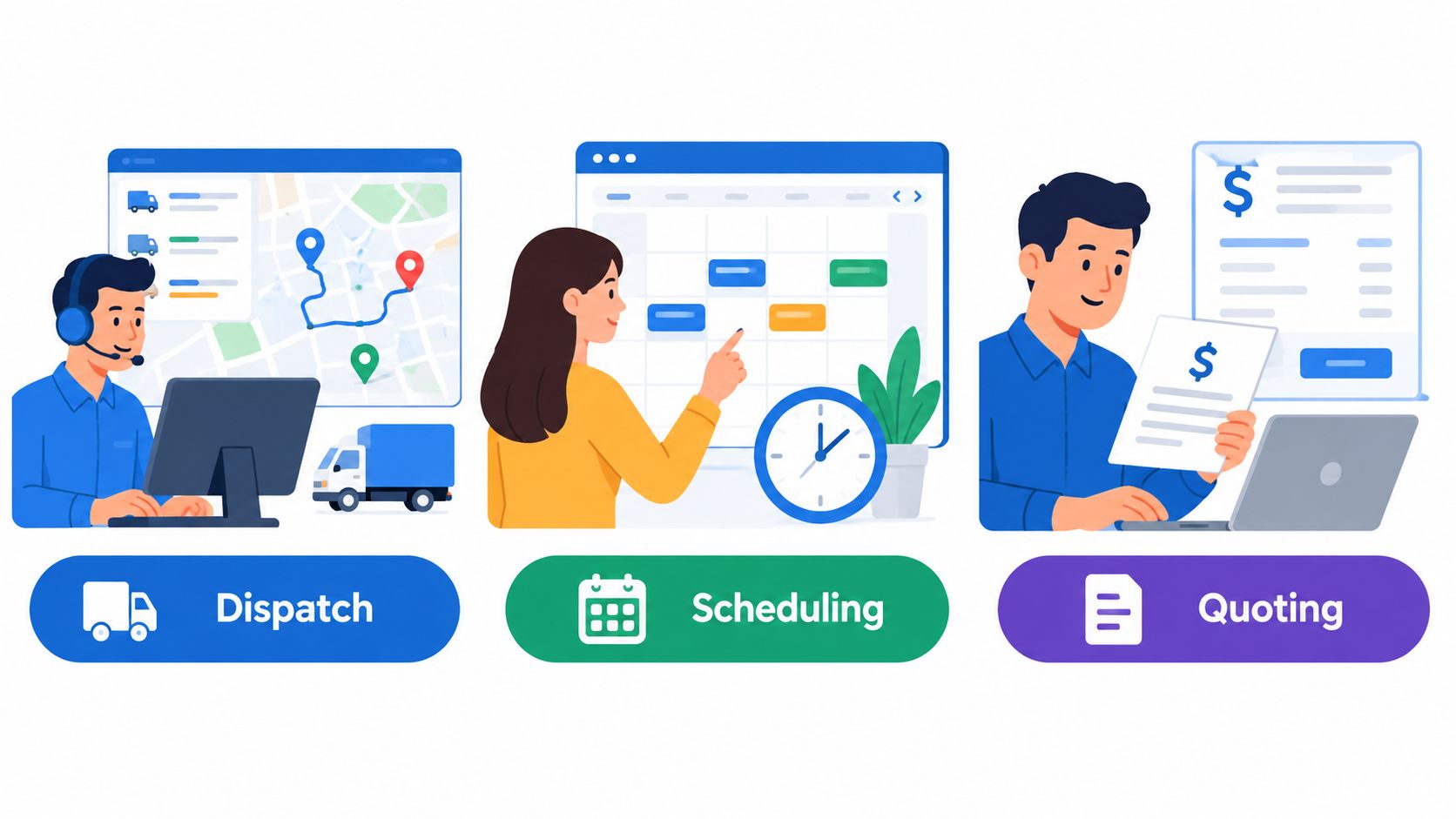
Jobber and Workiz organize work around different pressure points. Jobber's model connects customer requests, quotes, scheduled jobs, invoices, and payments. Workiz puts more weight on dispatch visibility and communication, which can matter more when the office manages a high volume of inbound calls and frequent technician changes.
Jobber suits a customer-led service flow
Jobber provides a client portal where customers can request work, approve quotes, and pay invoices. Its quotes can automatically convert into jobs and then invoices. The platform also offers five calendar views, month, week, day, list, and map, with drag-and-drop scheduling, according to Jobber's comparison page for Workiz.
That combination fits businesses where the customer relationship continues after the first booking. A recurring lawn-care company may need a customer to approve an added service. A cleaning company may need repeat work visible without recreating the customer record. An exterior-service business may want estimate line items to carry into the invoice rather than being typed again.
Jobber's weakness in this comparison is its narrower communications emphasis. A business that depends on rapid call handling and constant reassignment may find that a scheduling-first workflow doesn't answer every dispatch question. The office should verify how customer messages, technician updates, and urgent changes move through the system before assuming the calendar solves the whole operation.
Workiz suits a dispatch-led operation
Independent reviews commonly describe Workiz as a fit for high-call-volume businesses because it combines real-time job tracking, technician dispatch, and communication functions. That matters for HVAC, plumbing, electrical, appliance repair, and other trades where an emergency call can force several schedule changes in a short period.
Workiz may be the better operational match when the dispatcher needs to see active jobs, contact technicians, and reassign work from one working screen. The trade-off is that communication strength doesn't automatically create a complete customer self-service workflow.
One comparison reports that Workiz doesn't provide job costing on any plan and that its client portal doesn't provide work requests and payment management in the same way as Jobber. That distinction matters for companies that need customers to initiate service requests, approve estimates, and pay without office intervention.
| Workflow question | Jobber | Workiz |
|---|---|---|
| Quote approval to job creation | Quotes can automatically convert into jobs and invoices | Confirm the exact conversion sequence during the demo |
| Customer work requests | Available through the client portal | Reported as unavailable in the client portal |
| Customer payment management | Available through the client portal | Reported as unavailable in the client portal |
| Job costing | Included in the broader Jobber feature comparison | One comparison reports no job costing on any plan |
| Rapid reassignment | Verify notification timing and dispatcher visibility | A primary area to test for dispatch-heavy work |
| Communication record | Verify how external communication is connected to jobs | A central part of Workiz's positioning |
Neither platform should be selected from a feature grid alone. The key question is whether the company's main bottleneck sits in customer approval and billing, or in dispatch response after the work has been booked.
Operational Tests for Demo Days
A polished demo can make both systems look easy. The useful test is less polished. The buyer should give the vendor three jobs that resemble the company's actual day and watch whether the office can complete each one without exporting data or inventing a workaround.
Start with recurring service
Create a recurring lawn visit, cleaning appointment, pest-control treatment, or pool service. Ask the representative to schedule the first visit, create the repeat pattern, change one occurrence, notify the assigned technician, and send the customer the correct information.
The test should answer practical questions:
- Can one visit change without damaging the recurring schedule?
- Does a route change update the technician notification immediately?
- Can the office see missed, unassigned, or overdue work from the main screen?
- Does the customer receive a clear appointment update?
A calendar that looks good during setup can still create office work later if changes require duplicate edits.
Force an emergency reassignment
Next, create an emergency HVAC or plumbing call. Assign it to one technician, mark that technician unavailable, and move the job to another person while the day's route is already full.
The buyer should watch the dispatcher, not the salesperson. Does the unassigned work stand out? Can the office find the closest available technician? Does the new technician receive the address, scope, customer notes, and timing without a separate phone call?
Demo standard: A reassignment isn't complete until the office record, technician notification, and customer message all agree.
Follow one job through payment
The final test should be a multi-step job. Create an estimate with several line items, obtain approval, collect a deposit, attach completion evidence, and issue the final invoice. Then check whether the final invoice preserves the approved estimate and displays payment status correctly.
Before signing, request written confirmation of:
- Technician limits: Paid seats, mobile access, and dispatcher permissions.
- Messages: SMS pricing, phone-number portability, recording, and retention.
- Routing: Whether route optimization is included or requires an add-on.
- Payments: Card, ACH, deposits, payment links, and processing terms.
- Exports: Customers, job history, estimates, invoices, attachments, and communication records.
The most important switching question is what happens to the old system's records. A company that leaves a spreadsheet can rebuild more easily than a company leaving an established platform with years of customer history. Export scope should be part of the purchase decision, not a question asked after cancellation.
Recommendations for Different Business Types
For a one-person or small pressure-washing, handyman, painting, or lawn-care operation, Jobber is usually the clearer starting point when the priority is straightforward scheduling, quoting, invoicing, and customer self-service. Its client portal and quote-to-job-to-invoice flow address the administrative work that often overwhelms an owner who is also selling and completing jobs.
A small cleaning company with recurring customers may also favor Jobber when customer approvals and payment access matter more than advanced dispatch control. The published entry structure gives the owner a visible starting point, although seat limits and payment fees still need to be included in the budget.
When Jobber makes more sense
Jobber deserves the closer look when:
- The office is small: One owner or a compact admin team needs a clear workflow without building a complex dispatch process.
- Customers approve work: The business sends estimates and wants customers to request work, approve quotes, and pay through a portal.
- Recurring service drives revenue: Lawn care, cleaning, pest control, and exterior services need repeat appointments and customer history.
- Billing follows the estimate: The final invoice should preserve approved line items and payment status.
- Price visibility matters: The buyer needs published figures before starting a sales conversation.
That doesn't make Jobber automatically cheaper. A business should still calculate added users, annual or monthly billing, payment processing, and any required integrations.
When Workiz makes more sense
Workiz deserves the closer look when:
- The phone drives the schedule: HVAC, plumbing, electrical, and similar businesses handle frequent inbound calls and urgent work.
- Dispatch changes constantly: The office regularly reassigns technicians, fills cancellations, and manages active field work.
- Communication belongs inside operations: The team wants dispatch and communication functions connected rather than split across separate systems.
- The company can evaluate a custom quote: Since Workiz now publishes no subscription figure, the buyer must be willing to negotiate and document the complete cost.
- Customer self-service is secondary: The business doesn't depend on a portal for work requests and payment management.
Workiz can be a strong fit for a dispatch-heavy company, but the sales quote must include every required user, phone feature, message charge, routing capability, payment term, and export condition. An attractive verbal quote isn't enough.
A company comparing other options may also review Housecall Pro, ServiceM8, GorillaDesk, Thryv, Contractor Foreman, or ServiceTitan. Those products serve different trade and size profiles, so they shouldn't be inserted into the decision without checking their current vendor pricing pages and workflow scope. For a one-to-twenty-person business, the comparison should stay grounded in the actual operating bottleneck rather than brand familiarity.
Decision point: Choose Jobber when customer-led scheduling and billing are the center of the business. Choose Workiz when dispatch speed and communication control carry more weight, and the company is prepared to obtain a complete written quote.
The hidden cost of switching is the final filter. Before signing either contract, export a sample customer record, estimate, invoice, attachment, and job history if the vendor permits it. Ask how the business would move those records out later, then compare the answer with the cost of retraining staff and rebuilding workflows.
Contact Jobber and Workiz with the same three workflow tests, request complete written pricing and payment terms, and compare the answers against the company's busiest recurring service, emergency dispatch, and estimate-to-invoice process. Choose the platform that keeps those jobs accurate after the schedule changes, not the one that only presents the cleaner sales page.