A basic scheduling app can place a technician on a calendar, but that isn't the same as running a pest control route. The best pest control software for small business needs to preserve recurring service plans, property-level treatment history, chemical and compliance records, route density, payments, and follow-up reminders in one usable workflow. If those details remain split across spreadsheets, paper forms, payment tools, and text messages, the owner still carries the administrative burden.
The shortlist below compares pest-focused platforms with general field-service systems. Pest-specific products usually offer stronger service documentation, chemical tracking, and recurring-route workflows. General platforms can be easier to adopt and may publish clearer entry plans, but they require closer verification of pesticide reporting, property history, and add-on costs.
Published pricing also needs careful reading. Subscription fees may not include payment processing, ACH charges, extra users, route charges, or implementation work. Public pricing summaries place small-team field-service subscriptions in a broad range, while payment costs are often separate, as explained by this field-service software pricing guide. Before purchasing, an owner-operator should confirm what imports, route changes, compliance records, recurring billing, and customer communications require.
1. FieldRoutes
FieldRoutes is a pest-control platform from the ServiceTitan company group. Its published scope covers scheduling, dispatch, route optimization, pest service plans, compliance-related records, online payments, and customer communications. That focus makes it more relevant than a general field-service calendar for operators managing repeat visits, treatment history, and route density.
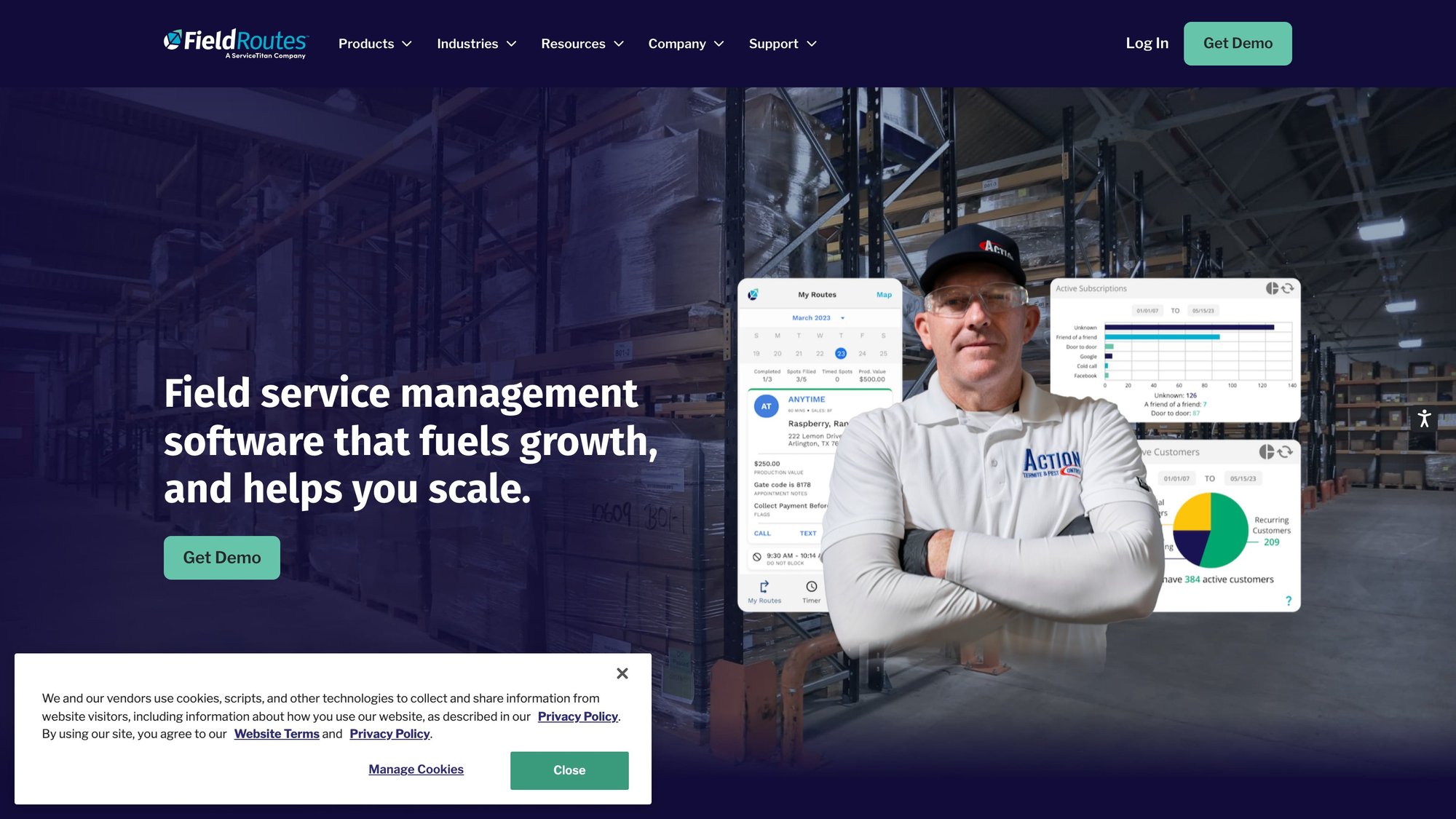
For a small business, the buying question is fit, not parent-company size. FieldRoutes may suit an operation adding technicians, routes, or structured customer communication. Route planning and dispatch connect with invoicing and payment workflows, while reminders, portals, and service requests can reduce office follow-up. The broader trades-software context may help a growing company, but it could be more system than a single-route owner needs.
Before accepting a quote, the buyer should confirm whether recurring plans, property-level service history, compliance records, payment processing, customer portals, and route optimization are included or sold as separate modules. Demo verification should also cover pesticide reporting, technician workflows, and the records that staff can retrieve from a property.
Published pricing creates a comparison gap. FieldRoutes' official website does not publish a dollar figure on its pricing page. A written quote should identify the billing basis, implementation charges, user treatment, payment fees, cancellation terms, data migration scope, and any add-ons. Migration deserves particular attention if the existing system contains recurring-service history or compliance records, because those fields should be mapped and tested before signing.
Where it fits
- Pest-specific workflow: Scheduling, routing, service plans, and compliance needs are addressed within one system.
- Payment workflow: Online payments and invoicing connect with field operations.
- Growth capacity: Its scope can support companies moving beyond one route.
- Customer communication: Portals and reminders can reduce repetitive office work.
Points to verify
- No public price: Buyers cannot model the package from published plan rates.
- Implementation requirements: Owners should verify training, imports, migration testing, and the learning curve.
- Module boundaries: A demo should show which features are included and which require additional fees.
2. GorillaDesk
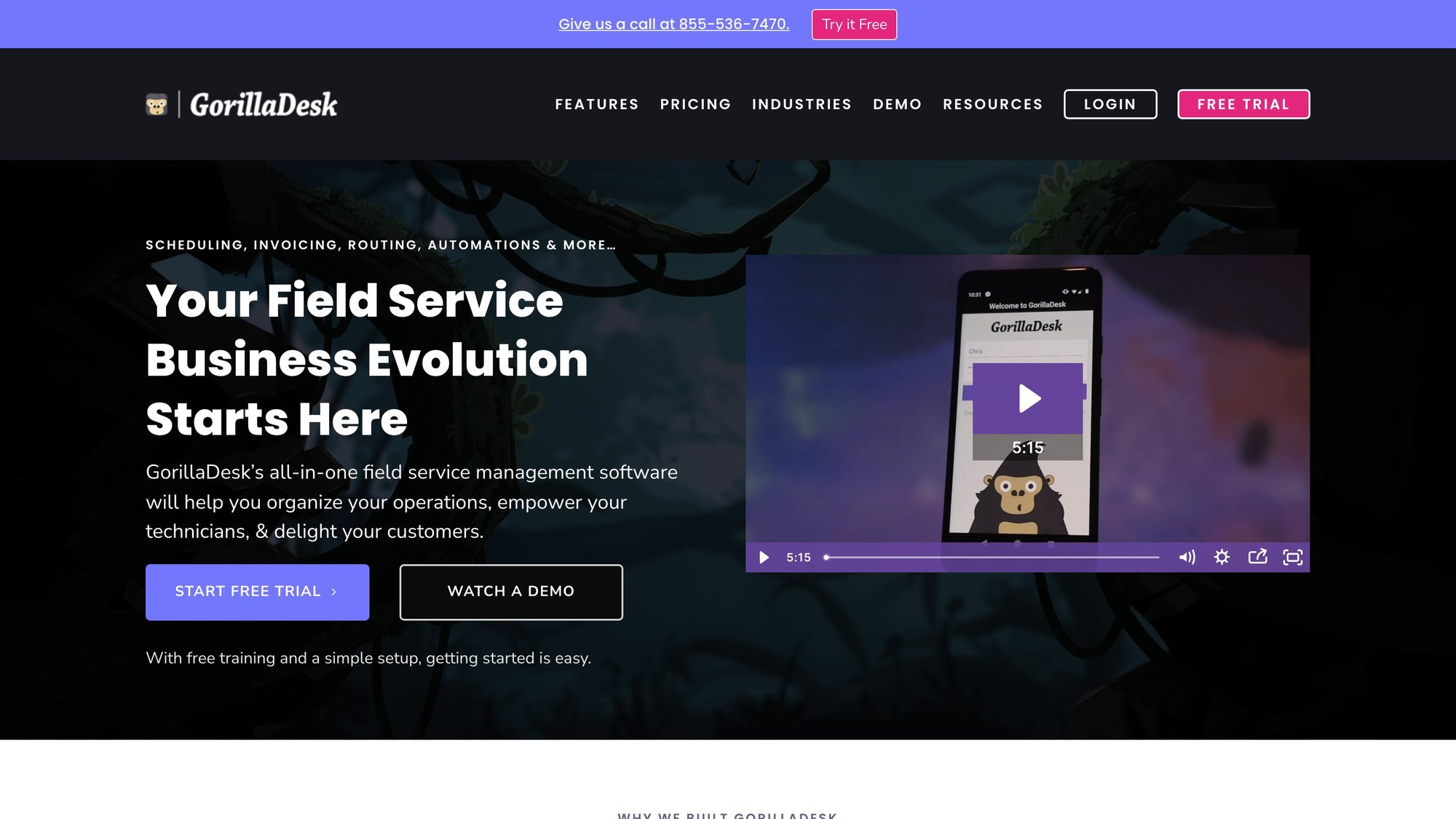
GorillaDesk suits a pest-control owner-operator who needs recurring route management without adopting an enterprise-style platform. Its pest-focused workflow covers scheduling, customer records, reminders, invoicing, payments, and service documentation. Chemical logging and recurring-plan management are more relevant here than a generic appointment calendar because technicians revisit the same properties and need treatment context available at each visit.
A transparent starting point for route-based work
GorillaDesk's published pricing gives small businesses a clearer starting point than quote-only systems. The pricing page lists the Basic plan at $49 per month per route, the Pro plan at $99 per month per route, and the Growth plan at $149 per month per route, with those figures shown on the GorillaDesk pricing page read on September 8, 2026. Buyers should still confirm payment processing, add-ons, included features, and how the vendor defines a route.
A per-route model is easier to assess when the company has a stable territory and a small field team. The calculation becomes less predictable when technicians share routes, seasonal demand changes capacity, or the business needs advanced automation, detailed reporting, or broader commercial controls. Higher-tier pest capabilities should be demonstrated rather than assumed.
The GorillaDesk website positions the product around recurring routes and field-service workflows. That focus can reduce the risk of selecting a general platform and later recreating treatment records with custom fields. It does not remove migration work, however. Before switching, an owner should confirm whether recurring plans, property-level history, chemical records, compliance documents, and customer balances can be imported, mapped, and tested.
The buying question is fit, not the lowest subscription price. A demo should show a complete recurring-service cycle, including route assignment, technician documentation, customer notifications, payment collection, and retrieval of a property's prior treatments.
Where it fits
- Route-based recurring service: Scheduling, reminders, service plans, and pest records align with repeat visits.
- Published pricing: The three listed tiers make initial cost modeling easier than custom-only proposals.
- Owner-operator use: The narrower scope may require less configuration than a larger pest-management suite.
- Customer and payment workflow: Invoicing, payments, and communication connect with field operations.
Points to verify
- Per-route definition: Test pricing against split routes, additional technicians, and seasonal changes.
- Operational depth: Confirm automation, compliance reporting, analytics, and commercial-account controls.
- Transaction costs: Subscription rates do not by themselves show card, ACH, or other processing charges.
- Migration and add-ons: Verify import limits, implementation support, data ownership, and which features require separate fees.
3. PestPac by WorkWave
PestPac by WorkWave is designed for pest-control operations, not adapted from a general home-service scheduler. Its feature set covers scheduling, routing, service forms, reporting, inventory, chemical tracking, marketing, and analytics. That focus can matter when an owner must connect route density, recurring visits, property-level histories, commercial reporting, and compliance records in one system.
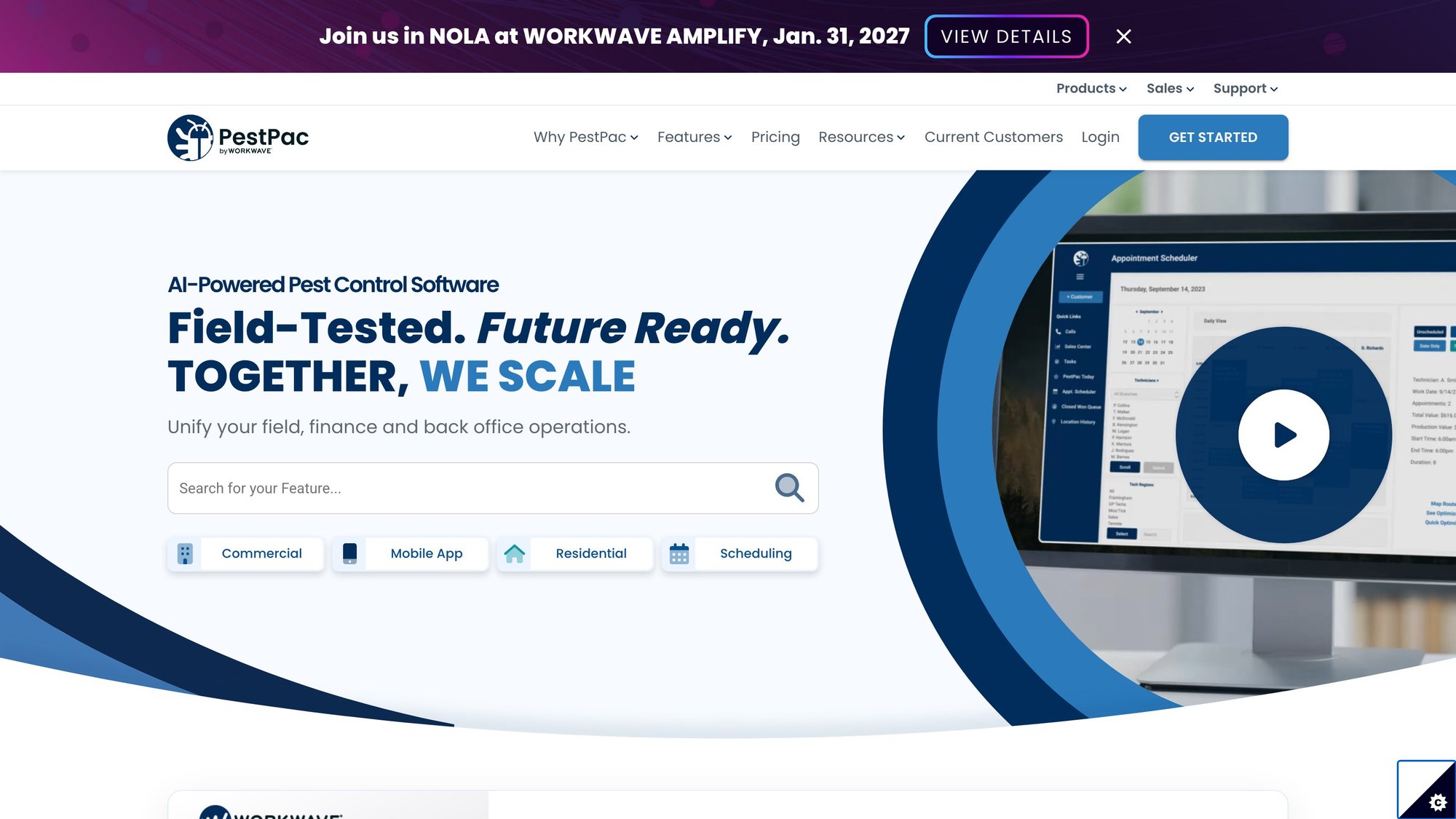
The trade-off is implementation effort. A small company with one straightforward route may use only part of PestPac's scope, while a business managing commercial accounts or several routes may gain more from its specialized records and office workflows. The Capterra profile for PestPac reports a 3.9 out of 5 overall rating from 241 reviews, including 3.6 out of 5 for ease of use, 3.9 out of 5 for customer service, and 3.8 out of 5 for value for money. These figures provide context, but they cannot establish fit for a specific operation.
A system for operational depth
The same Capterra profile says 76% of positive reviews referenced pest-control workflow coverage. It also reports that 66% of negative reviews cited high or unclear pricing and 73% cited frequent unresolved technical problems. Together, those signals make implementation and support part of the buying decision, not secondary details.
PestPac's official website does not publish a dollar amount on its pricing page. The quote should identify costs for routing, chemical and inventory records, commercial reporting, customer communication, payments, analytics, onboarding, migration, and optional modules. Published pricing is therefore a gap for owner-operators comparing PestPac with tools that show tiered plans.
A demo should use the company's actual route pattern. Ask the vendor to show a recurring service cycle, retrieve a property's prior treatments, attach chemical records, produce compliance documentation, and transfer customer data from the current system. Migration testing matters because incomplete histories, duplicate properties, or unmapped balances can create office work after launch.
PestPac is a stronger candidate when specialized pest workflows justify added setup. A simpler platform may be easier to price and configure for a single route, but it may require separate add-ons for property history, chemical tracking, or commercial reporting. Owners should verify those trade-offs before signing.
4. Briostack
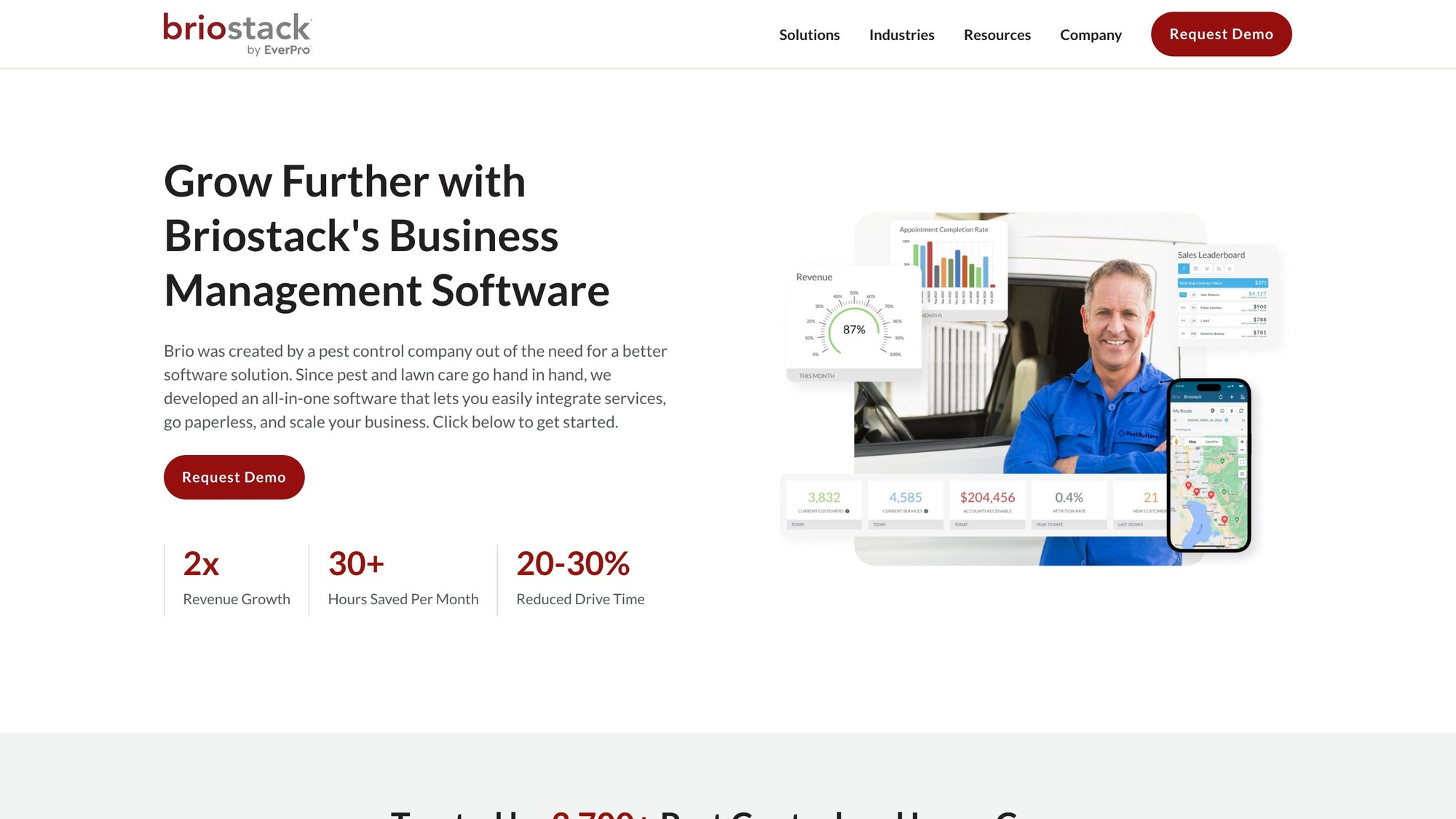
Briostack is designed for pest and lawn companies that need office coordination, technician workflows, route optimization, automated reminders, and chemical tracking. Its offline-capable mobile app may help technicians record service details where connectivity is unreliable. Migration support also gives businesses leaving spreadsheets or older systems a reason to examine the platform.
Where Briostack fits small operators
The buying question is how well those functions match the company's daily work. An owner should ask whether recurring visits are tied to the correct property history, whether route tools support dense service areas, and whether chemical records remain connected to the account and visit. These details distinguish a pest-specific system from a general field-service scheduler.
Migration deserves its own verification. The vendor should explain which fields transfer, how recurring service histories map to properties, and how incomplete or duplicate customer records are handled. A clean customer list does not guarantee a clean operational migration, especially when old records contain inconsistent addresses, balances, or service plans.
Briostack's official website does not publish a dollar price on its pricing page. The quote should separate subscription fees, onboarding, migration assistance, payment processing, and optional marketing or customer-portal functions. A demo should show offline use with the exact service forms, chemical records, and property histories technicians will need.
For an owner-operator, the trade-off is fit versus price clarity. Briostack may suit a growing pest company that has outgrown a basic scheduler but does not need the complexity of a large enterprise suite. Buyers should test their own routes and recurring service patterns, then compare add-ons and implementation work with general field-service platforms.
Pros
- Pest and lawn focus: The product is oriented toward recurring outdoor service operations.
- Offline field work: Technicians may continue recording service details when connectivity is limited.
- Migration support: Vendor assistance may reduce the work involved in moving from spreadsheets.
- Automation: Reminders and route tools can help office staff manage repeat visits.
Cons
- No public dollar price: A buyer needs a quote before comparing total cost.
- Migration risk: Import quality depends on the condition and structure of existing records.
- Feature verification: Scheduling, chemical tracking, offline functions, and add-on costs should be demonstrated.
5. Fieldwork by Anstar
Fieldwork targets pest-control operations where service records and compliance may matter more than online booking. Its mobile tools cover chemical and material libraries, service reports, signatures, GPS, invoicing, payments, and barcode or device scanning. Those functions can connect a station, material, property, technician, and visit in one record, provided the workflow matches the company's actual forms.
The buying question is whether that record structure supports the operator's routes and reporting obligations. A company serving regulated properties should ask the vendor to demonstrate chemical-use records, required reports, property-level history, and state-specific reporting workflows. General pesticide terminology is not enough to confirm compliance coverage.
A technician-based pricing model
Fieldwork says office users are not billed and bases pricing on active field technicians. Its Fieldwork website does not publish exact plan prices, leaving buyers to confirm technician tiers, mobile features, payment charges, onboarding, and migration terms before comparing total cost.
This model can suit an owner-operator with office support and a stable field team. It becomes harder to forecast when staffing changes with the season or temporary technicians move in and out of active status. The demo should show how activation and deactivation affect billing, along with how routes, recurring visits, and offline records behave in the mobile app.
Migration also deserves attention. Existing chemical records, property histories, and service documentation may not import cleanly if spreadsheets use inconsistent names or formats. Buyers should request a sample import process and identify which add-ons, payment features, and compliance reports require separate setup.
Pros
- Pest-specific records: Chemical and material libraries support service documentation.
- Mobile reporting: Technicians can capture signatures, GPS details, and visit information in the field.
- Scanning support: Barcode and device workflows can help with IPM-related tasks.
- Office-user treatment: The published model does not bill office users like field technicians.
Cons
- Unpublished plan prices: Exact tiers and limits require direct confirmation.
- Billing variability: Seasonal staffing can make active-technician pricing difficult to forecast.
- Feature verification: Buyers should confirm tier coverage, migration work, offline access, and compliance reporting.
6. Pocomos
Pocomos is built for pest businesses that combine door-to-door acquisition with recurring service operations. Its feature scope includes visual routing, technician workflows, quoting by service type and property size, and canvassing support. That focus separates it from general field-service platforms, which may offer broader scheduling and invoicing but require closer review of pest-specific records.
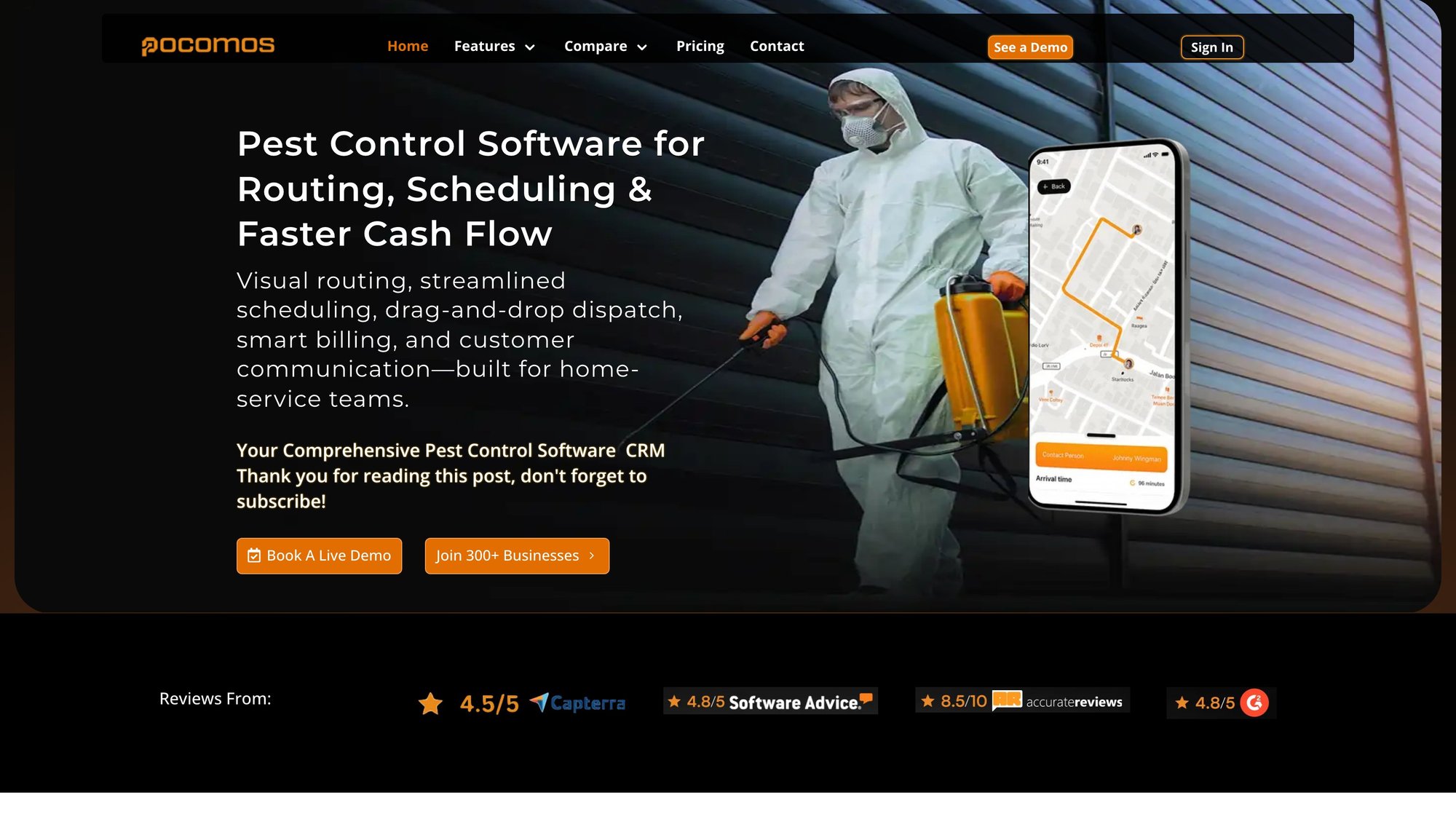
The fit depends on how closely sales and service are connected. A company using canvassing needs to carry an opportunity from territory activity into a quote, property record, service type, and recurring route. Pocomos deserves a shortlist position when that handoff drives growth. An operator focused mainly on referrals or a dense existing route network may gain less from its sales-oriented tools.
Pocomos presents an active-customer pricing model with unlimited users on its official website. Its public materials do not state a current dollar amount, so buyers need a quote that defines an active customer, treatment of inactive or canceled accounts, and any separate charges for payment processing or sales functions. Unlimited users can simplify access for office staff and technicians, while customer-count billing may vary as accounts enter or leave service.
A useful demo should verify how property-level treatment history, recurring visit changes, chemical documentation, compliance records, and offline mobile work are handled. Buyers should also request a sample migration using existing customer, route, and service data. These checks matter because a system can match the sales workflow yet still require add-ons or manual cleanup for operational records.
Pros
- Canvassing support: Door-to-door sales tools may fit acquisition-led pest businesses.
- Visual routing: Map-based workflows can connect sales territories with service routes.
- Active-customer model: Unlimited users may suit teams with multiple office and field staff.
- Pest focus: The product is designed around pest operations rather than general contracting.
Cons
- Unpublished plan prices: Direct confirmation is needed before comparing total cost.
- Customer-count exposure: Subscription cost may change as the active account base changes.
- Sales-process dependence: The fit is weaker when canvassing is not part of the business.
- Verification workload: Migration, compliance records, offline access, and add-on coverage require demo confirmation.
7. Jobber
Jobber is a general field-service platform used across home-service trades, including pest control. It combines quoting, scheduling, dispatch, checklists, invoicing, payments, client communication, and integrations. That breadth can suit an owner-operator who wants one workflow from inquiry to payment, especially when the company also provides other home services.
The buying question is whether that workflow preserves pest-service records. Buyers should confirm how Jobber handles recurring treatment changes, property-level history, pesticide or chemical documentation, compliance records, and route planning for dense service areas. These requirements may depend on custom fields, integrations, or manual processes rather than native pest features.
Compare the workflow with the records
Jobber's pricing page publishes plan figures, but the current tier, monthly amount, included users, and feature limits should be checked directly before purchase. Built-in card payments and an app marketplace are described in the vendor's product materials. Subscription fees, payment processing, and paid integrations should therefore be calculated separately.
A demo should use an actual pest-control scenario, not only a standard quote and invoice. Ask the vendor to show a recurring visit edit, a property history, a chemical or application record, a customer reminder, invoice creation, payment reconciliation, and offline mobile work. A sample migration using customer, route, and service data can reveal whether existing records transfer cleanly.
Jobber remains a reasonable comparison for businesses that prioritize a simple quote-to-payment process or combine pest control with other trades. A pest-specific system may be a better fit when route density, recurring programs, compliance documentation, and detailed property histories define daily operations.
Pros
- General business workflow: Quoting, scheduling, invoicing, and client communication are connected.
- Integration options: An app marketplace can extend functions beyond the native platform.
- Small-team orientation: The general workflow may require less setup than a specialized system.
- Trade flexibility: The platform can support pest control alongside other services.
Cons
- Limited pest specialization: Chemical, application, and compliance records require verification.
- Add-on exposure: Integrations, payment processing, and extra users can change total cost.
- Migration risk: Existing property and service history may need cleanup or custom mapping.
- Feature mismatch risk: A polished general workflow does not establish pest-specific coverage.
8. Housecall Pro
Housecall Pro targets general field-service work rather than pest control specifically. Its tools cover online booking, quotes, scheduling, dispatch, invoicing, payments, customer texting, automated reminders, and review requests. That breadth can suit an owner-operator who wants one customer-facing workflow from inquiry through follow-up.
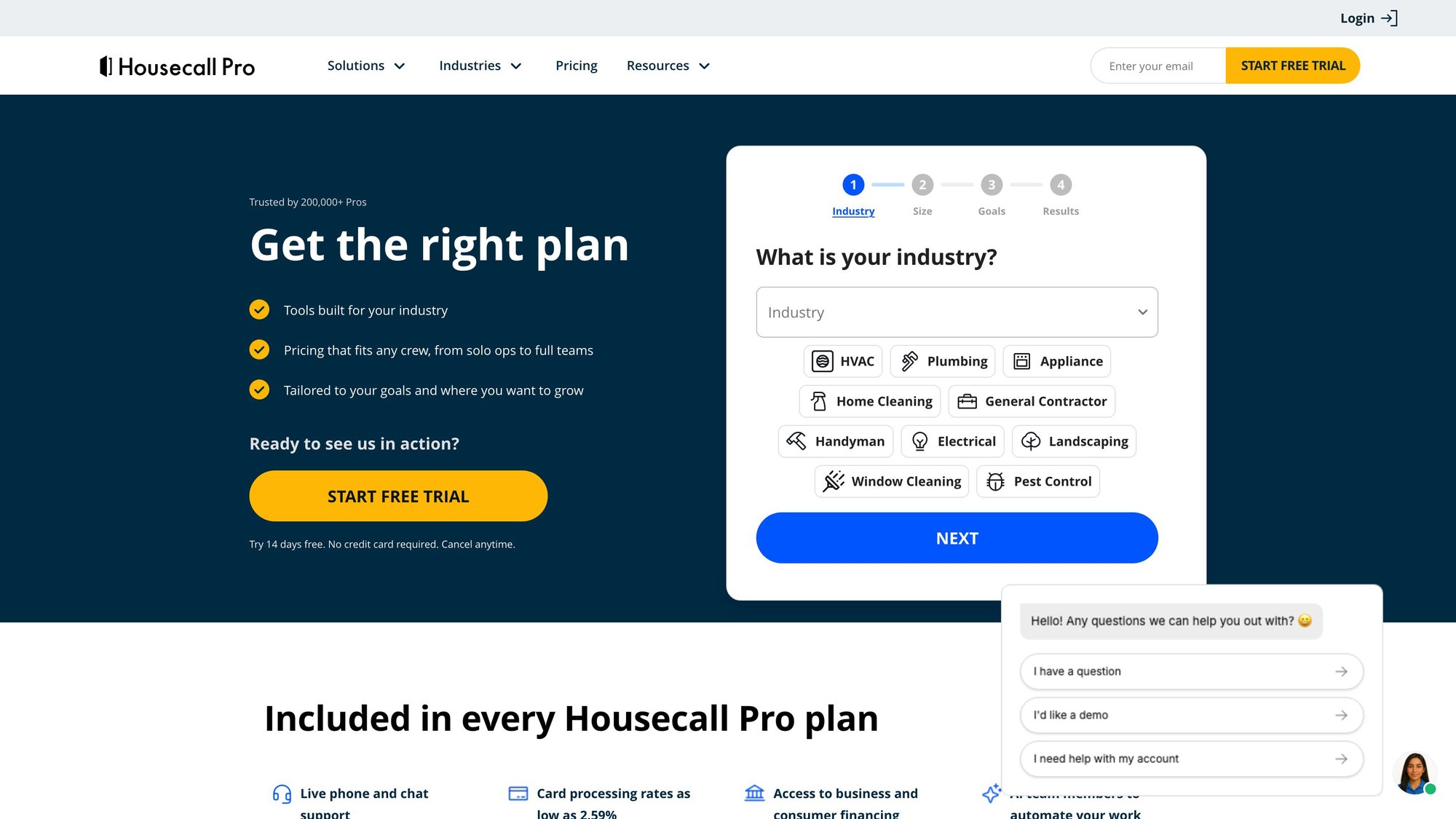
Its strongest case is administrative consolidation. Online booking, card-on-file payments, quote-to-invoice movement, and messaging may require less setup than a specialized pest platform. The trade-off is record depth. Pest businesses may need property-level history, treatment details, and compliance documentation that a general system does not provide by default.
Treat the demo as a coverage test
Housecall Pro's pricing page publishes entry plans and offers a self-serve trial. Buyers should confirm the current plan name and monthly price before purchasing. Pricebook, receptionist, and marketing add-ons can change the subscription total, while card and ACH processing create a separate cost question. Extra users and transaction fees should also appear in the comparison.
A useful demo should follow an actual pest-control workflow, not only a quote and invoice. Ask the vendor to show a recurring treatment edit, property history, chemical or application record, customer reminder, invoice creation, payment reconciliation, and offline mobile work. A sample migration using customer, route, and service data can expose cleanup or mapping problems before implementation.
If the demonstration covers customer management and billing but not pesticide records, the platform may require another system. That weakens the apparent simplicity of an all-in-one purchase.
Pros
- Customer communication: Texting, reminders, online booking, and review requests support follow-up.
- Quote-to-payment flow: Sales, scheduling, invoicing, and payments connect in one workflow.
- Self-serve entry: Published plans and a trial simplify initial evaluation.
- Owner-operator fit: A broad application may reduce separate tools for routine administration.
Cons
- Generalist design: Pesticide reporting and chemical records require verification.
- Add-on costs: Pricebook, receptionist, marketing, and other functions may increase the bill.
- Scaling charges: Users and transaction fees belong in the total-cost model.
- Migration risk: Property history and service records may need cleanup or custom mapping.
9. Service Autopilot
Service Autopilot is a field-service platform for lawn, cleaning, and pest operators that have outgrown basic appointment management. Its published scope includes recurring scheduling, route tools, estimates, proposals, job costing, reporting, and operational documentation. For a pest company, the appeal is broader back-office control rather than pest-specific depth.
Job costing lets owners examine labor, materials, and service profitability. Reporting can support decisions about route structure, sales, and recurring work. These functions matter more when one company runs several service types or needs financial visibility beyond invoices.
Better for owners who accept configuration work
Service Autopilot's official website does not publish a current dollar figure on its pricing page. Buyers should request a quote that separates plan differences, onboarding, user charges, payment processing, integrations, and add-ons. The same discussion should confirm whether chemical records, property-level history, application documentation, and compliance workflows are native, configurable, or dependent on another system.
The platform may be heavier than an SMB-focused application for an owner who needs only recurring routes and invoices. It becomes more relevant when job costing, detailed reporting, and configurable workflows need to share one system. Migration deserves its own check: customer records, recurring services, route assignments, and property history may require cleanup or custom mapping before launch.
A useful demo should follow a pest-control workflow. Ask the vendor to edit a recurring treatment, open property history, record a chemical application, send a reminder, create an invoice, reconcile a payment, and show mobile work without connectivity. A sample data import can expose mapping problems before implementation.
Pros
- Back-office depth: Job costing, estimates, proposals, and detailed reporting support broader control.
- Recurring operations: Scheduling and route tools can support repeat service.
- Flexible workflows: Configuration may suit varied services and operating processes.
- Growth path: It can be considered when basic scheduling no longer provides enough insight.
Cons
- No public price: Final cost requires a vendor conversation.
- Configuration burden: Flexibility can require more setup and training.
- Pest records: Chemical and regulatory workflows need direct demonstration.
- Add-on exposure: Extra modules and processing charges should be included in total cost.
Top 9 Pest Control Software for Small Businesses, Feature Comparison
| Product | Core features | Pricing & trials | Best fit / Target audience | Unique selling points | Tradeoffs / Limitations |
|---|---|---|---|---|---|
| FieldRoutes (ServiceTitan) | Pest workflows, routing, scheduling, payments, customer portal | Pricing not published; sales-quoted packages | Pest operators scaling from solo to multi-route teams | Purpose-built pest features; ServiceTitan backing | Learning curve; migration considerations; price by quote |
| GorillaDesk | Recurring route tools, chemical logging, reminders, online payments | Transparent per-route/technician pricing and quick onboarding | Owner-operators and small route-focused businesses | Fast rollout; route-based pricing; strong SMB reputation | Advanced automations limited; some pest features behind higher tiers |
| PestPac (WorkWave) | Scheduling, routing, forms, inventory/chemical tracking, analytics | Pricing not published; add-on modules; buyer reports of higher costs | Complex, multi-route and commercial pest operations | Deep pest-specific ecosystem; extensive analytics and modules | Higher cost; steeper learning curve; sales-quoted pricing |
| Briostack | Route optimization, automated reminders, chemical tracking, offline mobile app | Dollar pricing requires vendor quote | Small and growing pest/lawn operators needing support | Improved usability vs legacy systems; offline-capable field app; migration help | Pricing unpublished; mixed buyer commentary on tools |
| Fieldwork (Anstar) | Mobile tech apps, chemical/material libraries, compliance reporting, barcode support | Pricing based on active technicians; office users not billed; plan prices not public | Pest control teams needing compliance and field tools | Practical compliance tooling; admin users free; barcode/IPM support | Exact plan details require vendor confirmation; quoted pricing |
| Pocomos | Visual routing, quoting templates, door-to-door canvassing, active-customer pricing | Active-customer pricing with unlimited users; public dollar pricing often unpublished | Teams that mix canvassing/D2D sales with recurring routes | Unlimited users model can be favorable as headcount grows; strong pest tooling | Current dollar pricing hard to find; verify with vendor |
| Jobber | Drag-and-drop scheduling, CRM, quoting/invoicing, payments, app marketplace | Clear starter tiers and published entry pricing; self-serve options | Solo operators and small crews wanting low-friction setup | Transparent pricing; easy onboarding; broad integrations | Generalist, limited pest-specific compliance out of the box; costs grow with add-ons |
| Housecall Pro | Online booking, quote-to-invoice, texting, card-on-file, automations, add-ons | Published starting plans and self-serve trial | Owner-operators wanting all-in-one simplicity | Clear entry pricing; popular for ease of use; built-in communications | Generalist, confirm pesticide reporting needs; pricing rises with add-ons/users |
| Service Autopilot | Advanced scheduling/dispatch, job costing, estimating, robust reporting | Tiered plans with feature differences (pricing varies by tier) | Operators needing deeper back-office control and custom workflows | Mature back-office features for job costing and reporting | Heavier interface; longer onboarding recommended |
Build a Shortlist Before Booking Demos
For a single owner-operator route, GorillaDesk is the clearest first comparison because its published plan structure is built around route-based service and its product scope is closely aligned with pest work. The Basic, Pro, and Premium figures provide a starting point for budget planning, but a buyer still needs the full cost of payment processing, add-ons, extra route treatment, and migration.
A general platform deserves equal attention when the business prioritizes customer communication, estimates, invoicing, and payments over specialized compliance records. Jobber is a sensible comparison for a small crew that wants a broad home-service workflow, while Housecall Pro fits an owner who values online booking, texting, reminders, and a quote-to-payment process. Neither should be approved for pesticide work until the vendor demonstrates the required records.
Pest-specific systems become more compelling as operational complexity increases. FieldRoutes suits a company seeking a purpose-built platform with room to grow. PestPac is better considered when commercial accounts, detailed reporting, inventory, chemical records, or multiple routes justify a broader system. Briostack deserves attention when migration support and offline field work matter. Fieldwork is a strong candidate for compliance-oriented mobile reporting and technician-based pricing. Pocomos changes the comparison when door-to-door sales and recurring service acquisition are central. Service Autopilot fits an owner who needs job costing, reporting, and configurable back-office workflows.
The cost comparison should include more than the subscription. Public pricing summaries place small-team field-service software around $49 to $150 per month, while payment processing, ACH, and card charges may be separate, according to this field-service pricing analysis. One trade-focused summary lists example Stripe charges of about 2.9% for tapped cards, 3.9% for keyed cards, and 1% for ACH, so payment volume can change which platform is cheaper even when subscription prices look similar, as detailed in this pest-control routing software pricing discussion.
Migration deserves the same attention as price. Importing customer names is easy compared with preserving property histories, recurring schedules, unpaid balances, chemical records, service notes, and route assignments. Pest operators should ask whether the vendor cleans duplicates, maps old fields, tests the import, preserves historical documents, and supports a controlled cutover without interrupting recurring visits.
Before booking a demo, each buyer should ask:
- Recurring-plan edits: Can service frequency, products, pricing, and next-visit dates change without rebuilding the account?
- Property history: Can technicians and office staff see treatments, notes, photos, materials, and customer communication at the property level?
- Route building: Does the system optimize routes, support route changes during the day, and handle split or seasonal territories?
- Chemical records: Which applications, materials, equipment, and compliance reports are included in the quoted plan?
- Imports: What data can be imported, who cleans it, and what happens to recurring histories and attachments?
- Users and billing: Is pricing per route, technician, user, active customer, or module?
- Add-ons and payments: Are card, ACH, text-to-pay, marketing, portals, and integrations included or billed separately?
- Contract terms: What are the cancellation rules, implementation charges, renewal terms, and data-export options?
- Exact price: What is the current written price for the required plan, read on the vendor's pricing page or stated in the quote?
The right choice is the system that preserves the records the business must rely on every day, not the one with the longest feature list. An owner-operator should shortlist GorillaDesk first, compare it with Jobber and Housecall Pro for general workflows, then request targeted demos from the specialized platforms if route density, compliance, migration, canvassing, offline work, or reporting makes the simpler option inadequate.
Ask each shortlisted vendor for a written quote and a live workflow demonstration using real recurring-service, property-history, chemical-record, route-change, import, and payment scenarios before signing a contract.